Full-Screen Display
All Media Types
Beautiful Transitions
Auto-Sync Content
Step 1: Connect Threads
Step 2: Customize Display
Step 3: Share & Display
Threads Slideshow Generator FAQ
What is a Threads Slideshow Generator?
A Threads Slideshow Generator creates beautiful full-screen presentations from your Threads posts. Perfect for digital signage, events, retail displays, and showcasing your content on any screen.
How does the slideshow work with my Threads account?
After connecting your Threads account, we automatically fetch your posts and create a customizable slideshow. You can select which posts to include and set the display order.
What content types are supported?
Threads posts with an image or a video. Text-only posts are skipped, since there is nothing to show on a screen, and carousel posts are not included yet. Videos play muted; turn the sound on from the screen with the mute button or the M key.
What transition effects are available?
We offer 5 transitions: Fade (smooth cross-fade), Slide (horizontal motion), Coverflow (3D carousel), Creative (custom effects) and Ken Burns (cinematic zoom and pan).
Can I share my slideshow publicly?
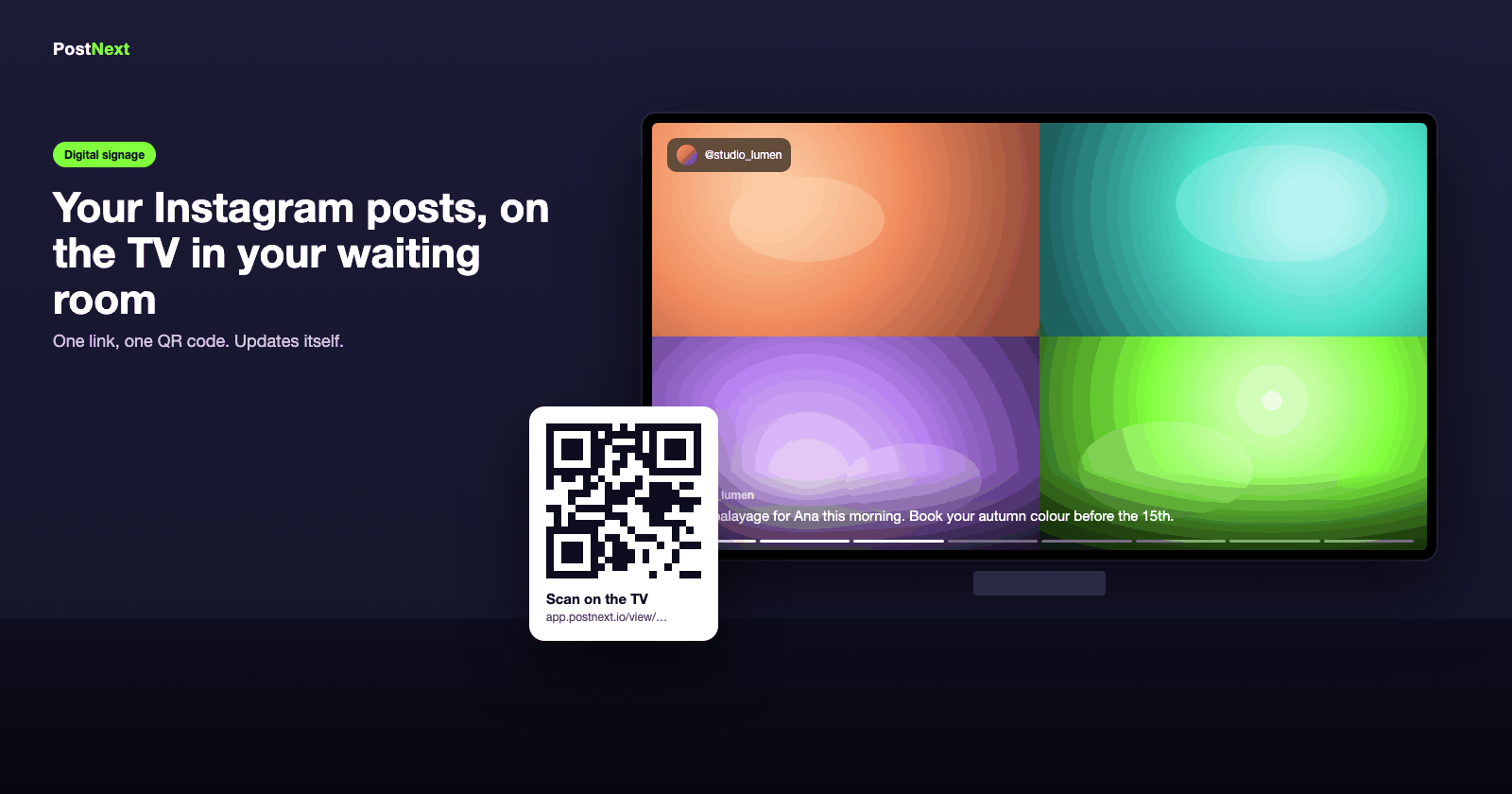
Yes. Each slideshow gets its own link, and anyone with it can watch without an account. Open the link on the screen, or scan the QR code shown in PostNext.
How do I customize the slideshow appearance?
You can customize the fit mode, background color, caption styling (position, color, size) and display options like the progress bar and profile badge. Changes save automatically and the live preview updates as you go.
Does the slideshow auto-update with new posts?
Yes. With Auto-Sync on, a screen that is showing the slideshow checks for new Threads posts at the interval you choose, from every 15 minutes to once a day.
Is this suitable for digital signage?
Yes, it is built for screens in shops, clinics and salons. It scales from a phone to a 4K TV, works in landscape or portrait, loops continuously and has keyboard controls for kiosk setups: Space to pause, the arrow keys to move between slides, F for full screen and M for sound.