Digital signage for restaurants, cafes and bars
Your Instagram posts on the TV in your restaurant
The dish you photographed at lunch is on Instagram by two. Put it on the screen at the entrance and the bar, full-screen, with tonight's special between the posts.
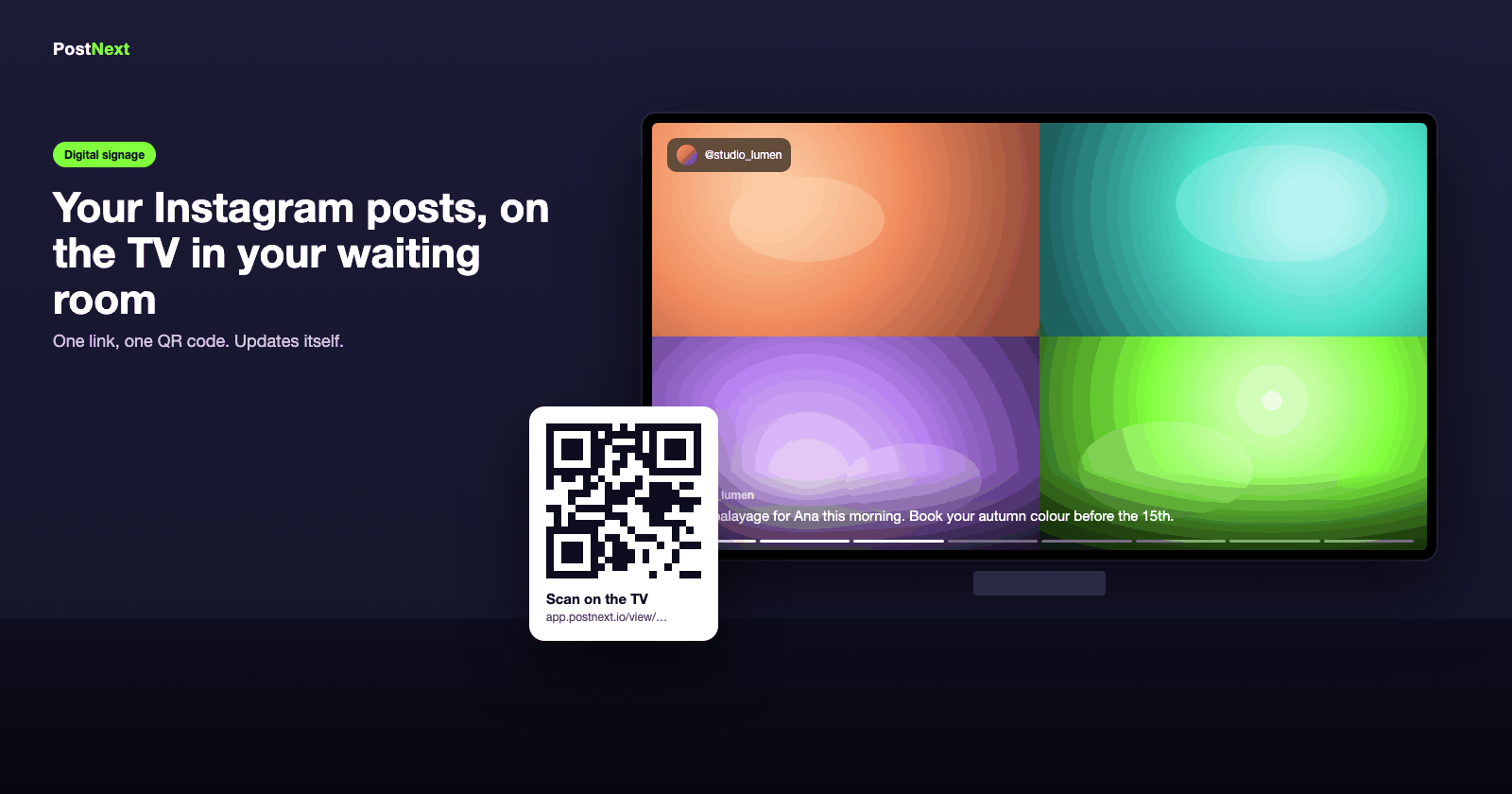
Food sells food
Your dishes, full-screen, where people decide
Photos and Reels of the menu play at the entrance, above the bar and in the queue. Guests order what they have just seen; passers-by come in for it.
Photos and Reels from your feed, captions on
Fit to fill the whole screen, no black bars
Portrait mode for a screen in the window
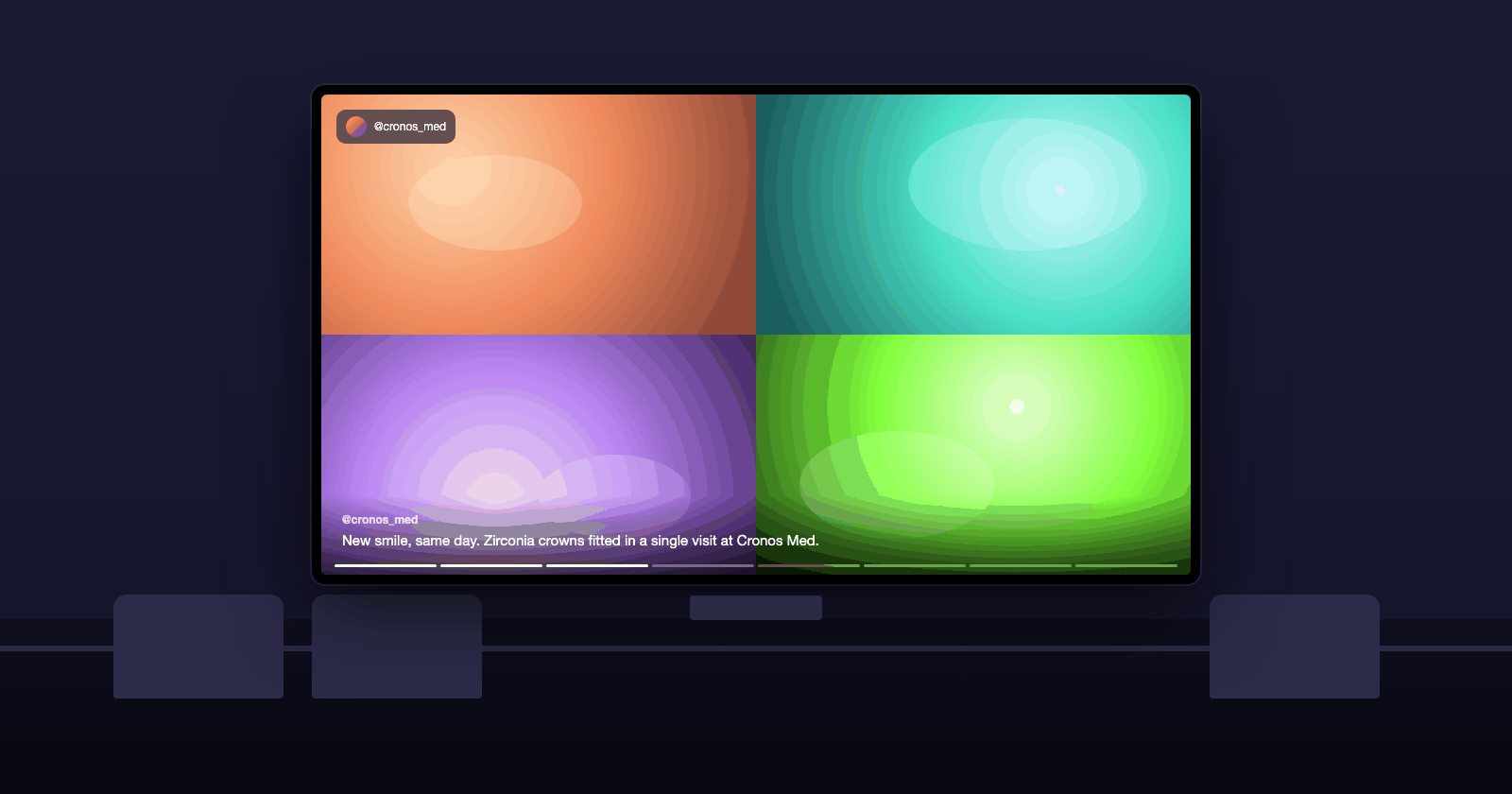
Tonight's special
Specials, events and hours between the posts
Add a slide for tonight's special, the Sunday brunch, live music on Friday or a QR code to the menu or a booking page. They rotate between your posts and you change them from your phone.
Promo slides with a scannable QR to menu or booking
Opening hours as a slide
Reviews as full-screen quotes
Nothing to maintain
It updates when you post and sleeps when you close
The screen syncs with your Instagram account at the interval you choose, reconnects after a Wi-Fi drop, and an opening-hours schedule turns it dark outside service.
Auto-sync from every 15 minutes to once a day
Opening-hours schedule
An email if the screen goes offline for two hours
Built for your kind of business
See how the screen is used in your industry.
1
Connect your account
Connect your Instagram Business or Creator account, or Threads, in PostNext.
2
Create the slideshow
One click. All your posts are in; untick the ones you do not want on the screen and pick a look.
3
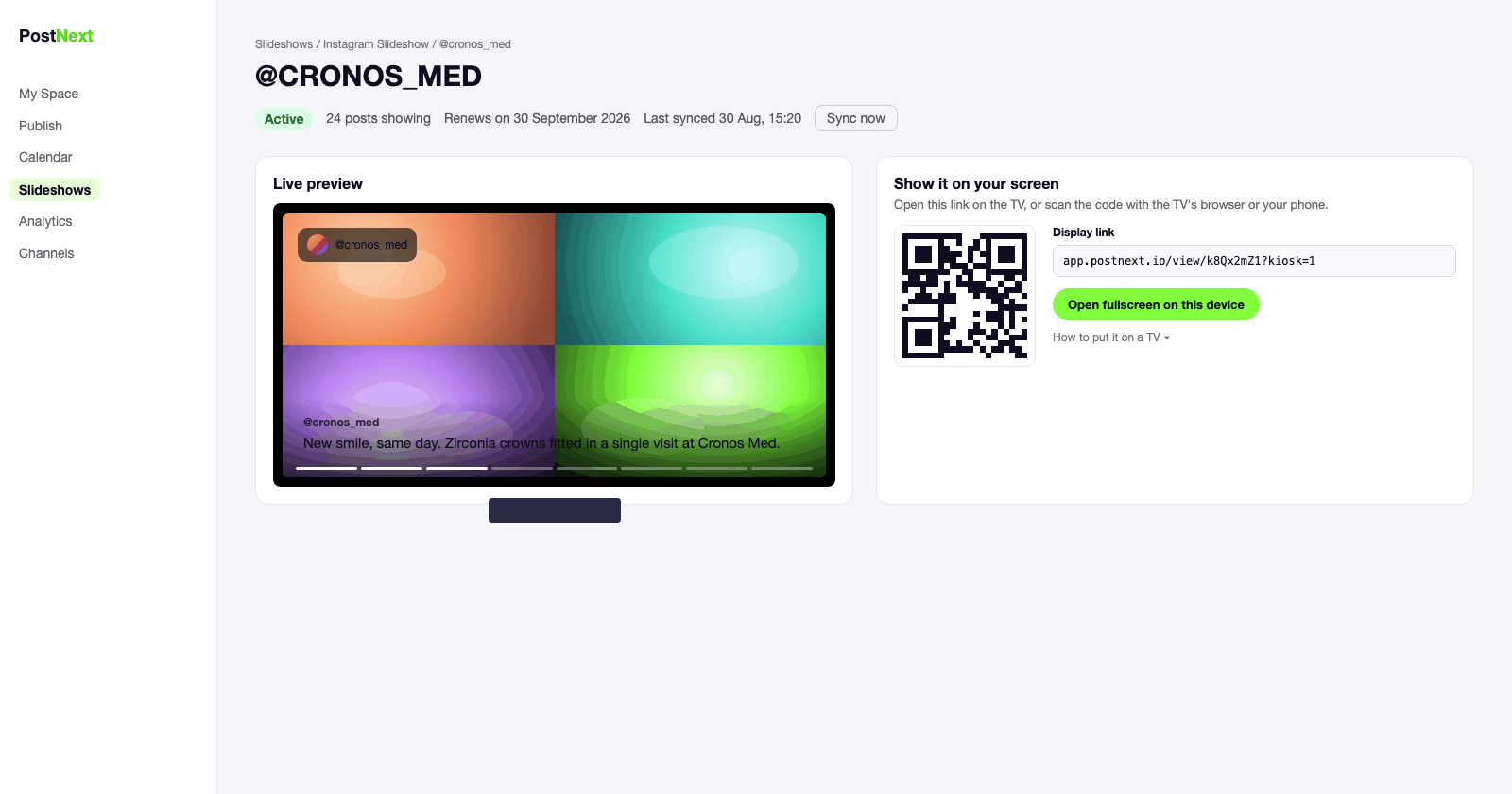
Open the link on the TV
Scan the QR code or type the display link into the TV's browser and go fullscreen.
4
Leave it running
The screen updates itself and reconnects on its own. Check its status in PostNext any time.
Instagram signage for restaurants: questions
Screens, specials, hours and price.
Can I add tonight's special without posting it on Instagram?
Yes. Custom slides are written in PostNext, not on Instagram: a title, a line of text, an optional QR code. They rotate between your posts on the screen only.
Can the screen switch off after closing?
Yes. Set an opening-hours schedule and the slideshow goes dark outside those hours and comes back on its own.
Which TV do I need?
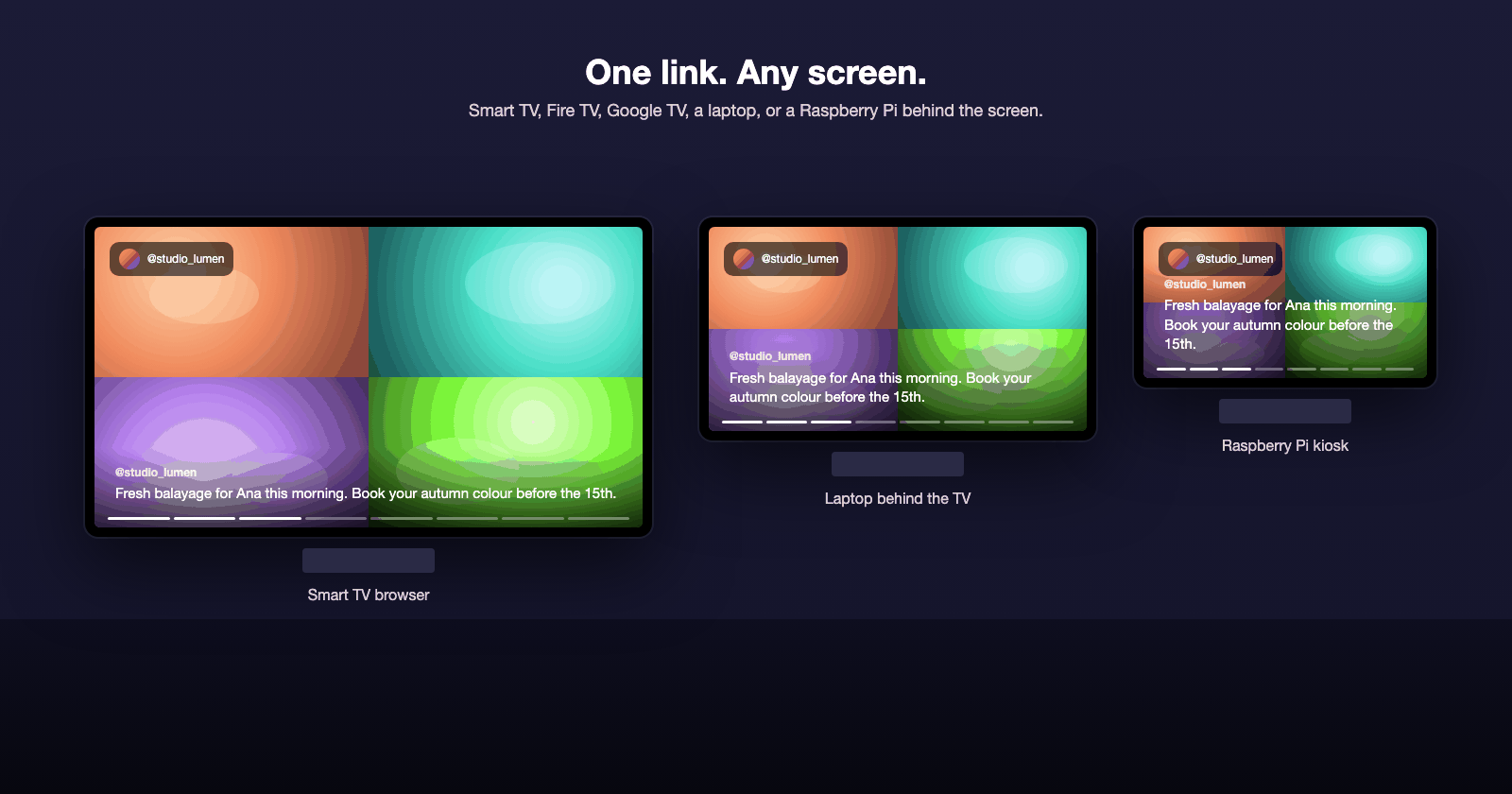
Any TV with a browser (Samsung, LG, Android TV), a Fire TV or Google TV stick, or a small computer such as a Raspberry Pi behind the screen. There is nothing to install: you open one link and go fullscreen.
How much does it cost?
Your first screen is free for a week. After that each active slideshow uses 25 AI credits a month from your PostNext plan, and the screen keeps playing for seven days if a renewal fails.