Link in bio
Your link in bio, built into PostNext
One link for all your content, with click analytics, custom themes and a QR code. It lives right where you already post, with no separate subscription.
Built-in analytics
See what your audience actually taps
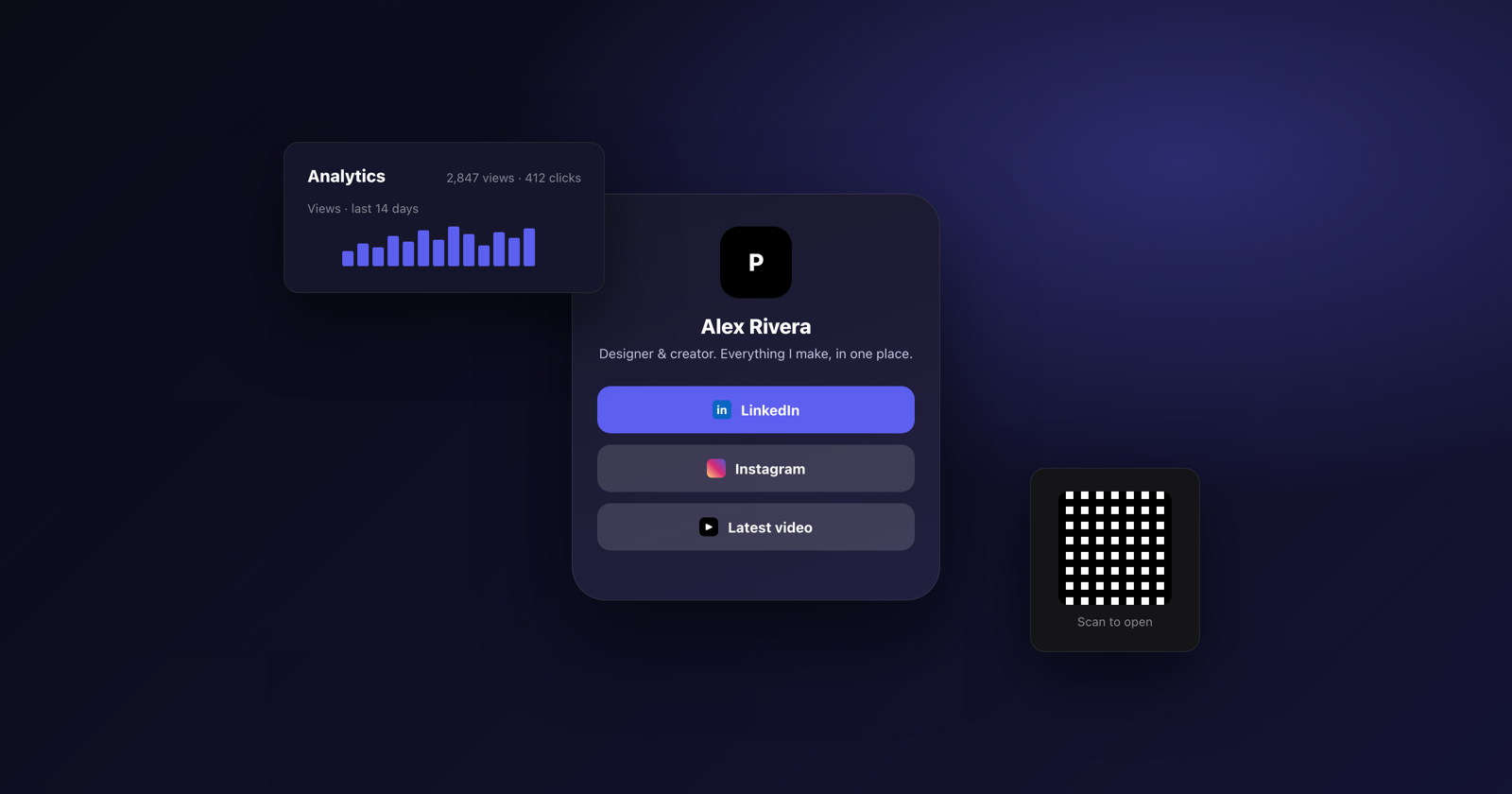
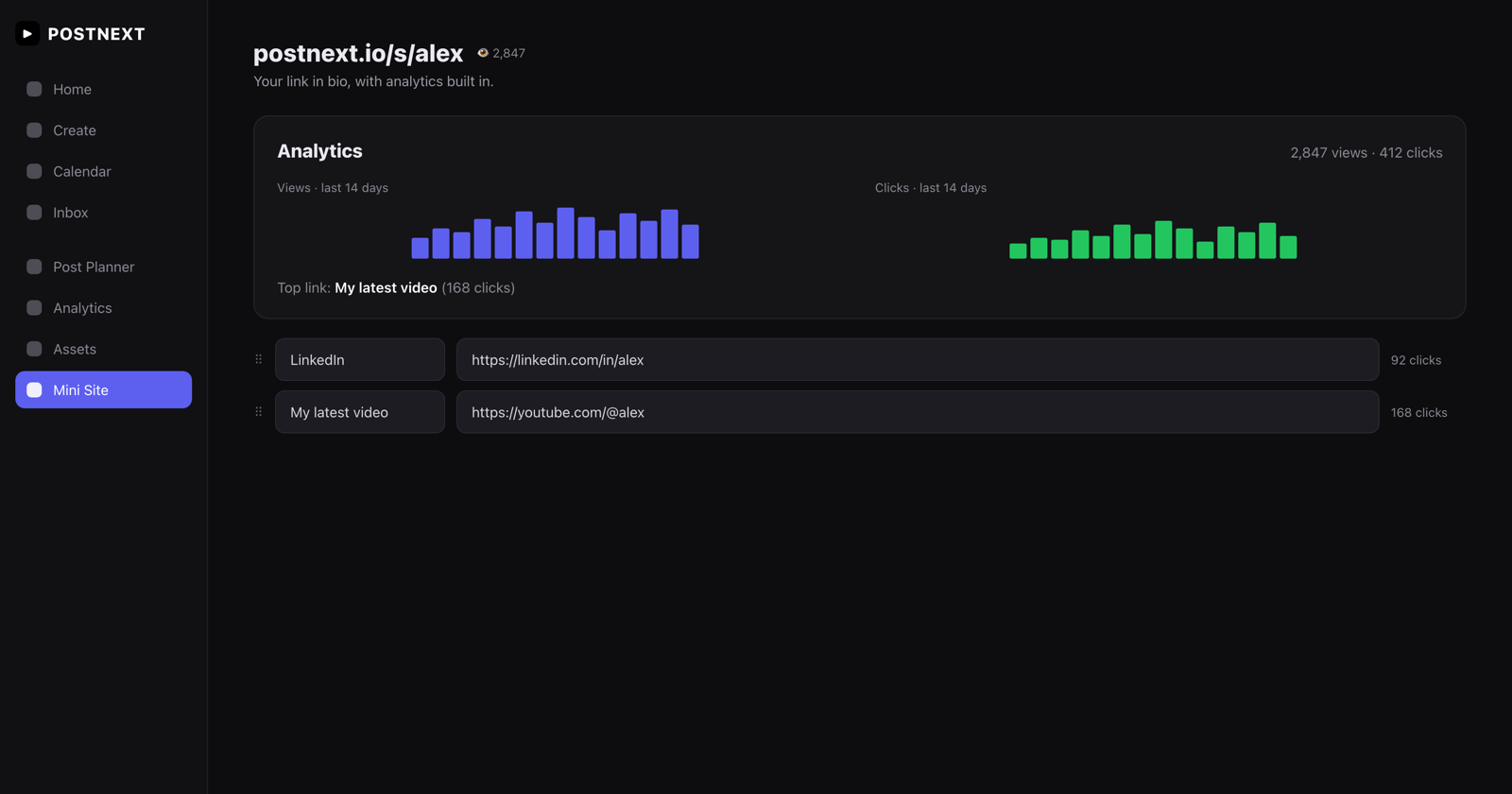
Every mini site tracks total views and per-link clicks, right next to your post analytics. No upgrade, no third-party tool and no tracking setup.
Total views and per-link click counts
14-day view and click trends
Your top-performing link at a glance
Make it yours
Your colours, your theme, your QR code
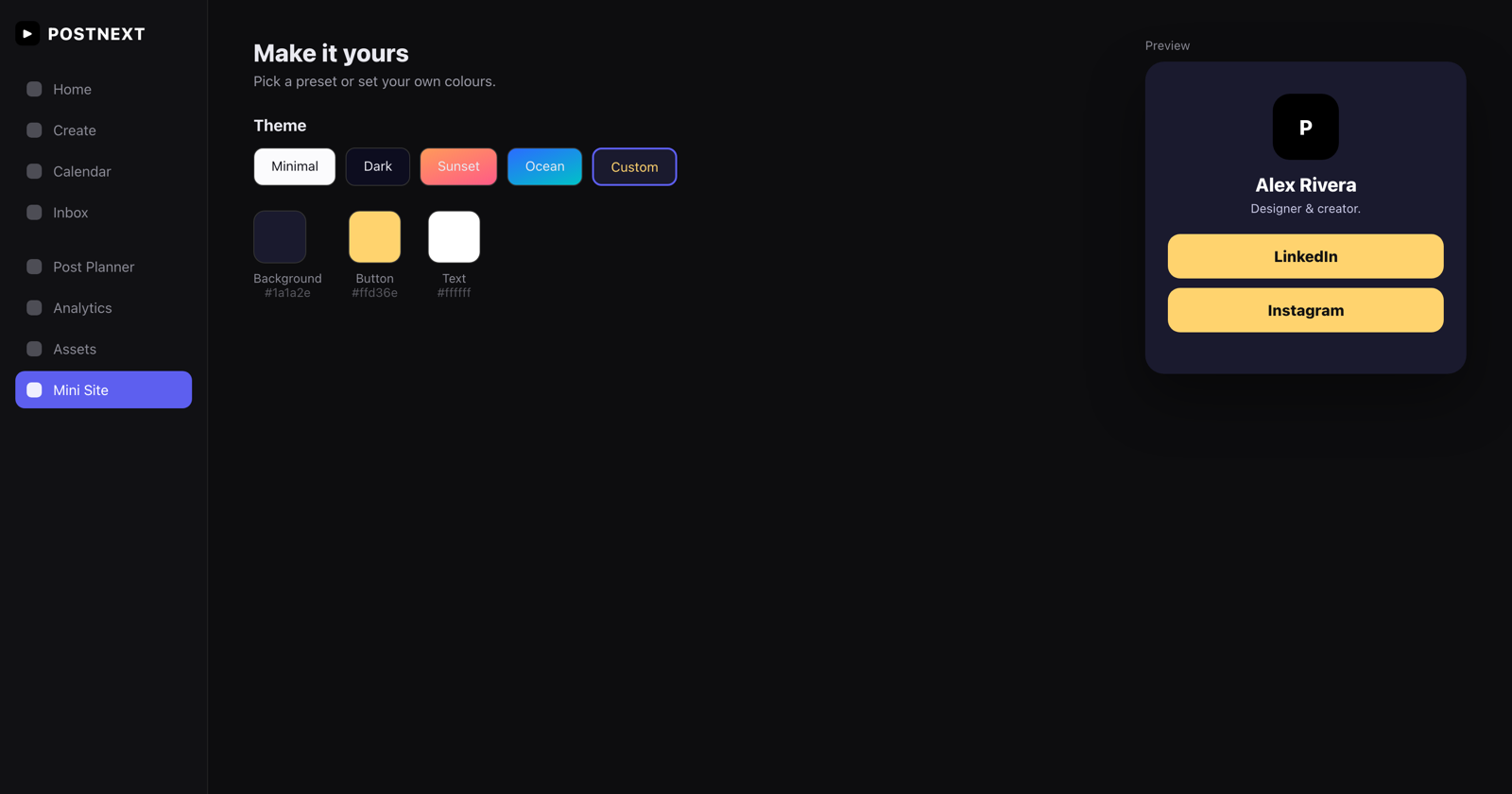
Pick a ready-made theme or set your own background, button and text colours. Add your logo or photo, drag links into the order you want, and share with a built-in QR code.
Custom colours or four preset themes
Drag to reorder links and social icons
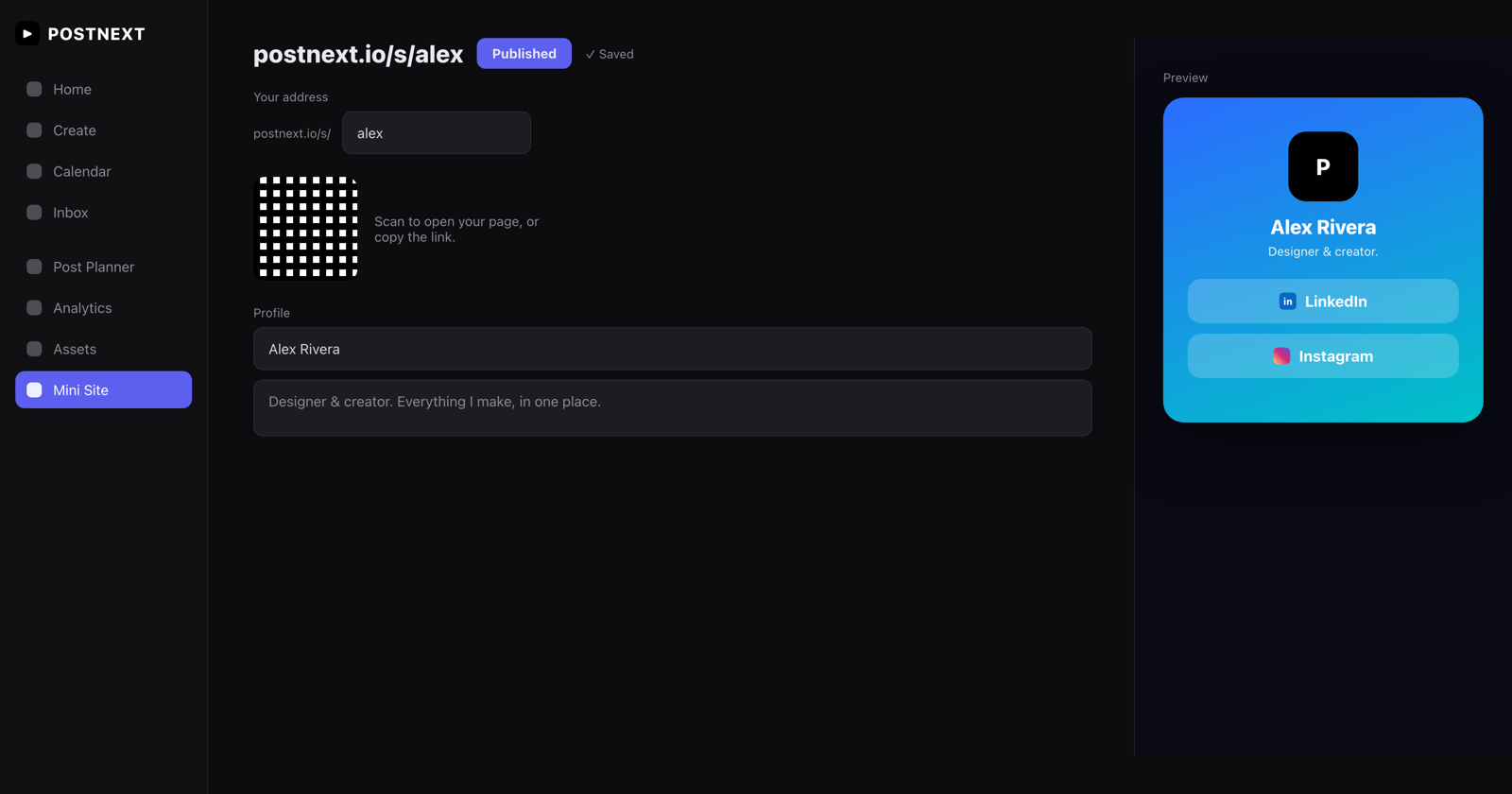
QR code and one-tap copy link
One workspace
It lives where you already work
Your bio link sits alongside your scheduled posts, brands and analytics. One login, one plan, one dashboard. Publish in a click and share postnext.io/s/yourname everywhere.
Included in your PostNext plan
Same dashboard as scheduling and analytics
Publish instantly at postnext.io/s/you
1
Pick your address
Claim postnext.io/s/yourname in seconds.
2
Add your content
Drop in your links, social profiles, name and a photo or logo.
3
Style it
Choose a theme or your own colours, and add a QR code to share.
4
Publish
Go live in one click and put your link in every bio.
Frequently asked questions
Everything you need to know about the PostNext link in bio.
What is a link in bio?
A link in bio is a single web page that holds all your important links. You put one URL in your social media bios, and visitors land on a page with everything you want to share.
Is the mini site included in my plan?
Yes. The link in bio page is included in your PostNext plan at no extra cost, so there is no separate subscription to manage.
Can I use my own colours?
Yes. Pick one of the ready-made themes or choose Custom and set your own background, button and text colours. Button labels stay readable automatically.
Can I track clicks and views?
Yes. Every mini site shows total page views and per-link click counts, plus 14-day trends and your top link, right inside the editor.
What will my link look like?
Your page lives at postnext.io/s/ followed by the address you choose, for example postnext.io/s/yourname.
Can I add a QR code?
Yes. A QR code for your page is generated automatically. Scan it or copy the link to share your mini site anywhere.
Can I reorder my links?
Yes. Drag your links, and your social icons, into any order you like. Changes save automatically.
Do I need a separate account?
No. Your link in bio is part of PostNext, using the same login and dashboard as your scheduling, brands and analytics.