Omnichannel Scheduling
Publish Everywhere Without Repetition
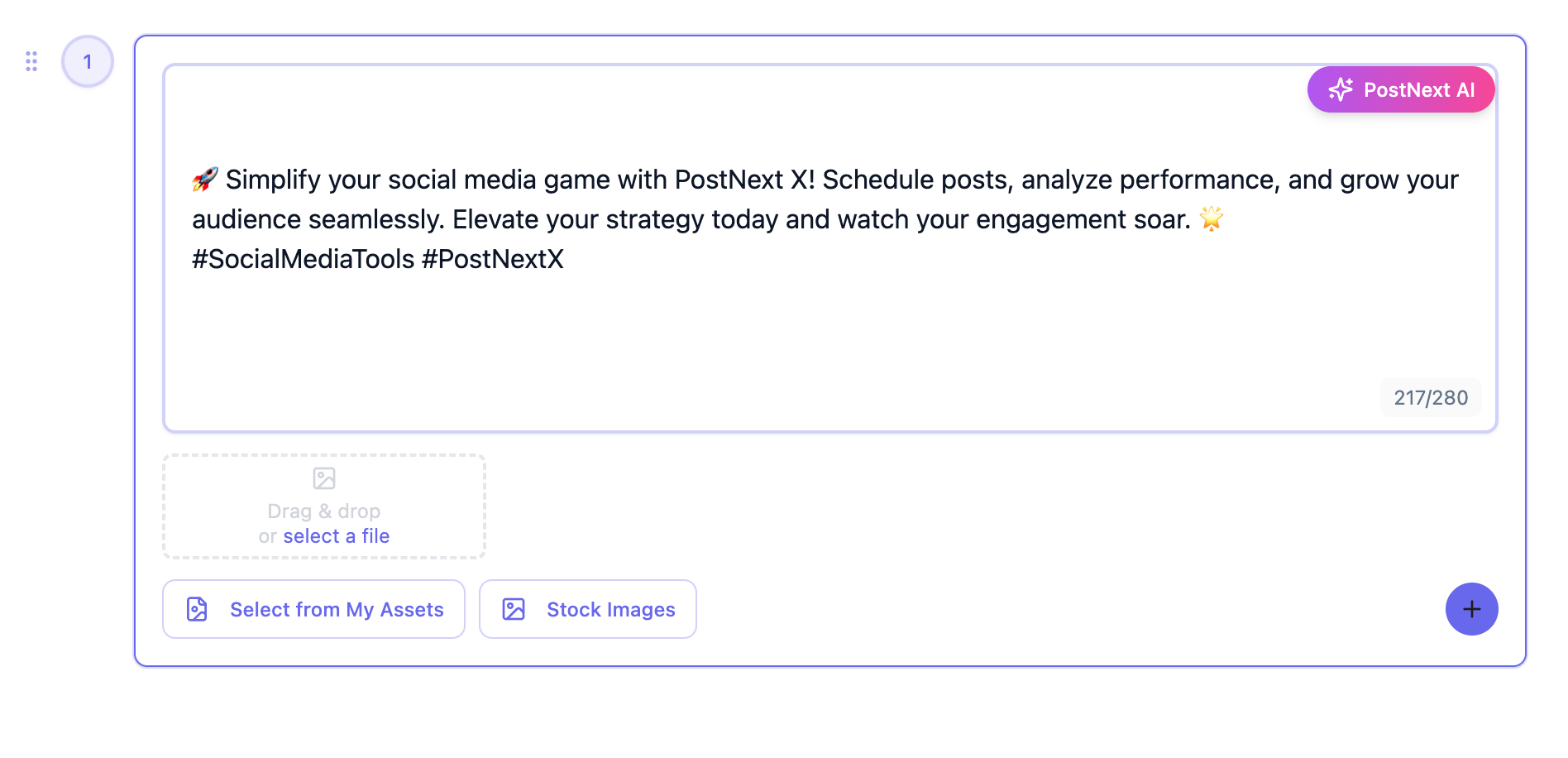
Drop content into one calendar, and each channel's composer shows its character limits and media rules as you write.
Unified queue for X, Instagram, LinkedIn, TikTok, Threads, YouTube, and Bluesky
Posting slots per channel, plus best-time suggestions on paid plans
Pull from RSS feeds to auto-create drafts, reviewed by you before scheduling
AI Content Adaptation
One Idea, a Version for Each Channel
Paste an article or a brief and the AI drafts posts for the channels you pick, ready for you to edit.
The AI drafts captions and suggests hashtags for each channel
Tailor the text and media per channel in the same composer
Brand profiles keep your tone consistent across channels
Cross‑Platform Analytics
See the Full Picture, Not Just a Feed
Compare reach, engagement and follower growth across your channels on one screen, with no spreadsheets required.
Analytics dashboard with a channel filter, refreshed through the day on paid plans
See which posts earned the most engagement and your best times to post
CSV and PDF exports on paid plans
1
Create or Import Content
Draft new posts in the composer or connect RSS feeds and review the drafts they create.
2
Tailor for Each Platform
Use the AI for captions and hashtags, then adjust the text and media per channel. Each composer shows that channel's limits.
3
Schedule Across Networks
Pick a time yourself, fill each channel's posting slots from the queue, or click a best-time suggestion on paid plans, all in one calendar view.
4
Analyze & Iterate
Analytics show which channels and posts perform best, so you can plan the next round with your own numbers.
Frequently Asked Questions
Need something else? Just reach out
Which channels does PostNext support?
You can schedule content to X (Twitter), Instagram, LinkedIn, TikTok, Threads, YouTube, and Bluesky, with Facebook, Pinterest, and Google Business on the roadmap.
Can I adapt one post for multiple platforms automatically?
Partly. Compose once, tick your channels and tailor the text and media for each one before you schedule. The AI can draft captions and hashtags, but it does not rewrite every channel on its own.
Does PostNext suggest the best time for each platform?
On paid plans, yes: the date picker suggests the three strongest weekday-and-hour slots for a channel, based on how your own posts performed over the last 90 days. Nothing is scheduled automatically; you choose.
Will analytics separate metrics by channel and format?
By channel, yes: filter the dashboard by channel and read the metrics for each post. There is no filter by format or campaign tag yet.
Can teams collaborate across locations and brands?
Shared workspaces include role‑based permissions, approval flows, and asset libraries, keeping everyone aligned.
Is there a trial before I choose a paid plan?
Every new account starts with a 7-day full-feature trial, which asks for a card up front. Cancel before it ends and you are not charged, and you keep the free plan.
What happens to my scheduled posts if I downgrade?
Your existing queue remains safe. Posts beyond new limits are paused until you upgrade or reschedule.
How secure are the channel integrations?
PostNext connects via official APIs with OAuth2.0 and adheres to each platform’s automation policies.
Does PostNext offer white‑label reporting for agencies?
Not as a white-label product. On paid plans you can export analytics as CSV for spreadsheets or PDF for client reports.
How does cross-posting across multiple channels work in PostNext?
Compose a single post, tick the channels you want, and PostNext schedules it to each one. You can tailor the text and media per channel before it goes out.
Can I customize a post per channel when cross-posting?
Yes. Each channel has its own editable version in the composer, so you can change the caption, media or hashtags per platform before the scheduled time.
Does PostNext support different post types per channel, like Reels, Shorts, and Threads?
Yes. You can publish Reels on Instagram, Shorts on YouTube, threads on X and Threads, TikTok videos and LinkedIn text and image posts from one composer.
Can I see every scheduled post across all channels in one calendar view?
Yes. The drag-and-drop calendar shows every queued post across all seven networks side by side, with channel filters, colour-coded cards, and instant reschedule by dragging a post to a new date or time slot.
Does PostNext resize images and videos to each channel's required dimensions automatically?
Not across the board. PostNext fits images to Bluesky's and TikTok's limits when it publishes, and it checks each channel's media rules before you schedule, so make the asset in the shape you want: vertical for Reels and Shorts, for example.
Connect All Your Social Media Accounts
Schedule and publish content across Instagram, TikTok, X (Twitter), LinkedIn, YouTube, Threads, and Bluesky - all from one unified platform.
Explore all available platformsStart Scaling Across Every Channel Today
Move from siloed tools to one streamlined, data‑driven workflow.Start your 7-day trial→