LinkedIn Scheduling Software
Grow Your LinkedIn Network with Consistent Posting
Keep your LinkedIn active and growing. Schedule posts weeks ahead, send them to the next free slot in your posting schedule, and see the times your own posts have performed best.
See your best times to post, worked out from how your own posts performed over the last 90 days (paid plans)
Generate thought leadership posts, create AI images from a text prompt and get hashtag suggestions
Plan and schedule weeks or months of LinkedIn content in advance with our intuitive visual calendar and media library
LinkedIn Management Platform
Professional LinkedIn Scheduler - One Affordable Platform
One affordable platform for scheduling, AI writing and AI images, an automatic first comment, analytics and team approvals, without the price of enterprise social media suites.
Team workspace with a shared calendar, shared asset library, and post approval for agencies
Schedule LinkedIn text posts and posts with one or more images from one composer, with an automatic first comment
Track likes and comments on every post and export reports as CSV or PDF
LinkedIn Analytics Dashboard
LinkedIn Post Analytics & Content Performance Tracking
See how each post performs after it goes live. On paid plans, PostNext refreshes likes and comments for recent posts through the day, so you can see which topics start conversations.
Follow likes and comments for every published post
See your best times to post, based on your own posts' engagement over the last 90 days
Export analytics as CSV or PDF for the last 7, 30 or 90 days, or get a weekly or monthly PDF report by email
1
Create Your LinkedIn Post with AI
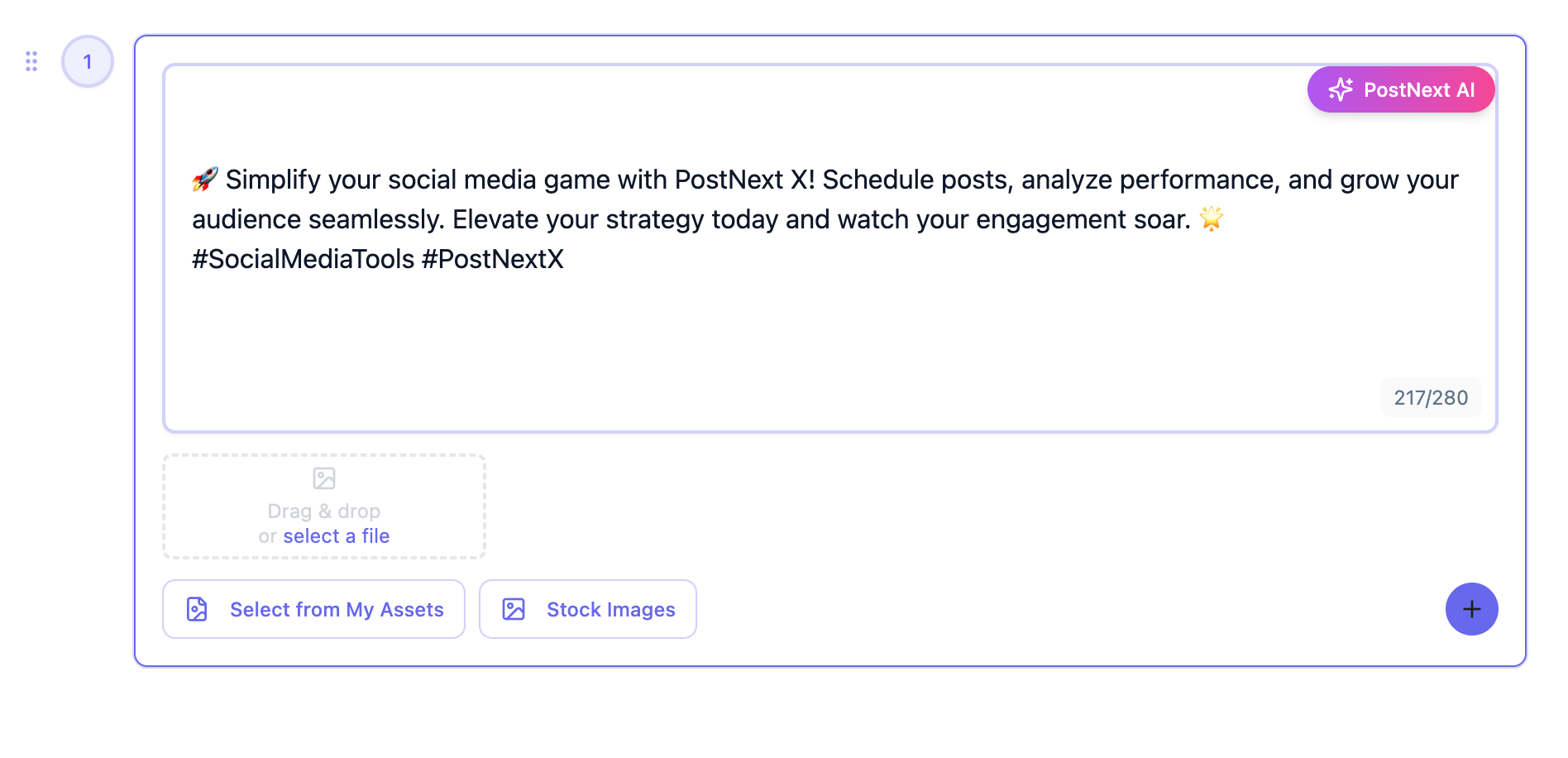
Write the post yourself or let the AI draft it, then add your own images or AI images generated from a text prompt.
2
Pick a Time or Use Your Posting Slots
Choose a date and time, click one of your suggested best times, or send the post to the next free slot in your channel's posting schedule.
3
Preview Content & Queue to Calendar
Preview how the post will look on LinkedIn, then find it on your content calendar, where you can drag it to another day before it publishes automatically.
4
Analyze LinkedIn Performance & Optimize Strategy
Follow likes and comments, see which posts started conversations, and use your best times to plan the next batch.
LinkedIn Scheduler Frequently Asked Questions
Have questions about LinkedIn automation? Contact our support team
Can PostNext AI automatically generate and schedule LinkedIn posts?
Yes. The AI writer drafts LinkedIn posts and hashtag sets from your topic and can generate an image from a text prompt. You then schedule the post for a date and time, or send it to the next free slot in your posting schedule.
How does PostNext suggest the best time to post on LinkedIn?
On paid plans, PostNext looks at how your own LinkedIn posts performed over the last 90 days, groups their engagement by weekday and hour in your timezone, and shows the three strongest slots in the date picker. Clicking one fills in the time; nothing is scheduled until you confirm.
Can I schedule LinkedIn document carousels, articles, and newsletters?
Not yet. PostNext publishes LinkedIn text posts and posts with one or more images or a GIF. Document carousels, articles and newsletters are not supported, so publish those on LinkedIn directly.
Which LinkedIn metrics does PostNext track?
Likes and comments for each post you publish through PostNext, refreshed regularly on paid plans and exportable as CSV or PDF. Impressions, clicks and follower growth are not available for LinkedIn yet.
Can I upload my brand images and use AI to generate LinkedIn visuals?
Yes. Upload logos, product photos and other assets to your My Assets library and reuse them in any post. The AI can generate new images from a text prompt, and you can search Unsplash, Pexels and Pixabay without leaving the composer.
How customizable is the AI LinkedIn content generator's tone?
You pick a tone for the AI from a set of styles, and Brand Profiles store your brand's voice. You can keep several Brand Profiles, and every post stays fully editable before it is scheduled.
Can marketing teams and agencies collaborate on LinkedIn content creation?
Yes. PostNext Teams gives you a shared workspace: invite teammates as admins or members, share the calendar and asset library, and route posts through approval, where a draft waits as pending until a reviewer approves it or requests changes.
Can I schedule content to both personal profiles and Company Pages?
Personal profiles for now. PostNext publishes to the LinkedIn profile you connect; Company Pages and Showcase Pages are not supported yet. You can connect several personal profiles within your plan's channel limit and create a separate post for each.
Is there a free trial for LinkedIn scheduling before choosing a paid plan?
Yes. The free plan is free for good, with one channel and 10 posts a month and no credit card. Paid plans (Basic, Pro, Business and Teams) start with a 7-day trial, which runs on smaller trial limits for channels and AI credits until the first payment.
What are PostNext LinkedIn scheduler pricing plans?
PostNext has five tiers: Free (1 channel, 10 posts and 10 AI credits a month), Basic (5 channels, 50 AI credits), Pro (15 channels, 150 AI credits), Business (20 channels, 500 AI credits) and Teams (5 channels and 50 AI credits per user, 5-user minimum). Paid plans include up to 1,000 posts a month, bill monthly or yearly, and can be upgraded, downgraded or cancelled at any time.
Is PostNext LinkedIn automation safe and compliant with LinkedIn policies?
Yes. PostNext connects through LinkedIn's official API with OAuth 2.0, so you sign in on LinkedIn and PostNext never sees or stores your password. Access tokens are encrypted before they are stored, and posts go out through LinkedIn's official API.
Can I schedule LinkedIn polls and choose how long they run for?
Not yet. LinkedIn polls cannot be scheduled from PostNext today. Schedule the post with PostNext and run polls natively on LinkedIn.
Does PostNext support scheduling LinkedIn Newsletter editions to subscribers?
Not yet. LinkedIn Newsletter editions cannot be scheduled from PostNext. Write and send them on LinkedIn, and use PostNext for the posts that promote them.
Can I schedule the same LinkedIn post to several pages or profiles?
Not yet. Company Pages and Showcase Pages are not supported, and one post cannot target two LinkedIn profiles at once. Create a separate post for each connected profile.
Can I schedule promotional LinkedIn posts around a LinkedIn Live or event launch?
Yes. Plan a sequence on the calendar around your LinkedIn Live or event date, with teaser posts, day-of reminders and a recap with the replay link. The AI can draft each post, and every one stays editable.
Can I schedule native LinkedIn video posts?
Not yet. LinkedIn video posts are not supported in PostNext, so upload videos on LinkedIn directly. Text posts and image posts can be scheduled.
Connect All Your Social Media Accounts
Schedule and publish content across Instagram, TikTok, X (Twitter), LinkedIn, YouTube, Threads, and Bluesky - all from one unified platform.
Explore all available platformsReady to Grow Your LinkedIn Authority? Start Scheduling Today
Join the professionals and businesses using PostNext to save time, increase engagement, and grow their LinkedIn presence with intelligent automation and AI-powered content.Start Scheduling Free→