Real-Time Threads Post Analytics & Community Growth Tracking

Threads Scheduler - Automate Posts & Grow Community | PostNext

Stop posting manually every day. Schedule Threads posts, replies, and conversations in minutes with our intuitive platform designed for community builders and brands.

Threads Scheduling Software

Grow Your Threads Community with Smart Automation

Save 10+ hours per week while keeping your Threads active and engaging. Schedule posts and reply chains in bulk and let our AI-powered timing system automatically publish when your community is most likely to engage and reply.

Identify optimal posting times with detailed engagement analytics showing when your Threads followers are most active

Generate conversation starters, create engaging hooks, discover trending topics, and get hashtag suggestions—all powered by AI

Plan and schedule weeks or months of Threads content in advance with our intuitive visual calendar and media library

Threads Management Platform

Professional Threads Scheduler Built for Community Growth

Get everything you need in one affordable platform: advanced post scheduling, reply chain builder, AI conversation generator, trending topic alerts, engagement analytics, and powerful team collaboration features. Built specifically for Threads creators and community managers.

Built-in team collaboration with custom user roles, approval workflows, and shared content calendars for agencies

Schedule every Threads format: text posts, images, videos, links, and threaded reply chains with perfect timing

Track post performance, reply rates, reposts, follower growth, and trending topic effectiveness with comprehensive analytics reports

Threads Analytics Dashboard

Real-Time Threads Post Analytics & Community Growth Tracking

See how every post and conversation performs the moment it goes live. Our real-time analytics dashboard tracks all key engagement metrics, while AI analyzes your data to recommend proven strategies for increasing reach, sparking conversations, and growing your Threads community.

Monitor real-time metrics including impressions, likes, replies, reposts, quotes, and engagement rate for every post

Receive AI-powered suggestions to optimize future content based on your best-performing posts and current trending topics on Threads

Export detailed analytics reports with customizable date ranges and performance comparisons in one click

1

Create Your Threads Post or Conversation with AI

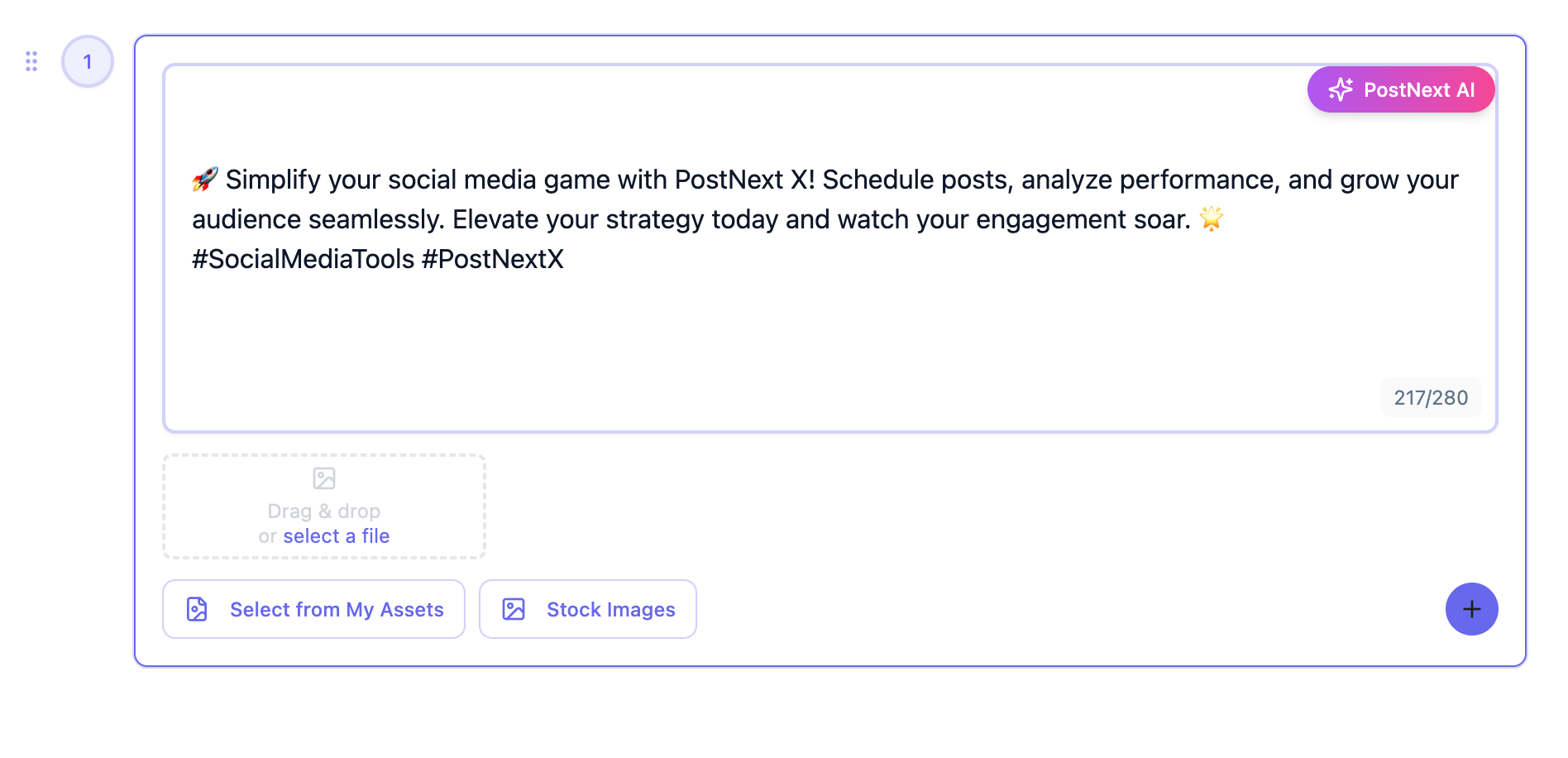
Write your post or let our AI assistant generate engaging conversation starters, compelling hooks, and reply chains. Add images, videos, or links, and browse trending topics to join relevant conversations.
2

Choose Best Time to Post or Enable Auto-Scheduling

Choose a specific date and time to publish, or enable Smart Schedule to automatically post when your Threads community is most active and likely to engage.
3

Preview Post & Queue to Calendar

Preview how your post, media, and links will appear in Threads feeds to ensure perfect formatting, then simply drag them onto your content calendar for automatic publishing.
4

Analyze Threads Performance & Optimize Strategy

Track conversation performance in real-time, identify which topics and hooks generate the most replies, then use AI insights to continuously improve your Threads community building strategy.

Threads Scheduler Frequently Asked Questions

Have questions about Threads automation? Contact our support team

Can PostNext AI automatically generate and schedule Threads posts and conversations?

Yes. Our AI content generator creates engaging conversation starters, compelling hooks, reply chains, and relevant hashtags for your Threads posts. Write a topic or prompt, let AI generate variations, then schedule manually or use Smart Schedule to automatically queue posts for peak engagement times.

How does Smart Schedule determine the best time to post on Threads?

Smart Schedule uses machine learning to analyze your Threads account's historical engagement patterns, your followers' timezone distribution, peak community activity trends, and Meta's algorithm insights. It then recommends optimal posting windows that maximize your impressions, replies, and engagement rate.

Can I schedule threaded reply chains to post sequentially over time?

Absolutely. Our reply chain builder lets you create multi-post conversation threads with custom time intervals between each reply. You can schedule replies to drip over hours or days, maintaining engagement and conversation flow automatically.

Does PostNext suggest trending topics and hashtags for Threads?

Yes. Our AI scans Threads trending topics and recommends relevant hashtags and conversation themes that match your niche and content style. You can browse our curated trending topic alerts and join conversations at the perfect moment.

Can I upload my brand content and use AI to generate Threads posts?

Yes. Upload your brand images, videos, and visual assets to your personal 'My Assets' library for instant access. Our AI assistant can generate conversation starters, engaging hooks, and captions that incorporate your brand voice while maintaining Threads' authentic, conversational style.

How customizable is the AI Threads content generator's tone?

Very customizable. You can create and save multiple brand voice presets—such as casual, professional, witty, thoughtful, or inspirational—or upload sample Threads posts for the AI to learn your unique conversation style. Every AI-generated post is fully editable before publishing.

Can social media teams and agencies collaborate on Threads content creation?

Yes. PostNext includes a complete team workspace with granular role-based permissions (admin, editor, viewer, approver), multi-stage approval workflows, inline commenting on drafts, and shared content calendars. This makes it perfect for agencies managing multiple client Threads accounts or in-house teams coordinating brand community strategy.

Do Threads analytics separate AI-generated content from manual posts?

Yes. All AI-assisted content is automatically tagged in your analytics dashboard with a special indicator. This lets you filter and compare key performance metrics—including impressions, engagement rate, replies, reposts, and quotes—between AI-generated and manually-written posts to measure effectiveness.

Is there a free trial for Threads scheduling before choosing a paid plan?

Yes. PostNext offers a permanently free plan with basic Threads scheduling features—no credit card required. Our paid plans (Basic, Premium, and Teams) each include a risk-free 7-day trial with full access to advanced features including AI generation, Smart Schedule, reply chains, detailed analytics, and team collaboration tools.

What are PostNext Threads scheduler pricing plans?

PostNext offers four tiers: Free (1 Threads account, basic scheduling), Basic (3 accounts, AI features), Premium (10 accounts, advanced analytics, reply chains), and Teams (unlimited accounts, full collaboration features, approval workflows). Each paid plan scales with your Threads account volume, team size, and feature needs. All plans are month-to-month with no long-term commitment—upgrade, downgrade, or cancel anytime.

Is PostNext Threads automation safe and compliant with Meta policies?

Absolutely. PostNext is built on Meta's official Threads API with secure OAuth 2.0 authentication—we never store your Threads password. We strictly adhere to Meta's automation policies, rate limits, and platform guidelines to keep your account in good standing. Your data is encrypted and protected with enterprise-grade security measures.

Connect All Your Social Media Accounts

Schedule and publish content across Instagram, TikTok, Twitter, LinkedIn, YouTube, Facebook, Pinterest, and Threads - all from one unified platform.

Explore all available platforms

Ready to Build Your Threads Community? Start Scheduling Today

Be among the first 9,000 creators and brands using PostNext to save time, increase engagement, and grow their Threads presence with intelligent automation and AI-powered conversation tools.Start Scheduling Free
×