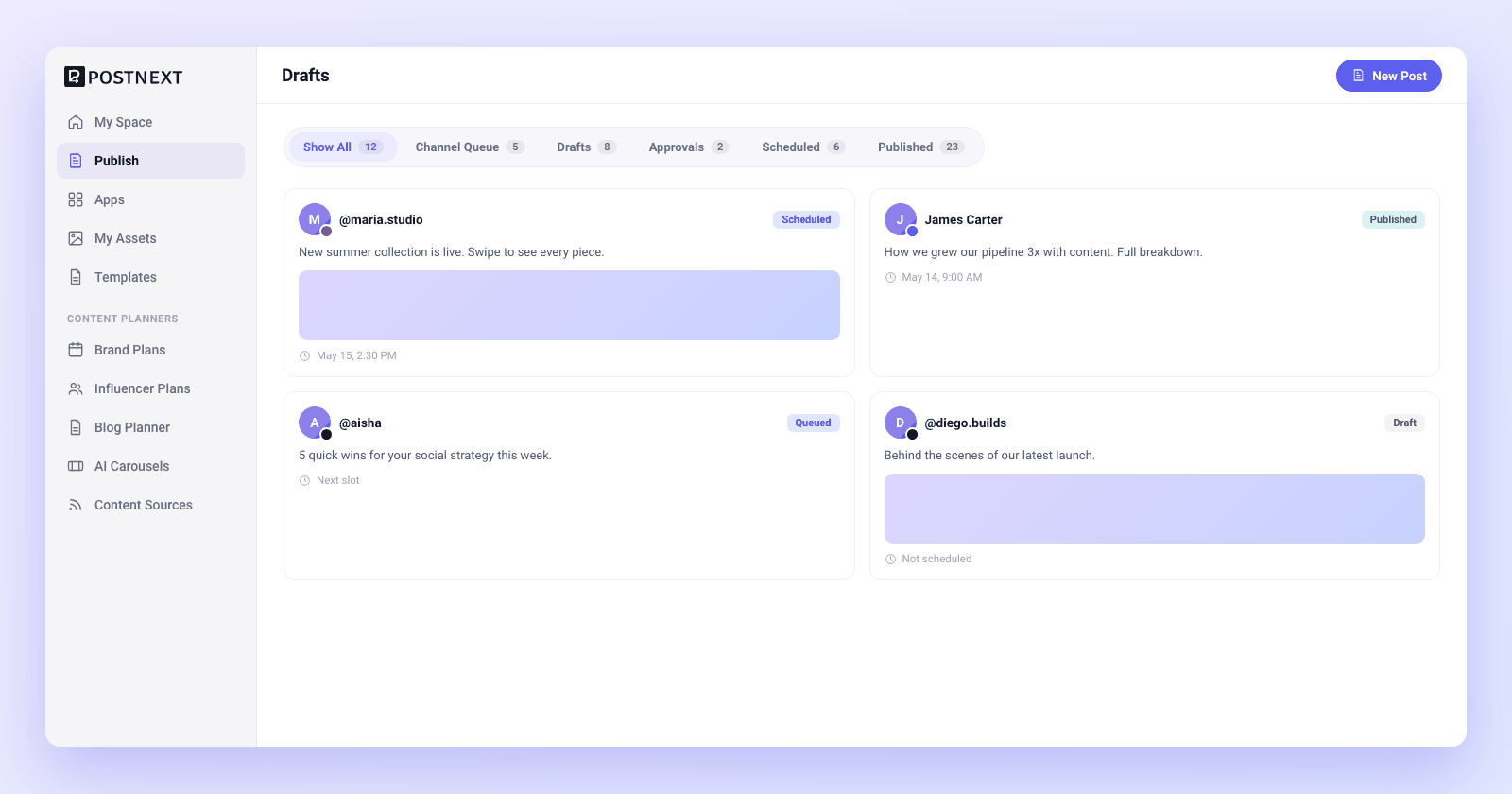
Add a source

Turn One Article into a Week of Social Posts

Paste a blog URL or long-form text, pick your channels, and let PostNext AI turn it into platform-tailored posts you review and push to drafts.

Add a source

Paste a URL or any long-form text

Drop in the link to a blog post, newsletter, or article, or paste long-form text straight in. PostNext reads the source and pulls out the ideas worth sharing. There is no formatting to wrangle and no export step, so the content you already wrote becomes the starting point for a week of posts in seconds.

Paste a blog or article URL, or any long-form text

PostNext reads the source and finds the shareable ideas

No exports or reformatting, the content you have is enough
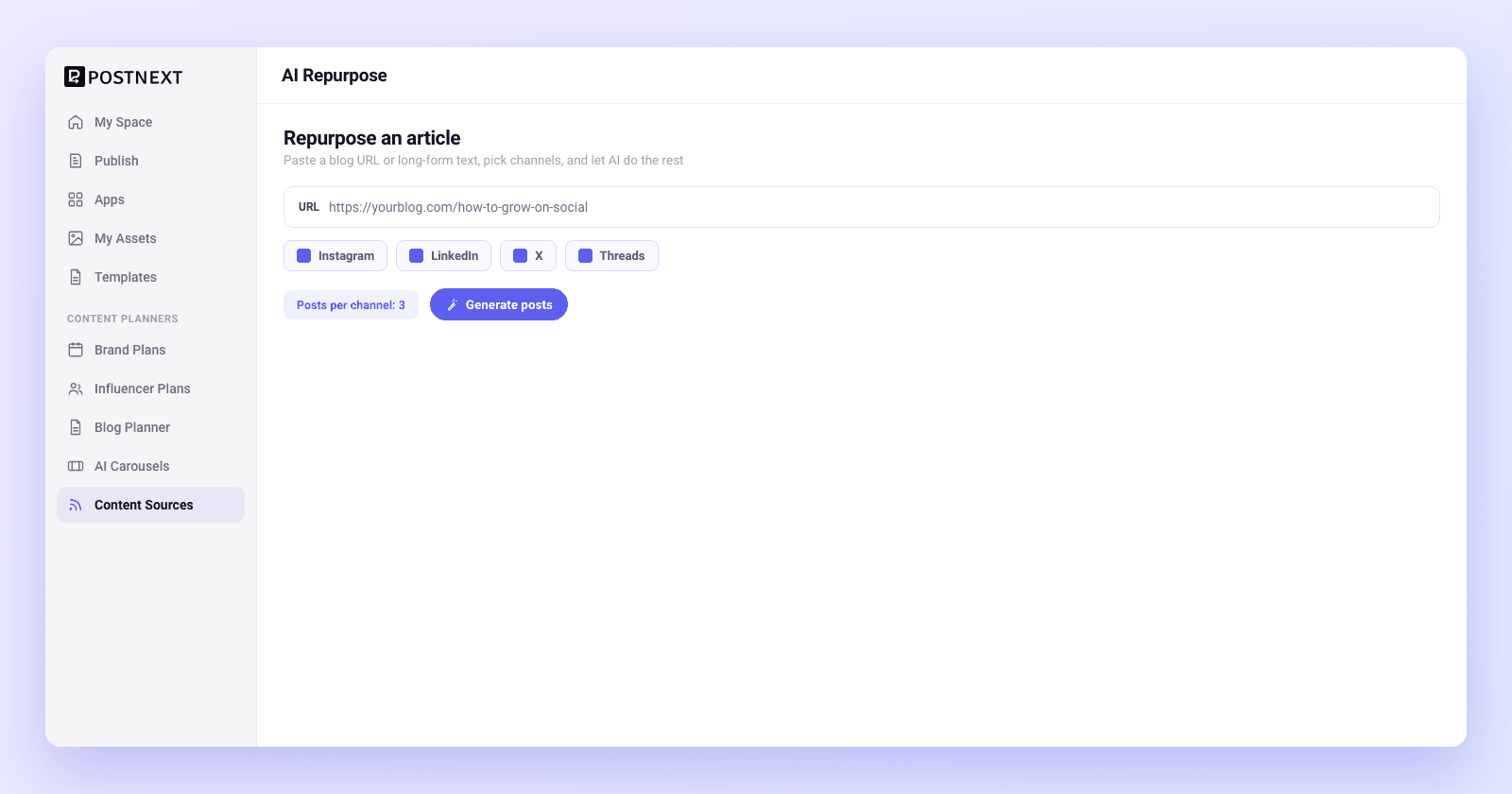
Paste a URL or any long-form text
Generate

AI generates platform-tailored posts

Pick the channels you want and PostNext AI rewrites the source into posts shaped for each one. A long thread for X, a punchy hook for Instagram, a professional take for LinkedIn, all from the same article. Each post is written for how people read on that platform, not copied and pasted across all of them.

One article becomes posts tailored to each channel you pick

Length, tone, and hooks match how each platform reads

Generate a full set of posts from a single source
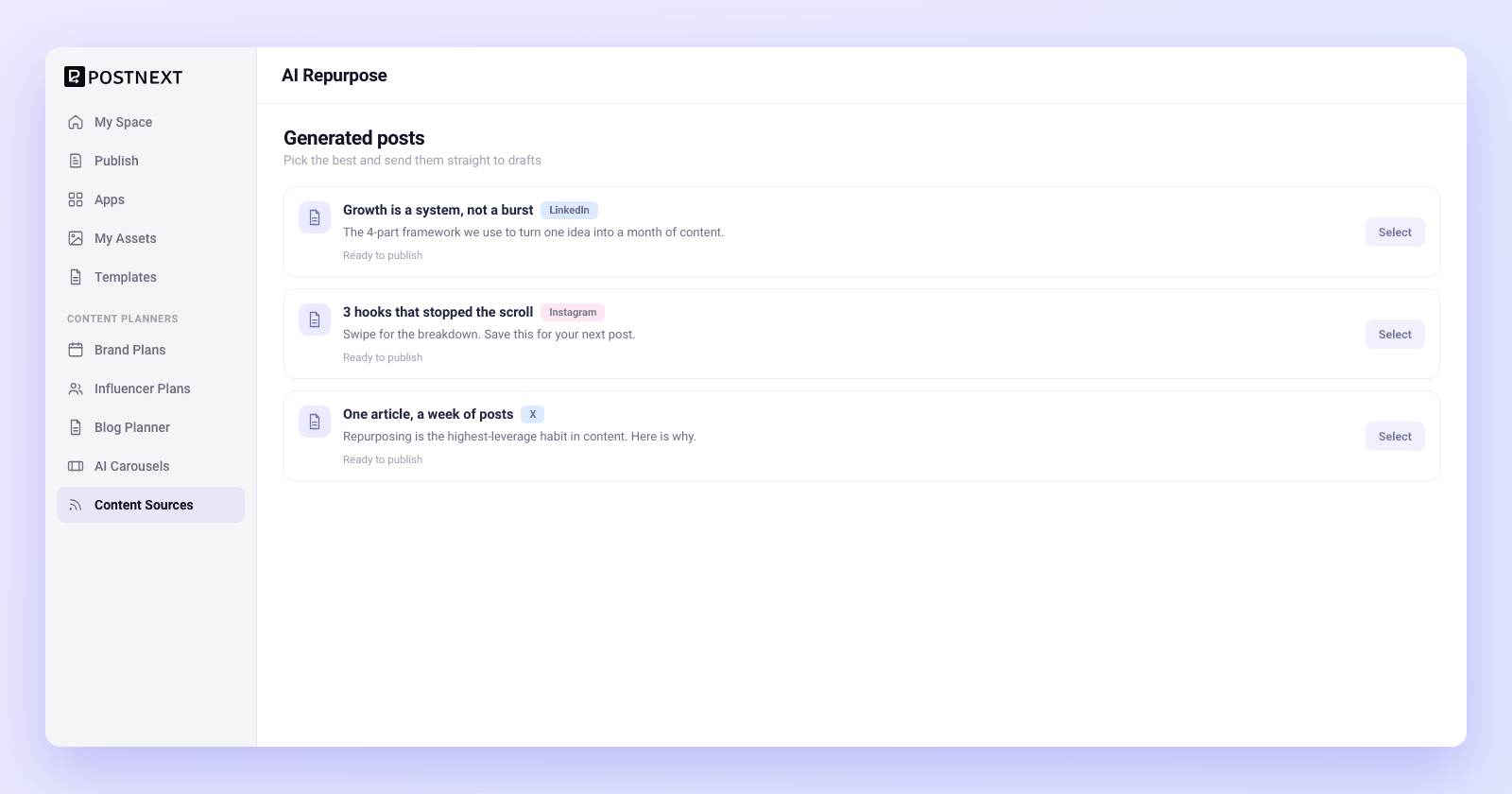
AI generates platform-tailored posts
Review, then push to drafts
Review and push

Review, then push to drafts

Nothing publishes on its own. Every generated post lands in front of you to read, tweak, and approve. Keep the ones that land, rewrite anything that needs your voice, and push the keepers to drafts in one move. From there they slot into your scheduling calendar like any other post.

Every generated post is an editable draft, never an automatic post

Edit copy and tone before anything reaches your channels

Push the keepers to drafts and schedule from your calendar

1

Add your source

Paste a blog URL or long-form text you want to turn into social posts.
2

Pick your channels

Choose the platforms you publish to so each post is shaped for the right channel.
3

Let AI generate

PostNext AI rewrites the source into platform-tailored posts in seconds.
4

Review and schedule

Read each post, edit it into your voice, then push the keepers to drafts and your calendar.

AI Repurpose questions answered

Common questions about sources, platforms, brand voice, and pushing repurposed posts to drafts.

What sources can I repurpose from?

Paste a blog post or article URL, or drop in any long-form text such as a newsletter, transcript, or document. PostNext reads the source, finds the ideas worth sharing, and turns them into social posts. If you can paste it as a link or as text, you can repurpose it.

Which platforms can PostNext repurpose for?

PostNext repurposes for the channels you connect, including X, Instagram, LinkedIn, TikTok, YouTube, and Threads. You pick which ones to generate for, and each post is shaped for how people read on that platform rather than copied across all of them.

Will the posts match my brand voice?

PostNext writes in a natural, platform-appropriate tone, and every post is a draft you can edit before it goes anywhere. Tweak the wording, adjust the tone, or rewrite a line so it sounds like you. You stay the editor, so the final posts read in your voice, not a generic one.

How many posts can I generate from one article?

One source can produce a full set of posts, one or more for each channel you pick, so a single article can fill a week of posts. You decide which channels to generate for, and you keep only the posts that fit. There is no need to write each platform variant by hand.

Are the generated posts editable?

Yes. Nothing publishes automatically. Every generated post arrives as a draft you can read, edit, rewrite, or discard. Keep the ones that land, change anything that needs your voice, and push the keepers to drafts. You approve every post before it reaches your channels.

Do I need a paid plan to use AI Repurpose?
You can get started on the Free plan and repurpose a source to see platform-tailored posts appear. Higher tiers raise channel and posting limits, which suits teams repurposing many articles across many channels. See the pricing page for current plan limits.
One article, a week of posts

One article, a week of posts

Paste a blog URL or long-form text, pick your channels, and PostNext AI turns it into platform-tailored posts you review and push to drafts. Start on the Free plan.

Want to plan a month of this content? Content Planners

×