Connect feeds

Turn RSS and Atom Feeds into Ready-to-Schedule Drafts

Connect the RSS and Atom feeds you follow and let PostNext auto-create drafts from new items, ready for you to review and schedule.

Connect feeds

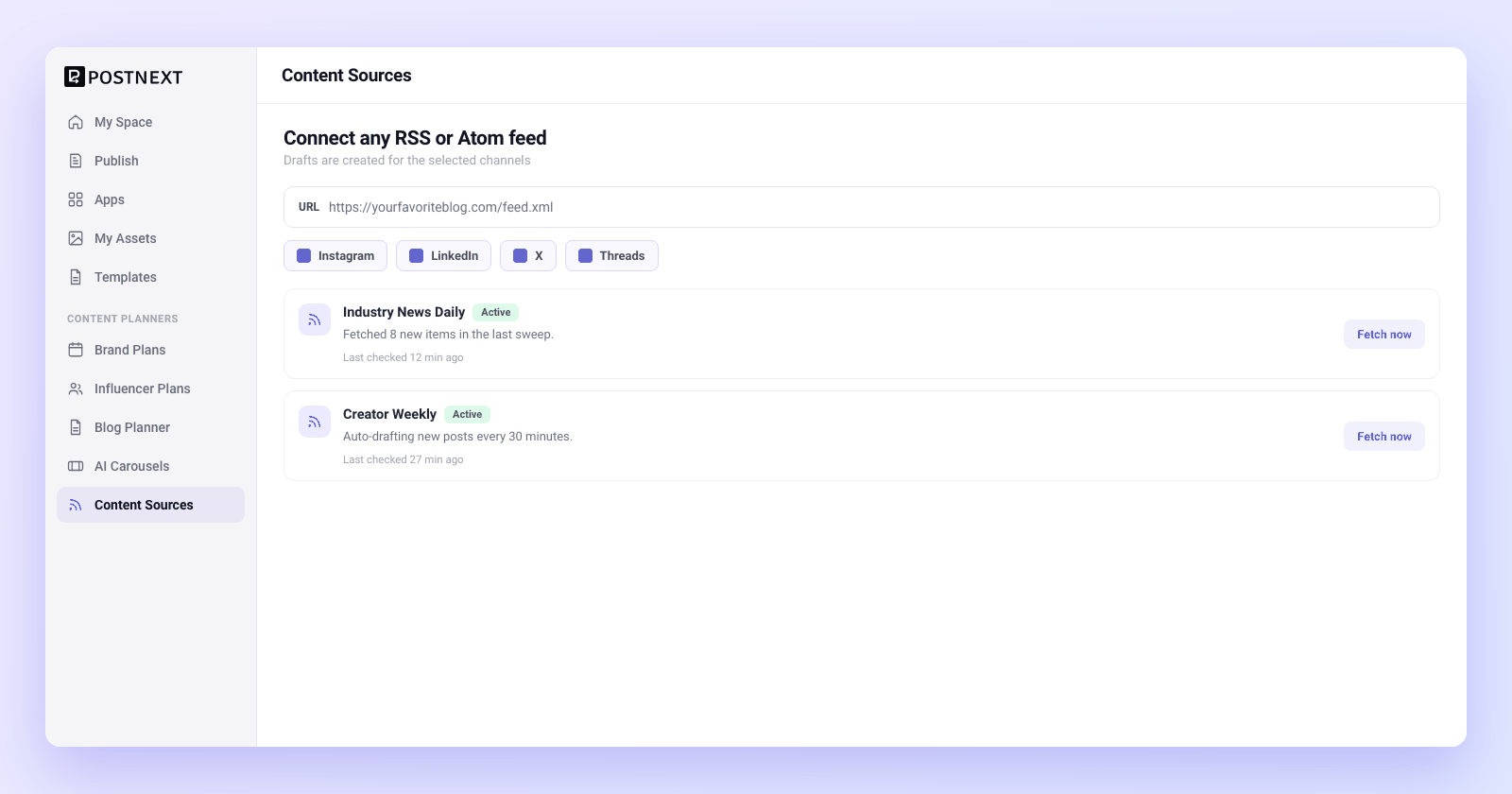
Connect any RSS or Atom feed

Paste the feed URL for any blog, newsletter, podcast, or news source that publishes RSS or Atom, and PostNext starts watching it for you. Add as many sources as your content mix needs, and pick which channels each feed should draft for. The feeds you already read become the engine for your posting calendar.

Works with standard RSS and Atom feeds from blogs, news, and podcasts

Add multiple feed sources and curate from all of them in one place

Choose which channels each feed creates drafts for
Connect any RSS or Atom feed
Auto-draft

Auto-draft new items automatically

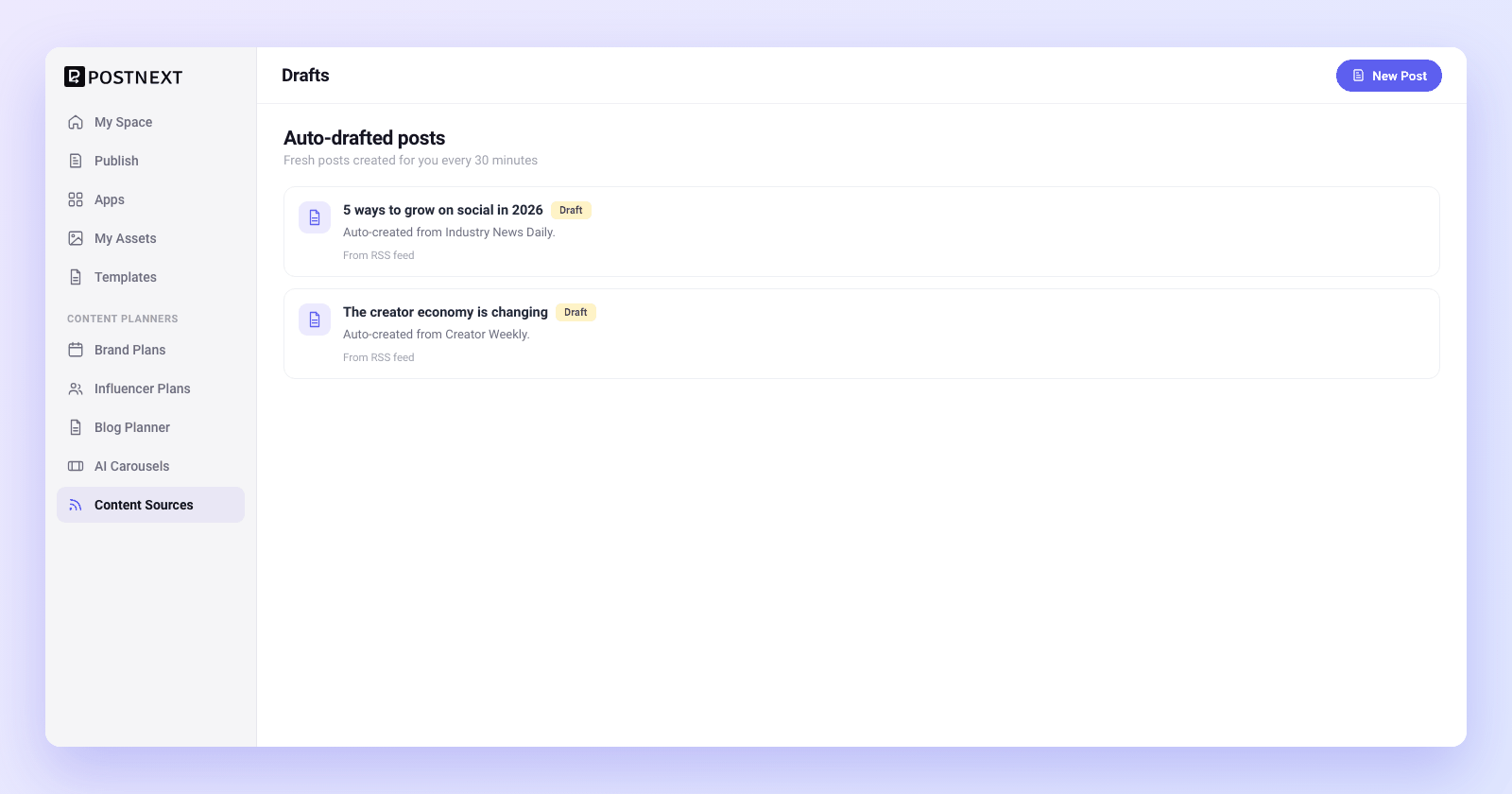
PostNext checks your connected feeds every 30 minutes and creates a draft for each new item it finds, for the channels you picked. Duplicate items are skipped, so the same article never drafts twice. New content lands in your drafts on its own while you focus on the work that needs a human.

Feeds are checked for new items every 30 minutes

A draft is created automatically for each new item, on your chosen channels

Duplicate items are skipped, so nothing drafts twice
Auto-draft new items automatically
Curate, then schedule on your terms
Curate then schedule

Curate, then schedule on your terms

Auto-drafted does not mean auto-published. Every item arrives as a draft you can read, edit, rewrite in your own voice, or discard. Keep the ones that fit your brand, add your take, and send them to the calendar. You stay the editor, with a head start on the writing.

Every feed item lands as an editable draft, never an automatic post

Edit copy, add your angle, or discard items that do not fit

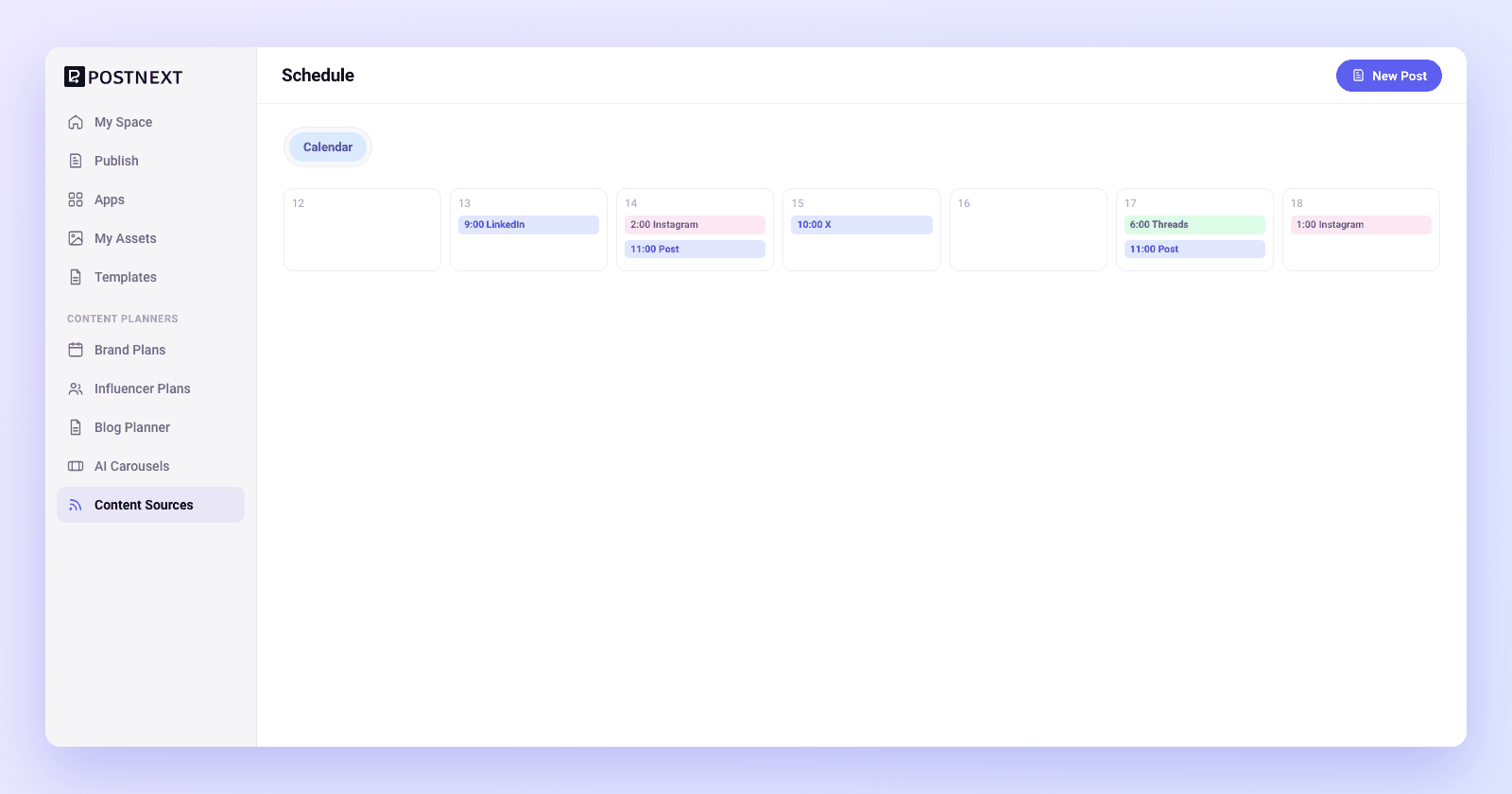
Send the keepers straight to your scheduling calendar

1

Add a feed source

Paste the RSS or Atom feed URL for a blog, newsletter, or news source you want to curate from.
2

Pick your channels

Choose which channels each feed should create drafts for, so curated items match where you publish.
3

Let PostNext draft

PostNext checks the feed every 30 minutes and auto-creates a draft for each new item, skipping duplicates.
4

Review and schedule

Read each draft, edit it into your voice or discard it, then send the keepers to your calendar.

Content curation questions answered

Common questions about connecting feeds, auto-drafting, and scheduling curated content.

What kinds of feeds can I connect?

Standard RSS and Atom feeds. That covers most blogs, news sites, newsletters, and podcasts. Paste the feed URL and PostNext starts watching it for new items. You can connect multiple sources and curate from all of them in one place.

How often does PostNext check my feeds for new content?

Every 30 minutes. PostNext polls your connected feeds on a 30-minute cycle, and when it finds a new item it creates a draft for the channels you chose. New content keeps landing in your drafts through the day without any manual checking.

Does PostNext publish curated items automatically?

No. PostNext creates drafts, not live posts. Every new feed item arrives as a draft you control. You read it, edit it, rewrite it in your own voice, or discard it, then schedule the ones you keep. You stay the editor at every step.

Can I choose which channels a feed drafts for?

Yes. Each feed source has its own channel selection, so a tech blog can draft for one set of channels and an industry newsletter for another. Drafts are created only for the channels you pick, which keeps your curated content aligned with where you actually publish.

Will the same article be drafted more than once?

No. PostNext deduplicates feed items, so once an item has been turned into a draft it will not draft again on the next check. You get one draft per new item, which keeps your drafts clean even when a feed updates frequently.

Do I need a paid plan to use content curation?
You can get started on the Free plan and connect a feed to see curated drafts appear. Higher tiers raise channel and posting limits, which suits teams curating from many sources across many channels. See the pricing page for current plan limits.
Let your feeds fill your drafts

Let your feeds fill your drafts

Connect RSS and Atom feeds and PostNext auto-creates drafts from new items every 30 minutes. Review, edit, and schedule on your terms. Start on the Free plan.

Want to plan a month of this content? Content Planners

×