Digital signage for hair salons
Your Instagram posts on the TV in your hair salon
Your best colour and cut work is already on Instagram. Put it on the screen where clients wait, get inspired and book their next appointment.
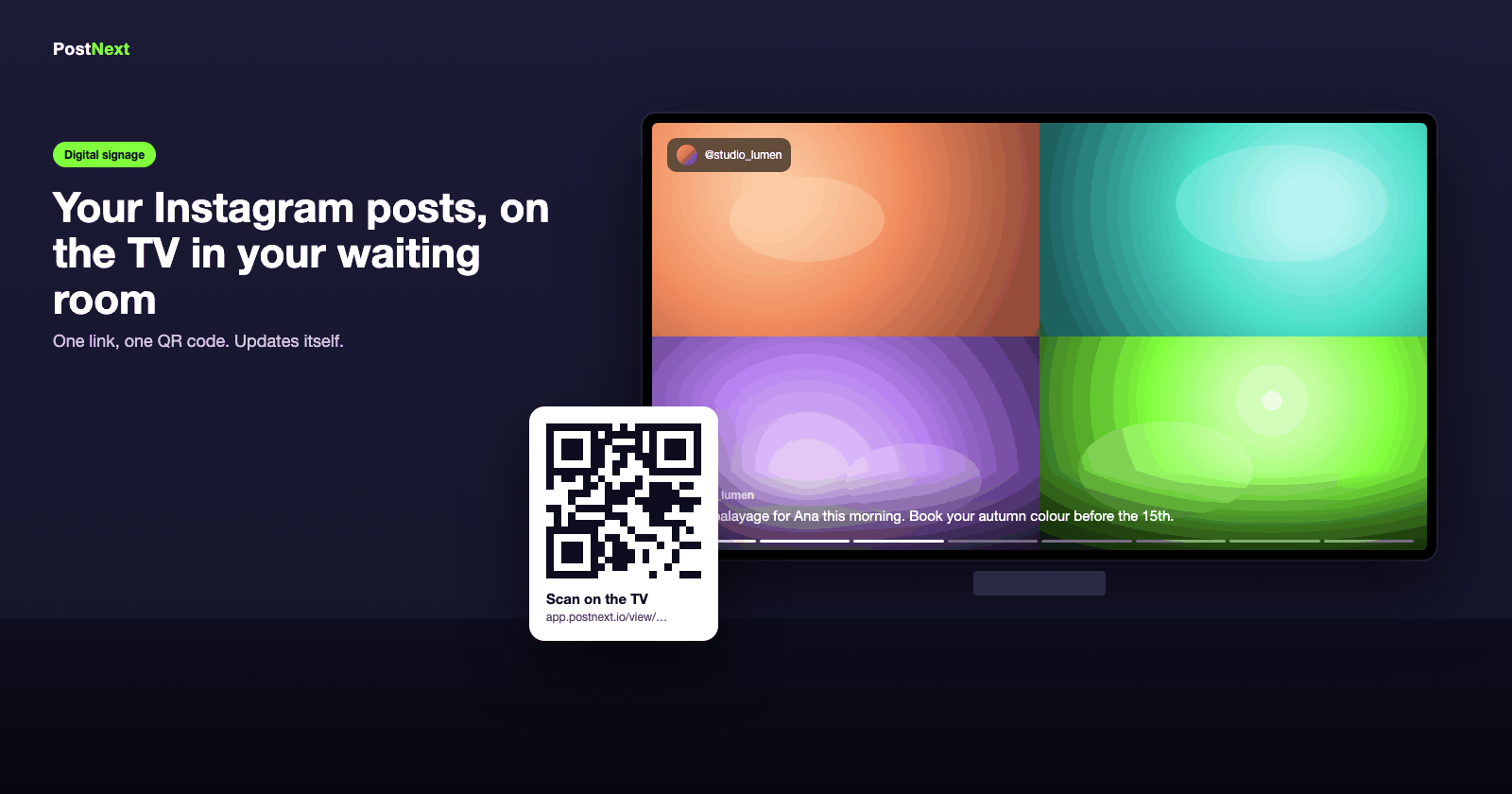
Inspiration at the chair
Clients pick their next look from your own work
Balayage, bobs, colour corrections, bridal updos: a full-screen loop of your work does more than a lookbook, and it is always current. Reels play through, carousels show every photo.
Reels, carousels and photos from your feed
Filter to images only or videos only
Portrait mode for a screen mounted upright
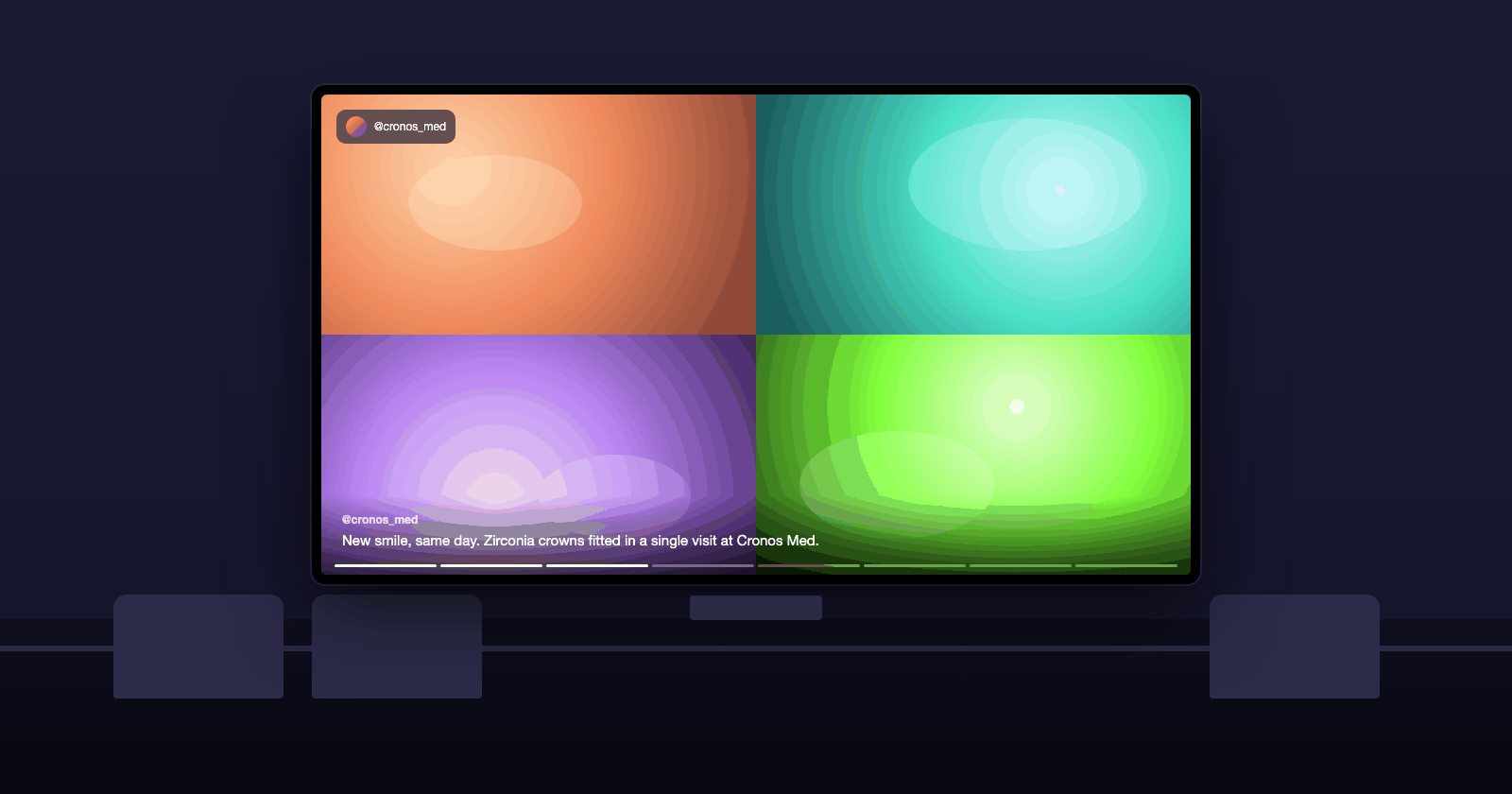
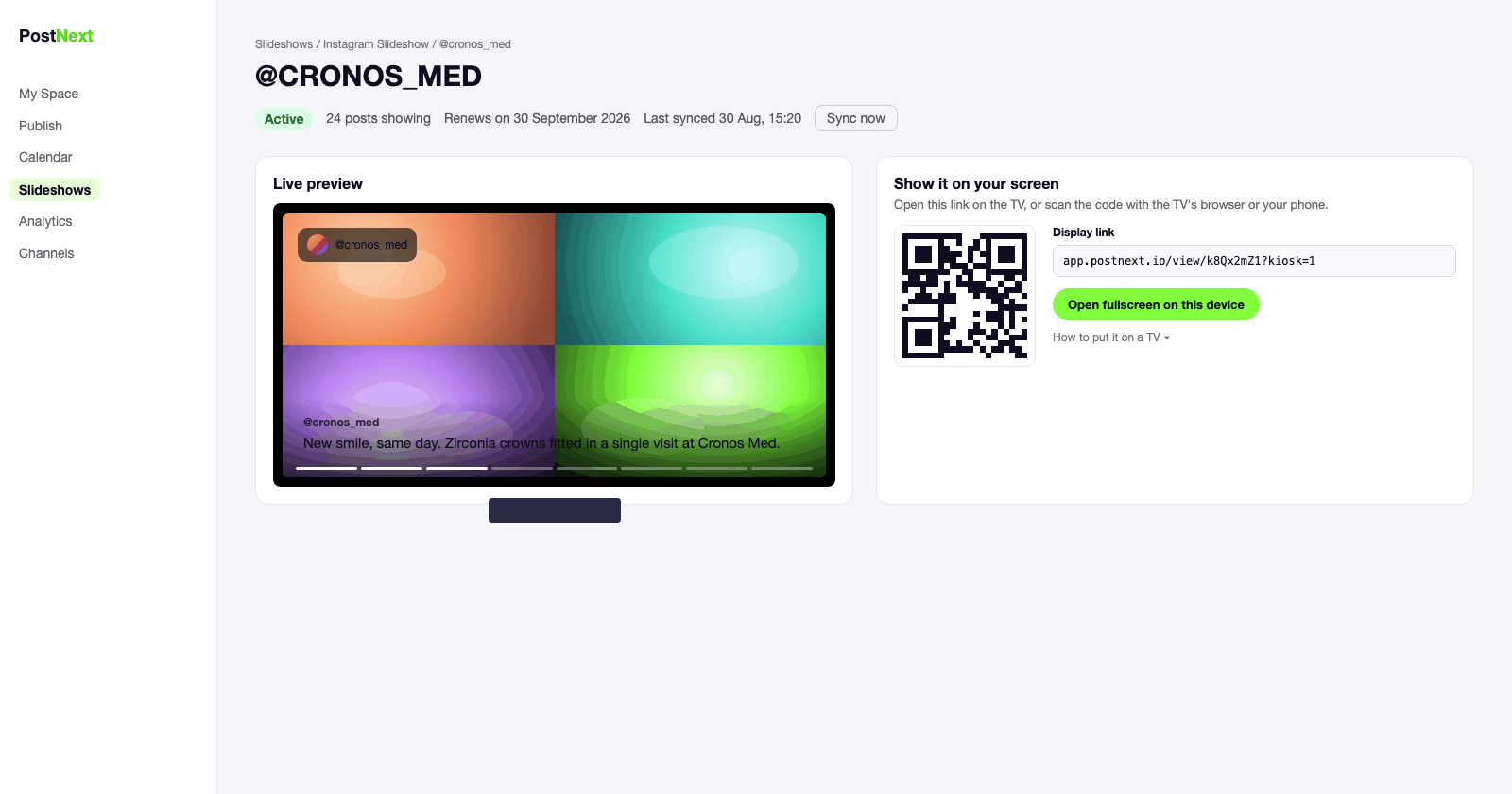
Set once
Nobody at the desk has to touch it
The screen syncs with your Instagram account at the interval you choose and reconnects on its own after a Wi-Fi drop. Post as usual; the salon follows.
Auto-sync from every 15 minutes to once a day
Opening-hours schedule: the screen sleeps when you close
An email if it has been offline for two hours
Sell between the posts
Offers, products and reviews on the same screen
Add a slide for this month's offer with a QR code to book, a five-star review as a full-screen quote, or a product you stock. They rotate between your posts.
Promo slides with a scannable booking QR
Reviews as full-screen quotes
A Follow QR so clients follow you while they wait
Built for your kind of business
See how the screen is used in your industry.
1
Connect your account
Connect your Instagram Business or Creator account, or Threads, in PostNext.
2
Create the slideshow
One click. All your posts are in; untick the ones you do not want on the screen and pick a look.
3
Open the link on the TV
Scan the QR code or type the display link into the TV's browser and go fullscreen.
4
Leave it running
The screen updates itself and reconnects on its own. Check its status in PostNext any time.
Instagram signage for hair salons: questions
Screens, content, setup and price.
Does it work on a screen mounted vertically?
Yes. Set the orientation to portrait in Look & feel and the slideshow rotates to fit an upright screen.
Which TV do I need?
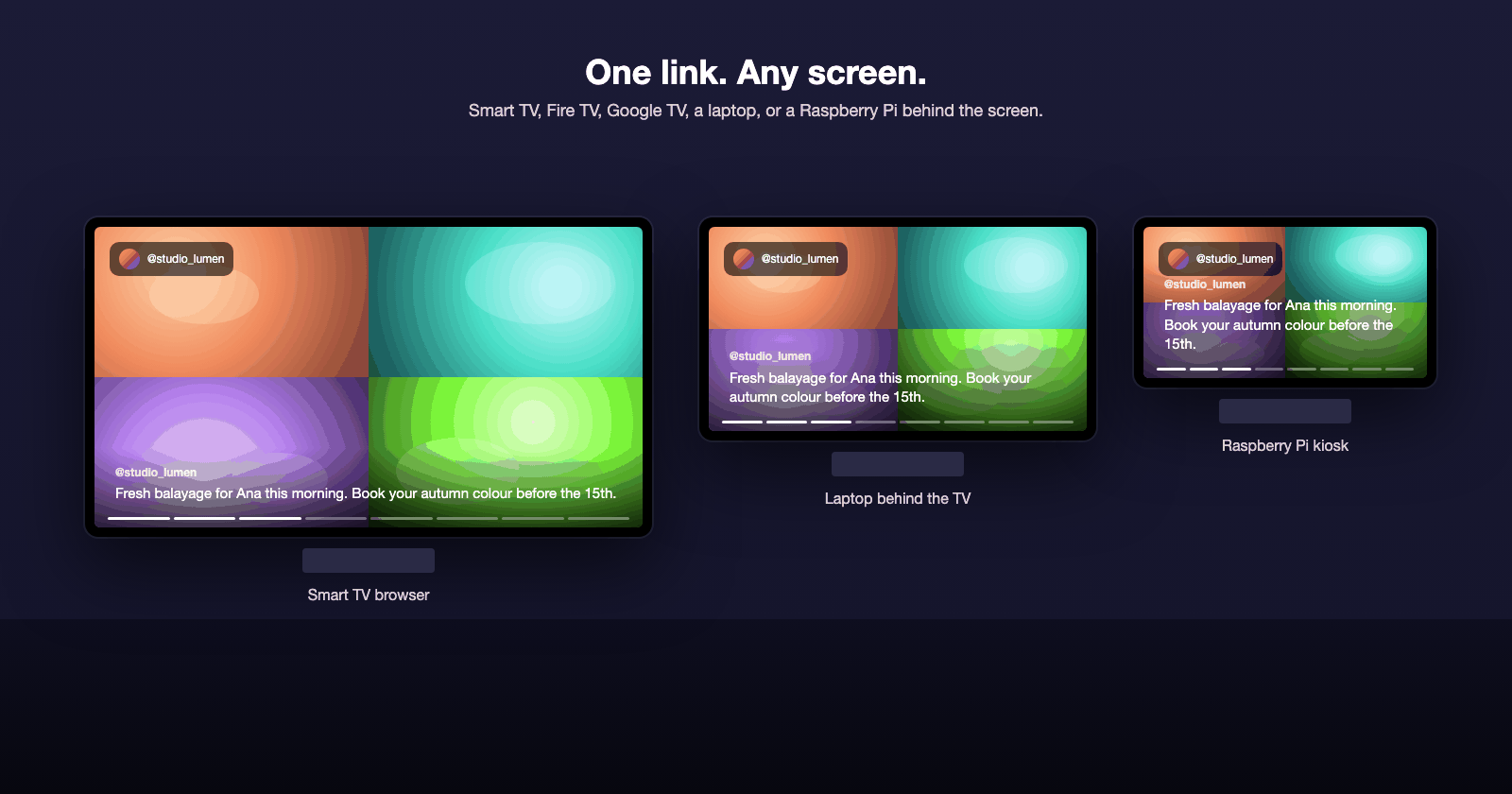
Any TV with a browser (Samsung, LG, Android TV), a Fire TV or Google TV stick, or a small computer such as a Raspberry Pi behind the screen. There is nothing to install: you open one link and go fullscreen.
Can I show only videos?
Yes. Filter the slideshow to Reels and videos only, or to images only, and untick any single post you do not want on the wall.
How much does it cost?
Your first screen is free for a week. After that each active slideshow uses 25 AI credits a month from your PostNext plan, and the screen keeps playing for seven days if a renewal fails.