Digital signage
Your Instagram posts on the TV in your shop, clinic or salon
Connect Instagram, create a slideshow in one click, scan a QR code on the TV. New posts appear on their own and the screen keeps playing through Wi-Fi drops.
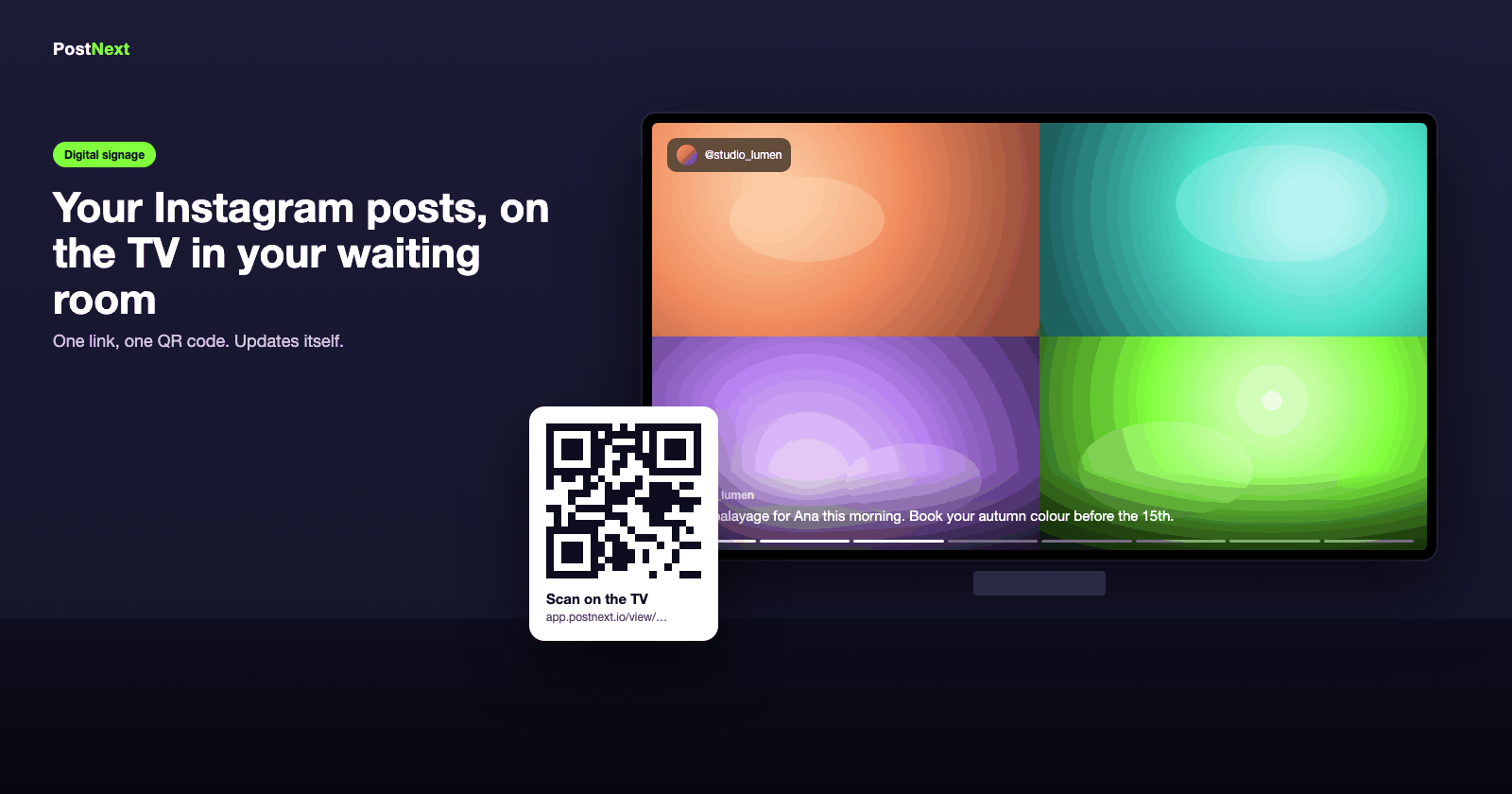
No hardware to buy
Works on the TV you already have
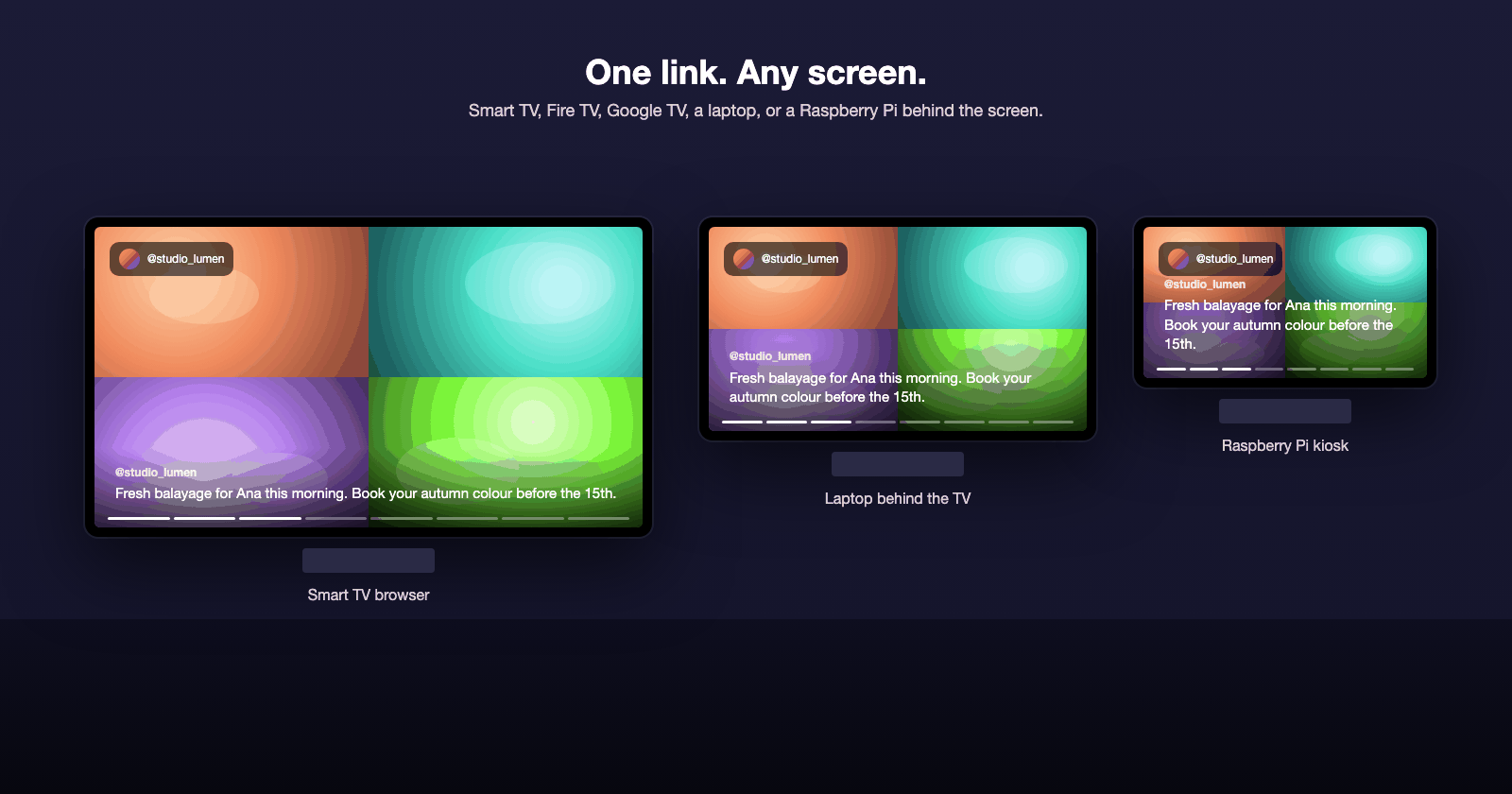
Any smart TV, Fire TV or Google TV with a browser, a laptop or a Raspberry Pi behind the screen. Open the display link, go fullscreen, done. No app, no media player, no extra subscription for the screen.
Smart TV, Fire TV, Google TV, laptop or Raspberry Pi
One display link and one QR code per slideshow
A copy-and-paste startup command for kiosks
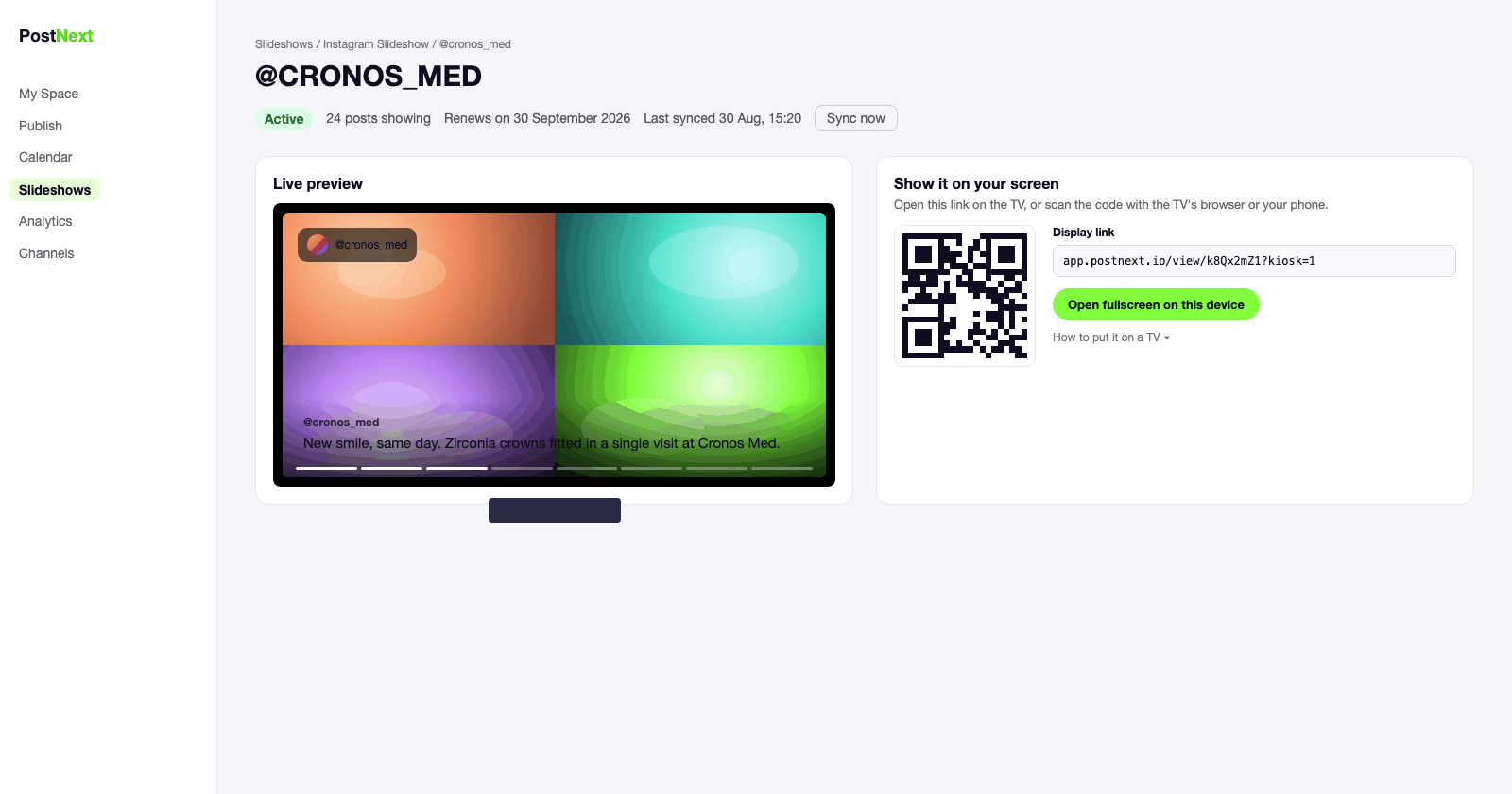
Always current
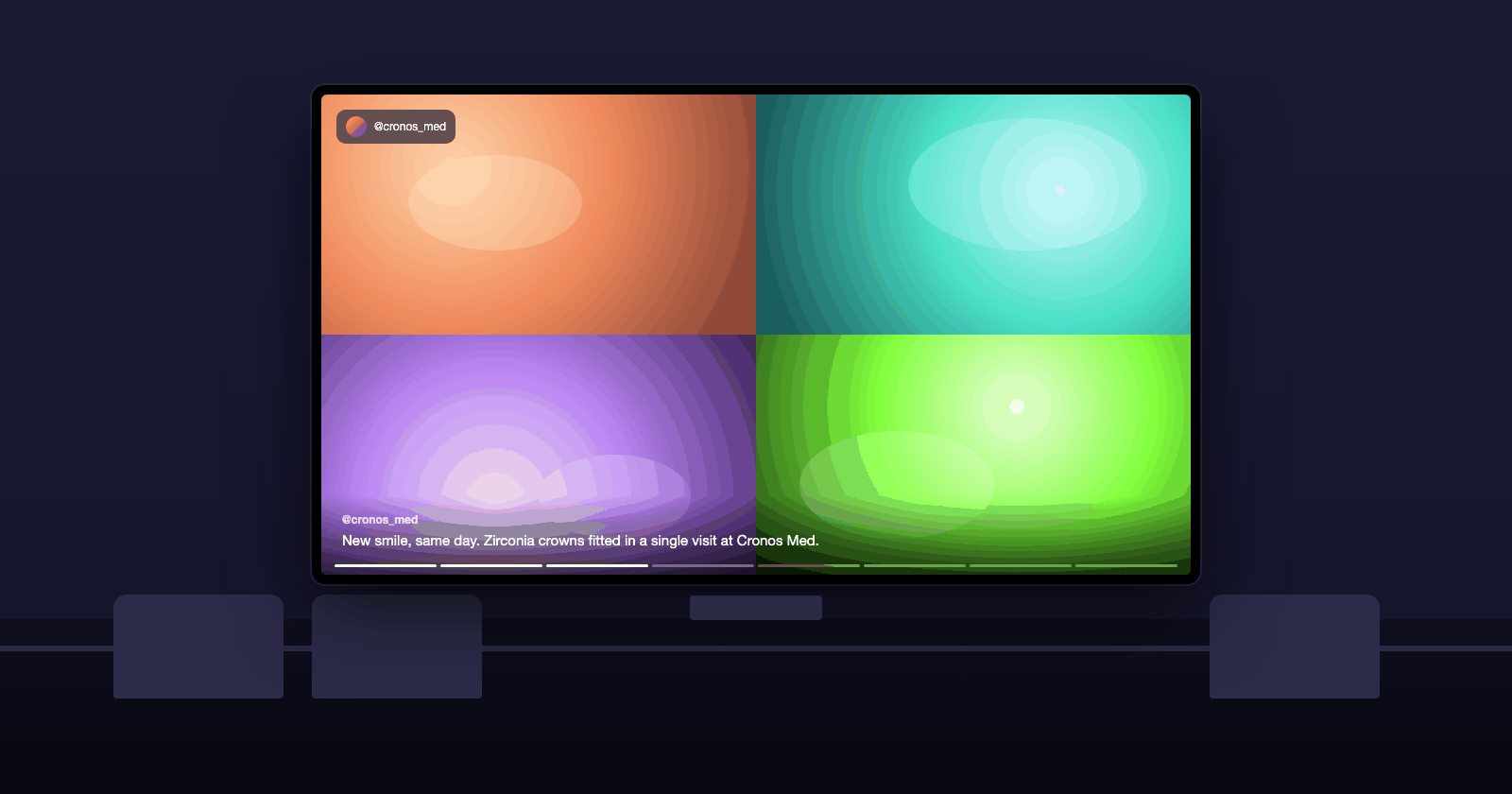
New posts appear on the screen by themselves
Every slideshow syncs with your Instagram or Threads account at the interval you choose. Post as usual and the waiting room follows; untick anything you do not want on the wall.
Auto-sync from every 15 minutes to once a day
Untick a post to hide it, drag to reorder
Reels play through, carousels show every image
Built to stay on
A screen that does not go dark
The viewer reconnects on its own after a Wi-Fi drop, loads only the slides on screen so a small kiosk computer copes all day, and keeps playing for seven days if a monthly renewal fails.
Reconnects automatically after network drops
Light enough for a Raspberry Pi or a TV browser
Seven days of grace if a renewal fails
Built for your kind of business
See how the screen is used in your industry.
1
Connect your account
Connect your Instagram Business or Creator account, or Threads, in PostNext.
2
Create the slideshow
One click. All your posts are in; untick the ones you do not want on the screen and pick a look.
3
Open the link on the TV
Scan the QR code or type the display link into the TV's browser and go fullscreen.
4
Leave it running
The screen updates itself and reconnects on its own. Check its status in PostNext any time.
Instagram digital signage: questions and answers
Screens, setup, content and pricing.
Which screens does it work on?
Any screen with a web browser: smart TVs (Samsung, LG, Android TV), Fire TV and Google TV sticks, a laptop or mini PC behind the TV, or a Raspberry Pi in kiosk mode. There is nothing to install; you open a link.
Do I need a digital signage player?
No. The slideshow is a web page. If your TV has a browser you open the display link directly; if not, a laptop, mini PC or Raspberry Pi behind the screen does it.
Which platforms can I show?
Instagram (posts, Reels, Stories and carousels) and Threads. Connect the account in PostNext and create one slideshow per account.
Does the screen update when I post?
Yes. Auto-sync pulls new posts at the interval you choose, from every 15 minutes to once a day. You can also press Sync now.
Can I choose which posts appear?
Yes. Untick any post to hide it from the screen, drag to reorder, and filter to images, videos, Reels or Stories.
What happens if the Wi-Fi drops?
The screen keeps showing the current slideshow and reconnects on its own, retrying every 30 seconds until the connection is back.
How much does it cost?
Each active slideshow uses 25 AI credits a month from your PostNext plan. If a renewal cannot be charged, the screen keeps playing for seven days while you add credits.
Is it suitable for a clinic waiting room or a salon?
That is what it is built for: a rotating, full-screen feed of your own work with captions readable across the room, and no controls, cursor or pop-ups in kiosk mode.