Generate Instagram & TikTok carousels with AI
Type a topic. AI writes every slide and renders the images in your brand style. Review, then schedule to Instagram and TikTok.
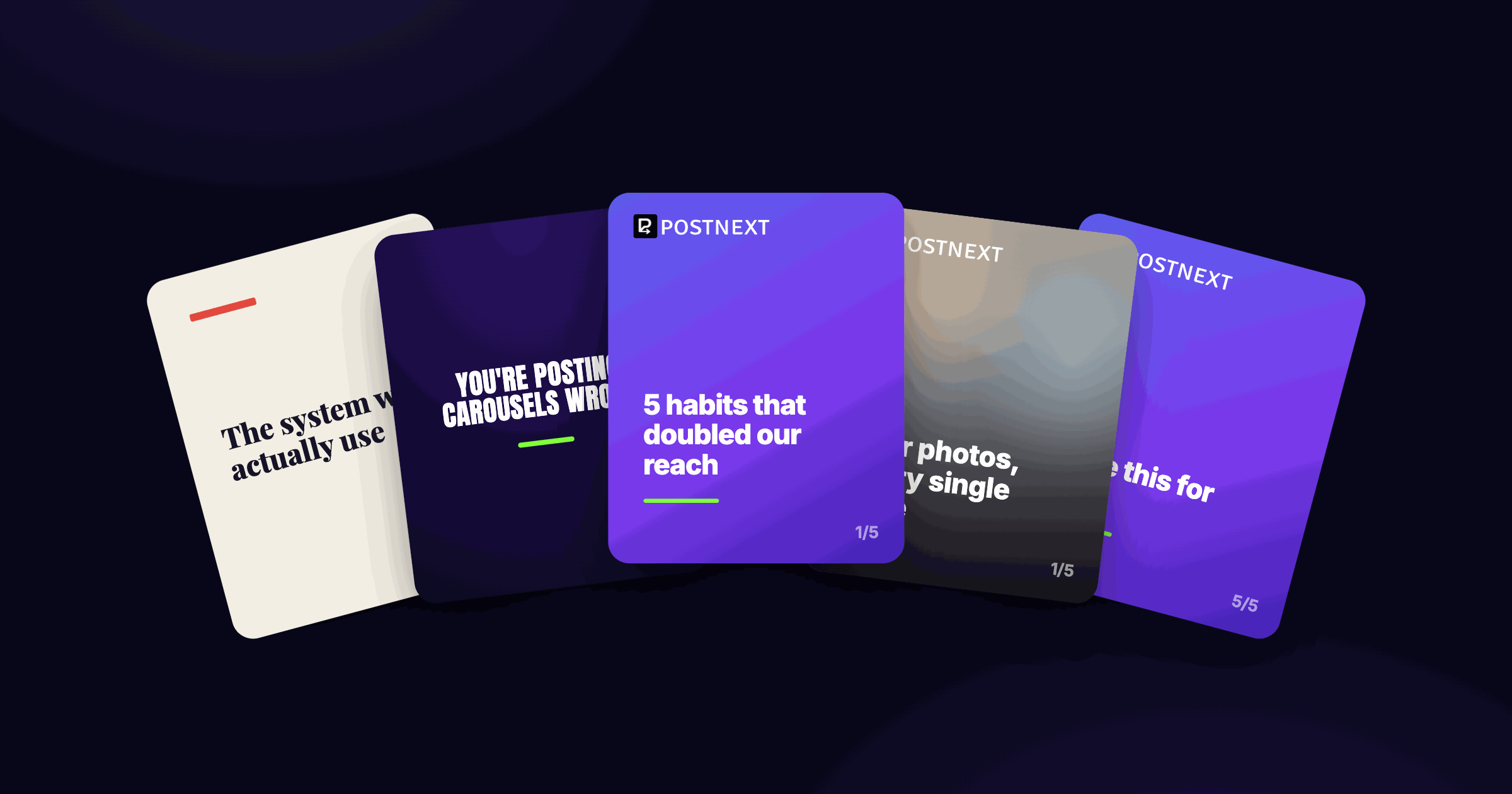
AI writes every slide, not just the caption
Give PostNext a topic and your brand profile. It writes a scroll-stopping hook and the full set of slides, plus the caption and hashtags, in your brand voice.
Hook, slides, caption and hashtags generated together
Written in your brand voice from your brand profile
Generate a batch and keep the ones you like

Finished slide images, in your brand style
PostNext renders each slide to a ready-to-post image using your brand colours and logo. Choose from four styles, with no design tools needed.
Four styles: TikTok, Branded, Editorial and Photo
Your brand colours and logo applied automatically
Sized correctly for Instagram and TikTok
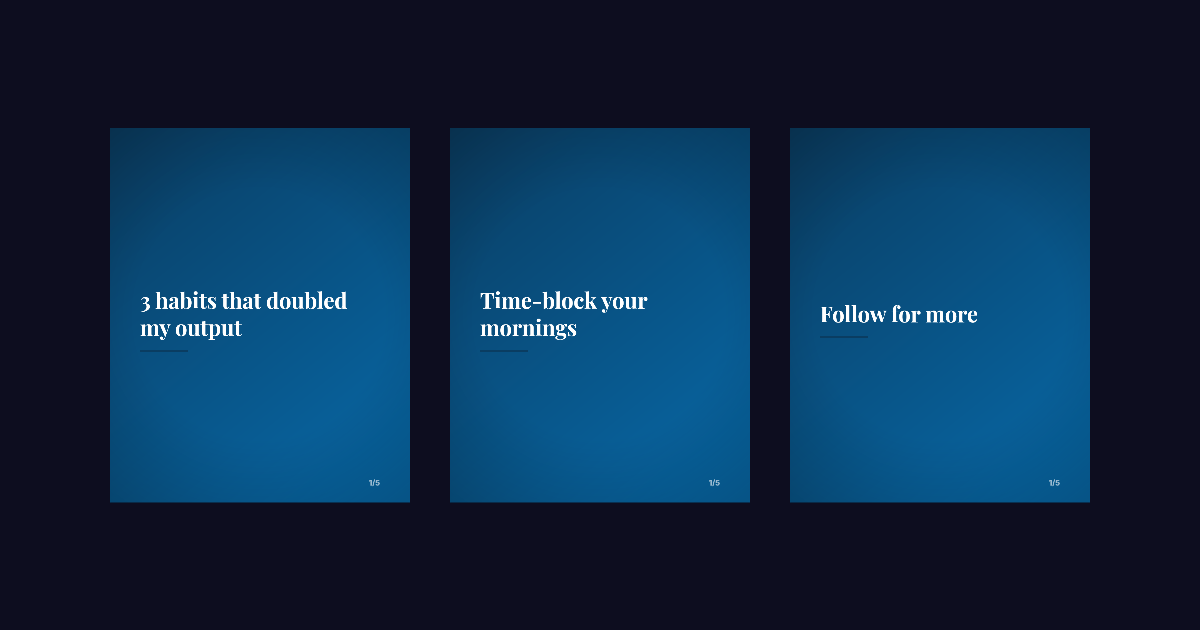
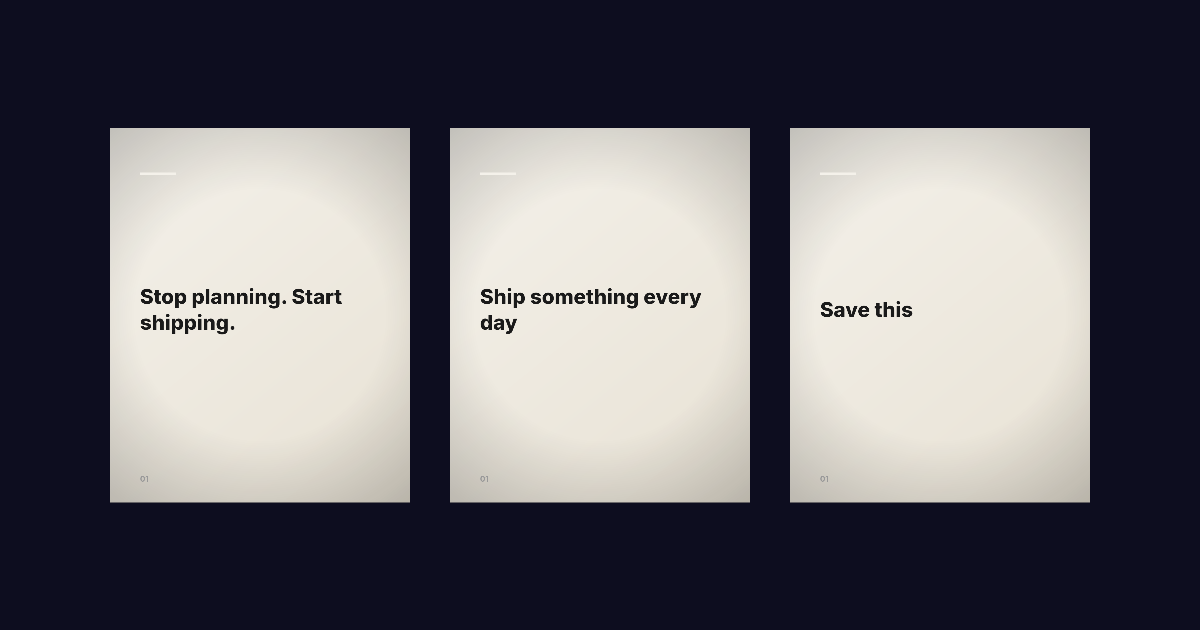
Edit, then schedule to Instagram and TikTok
Preview the whole carousel, tweak any slide's text, caption or background, then send it to your drafts and schedule it with the rest of your PostNext calendar.
Edit slide text, caption and backgrounds
Re-render or reshuffle backgrounds in one click
Schedule to Instagram and TikTok from one calendar
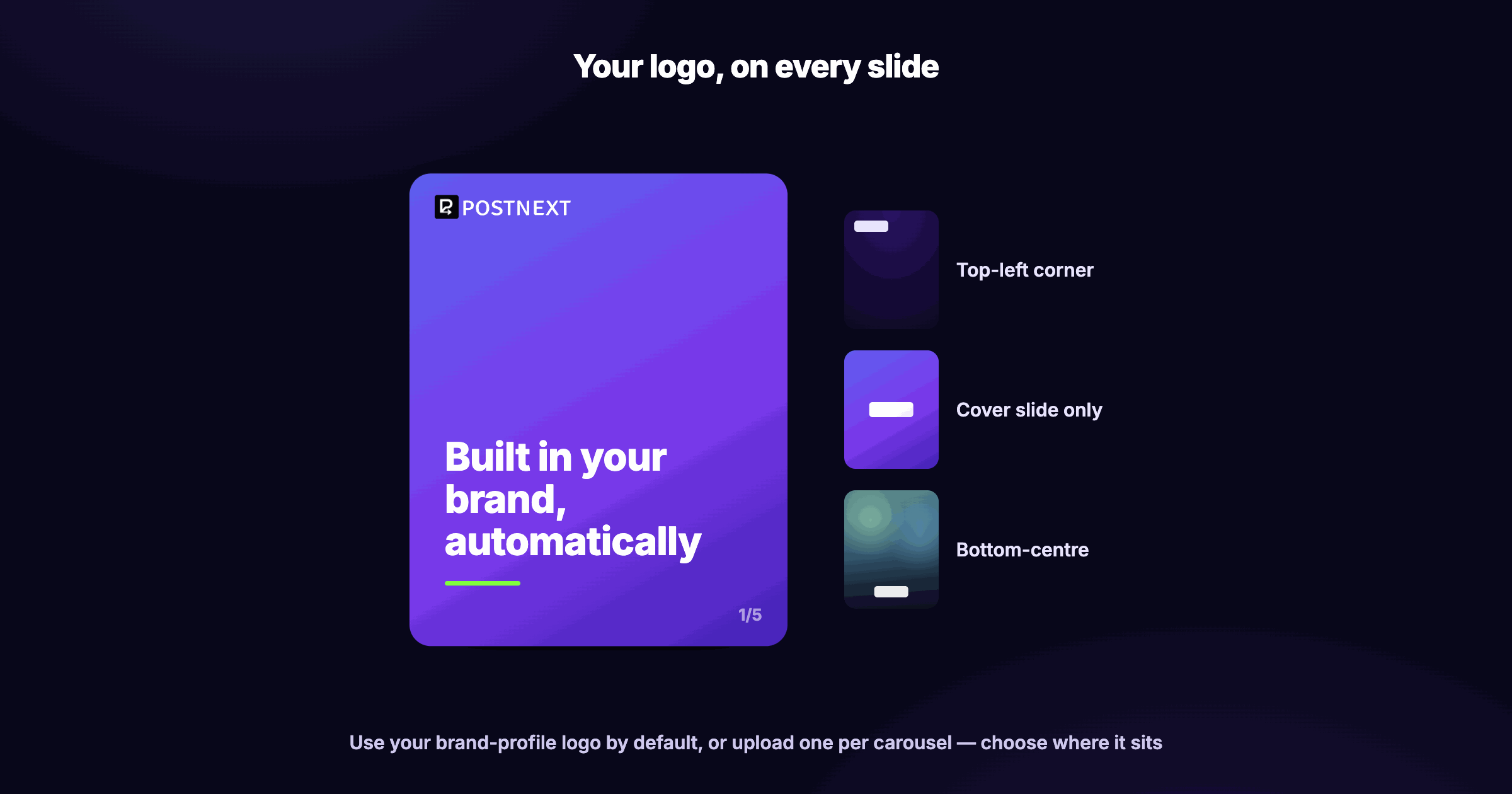
Your logo, on every slide
PostNext puts your brand logo on every slide automatically, pulled from your brand profile, or upload one just for this carousel. You choose where it sits.
Brand-profile logo applied by default
Upload a different logo per carousel
Place it top-left, on the cover, or bottom-centre
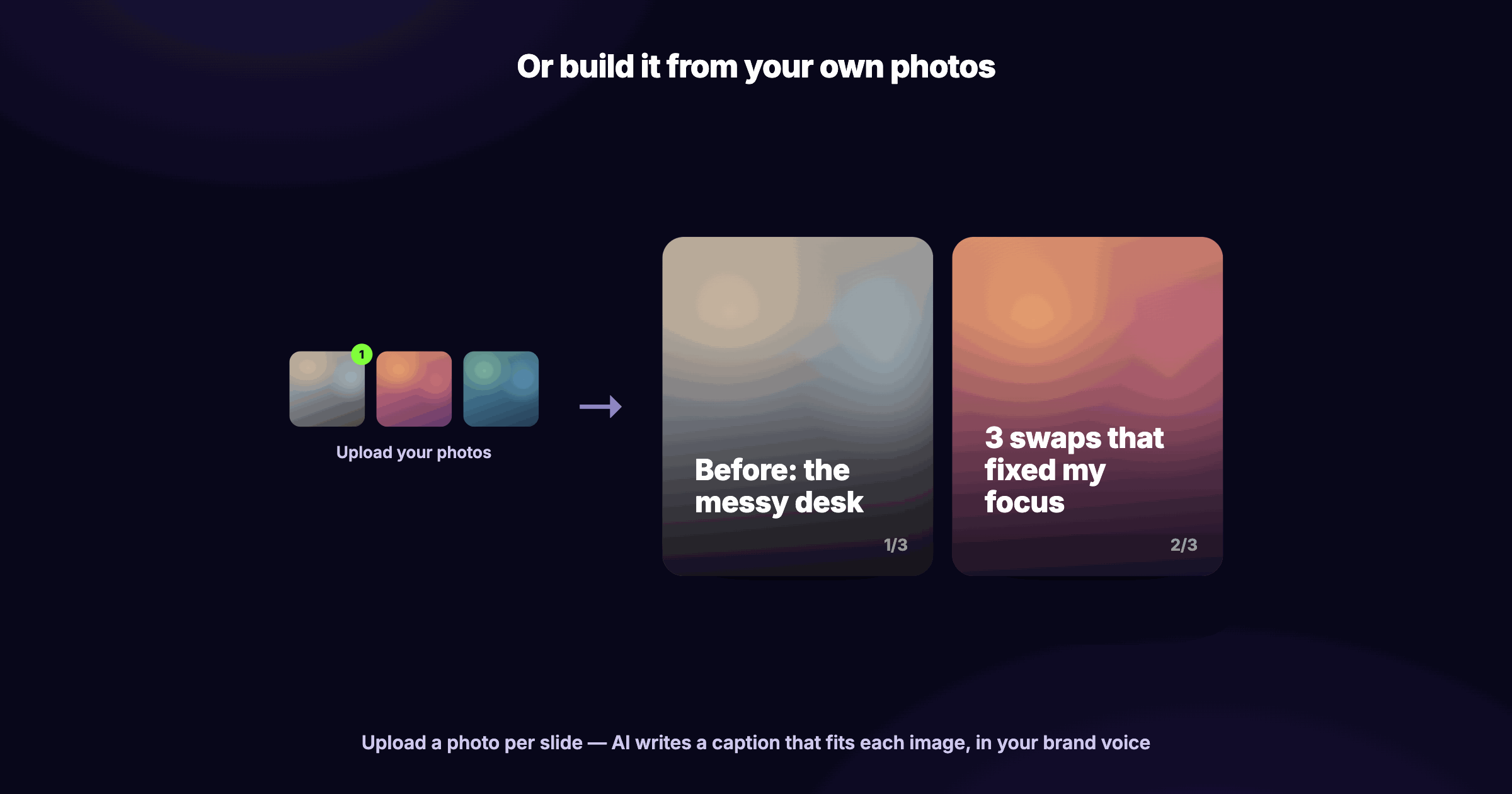
Build it from your own photos
Upload your own photos and PostNext writes a caption that fits each one, in your brand voice. Ideal for before-and-after, product showcases and photo dumps: one photo per slide.
Upload a photo for every slide
AI writes a caption that matches each image
Great for before/after, product and photo carousels
Editorial Pro: studio-quality carousels, written and designed for you
Editorial Pro turns a topic into a magazine-style carousel. A bold display headline, one highlighted phrase, and a tight supporting line on every slide, set over a single cohesive background. The polished look top creators pay designers for, generated in seconds.
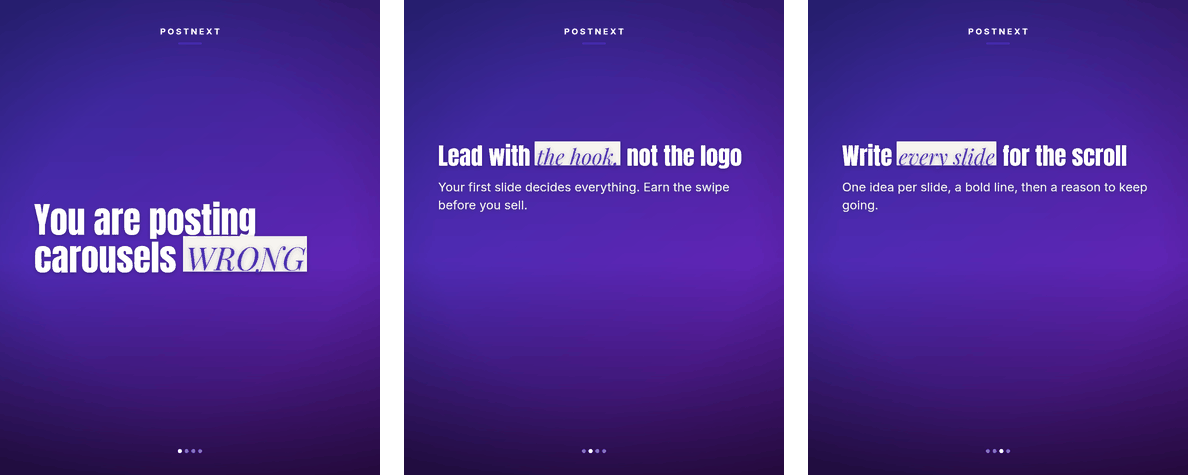
Bold editorial headlines with an accent-highlighted phrase
One cohesive background across the whole carousel
Designed to stop the scroll and earn the swipe
Pick a brand and topic
Generate a batch
Review and edit
Schedule
AI carousel generator: questions and answers
Platforms, styles, editing and pricing.