Digital signage for clinics
Your Instagram posts on the waiting-room TV of your clinic
Medical, dental, aesthetic, physio or veterinary: patients wait ten to twenty minutes looking at the wall. Show them what you do, who you are and what patients say, instead of a muted news channel.
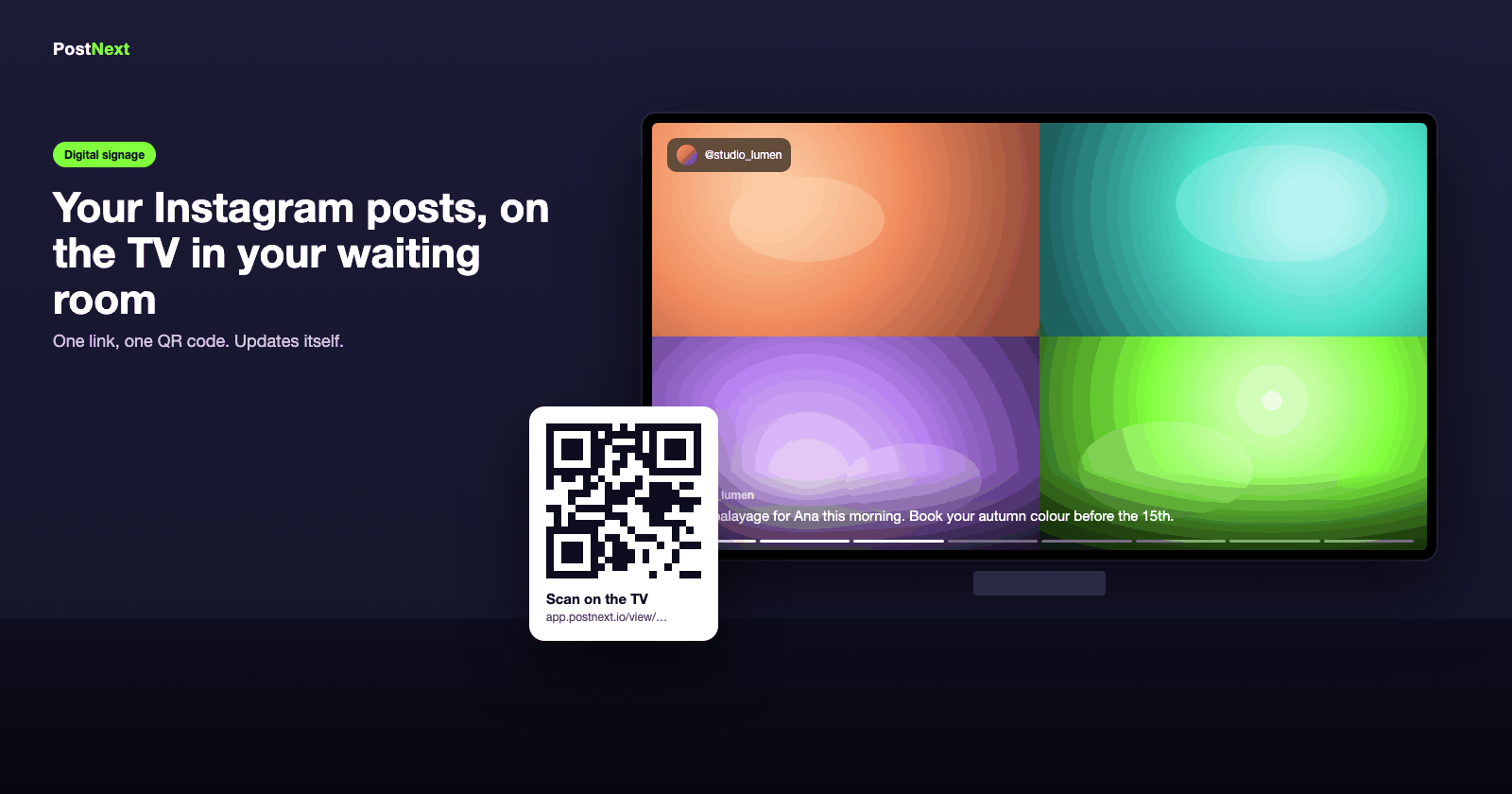
What the screen does for a clinic
Patients arrive informed
A treatment explained in a 30-second Reel before the consultation means fewer basic questions and a shorter chair-side briefing.
Followers from the waiting room
The Follow QR in the corner turns a waiting patient into a follower who sees your next post at home. The slideshow page shows how many you gained.
Zero work for reception
It syncs itself, reconnects after Wi-Fi drops, keeps playing after a reboot, and emails you if it goes dark for two hours.
Your offers, on your screen
A check-up offer, a seasonal package, your opening hours or a five-star review rotate between the posts, with a QR code patients can scan.
Trust before the consultation
Show the work before the appointment starts
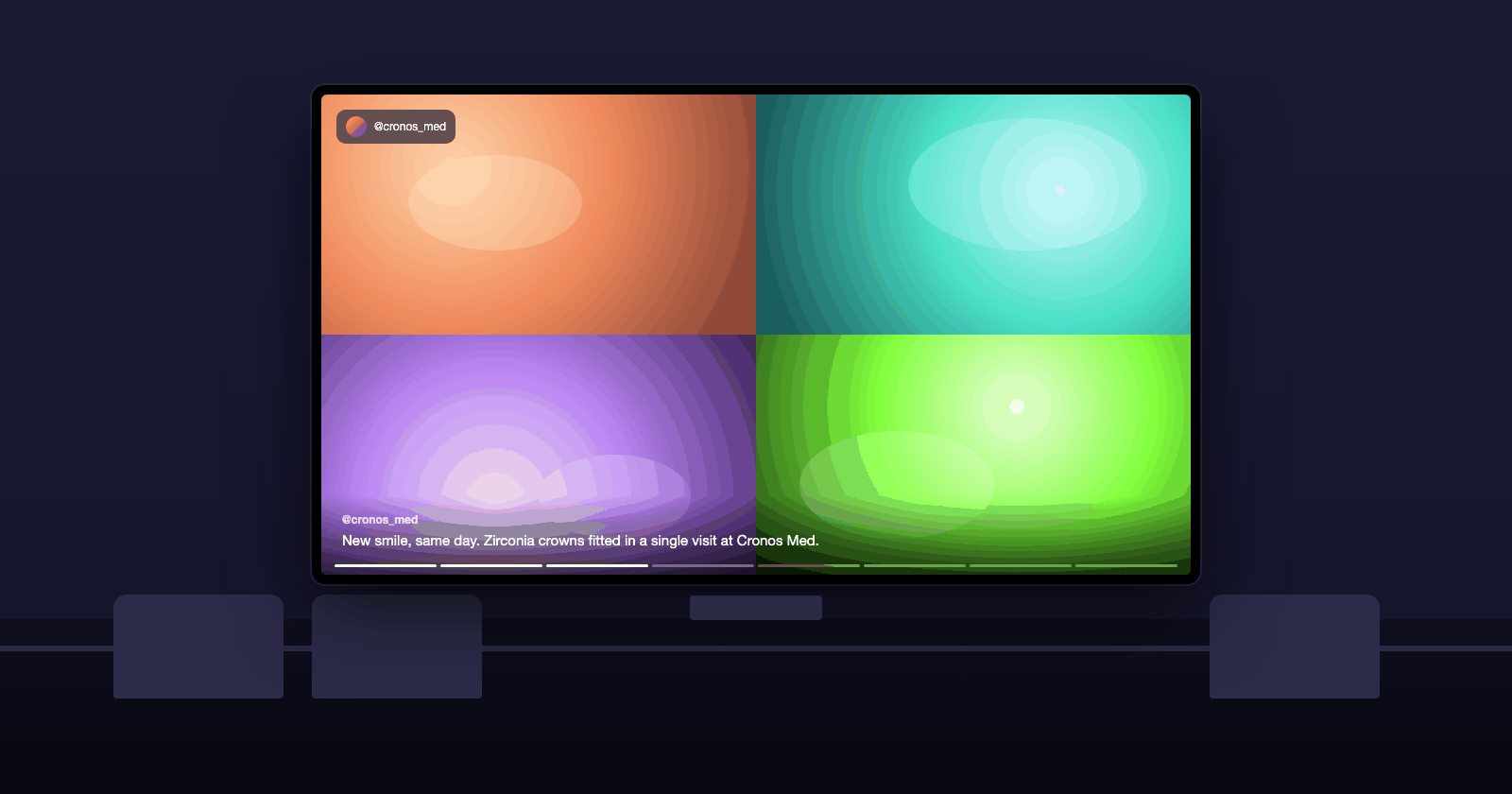
Before-and-after results, a treatment walkthrough, the team at work: the posts you already publish make the case while the patient is still waiting. Untick anything that should not be on a public screen.
Results, team photos and reviews from your feed
Untick any post you would rather keep online only
Captions readable across the room
Zero admin
Reception never has to touch it
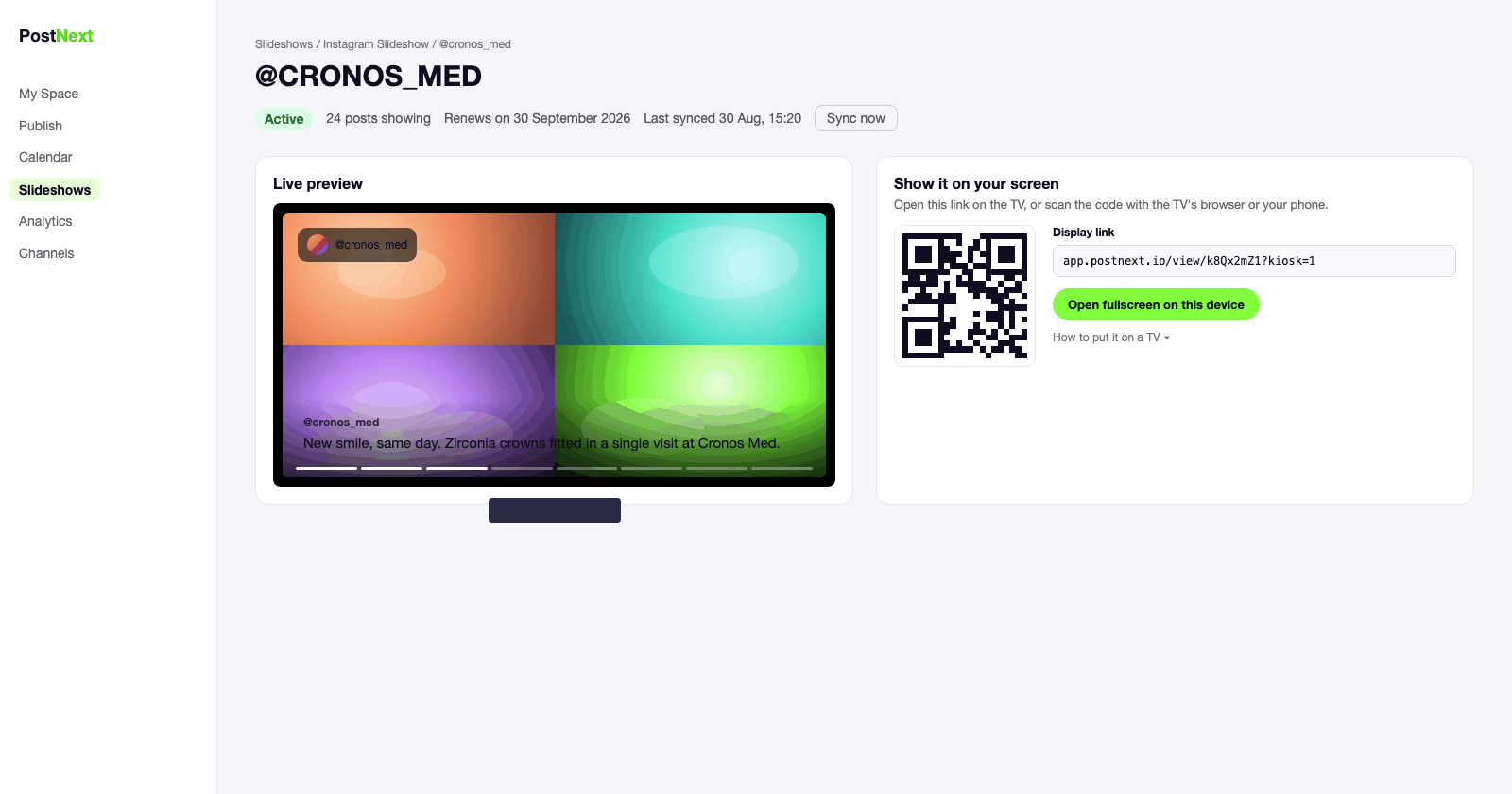
The screen syncs with your Instagram account at the interval you choose. Post as usual; the waiting room follows. If the Wi-Fi drops, it reconnects on its own.
Auto-sync from every 15 minutes to once a day
Reconnects after Wi-Fi drops, no remote needed
An email if the screen goes offline for two hours
Your own slides too
Offers, opening hours and a review, between the posts
Add a promo slide with a QR code (a check-up offer, a referral scheme), a five-star review, or your opening hours. They rotate between your posts on the same screen.
Promo slides with a scannable QR code
Five-star reviews as full-screen quotes
A Follow QR so waiting patients follow your account
Built for your kind of business
See how the screen is used in your industry.
1
Connect your account
Connect your Instagram Business or Creator account, or Threads, in PostNext.
2
Create the slideshow
One click. All your posts are in; untick the ones you do not want on the screen and pick a look.
3
Open the link on the TV
Scan the QR code or type the display link into the TV's browser and go fullscreen.
4
Leave it running
The screen updates itself and reconnects on its own. Check its status in PostNext any time.
Instagram signage for clinics: questions
Screens, patient privacy, setup and price.
Can I show patient results on the waiting-room screen?
Yes, if the post is already public on your Instagram and you have the patient's consent for it. The screen shows only the posts you tick; anything sensitive stays online only.
Which TV do I need?
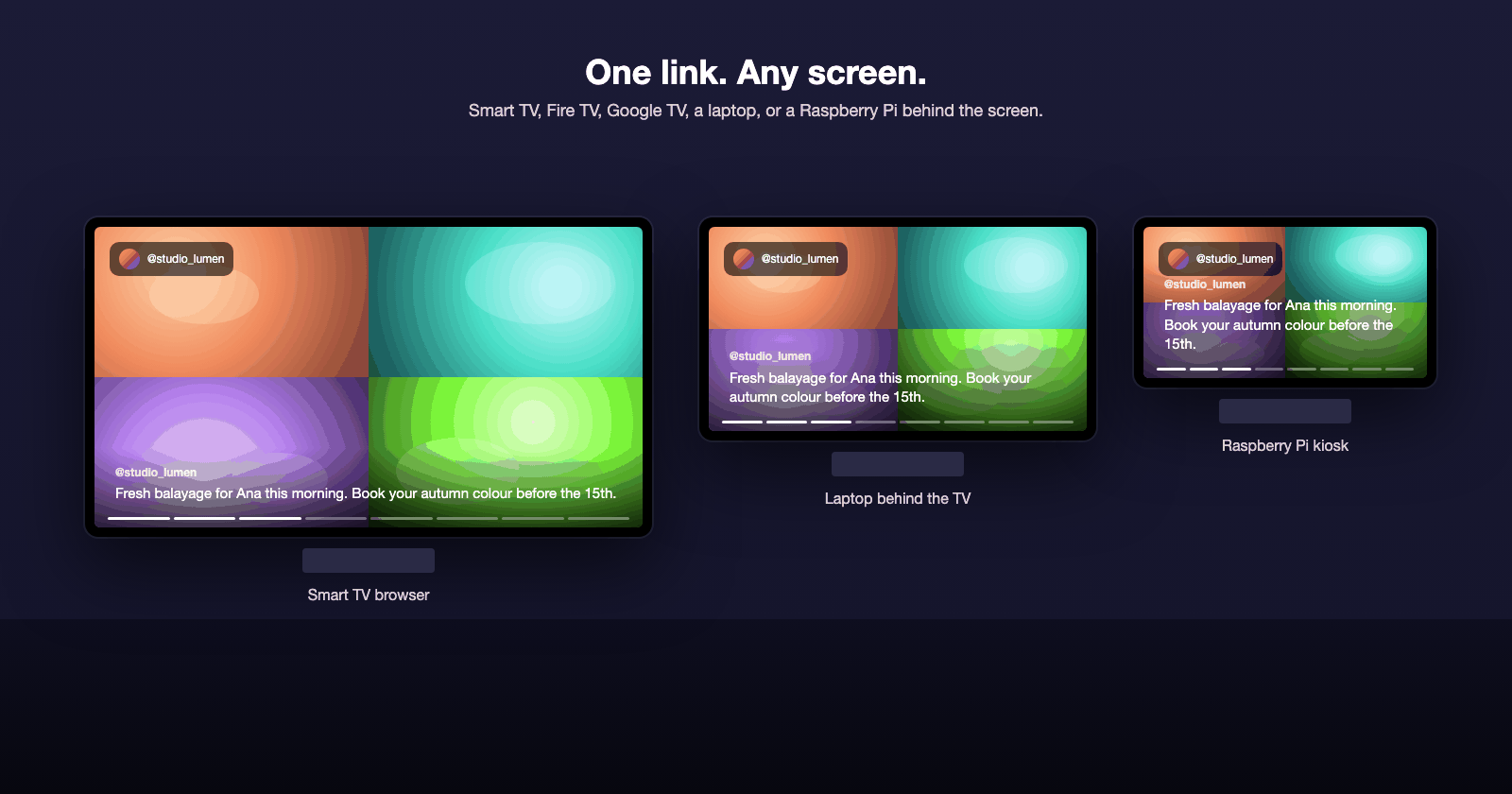
Any TV with a browser (Samsung, LG, Android TV), a Fire TV or Google TV stick, or a small computer such as a Raspberry Pi behind the screen. There is nothing to install: you open one link and go fullscreen.
Who updates the screen?
Nobody. It syncs with your Instagram account by itself, at the interval you choose, and reconnects after a Wi-Fi drop. You get an email if it has been offline for two hours.
How much does it cost?
Your first screen is free for a week. After that each active slideshow uses 25 AI credits a month from your PostNext plan, and the screen keeps playing for seven days if a renewal fails.