One inbox

One Inbox for Your Instagram Comments

Read, reply to and delete Instagram comments inside PostNext, without switching between apps and tabs.

One inbox

Comments on your recent posts, in one list

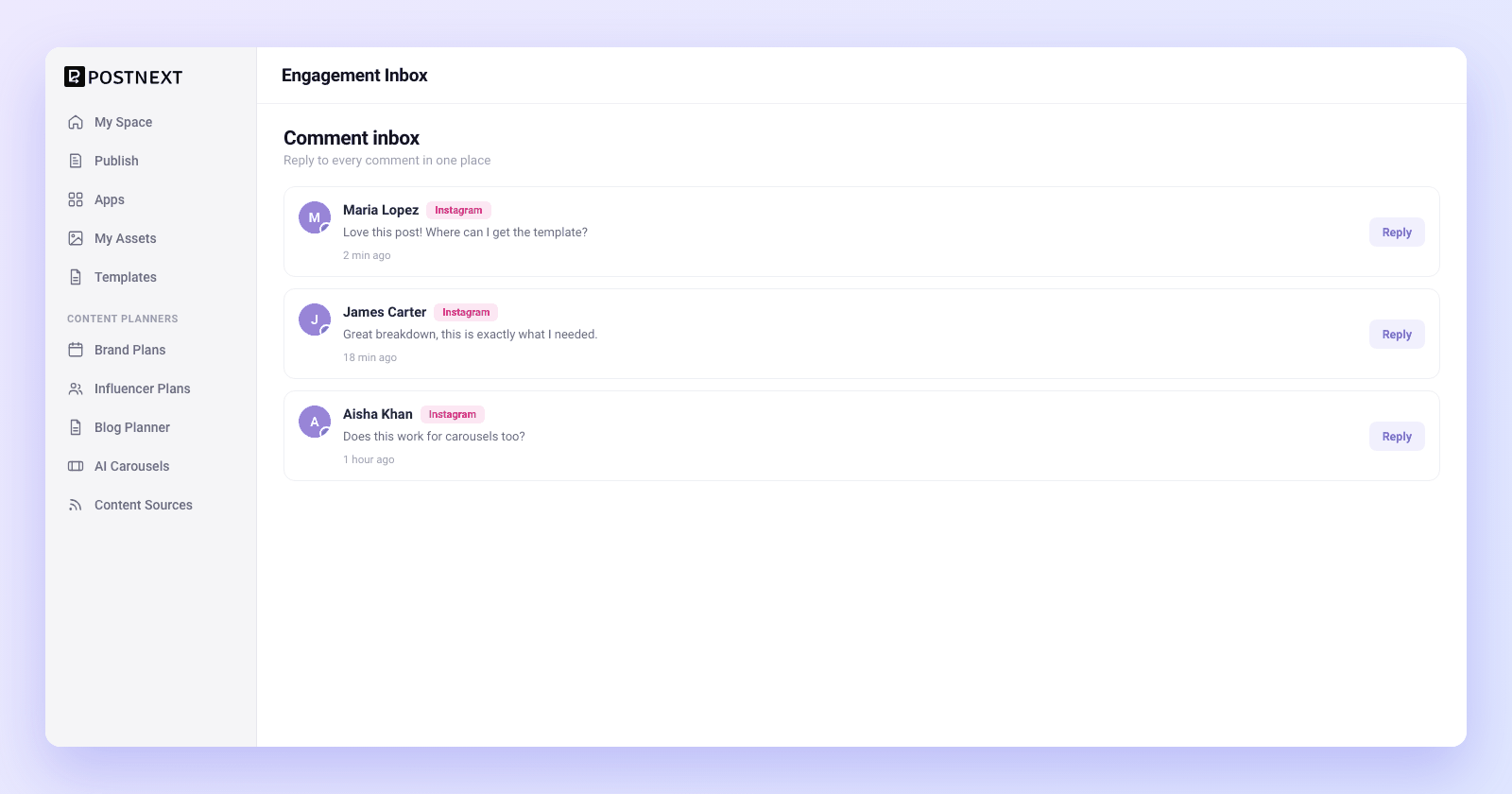
Stop hopping between apps to keep up with your audience. The inbox shows the comments on your newest Instagram posts, grouped by account, and you can open any older post to see its comments too. Each comment shows the post it belongs to and the person who left it. Open the inbox when you want to catch up: it does not send notifications for new comments.

Comments on your newest Instagram posts, grouped by account

Each comment linked to the post and the commenter for instant context

Open any older post to read its comments
Comments on your recent posts, in one list
Reply and moderate

Reply and moderate in one place

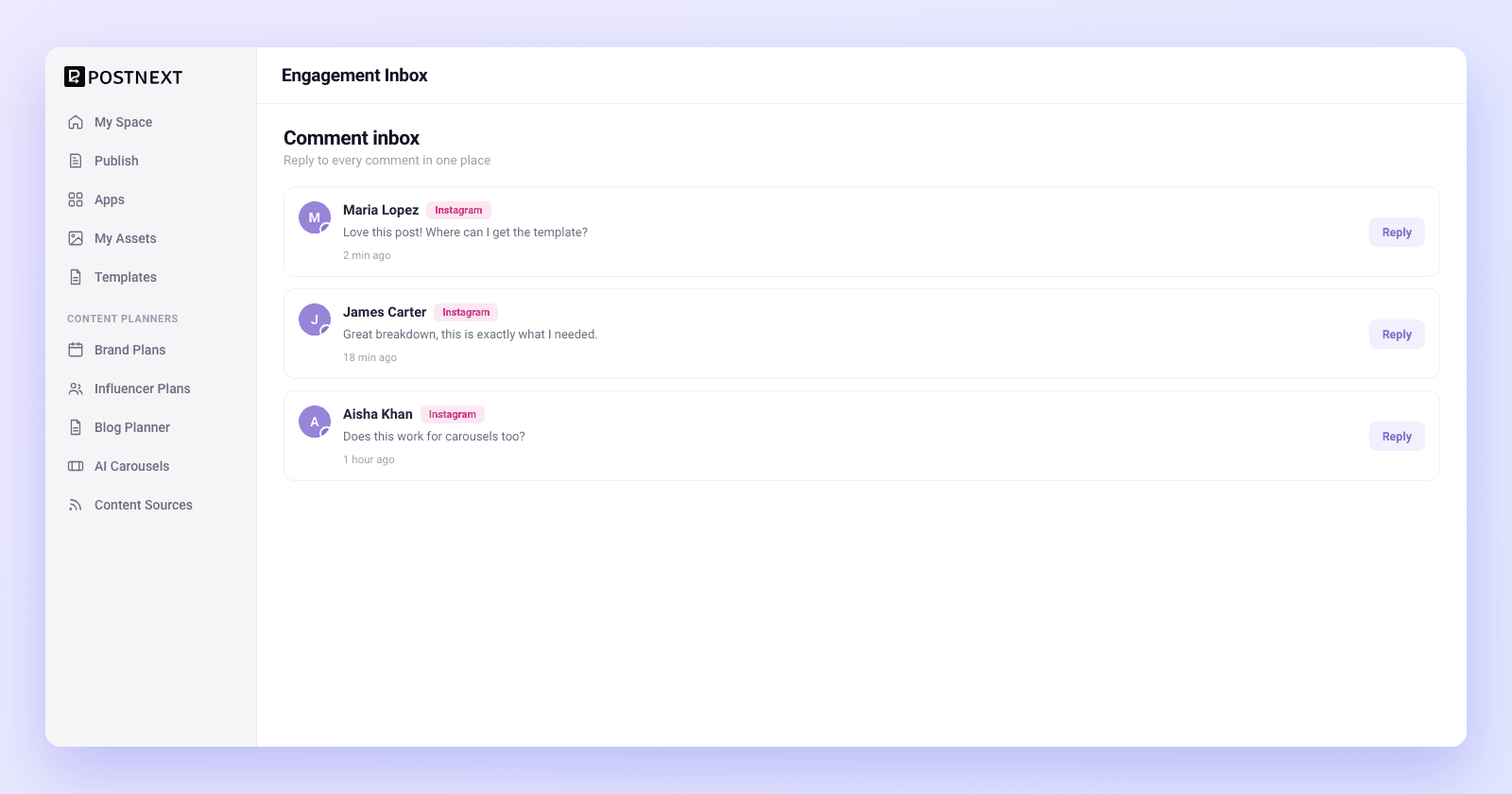
Answer questions, thank your fans, and clear out spam without leaving PostNext. Reply to any Instagram comment directly from the inbox, or delete comments that break your rules. Moderation that used to mean opening the app on your phone now happens in the same workspace where you plan and schedule.

Reply to Instagram comments directly from the inbox

Delete spam and rule-breaking comments in a click

Handle questions and moderation in the same workspace you publish from
Reply and moderate in one place
Tied to the accounts you connected
Your accounts, your actions

Tied to the accounts you connected

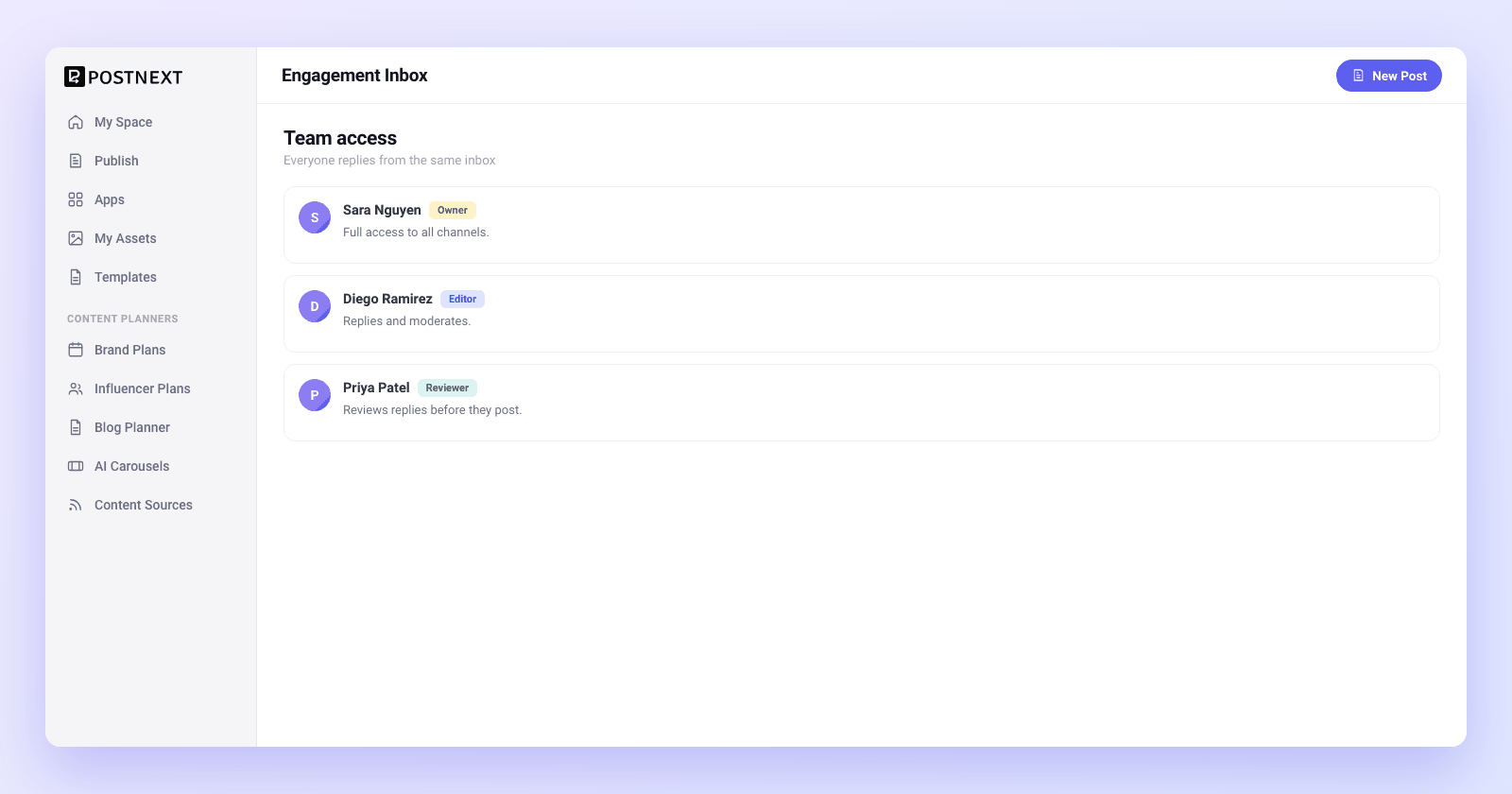
The inbox shows the Instagram accounts you connected yourself, and every reply or deletion runs against the right one. Each team's data stays inside that team. A teammate who connected a different Instagram account manages its comments from their own login.

You see and act on the Instagram accounts you connected

Replies and deletions run against the correct account, every time

Each team's comments stay inside that team

1

Connect Instagram

Link your Instagram account through OAuth so PostNext can read and respond to comments on your behalf.
2

Open the inbox

Open the inbox to see the comments on your newest posts, each tied to its post and commenter.
3

Reply or moderate

Answer a comment, thank a follower, or delete spam directly from the inbox without leaving the app.
4

Keep it team-scoped

Each person handles the Instagram accounts they connected, so every reply comes from the right account.

Engagement inbox questions answered

Common questions about reading, replying to, and moderating comments in PostNext.

Which platform does the engagement inbox support today?

Instagram comments, today. You can read them, reply to them and delete them inside PostNext. Hiding or liking comments, direct messages and other networks are not available.

Can I reply to comments without leaving PostNext?

Yes. Reply to any Instagram comment directly from the inbox. There is no need to open the Instagram app or a separate tab. You write the reply in PostNext and it posts to the comment thread on your connected account.

Can I delete spam or rule-breaking comments?

Yes. Delete any comment from the inbox in a click. Use it to clear spam, remove abuse, and keep your comment sections clean. Deletions run against the correct connected account, so you only ever remove comments from your own posts.

Is the inbox secure and scoped to my team?

Partly. The inbox shows the Instagram accounts you connected yourself, and replies and deletions run against the right account. Each team's data stays inside that team. Teammates cannot work on an Instagram account someone else connected; they connect their own.

Where do replies and deletions actually go?

They go to the connected Instagram account the comment belongs to. PostNext ties each comment to its post and account, so a reply lands on the right thread and a deletion removes the right comment. You stay in control of which accounts your team can touch.

Do I need a paid plan to use the engagement inbox?

The inbox works on every plan, including Free, which covers one channel. Higher tiers connect more channels. Each person sees the Instagram accounts they connected, so an agency's team members each handle the accounts they connected. Every new account starts with a 7-day trial that asks for a card.
Handle your Instagram comments in one place

Handle your Instagram comments in one place

Read, reply to and delete Instagram comments inside PostNext. Every plan starts with a 7-day trial that asks for a card; if you cancel, you keep the Free plan.

Want to plan a month of this content? Content Planners →

×