Digital signage for real estate
Your Instagram listings on the screen in your agency window
Every listing you post is a full-screen ad for the people walking past your window. Put your Instagram feed on that screen and it updates when you post.
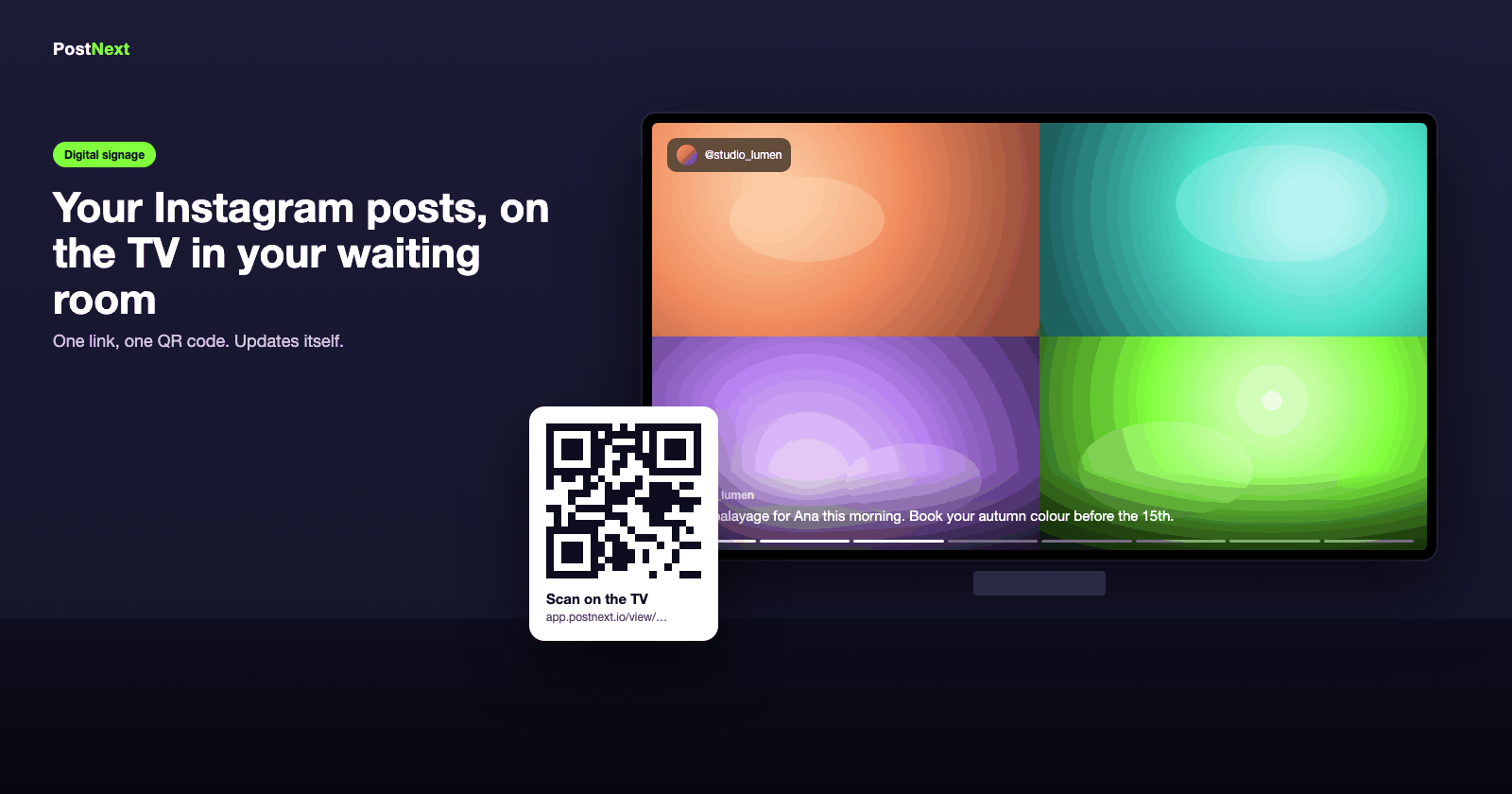
The window that updates itself
New listings on the screen the moment you post them
Property photos, video walkthroughs and just-sold posts play full-screen in the window, day and evening. Post the listing once; the window follows at the interval you choose.
Photos, carousels and video tours from your feed
Portrait mode for an upright window screen
Grid layout to show several listings at once
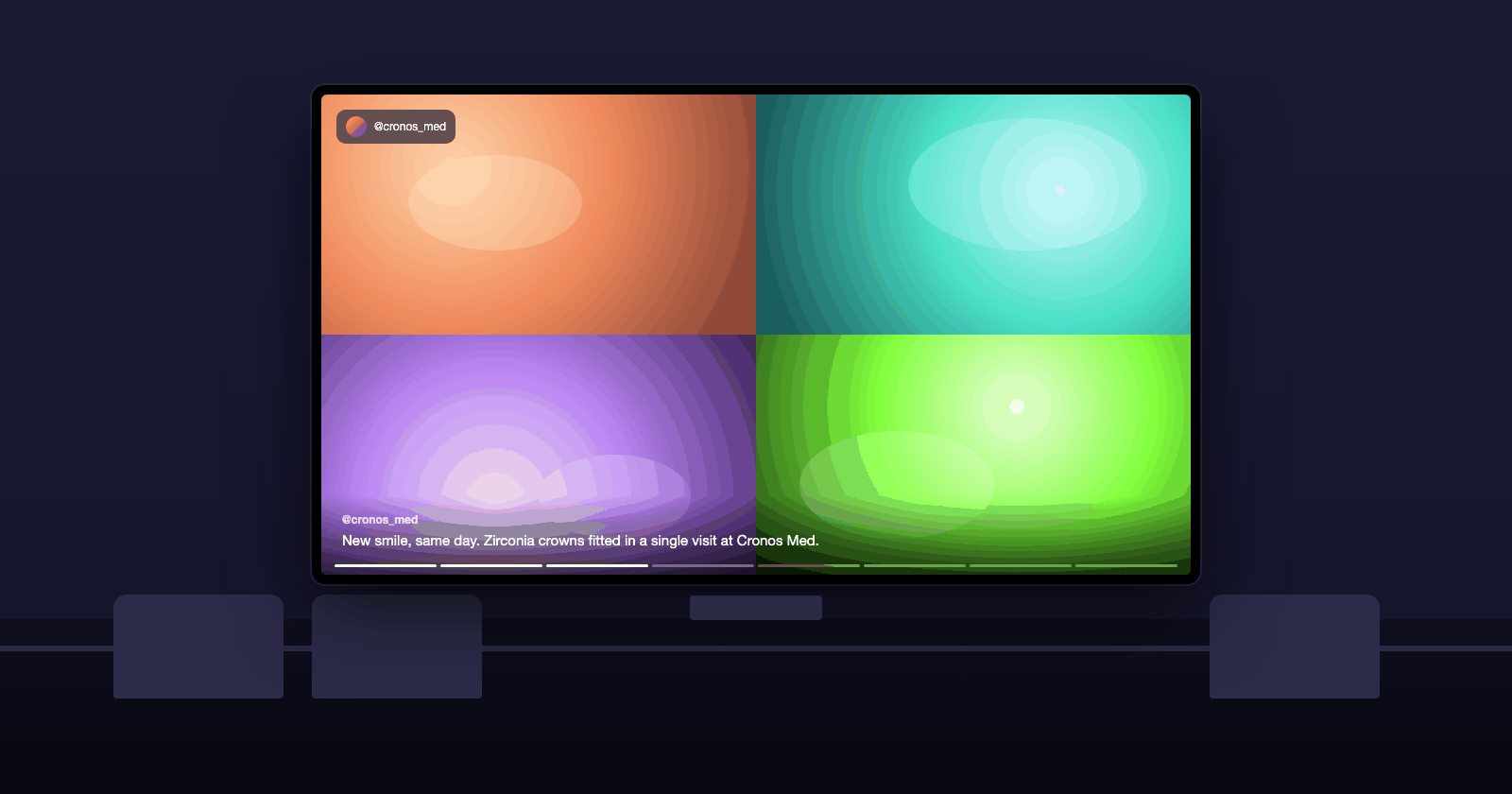
Turn a glance into a lead
A QR code on every screen that leads somewhere
Add a Follow QR so passers-by follow your account, and promo slides with a QR code to a valuation page, an open-house booking or a specific listing.
Follow QR in the corner of the screen
Promo slides with a scannable QR to a listing or valuation form
Reviews from sellers as full-screen quotes
Several offices, one account
Each office screen with its own selection
Create one slideshow per screen from the same account: the city-centre office shows flats, the suburban office shows houses. Each has its own pairing code and its own schedule.
One slideshow per screen, own settings and posts
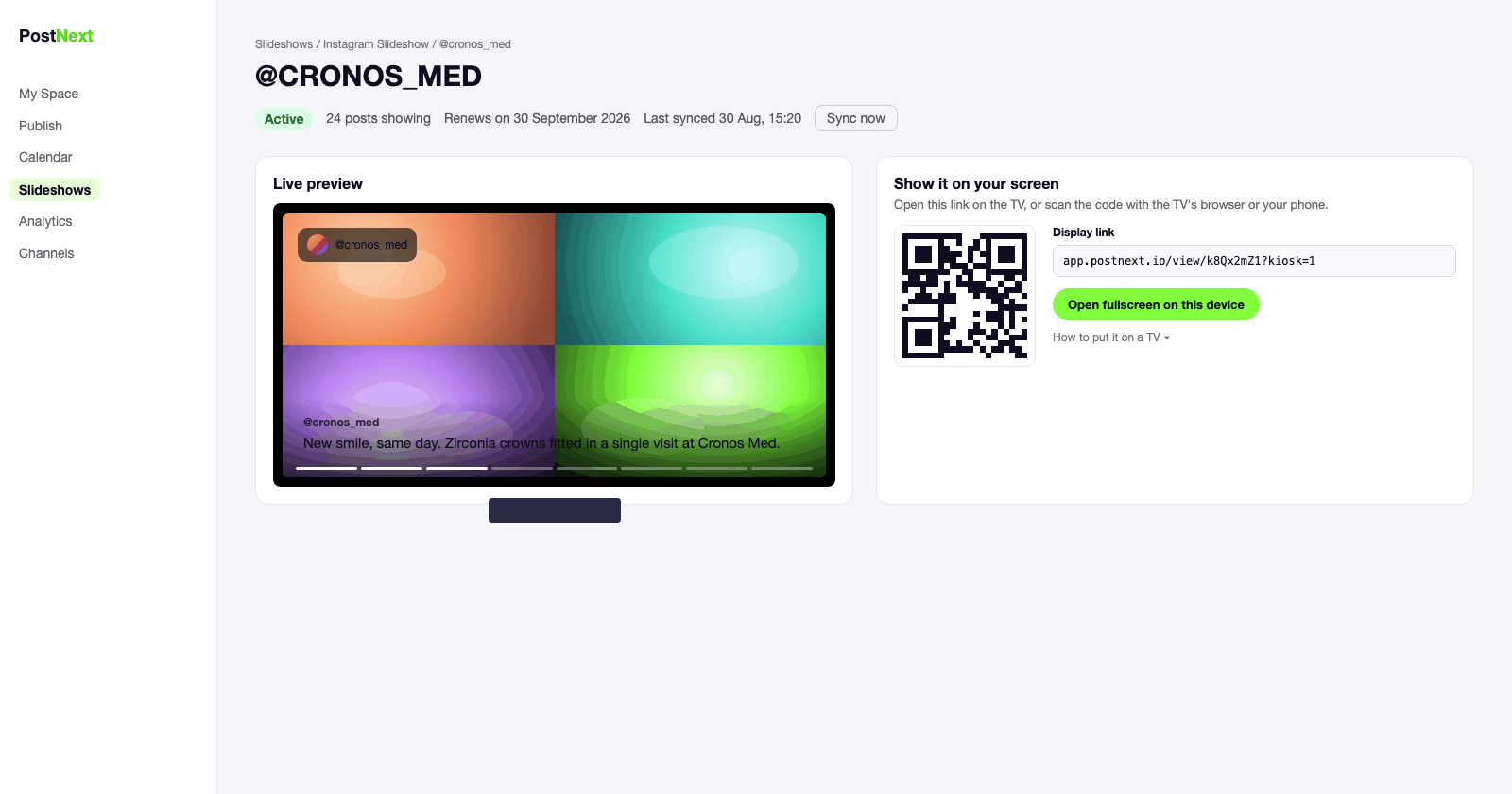
Pair a screen by typing a six-digit code
An email if a screen goes offline for two hours
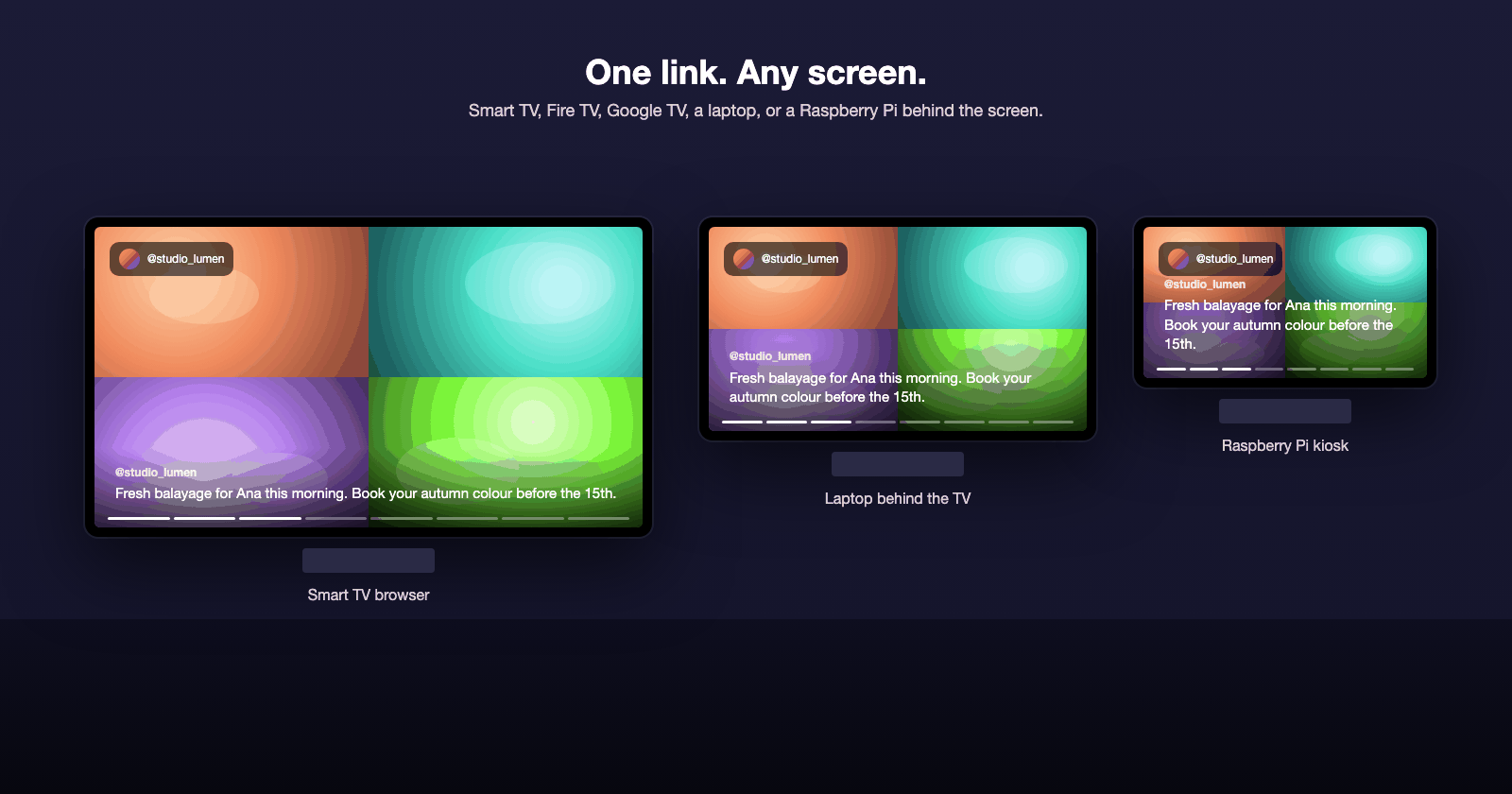
Built for your kind of business
See how the screen is used in your industry.
1
Connect your account
Connect your Instagram Business or Creator account, or Threads, in PostNext.
2
Create the slideshow
One click. All your posts are in; untick the ones you do not want on the screen and pick a look.
3
Open the link on the TV
Scan the QR code or type the display link into the TV's browser and go fullscreen.
4
Leave it running
The screen updates itself and reconnects on its own. Check its status in PostNext any time.
Instagram signage for real estate: questions
Window screens, listings, several offices and price.
Does it work on a screen in a shop window, in portrait?
Yes. Set the orientation to portrait in Look & feel and the slideshow rotates to fit an upright screen. Any screen with a browser, or a small computer behind it, will do.
Can different offices show different listings?
Yes. Create one slideshow per screen from the same Instagram account and tick different posts for each. Each screen pairs with its own six-digit code.
Does the screen switch off at night?
If you want it to. Set an opening-hours schedule and it goes dark outside those hours; leave it off and the window plays all night.
How much does it cost?
Your first screen is free for a week. After that each active slideshow uses 25 AI credits a month from your PostNext plan, and the screen keeps playing for seven days if a renewal fails.