Key Takeaways
Automate for Engagement and Efficiency
Automating your social media event promotion keeps your posting consistent across the whole campaign. By letting automation handle repetitive scheduling, you free up hours for strategy, creative work, and real-time interaction – making the difference between an average turnout and a packed event.
AI-Powered Scheduling
AI-driven scheduling tools now analyze your audience’s habits to optimize both timing and content for each platform. This is essential for driving attendance and keeping your event top-of-mind. For a detailed look at these tools, see the expert comparison of top AI scheduling tools.
Balance Automation With Authenticity
Overuse of automation can make your feeds feel impersonal. The best results come from blending automation with live engagement: automate routine posts, but monitor comments and respond directly when it matters. For practical advice on maintaining this balance, see our guide on balancing automation and authenticity.
Track, Analyze, and Adapt
Your automation strategy should evolve as audience behavior and algorithms change. Track analytics regularly and adjust your approach accordingly. Use tools with comprehensive reporting features to identify what’s working and pivot quickly when engagement drops.
Thoughtful social media automation means letting technology handle the heavy lifting, while you stay focused on connection and results.
Why Social Media Automation Makes or Breaks Event Promotion
The Cost of Manual Posting: Missed Windows and Lost Momentum
If you’ve ever managed event promotion by hand, you know the drill: scrambling to post right before an announcement, forgetting a key update during crunch time, or realizing too late that your posts are all clustered at odd hours. These aren’t rare slip-ups – they’re the predictable result of relying on manual posting.
Manual workflows lead to inconsistent visibility. Audiences don’t see your updates when they’re most active. A post drafted in a rush at the end of the day gets buried by the algorithm, while a critical reminder goes out after your ticket sales peak.
Even the most dedicated teams struggle to maintain a steady drumbeat across every channel. If you try to coordinate content for Instagram, Facebook, LinkedIn, and TikTok without automation, something will slip through the cracks. The result? Unnecessary stress, wasted effort, and missed opportunities to capture attention when it actually counts.
Sustained, Multi-Channel Promotion: The Real Challenge
Events aren’t won with a single post or a last-minute push. Effective promotion requires a steady flow of content over weeks or months, tailored for multiple platforms and audiences. Each channel has its own quirks: Instagram rewards visual countdowns, while LinkedIn responds to thought leadership. Keeping all those balls in the air manually is next to impossible.
The reality is, your audience is scattered and distracted. If you bank on remembering every key moment – early-bird deadlines, speaker reveals, reminders – you’re setting yourself up for disappointment. Consistency isn’t optional; it’s the difference between an event that fills up and one that fizzles.
Key Insight: Social media automation is the linchpin for consistent, stress-free event promotion – freeing up teams to focus on strategy instead of scrambling for last-minute posts.
How Social Media Automation Changes the Game
Adopting social media automation tools changes the equation entirely. By scheduling content in advance, you’re able to maintain steady visibility, reach your audience at peak times, and avoid burnout for your team.
Modern platforms do more than publish queued posts – they help you optimize timing, coordinate multi-channel campaigns, and analyze performance. Tools such as PostNext, Hootsuite, and Buffer now offer features that help increase audience engagement, not just save time. For practical ideas on how advanced tools can help, see AI Social Media Scheduling vs Traditional Manual Scheduling: Which Wins in 2026?.
Automating your event campaigns means no more frantic copy-pasting, no more missed reminders, and far less risk of your team burning out before the big day. For a closer look at how automation can reduce overwhelm, this detailed breakdown in The Role of Automation in Reducing Social Media Content Burnout in 2026 is worth a read.
Bottom line: Automating the repetitive, time-sensitive parts of event promotion lets you focus on what actually moves the needle – creative strategy and real-time engagement.
Step 1: Set Clear Goals for Your Event’s Social Media Automation
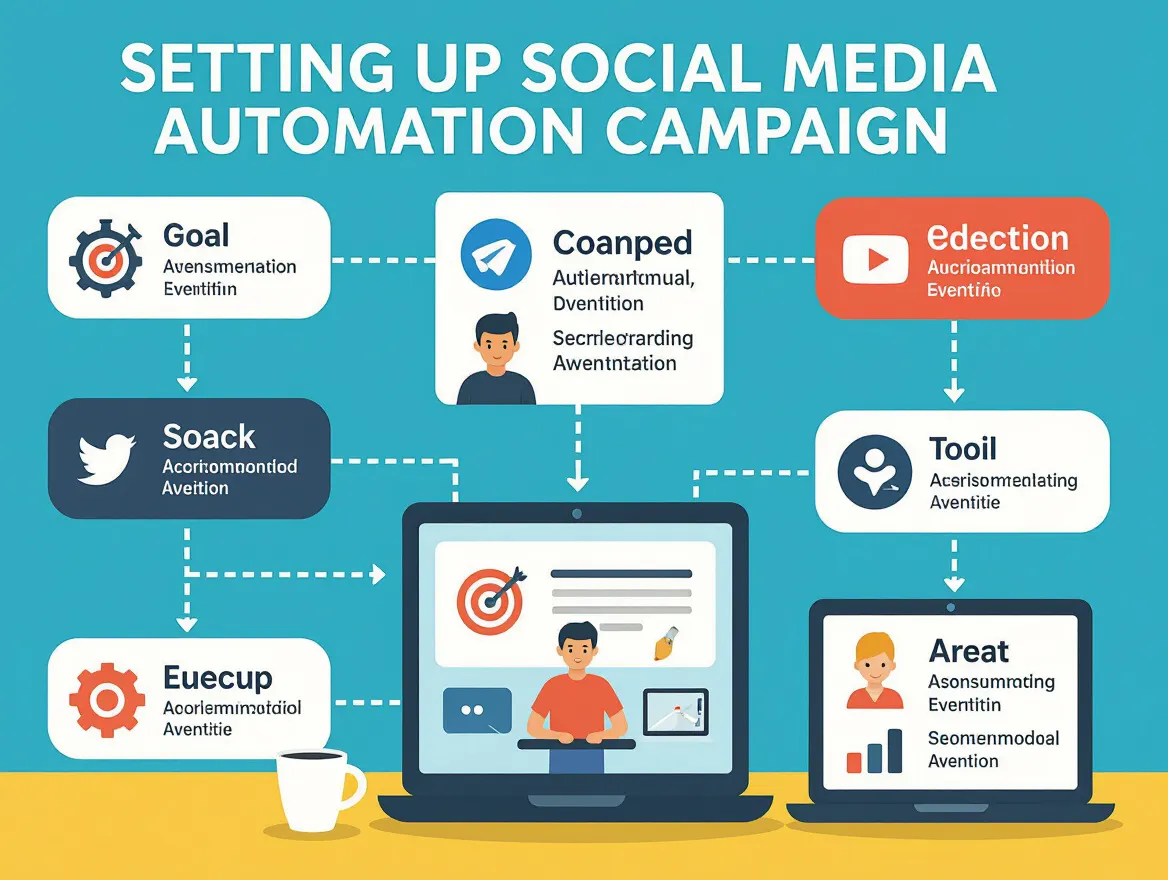
Social media automation can amplify your event’s reach, but it only works if you know exactly what you want to achieve. Before you schedule a single post or deploy an AI-powered scheduler, take the time to define concrete, measurable objectives for your automation efforts. Skipping this step is the easiest way to waste resources – or worse, end up with a robotic campaign that misses the mark entirely.
Most event teams are tempted to automate everything, thinking automation equals efficiency. The reality is that automation must serve your event’s core goals, whether that’s selling more tickets, driving RSVPs, raising awareness, or boosting engagement rates. When your automation is tied to outcomes that matter, every scheduled post and reminder works harder for you. Good results come from intentional planning, not just setting posts to auto-pilot.
Key Insight: Automation delivers real value only when you set specific goals that link directly to your event’s success metrics.
Aligning Automation with Event KPIs
Think of your event’s key performance indicators (KPIs) as the compass for every automation task you put in place. If your objective is to increase ticket sales, focus your automation on posts that drive urgency – limited-time offers, countdowns, or early-bird pricing. If brand awareness is the priority, your automation should schedule regular highlight reels, speaker spotlights, or user-generated content that encourages shares and discussion.
Using a tool like PostNext, you can keep scheduling and engagement data in one place and review them against your KPIs. Click-throughs to your ticketing page are best measured with tagged links in your web analytics or ticketing tool, which tells you which posts to repeat and when. As discussed in our comparison of AI-powered analytics tools, the best platforms enable you to track engagement, audience growth, and conversion rates – all essential for measuring if your automation is moving the needle.
Avoid the trap of automating for automation’s sake. Posting consistently is not a strategy by itself. Instead, use automation to simplify what’s repetitive, then measure its impact against your declared goals. For a practical breakdown of common missteps, see 5 Common Mistakes When Automating Social Media and How to Avoid Them.
Clear goals let you coordinate team efforts, justify your automation budget, and quickly identify what’s working. That foundation is what turns automation from a time-saver into a true driver of event success.
Step 2: Choose the Right Social Media Automation Platform
Your event’s reach – and your sanity – depend on selecting the right automation tool for the job. Not all platforms are built with event workflows or AI-driven scheduling in mind. Picking software based solely on price or a familiar brand is a common mistake. Instead, focus on the features that actually move the needle for event campaigns: integration options, scheduling intelligence, analytics depth, and how well the platform adapts to the unique pace of event promotion.
| Platform | Key Features | Best For Event Types |
|---|---|---|
| PostNext | AI caption drafts, visual content calendar, recurring posts, best-time suggestions from your own history (paid plans), analytics, multi-channel posting | Multi-day conferences, product launches, virtual summits |
| Hootsuite | Bulk scheduling, real-time analytics, inbox management, team collaboration | Corporate events, webinars, recurring workshops |
| Buffer | Scheduled publishing, post queueing, basic analytics, browser extension | Small meetups, casual networking events, social campaigns |
| Sprout Social | Smart inbox, social listening, advanced reporting, approval workflows | Brand activations, large-scale festivals, influencer events |
To make your choice, start by mapping your event type and workflow to the platform features above. For example, if you’re promoting a hybrid conference with multiple tracks, you’ll want AI-powered scheduling and visual content calendars, and you should check how each tool fits with your registration and ticketing systems. A tool like PostNext stands out when you need AI to handle the heavy lifting, while Buffer might suffice for simpler, local events where bulk scheduling and a clean interface matter more than deep analytics.
AI-Powered vs. Rule-Based Scheduling: What AI-driven scheduling adds for event campaigns
The gap between traditional rule-based scheduling and AI-powered scheduling is no longer subtle. Rule-based tools let you batch posts and pick times, but they still rely on your assumptions about when your audience will be most active. In contrast, AI-driven platforms analyze real engagement data and audience behaviors to recommend or automate posting at peak moments – especially valuable for event campaigns with tight windows and shifting attendee attention.
In PostNext, for example, the best-time panel on paid plans looks at how your own posts performed over the last 90 days and shows the three strongest slots in the date picker; nothing is scheduled until you confirm. That matters when you’re promoting events that depend on quick bursts of attention, such as ticket launches or last-minute reminders.
However, it’s crucial to maintain a human touch. As discussed in Balancing Automation and Authenticity in Social Media Marketing, relying solely on automation risks making your feeds feel robotic. The best results come from blending AI-optimized scheduling with real-time engagement and spontaneous updates where they matter most.
Integration with Registration and Ticketing Tools
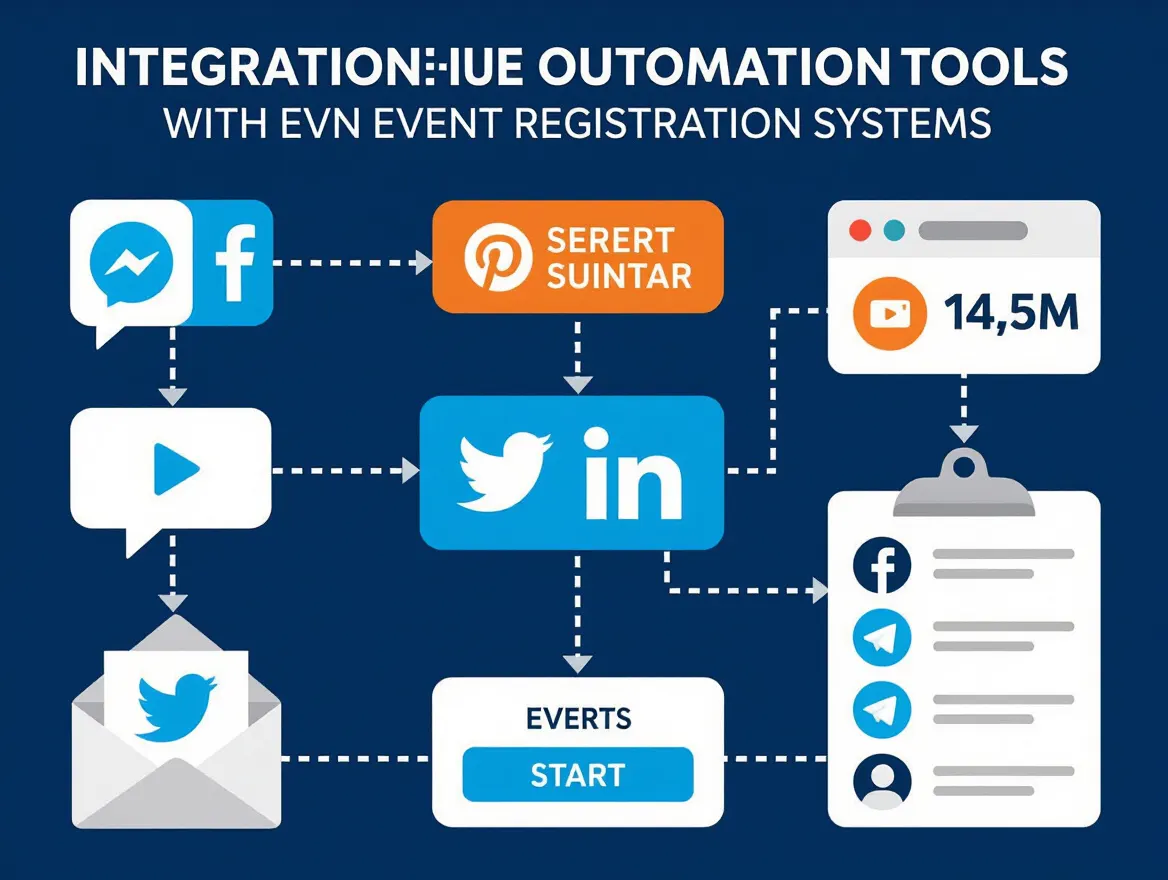
Event promotion doesn’t stop with publishing a post. Your social media automation platform should connect directly to your event management stack – ticketing services, CRMs, calendars, and email marketing tools. Integration isn’t just about convenience; it’s about eliminating silos and automating the entire event communication cycle.
- Automated reminders: Send scheduled updates to registered attendees across channels without manual triggers.
- Attendee interaction: Use chatbots for instant Q&A or to nudge incomplete registrations.
- Post-event follow-up: Sync data from your ticketing system to trigger thank-you messages or feedback requests.
Check what each tool actually connects to before you commit. PostNext, for example, has no ticketing or CRM integrations: it covers the social posting side, and its public API and MCP server let other tools and AI assistants create posts. If you’re coordinating multi-channel campaigns or managing multiple events at once, integration flexibility should be non-negotiable. For a deeper dive on connecting automation tools to your marketing stack, see How to Integrate AI Social Media Scheduling With Existing Marketing Tools in 2026.
Choosing a platform that fits your event’s complexity, offers genuine AI optimization, and supports smooth integrations will set the foundation for a campaign that’s both efficient and genuinely engaging. Don’t let price or habit dictate your selection – prioritize fit, intelligence, and connection to your event ecosystem.
Step 3: Build Your Event Content Calendar for Automation
Too many event marketers stumble into last-minute posting frenzies or end up blasting the same message across every channel. The fix is straightforward: map your entire event content calendar up front, and use social media automation to execute on that plan. A structured calendar not only prevents content gaps but also stops you from repeating yourself – or worse, going silent at key moments.
Key Insight: A comprehensive, phase-based content calendar is the backbone of successful social media automation for any event.
Event Lifecycle Mapping: How to Plan Posts for Each Phase of Your Event
Start by breaking your event journey into three distinct phases: pre-event, during the event, and post-event. Each stage demands a different content approach, and smart planning keeps your feed fresh and relevant.
- Pre-event: Focus on announcements, early-bird ticket pushes, and teasers. Share behind-the-scenes content, speaker spotlights, and countdowns to generate buzz.
- During the event: Don’t go dark. Schedule reminders, livestream snippets, and real-time highlights. User-generated content – like attendee photos and testimonials – can provide authentic social proof and keep the conversation active.
- Post-event: Recap major moments, share thank-you messages, announce winners (if applicable), and tease next year’s event. Repurpose high-performing content or showcase user posts as case studies.
Mixing up content types is essential. Limiting your calendar to pre-event hype is a classic mistake. If you focus only on lead-up posts, you’ll miss out on live engagement spikes and critical follow-up opportunities. That’s why your calendar should include a blend of announcements, reminders, behind-the-scenes glimpses, and interactive elements like polls or Q&As.
Visual planning tools like PostNext make this process less overwhelming. With drag-and-drop scheduling, color-coded themes, and multi-platform previews, you can spot content gaps before they become a problem. The best tools offer a bird’s-eye view of your upcoming posts, letting you adjust timing or reassign content with a click. For more on why efficiency matters in social media management, see this guide on optimizing workflows.
| Date | Platform | Content Theme | CTA | Status |
|---|---|---|---|---|
| 2026-09-05 | Early-bird ticket reminder | Buy Tickets | Scheduled | |
| 2026-09-12 | Speaker spotlight: keynote speaker | Learn More | Draft | |
| 2026-09-18 | Behind-the-scenes setup | Share Your Excitement | Approved | |
| 2026-09-21 | Twitter/X | Live session highlight | Join Now | Scheduled |
| 2026-09-22 | User-generated content: Attendee photos | Tag Us | Pending Review | |
| 2026-09-23 | Post-event thank you & recap | Watch Highlights | Draft |
This calendar template gives you a snapshot of what a balanced, event-driven social media campaign looks like when mapped out for automation. Each post is intentional – no filler, no copy-paste fatigue.
Leveraging AI for Content Suggestions
The real efficiency gain comes from using AI features to fill your content calendar with high-performing posts. Tools like PostNext draft captions and hashtags from your brief and your Brand Profile, and can generate images from a text prompt on paid plans, so each phase of your event gets platform-ready drafts to edit.
- Caption generation: AI can turn bullet points or themes into polished, platform-ready copy. For a speaker spotlight, simply input the name and topic, and the tool drafts a compelling intro with an action-oriented CTA.
- Image recommendations: Instead of scrolling through stock sites or photo folders, AI surfaces visuals that match your messaging, event branding, and engagement goals.
- Optimal timing: Based on analytics, these tools recommend when to post for maximum visibility – crucial for event reminders or registration pushes.
For deeper insight into which AI features actually deliver, review this expert comparison of 2026’s leading scheduling tools.
It’s tempting to rely entirely on automation, but authentic engagement still matters. AI can help you brainstorm and optimize, but don’t ignore real-time questions or feedback from your audience. Over-automation can make your feed feel robotic, which is why strategists recommend a blend of scheduled and spontaneous content. For more on finding this balance, see this opinion piece on automation and authenticity.
By investing time in mapping your event lifecycle and leveraging AI for content creation, you give yourself the freedom to focus on what actually moves the needle – real engagement and genuine connection. A clear, AI-assisted content calendar keeps your event campaign running smoothly and ensures you’re present at every stage.
Step 4: Schedule Social Media Posts for Maximum Impact
Consistently showing up in your audience’s feed is one of the most reliable ways to drive event awareness and attendance. That’s where social media automation delivers its real value. When you schedule posts in advance, you can ensure steady promotion, free up your calendar for real-time engagement, and avoid last-minute scrambling. But the details matter: timing, channel-specific nuances, and avoiding the “copy-paste” trap all play a role in maximizing your results.
Key Insight: Automation works best when it balances consistency with audience-centric timing and platform-specific content, not when it turns your brand into a broadcast robot.
Why Scheduling Beats Manual Posting
Automated posts aren’t just convenient; they keep you consistent. When you rely on memory or late-night reminders, consistency falls apart. Automation tools like PostNext, Hootsuite, and Buffer let you plan ahead, optimize your schedule, and maintain a constant presence across multiple channels without the “always online” burnout.
| Before | After |
|---|---|
| Manual Posting: – Set alarms to post during breaks – Missed a LinkedIn reminder post on event day – All updates posted at 9 a.m. across every platform – Scrambled to reply to comments between meetings Result: Inconsistent reach, audience engagement drops, team stress climbs. | Automated Scheduling with Social Media Automation Tools: – Batched posts for the whole week on Sunday – AI tool suggests 8:15 a.m. on Twitter, 12:30 p.m. on Instagram, 3:00 p.m. on LinkedIn (based on follower analytics) – Platform-specific captions and visuals – More time for live Q&A and real engagement Result: Steady presence, team freed up for strategic tasks. |
The “after” scenario works because it capitalizes on timing algorithms – letting AI recommend when your audience is actually online and primed to engage. Instead of a one-size-fits-all blast, you achieve precision. The workload drops dramatically, and you open up mental bandwidth for what matters: conversation, follow-up, and creative pivots when trends shift. For more on how automation boosts efficiency, see these 10 efficiency hacks for social media managers.
Timing Isn’t One-Size-Fits-All
Scheduling every post at the exact same time across platforms is a classic mistake. Facebook, Instagram, LinkedIn, and Twitter each have different peak engagement windows – and those windows shift by industry and even by day of the week. AI-powered platforms like PostNext analyze your specific audience data to recommend posting slots that match user behavior. This approach is far more effective than defaulting to “9 a.m. everywhere.” For a deeper dive into how these platforms compare, check out this feature comparison for Instagram, LinkedIn, Facebook, and Twitter scheduling.
Customizing content is just as important. What works as a high-energy visual on Instagram may need a more professional tone on LinkedIn or a concise, hashtag-driven approach on Twitter. Automation gives you the freedom to plan these nuances in advance – so you avoid generic, cross-posted content that feels out of place.
Actionable Playbook: Batch Scheduling for an Event Week
- Outline your key messages. Identify the big moments: announcements, countdowns, last-call reminders, and live updates.
- Create platform-specific content. Draft unique captions and visuals for each channel. Use AI-generated suggestions if your tool offers them, but always review for brand voice and accuracy.
- Analyze your audience’s active times. Use your scheduler’s analytics to pinpoint when your followers are most engaged – don’t rely on outdated “best times to post” lists.
- Batch upload and schedule. Drop all your posts into the automation tool at once, assigning the recommended times for each platform. Double-check for overlapping posts or potential conflicts.
- Set aside slots for live engagement. Leave a few windows open for real-time content – behind-the-scenes photos, Q&A, or spontaneous responses. Automation shouldn’t erase your human touch.
- Monitor and adjust. Stay flexible. If analytics show a post underperforming, reschedule or tweak the messaging. If a new trend emerges, swap in fresh content.
This workflow minimizes the constant context switching and stress that comes from piecemeal posting. By the time your event week starts, you’ll have the majority of your promotion locked in – while still keeping space for the authentic, human interaction that builds trust with your audience.
In short, social media automation isn’t about going on autopilot. It’s about building a rhythm that supports your goals, respects your audience, and gives your team space to focus on strategy and real engagement.
Step 5: Automate Engagement and Reminders to Drive Attendance
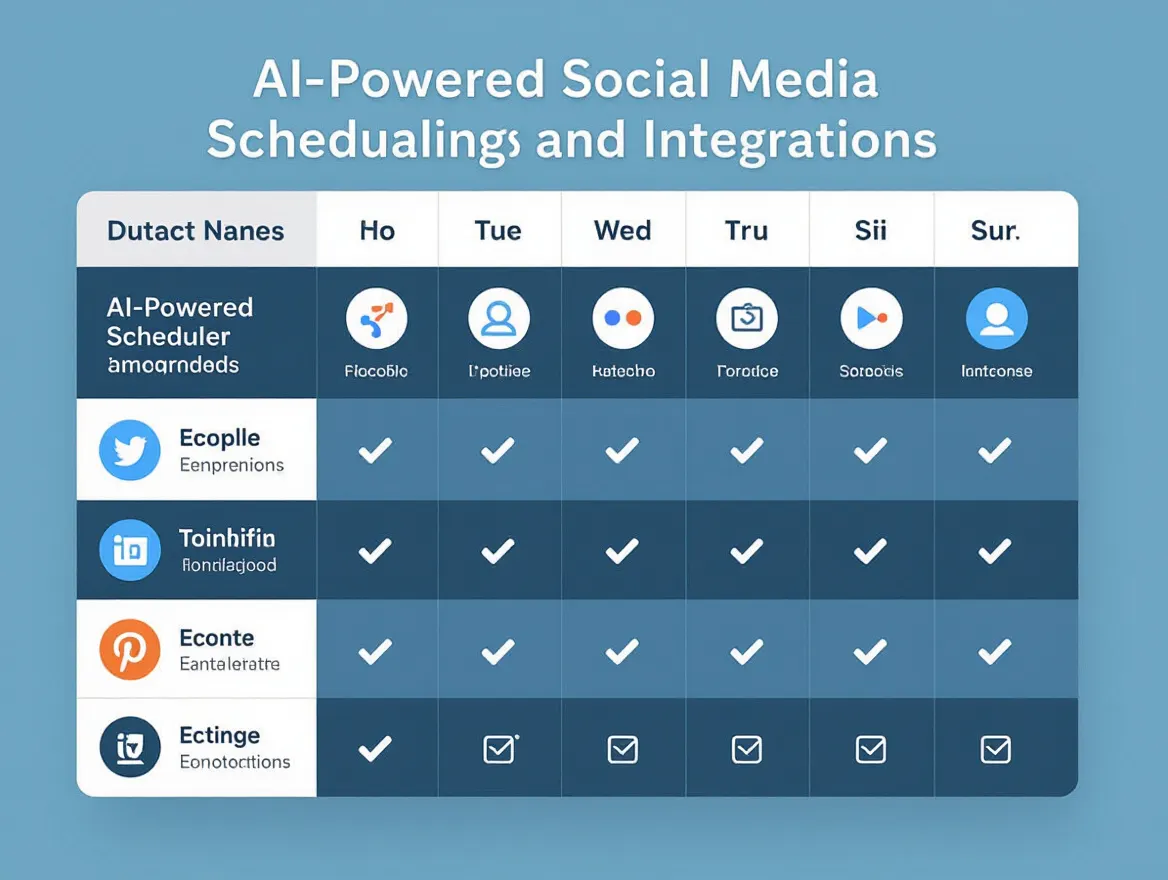
Once your event content calendar is set, automating engagement and reminders is how you shift from “posting” to actually driving attendance. Social media automation goes beyond scheduling. It covers automated reminders, chatbot replies, and proactive DMs – all designed to nudge your audience at just the right moment.
Used strategically, chatbots handle common attendee questions – think FAQs about location, timing, or how to join a livestream – freeing you to focus on higher-value interactions. For example, AI-powered tools now allow you to configure chatbots that greet new followers or instantly answer “Where do I get tickets?” This is a major time-saver for large campaigns. But the real win comes when you combine automation with genuine touches. Set up scheduled reminders for key moments: registration deadlines, 24-hours before start, or last-minute “See you soon!” nudges. These touches reduce no-shows and keep excitement high.
- Do monitor automated replies and step in when nuance or empathy is needed.
- Do segment your audience – customize reminders for VIPs, speakers, and general attendees.
- Do use analytics to schedule reminders at peak engagement times.
- Don’t rely solely on chatbots or DMs for all engagement – people spot robotic answers fast.
- Don’t send generic follow-ups to everyone. Personalization is crucial for real impact.
- Don’t ignore feedback or questions that fall outside your automation rules.
When to Use Automation vs. Human Touch: Guidelines for Blending Automation and Personal Engagement
The best social media automation strategies start with clear boundaries. Use automation for repetitive, predictable tasks: event countdowns, RSVP reminders, and basic FAQs. In PostNext, for example, recurring posts can repeat a reminder on a daily, weekly or monthly cadence. If you’re deciding when to step in, ask yourself: Does this situation require empathy, judgment, or a nuanced answer? If so, it’s time for a genuine response.
Automation should never replace authentic engagement. Build in regular check-ins where you or your team review automated replies and respond to unique questions personally. When followers share excitement, post photos, or raise concerns, respond in your own voice. This not only builds trust but also helps your content cut through the noise.
Finally, keep an eye on platform algorithm changes and trends. Automated reminders work best when paired with spontaneous updates – such as live event teasers or real-time shoutouts – ensuring your social feeds stay vibrant, not robotic.
Step 6: Track Performance and Optimize Your Automated Campaigns
If you want your social media automation strategy to deliver real results – like more registrations, higher engagement, and measurable ROI – you need to go beyond “set it and forget it.” The difference between mediocre and standout campaigns lies in what happens after your posts are scheduled: systematic tracking and continuous optimization. That’s where analytics come in, and why tools like PostNext’s analytics dashboard are worth your attention.
Why Analytics Matter for Automated Campaigns
Tracking analytics is the only way to know which posts, platforms, and timings are moving the needle for your event. Automation makes execution easier, but without measurement, you’re guessing at what works.
Modern AI scheduling platforms have made analytics less of a chore. PostNext’s analytics show per-post engagement (engagement rate, reach, impressions, likes, comments, saves and shares) for X, Instagram, TikTok and LinkedIn, a daily audience-growth trend for X, Instagram, Threads and TikTok, and, on paid plans, a best-time-to-post panel (the exact metrics depend on what each network’s API provides). It does not collect link clicks or ticket sales, so track click-throughs and conversions with tagged links in your web analytics or ticketing tool.
| Metric | What to Track | Why It Matters |
|---|---|---|
| Engagement Rate | Likes, comments, shares, and saves per post | Shows which content triggers real interaction, not just views |
| Reach & Impressions | Number of unique users seeing each post | Reveals the size of your audience and how far your automated content spreads |
| Click-Through Rate (CTR) | Clicks on event links or CTAs in posts | Directly ties content to user actions and funnel progression |
| Conversion Events | Registrations, ticket sales, or sign-ups from social posts | Measures the business impact of your automation – not just vanity metrics |
| Timing Performance | Engagement by posting time and day | Surfaces optimal scheduling windows for automated posts |
One of the most common mistakes marketers make is focusing on vanity metrics – like raw follower counts or likes – while ignoring the KPIs that actually drive event success. If you’re not tracking conversion and timing, you’re missing the story.
Iterating Based on Data: How to Adjust Your Automation Strategy
The real magic of social media automation isn’t just in saving time – it’s in the feedback loop you create. Once your automated campaign is live, set aside time each week to review your analytics dashboard. Patterns emerge fast: maybe your polls spark twice as many clicks on Tuesdays, or Instagram Stories prompt more registrations than standard feed posts.
Use these insights to refine your next round of automated content. Double down on high-performing formats, tweak your posting schedule based on peak engagement windows, and experiment with new CTAs when conversion rates lag. If your analytics show a dip in reach after a platform algorithm update, adapt by switching up hashtags or testing more interactive elements like countdowns. For a hands-on walkthrough, see the step-by-step guide to measuring social media efficiency with AI analytics.
Don’t be afraid to pause or reschedule underperforming posts mid-campaign. Automation gives you flexibility – use it. Keep an eye on qualitative feedback as well: comments, DMs, and poll responses can provide context that numbers alone miss. The best marketers blend data-driven iteration with real audience listening.
Deep Dive: AI Social Media Analytics Tools Compared
Choosing the right analytics tool can make or break your optimization efforts. Platforms like PostNext, Hootsuite, and Buffer all offer varying degrees of automation and analytics power. Some excel at multi-channel reporting, others at actionable insight generation. If you want a granular, up-to-date breakdown of features, strengths, and fit for different campaign needs, read our in-depth comparison of AI social media analytics tools for 2026.
PostNext keeps analytics inside your scheduling workflow: you can check engagement next to your calendar, adjust campaigns mid-flight, and export CSV or PDF reports for team review. On the other hand, if your campaigns rely on intricate cross-platform tracking or require custom reporting, it pays to explore all available options before committing. For more on how AI analytics can be integrated into your stack, the Ultimate 2026 Guide to Integrating AI Analytics offers a thorough roadmap.
Ultimately, the marketers who move beyond vanity metrics and let analytics steer their automation strategy will see the highest returns – both in engagement and real-world outcomes.
Step 7: Avoid Over-Automation and Algorithm Pitfalls
Why Too Much Automation Hurts More Than It Helps
Social media automation promises efficiency, but it also opens the door to common mistakes that can quietly erode your event’s digital presence. When every post is scheduled, templated, and stripped of timely relevance, your brand voice starts to sound robotic. Followers spot the difference immediately. The result? Engagement drops, comments feel ignored, and your event’s social presence loses its spark.
Scheduling helps consistency, but over-automation works against it. Automated feeds that never adjust for current conversations, local news, or trending memes risk becoming invisible or, worse, unfollowed.
If you want real-world examples of where brands go wrong, the PostNext guide to common automation mistakes breaks down cases where automation led to PR blunders or missed opportunities – usually because someone set and forgot a campaign, then failed to update it as the world changed.
Algorithm Changes: The Silent Saboteur
Social media algorithms don’t stand still. What works for automated content today might quietly break tomorrow. Platforms like Instagram and Facebook tweak their algorithms several times a year, often prioritizing posts that spark authentic interactions or respond to trending topics. When your feed is mostly pre-scheduled content, you risk missing out on those spikes in reach that come from joining live conversations or riffing on the day’s news. For a deeper look at how algorithms impact automation, see this PostNext news analysis.
The bottom line: Relying entirely on automation can make your campaign vulnerable to sudden drops in reach and engagement, especially if you’re not regularly reviewing performance or adapting to shifts in platform mechanics.
How to Keep It Human – and Responsive
- Blend automation with live involvement. Schedule the routine but block time for real-time replies, retweets, or shoutouts around event moments or breaking news.
- Review scheduled content weekly. Scan your queue for posts that could feel out of place if a major news story breaks or a new meme captures your audience’s attention.
- Use analytics to spot algorithm shifts. If you notice a sudden change in reach or engagement, don’t assume it’s just your content – check for platform updates or emerging trends. For a practical workflow, see this step-by-step guide to AI social analytics.
- Balance scheduled posts with trending content. Leave room in your calendar for spontaneous, relevant updates to maintain a genuine presence.
Ultimately, social media automation is about freeing up your team’s capacity, not replacing your brand’s personality. Use automation to handle the repetitive, but always keep a pulse on what’s happening now – because your audience certainly does.
Step 8: Enhance Your Event Promotion with Advanced Automation Features
If you want real results from your event campaigns, you can’t stop at basic scheduling. Advanced social media automation features – like AI-generated captions, hashtag optimization, and cross-channel scheduling – are now table stakes for event marketers who want to outpace competitors. These features can directly boost your discoverability, extend your reach, and help you engage the right audiences at the right moments.
Let’s break down how to make these tools work for you, and how to avoid the most common pitfalls.
AI-Generated Captions & Hashtag Optimization: Raise the Quality Bar
Manual copywriting is time-consuming, and consistency can slip when you’re juggling multiple platforms. AI-generated captions solve both problems. With tools like PostNext, you can input your event details and instantly receive platform-specific captions that reflect your brand’s tone and highlight what matters most – whether it’s a speaker lineup, early bird pricing, or last-chance registration.
But don’t stop at captions. Hashtag optimization is just as critical for discoverability. AI-driven hashtag tools analyze trending topics, your event’s niche, and recent algorithm changes to surface hashtags that are actually seeing engagement right now. For a deep dive into how these algorithms work and actionable strategies, see this breakdown on AI-powered hashtag strategies. You’ll find specific tips for refining your approach as platforms evolve.
The real power comes when you put both AI captions and optimized hashtags to work together. You ensure your event posts are not only polished but also primed for maximum reach – without spending hours on manual research.
Cross-Channel Scheduling: Maximize Reach, Minimize Effort
In 2026, single-platform campaigns are a missed opportunity. Cross-channel scheduling lets you publish simultaneously (or staggered, if analytics suggest that’s smarter) across Instagram, LinkedIn, Facebook, TikTok, and more. The automation saves time and allows you to test different content variations per platform and analyze which audience segments respond best.
For a closer look at which scheduling features actually matter, check out this comparison of top AI social media scheduling platforms.
Don’t Automate Blindly – Review, Test, and Adjust
The biggest mistake with advanced social media automation is trusting the outputs blindly. AI-generated captions and hashtags are powerful, but they aren’t infallible. Sometimes the tone won’t fit your brand, or a suggested hashtag is irrelevant – or worse, spammy. Always review and edit before going live.
Testing is just as important. Schedule posts at different times, try alternate captions, and closely monitor your analytics. If you notice a dip in engagement or a spike in unsubscribes, investigate the automated content first. Genuine engagement still requires the occasional human touch – jump into the comments, answer questions, and tailor follow-ups in response to attendee feedback. Avoiding these pitfalls is crucial for maintaining your event’s reputation and building real relationships.
Integrating Hashtag Analytics: How to Use AI Analytics to Refine Hashtag Strategies
Hashtag performance is notoriously unpredictable. What trended last month might flop this week. That’s why AI analytics have become essential for modern event promotion. Instead of guesswork, look at which hashtags accompany the posts that earn impressions and engagement.
PostNext does not report on individual hashtags, so use each network’s native insights or a dedicated hashtag tool to:
- Compare hashtag engagement across platforms
- Identify the optimal mix of broad, trending, and niche hashtags for your event
- Spot declining or overused hashtags before your competition
For example, after a week’s worth of posts, compare which posts (and the hashtags they carried) earned the most engagement. Adjust your plan for the following week based on these signals, swapping out underperformers for new, data-backed options. If you want a step-by-step approach to this process, the AI hashtag optimization guide breaks down the practical workflow and key metrics to watch.
By making hashtag analytics a core part of your social media automation routine, you’ll improve your event’s discoverability and keep your strategy nimble – no matter how social algorithms shift.
Summary Checklist
Actionable Audit for Automated Event Campaigns
Use this summary checklist as a final audit before launching, while monitoring, and after wrapping up your automated event campaign. The difference between a smooth rollout and missed opportunities comes down to rigorously verifying each step. This table will help you spot weak links and maximize impact.
| Check Item | What to Look For | Why It Matters |
|---|---|---|
| Clear Campaign Goals | Specific objectives (e.g., ticket sales, registrations, awareness) | Aligns automation setup with the results you actually want. Vague goals result in scattered efforts. |
| Platform Selection | AI-powered scheduler with multi-channel support and analytics | Ensures your automation tool covers all target platforms and delivers actionable insights. For a comparison of top options, see this expert review. |
| Content Calendar Prepared | Visual overview, post types, dates, and asset uploads | Prevents last-minute gaps and keeps your campaign cohesive across channels. |
| Peak Time Scheduling | Posts set for highest engagement windows (based on analytics) | Maximizes reach and interaction rates. Analytics from tools like PostNext and others can guide your timing. |
| Engagement Automation | Chatbots, reminders, and interactive elements (polls, countdowns) | Boosts attendee participation and keeps your audience active. For practical engagement strategies, check this step-by-step guide. |
| Personal Monitoring | System to catch and respond to live questions or issues | Keeps your campaign authentic – automation handles volume, but real-time replies build trust. |
| Performance Tracking | Analytics dashboard, engagement metrics, and conversion tracking | Quantifies success and guides optimizations for future events. |
| Algorithm Change Awareness | Regular review of platform updates and policy changes | Avoids sudden drops in reach due to shifting social media rules. Stay agile to maintain results. |
| Post-Campaign Review | Assessment against original goals, team debrief, and lessons learned | Closes the loop and feeds insights into your next campaign. For more on measuring social media efficiency, see this guide. |
Working through this checklist will keep your social media automation accountable, strategic, and audience-focused – from initial setup to post-event analysis.
Frequently Asked Questions
What is social media automation for event promotion?
Social media automation for event promotion involves using tools and software to plan, schedule, and publish posts across platforms without manual intervention. The goal is to maximize reach and engagement while minimizing repetitive work. Automation can handle everything from announcing ticket sales to sending reminders and tracking RSVPs, freeing up time for strategic planning and real-time engagement.
How does automation improve event promotion results?
Mostly through consistency: posts go out on time, at the times your audience is active, on every channel you use. Scheduling content for peak audience periods and tailoring messages per channel keeps the event in view in the run-up, instead of in a few last-minute bursts.
What types of content should I automate for my event?
Focus on automating routine but essential updates: event announcements, ticket sale alerts, daily countdowns, speaker spotlights, and FAQ reminders. Interactive content like polls or user-generated photo contests can also be scheduled ahead, but leave room for spontaneous posts based on real-time trends or attendee feedback. The most effective event campaigns blend planned automation with authentic, in-the-moment engagement.
How do I balance automation with authentic audience engagement?
Automation streamlines repetitive tasks, but it can’t replace genuine conversations. Monitor automated campaigns and jump in personally when followers ask questions or share excitement. Use automation to free up your team for one-on-one interactions – responding to DMs, thanking people for sharing, or addressing concerns right away. For more on finding this balance, see our post: Balancing Automation and Authenticity in Social Media Marketing (2026).
Which platforms support the best automation features for events?
Most major schedulers offer multi-channel scheduling and analytics, and many add AI caption suggestions. Look for features like visual content calendars, bulk uploading, and recurring posts for RSVP reminders. PostNext also suggests posting times from your own engagement history on paid plans; it does not send automated DMs. For a detailed comparison, check out Top AI Scheduling Tools for Social Media Posts in 2026.
How do I decide what to automate and what to post manually?
- Automate announcements, reminders, and evergreen event info
- Post manually when sharing live updates, responding to trending topics, or engaging in real-time chats
- Use automation analytics to spot what content drives the most engagement, then experiment with live posts for high-impact moments
This approach keeps your feed active and informative while preserving the human element that builds trust and excitement.
Can automation hurt my reach on Instagram, Facebook, or LinkedIn?
Algorithm changes can affect the visibility of automated posts, especially if content feels generic or repetitive. To avoid this, customize each platform’s content and schedule posts for peak times using analytics. Avoid overloading your feed with identical updates; instead, vary your formats and mix in authentic engagement. For more on algorithm dynamics, see How Social Media Algorithms Are Changing in 2026 – And What Marketers Must Do Now.
What mistakes should I avoid when automating social media for events?
- Over-automation: Don’t let scheduled posts crowd out genuine interactions.
- Ignoring analytics: Monitor performance and adjust your schedule based on real data.
- Not customizing posts: Tailor content for each platform and audience segment.
- Forgetting compliance: Ensure your automation tool complies with platform policies and privacy standards.
These pitfalls are covered in more detail in our guide: 5 Common Mistakes When Automating Social Media and How to Avoid Them.
How do I measure the success of my automated campaigns?
Track engagement rates, click-throughs, ticket sales, and attendance numbers tied to automated posts. Use built-in analytics to see which content performs best and when your audience is most active. Many tools now provide AI-powered insights to help you refine your strategy and justify your automation investment.
Made with PostNext tool