Key Takeaways
What Works in Modern Social Media Management
This article walks through a hypothetical example: a small boutique that moves from manual posting to an automated social media management workflow. The boutique and its story are illustrative, not a real customer, and there are no results figures attached to it. The point is the process: automating scheduling frees time for a small team to post more consistently and reply faster without expanding headcount.
However, efficiency alone is not enough. Tools that support authentic, personalized content are essential for maintaining a brand’s unique voice. Automation should enhance – not erase – the character that sets a boutique apart. Choose platforms that allow you to customize captions, visuals, and responses, rather than relying solely on generic replies. Expert insights on balancing automation and authenticity reinforce that customers notice when interactions feel genuine.
Analytics matter too. Engagement data shows which posts and campaigns earn a response, and your web shop or web analytics shows which of them lead to sales. If you’re not tracking what matters, you risk missing these opportunities. For more on the impact of analytics, see how to measure social media efficiency with AI analytics.
Ultimately, effective social media management blends automation for repetitive tasks with human engagement. Use schedulers for volume and consistency, but keep people involved for community building and nuanced conversations. This balance enables boutique brands to grow without losing their distinctive identity.
Scenario: A Boutique’s Social Media Bottleneck
The Pressure of Staying Visible
In 2026, the expectations for social media management are higher than ever. Consider a small, independent boutique in a busy city neighborhood. The shop built a loyal local following, but as more shoppers discovered brands online and expected instant updates, the team found themselves constantly scrambling to keep their Instagram and TikTok feeds fresh, respond to DMs, and run timely promotions. They struggled to keep up.
Manual Work – Too Much, Too Often
Each week, the team balanced product launches, in-store events, and customer queries – all while crafting every social post and responding to every message by hand. As their audience grew, so did the workload. Posting a few times a week was manageable at first, but rising competition soon demanded more. Trying to post more often with the same staff led to late nights and missed opportunities. Manual posting and one-to-one replies quickly stretched resources, pulling focus from in-store customers and creative projects.
The Search for a Smarter Solution
Facing burnout, the owners turned to automation as a strategic move to reclaim time and sanity. By automating routine tasks – like scheduling posts and queuing content in advance – they aimed to free up hours for high-impact work. This reflects a broader trend among small brands in 2026: automation is no longer reserved for large companies.
According to a 2026 review of social media management efficiency, small businesses are increasingly investing in platforms that handle content planning, analytics, and customer interaction. In our example, the goal is simple: post more consistently and answer customers faster without hiring more staff.
Why the Bottleneck Matters Now
These challenges are widespread. Small brands everywhere are feeling the squeeze as social media expectations intensify. Shoppers want fresh content, quick replies, and easy buying experiences. Meanwhile, platforms keep adding shopping and analytics features, raising the bar for everyone. For lean teams, efficiency is now a necessity.
The Challenge: Scaling Social Media Management Without Losing Authenticity
For boutique owners, balancing growth on social platforms with authentic customer connection is a daily challenge. Manual posting and one-to-one engagement may have worked early on, but as audiences grow and expectations rise, these methods quickly reach their limits. The typical pain points are limited time, inconsistent posting, slow customer response, and the fear that scaling up will mean sacrificing the personal touch that distinguishes a boutique from a larger retailer.
Customers now expect not only fast responses but also personalized interactions across every message, comment, and DM. With social commerce turning posts into potential sales, a delayed reply can mean lost revenue. The line between content and commerce is increasingly blurred on platforms like Instagram and TikTok, making the pressure to maintain both frequency and quality relentless.
Key Insight: Boutiques face a double bind: the need to scale social media management for growth while preserving the authenticity that sets them apart.
Pressure Points in Boutique Social Media Management
The boutique in our example faces the classic squeeze: a small team with a full workload, responsible for producing engaging content, responding to customer inquiries, and tracking performance – all without the resources of a major brand. Here, resource constraints collide with the demand for continuous engagement, making creative fatigue and inconsistency almost inevitable.
Manual workflows force difficult trade-offs. The team can only post a few times a week, often missing timely trends or customer conversations. Engaging with comments and DMs sometimes means late-night work or delayed responses. The boutique worries – understandably – that automation would make its voice sound generic. But the alternative is unsustainable: missed opportunities, sporadic posting, and slow replies that frustrate followers.
The transition requires careful tool selection and a clear commitment to maintaining a genuine brand voice. It’s not about replacing the human element, but using automation to handle routine tasks so the team can focus on meaningful engagement and creative strategy. For more on this balance, see this opinion piece on balancing automation and authenticity in social media marketing.
With AI-assisted scheduling and analytics now common, boutiques must learn to scale their social media management without losing what makes them memorable. That means embracing automation as an efficiency tool, not a shortcut for real connection. For practical strategies on maintaining consistency, review how AI scheduling tools can improve social media consistency for small businesses.
The Approach: Choosing the Right Social Media Management Automation Stack
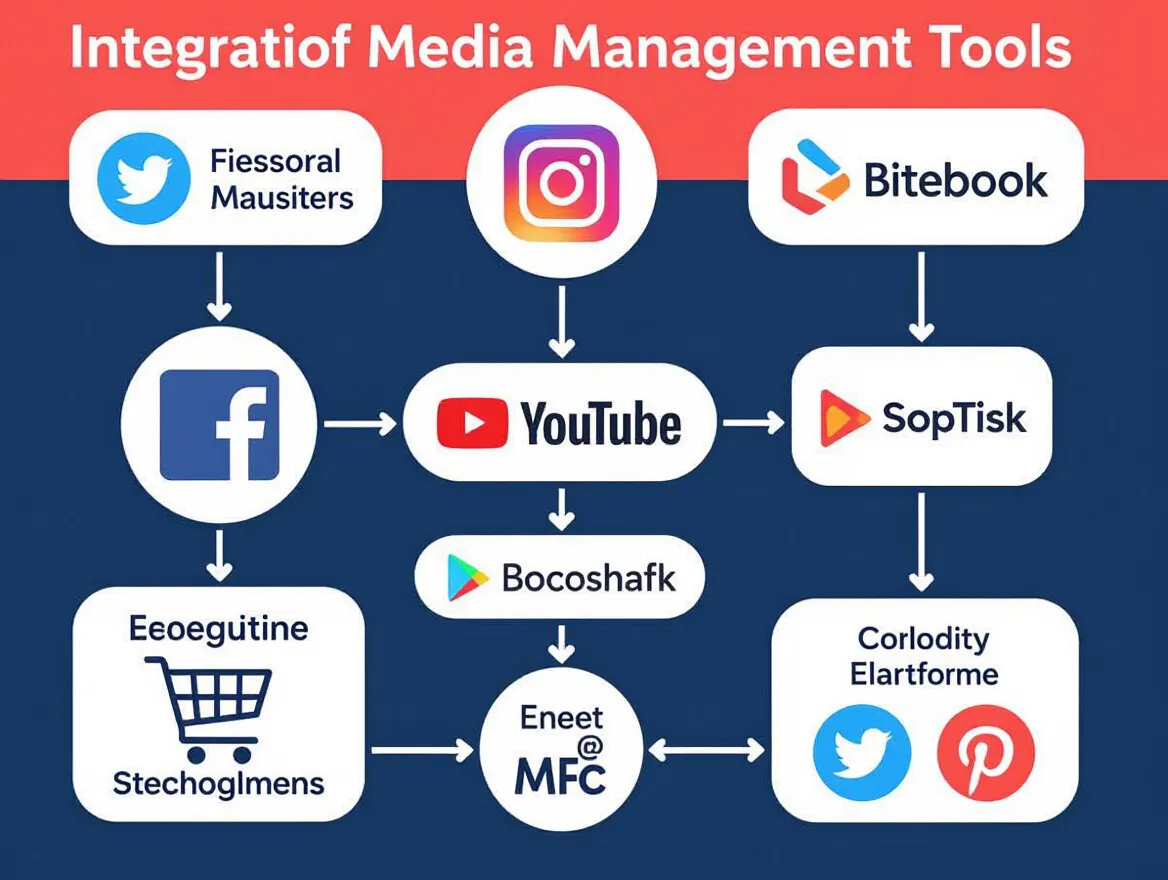
Selecting social media management automation tools for a boutique is a deliberate process, shaped by workflow needs and the necessity to protect your brand’s personality as you scale. Three priorities stand out: ease of use, practical AI-powered content generation, and useful analytics. Details like calendar views, platform support, and visual planning often decide whether a tool fits the way the team works.
Evaluating AI-Powered Scheduling Platforms
The boutique’s search begins with a simple question: Which tools support the platforms it uses and allow for real personalization? Must-haves include AI-generated captions for efficiency, a unified publishing calendar, and analytics that show which posts earn engagement. A sensible way to compare options is a short trial on the channels that matter most, here Instagram and TikTok.
In practice, the difference between tools that claim AI capabilities and those that deliver real value shows quickly in a trial. AI caption drafts help a small team keep a consistent voice, as long as someone edits them before they go out. A calendar view makes gaps and overlaps easy to spot, helping avoid the repetitive feel that over-automation can cause. Tools that require switching between interfaces slow the workflow down.
For a detailed comparison of top contenders and their strengths, see this expert breakdown of AI scheduling platforms for social media in 2026.
| Tool Feature | Why It Matters | How It Supports Boutiques |
|---|---|---|
| AI-Powered Caption Generation | Keeps content fresh and on-brand without manual writing for each post | Lets small teams publish more often while retaining a unique voice |
| Unified Cross-Platform Calendar | Centralizes scheduling and provides a comprehensive view of upcoming content | Makes it easy to coordinate messaging across Instagram, TikTok, and more |
| Visual Planning and Previews | Enables drag-and-drop content arrangement and previews | Helps boutiques align posts to seasonal campaigns and brand themes |
| Analytics and Performance Tracking | Shows which posts earn engagement | Supports smarter decisions about what to post more of |
| Fast Replies to Comments and Messages | Improves customer response times without hiring extra staff | Supports boutiques in offering prompt service – important for high-touch businesses |
| Personalization Controls | Allows tailoring of AI suggestions to fit the brand’s specific tone and audience | Keeps automated content from feeling generic or out of step with boutique identity |
Keep the stack small. Every extra tool is another login and another place where information gets lost, which often derails automation projects. For boutiques considering automation, choosing a stack that minimizes platform-jumping and makes analytics easy to act on is critical.
While automation brings efficiency, it is not without trade-offs. Over-reliance on AI can sometimes flatten a boutique’s personality or miss cultural nuances important to a niche audience. As discussed in the debate on balancing automation and authenticity, the most successful boutiques use automation for heavy lifting – scheduling, analytics, basic replies – while reserving personal engagement for moments that build loyalty.
Ultimately, the decision is not about finding the “best” tool in the abstract, but about selecting the automation stack that aligns with your boutique’s workflow, brand identity, and growth goals. The right setup lets you work smarter and connect more genuinely, no matter how quickly your audience grows.
Implementation: Building an Automated Social Media Workflow
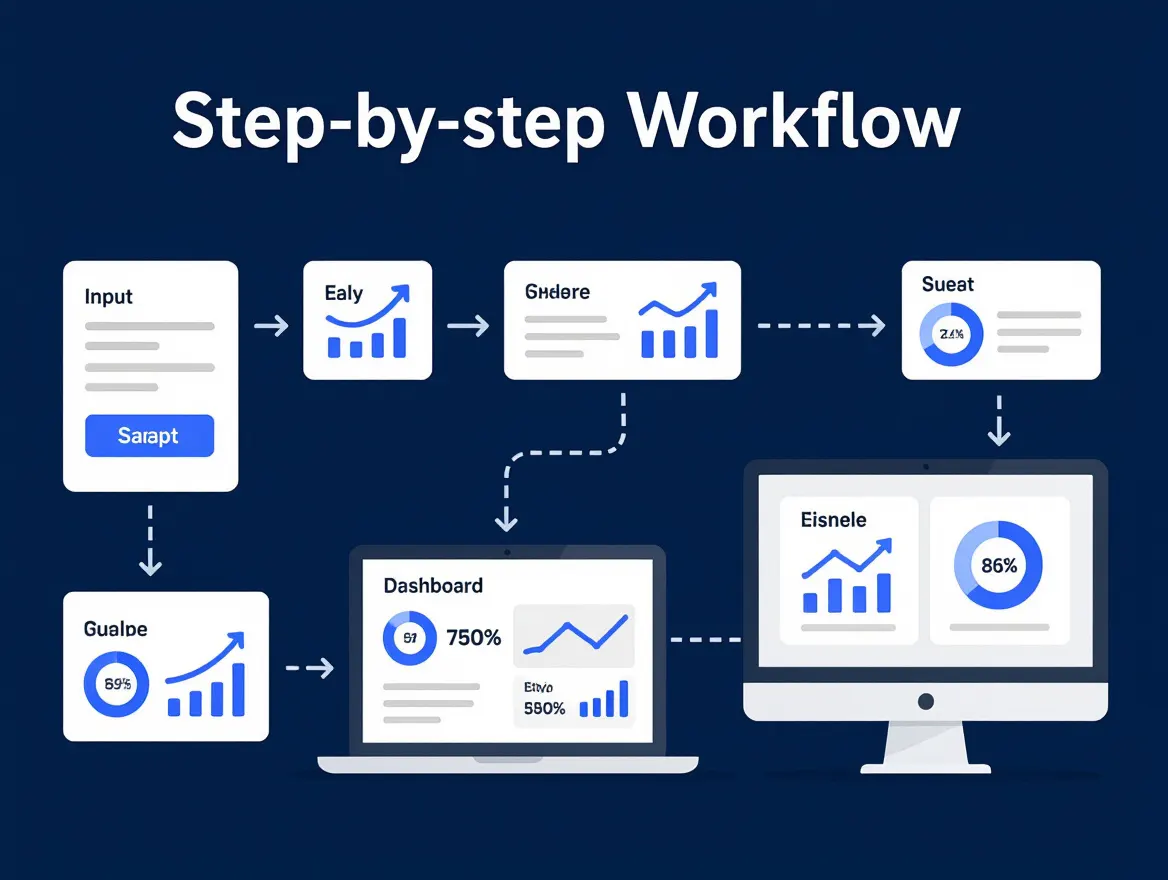
Rolling out automation for social media management is more than flipping a switch. It’s a phased process that requires careful planning, the right tool selection, and ongoing team involvement. The phases below are a practical blueprint, from content calendar setup to refining campaigns through analytics.
| Phase | Tasks | Duration | Key Milestone |
|---|---|---|---|
| 1. Planning & Strategy | Define goals, select platforms, map out initial content calendar | 1 week | Approved social media strategy and calendar template |
| 2. Tool Setup | Connect social accounts, set up the scheduler, agree reply guidelines, set up analytics | 1-2 weeks | Scheduled posting live on the main accounts |
| 3. Initial Training & Pilot Run | Team training, test posts, review AI-generated captions, rehearse common customer questions | 1 week | Team signs off on workflow and review rules |
| 4. Rollout & Monitoring | Begin full scheduling, monitor engagement, track reply quality | 2-4 weeks | First month of scheduled campaigns completed |
| 5. Analytics & Optimization | Review dashboard metrics, adjust posting times, refine reply templates | Ongoing, with monthly reviews | A posting rhythm the team can sustain |
Onboarding and Training the Team
Even the most advanced automation tools require a human touch at the outset. In our example, the team learns to review and approve AI-generated captions before posts go live. Expect a learning curve – especially for staff accustomed to manual workflows – but it’s manageable with structured onboarding.
Start with hands-on sessions that let your team test scheduled posting in a controlled environment. Rehearse the questions customers ask most often and agree on how to answer them. Early mistakes are valuable opportunities to adjust prompts and reply templates before anything reaches the public.
Schedule regular check-ins and feedback loops. In the first month, a weekly review of analytics, post performance, and customer feedback helps resolve friction points early, builds confidence, and makes sure automation supports – not disrupts – the existing brand voice. For more on automating approval processes, see this guide on content approval automation.
Integrating AI Analytics for Campaign Optimization
Once automation is in place, the real value emerges through continuous analytics tracking. Any gains come from ongoing monitoring and adjustment, not from switching a tool on. In PostNext, analytics show per-post engagement for X, Instagram, TikTok and LinkedIn and a best-time-to-post panel (on paid plans) ranked from your own history, which is enough to see which posts and times earn the strongest response.
Analytics should not be an afterthought. Track engagement rates, posting frequency, and response times. Review these metrics at least monthly, and adjust your content calendar or posting cadence based on what the data reveals. For best practices, see this guide to integrating AI analytics with social media scheduling.
Effective social media management today is a blend of automation and active oversight. The businesses seeing the greatest rewards use analytics not just as a report card, but as a compass – guiding each adjustment for better results over time. For more on automation’s impact on customer service, here’s a breakdown of automation’s impact on response quality.
Before and After: Social Media Management Evolution
Comparing Old and New: The Boutique’s Social Approach
In our example, the move to social media management automation is a shift from manual effort to planned, scheduled work. Before automation, posts are manually queued, replies lag, and the team struggles to keep up with content and customer conversations. With a scheduler in place, posting becomes predictable and the team’s day-to-day stress drops.
| Aspect | Before Automation | After Automation |
|---|---|---|
| Posting Frequency | A few posts per week, often inconsistent | More posts per week, reliably scheduled |
| Engagement | Hard to tell what works | Engagement tracked per post, reviewed monthly |
| Response Time | Manual replies, sometimes hours or days late | Faster replies to Instagram comments from one inbox |
| Sales Driven by Social | Minimal direct attribution, inconsistent tracking | Tracked in the shop’s own analytics with tagged links |
| Team Morale | High stress, reactive workload | More time for creative work |
| Decision-Making | Gut instinct, little data on what works | Analytics-driven, clear feedback loops |
Real-World Usage Patterns: What Changed?
- Manual Scheduling Replaced by Automation: Instead of hand-scheduling posts each week, the team queues them in advance, with AI-generated captions and visual previews, freeing up staff for other priorities.
- Engagement Shifts from Reactive to Proactive: Staff answer comments and messages in batches and spend the time saved on building relationships and personalizing key interactions – an approach highlighted in 5 Ways Automation Can Transform Social Media Customer Service in 2026.
- Analytics Inform Content Choices: Instead of relying on gut feeling, the team tries different posts, measures what works, and iterates – a theme covered in detail in How to Measure Social Media Efficiency With AI Analytics.
Before/After Examples: Content in Practice
| Before | After |
|---|---|
| Generic post, inconsistent timing: “New arrivals! Check out our website.” | Personalized, scheduled, data-backed post: “Fresh drop: Limited-edition summer dresses now online. Tap to see how customers are styling them – plus, DM us for sizing advice!” |
The second example works because it’s timed for when the audience is active, uses specific product details, and invites interaction. It’s not just a broadcast – it’s a conversation starter.
Key Insight: Automation doesn’t just boost efficiency; it frees teams to focus on creativity and authentic connections.
Qualitative Outcomes: Beyond the Metrics
The biggest shift is often in team morale and customer satisfaction. Staff no longer dread the unpredictability of daily posting or the backlog of missed messages. Social media management feels less like firefighting and more like the creative, community-building effort it was meant to be. Customers notice the difference too – timely responses and a steady stream of good content build trust and loyalty. This is the advantage gained when automation supports, rather than replaces, the human touch.
Results: Qualitative Outcomes from Automated Social Media Management
The shift to automated social media management is not just about scheduling posts or tracking analytics. The qualitative outcomes – what teams actually feel and accomplish day-to-day – are where the real change appears: less manual workload, better team focus, and a better customer experience.
Less Manual Workload and Faster Turnaround
In our example, scheduling content in advance means repetitive tasks no longer consume staff hours, so the boutique can post more often without hiring extra hands. Replies to customer questions get faster too, which matters most during busy promotions.
What once took several back-and-forths and calendar checks becomes a routine. Staff who previously spent afternoons crafting posts or copying numbers into spreadsheets can review campaign performance and content plans in one place. For practical tips, see 10 Efficiency Hacks for Social Media Managers Using Automation.
More Time for Strategy and Creativity
With automation removing the constant pressure of deadlines and reminders, teams can shift their attention to creative strategy and brand storytelling. Instead of scrambling to fill content gaps, staff can brainstorm campaigns that resonate with their audience and try new formats. By handling routine tasks, automation gives you the mental bandwidth to develop memorable content and engage meaningfully with customers.
Automation supports creativity rather than replacing it. For a deeper discussion on why AI won’t replace human creativity, see this recent opinion piece.
Campaign Consistency and Measurable ROI
The most visible outcome is usually consistency across campaigns. Scheduling ahead removes gaps and last-minute scrambles, leading to a more cohesive brand voice and rhythm. To see whether that consistency pays off, compare engagement before and after, and track sales from social in your shop’s own analytics with tagged links. That lets you adjust quickly toward what works.
The ability to systematically analyze outcomes – rather than rely on gut feelings – means the team can double down on what works, quickly drop what doesn’t, and justify their social media spend. For those looking to build this level of analytics into their workflow, see the guide on measuring social media efficiency with AI analytics.
Client Satisfaction and Brand Loyalty Gains
Freed from the time sink of manual posting and reporting, staff can invest more in relationship-building and authentic storytelling. This matters especially for boutiques, where personal connection drives repeat business. Scheduling handles the routine side – product launches, event reminders, regular updates – while humans follow up with personalized messages, thank-yous, and behind-the-scenes stories that build loyalty.
- Story-driven content becomes easier to make, with space to share founder interviews, customer spotlights, or community initiatives.
- Customers notice faster, more consistent communication, even as volume grows, which makes them more likely to trust the brand and come back.
- Loyalty grows when followers feel heard and valued, not just marketed to.
The net effect: automation can amplify what makes boutique brands special, rather than diluting it.
Limitations and Lessons Learned: Where Automation Falls Short
The Human Element: Where Automation Can’t Compete
Automation is now integral to social media management, especially for boutiques seeking growth and efficiency. But there are moments when the difference between a quick reply and a meaningful connection is clear. Customers notice the tone. Automated responses, no matter how advanced, can slip into patterns that feel generic or impersonal. For a boutique brand built on distinct voice and personal touches, this risks eroding the loyalty automation was meant to support.
Direct, live interaction is still preferred by many customers – especially when questions are nuanced or emotions are involved. Saved replies and chatbots handle routine inquiries well, but when a conversation turns to complaints or bespoke requests, human empathy is essential. Even with faster replies, the boutique in our example keeps staff in charge of complex or sensitive conversations.
The Setup Hurdle: Time, Training, and Tuning
None of the benefits happen overnight. There’s a significant ramp-up period that many small businesses underestimate. Choosing the right automation platform, configuring content calendars, agreeing reply guidelines, and training staff all require focused time and attention.
The initial learning curve can be steep, especially if your team is new to AI-powered tools. It’s not just about plugging in software. You’ll need to fine-tune settings, adjust content prompts, and monitor early results for off-brand responses or glitches. For honest guidance on avoiding the most common early mistakes, see these five automation pitfalls and how to prevent them.
The Need for Ongoing Oversight
Social media automation is not a set-and-forget proposition. Even with AI content generation, ongoing human supervision is required to keep content relevant, messaging fresh, and tone on-brand. Scheduled posts may keep the lights on, but they can’t anticipate every emerging trend, crisis, or subtle shift in your community’s mood.
Ultimately, the lesson is about balance. Automation delivers consistency and scale, but sustaining true authenticity takes intentional effort. Tools like PostNext can help you post consistently, but they work best when paired with ongoing human input and real-time interaction, especially for brands where service and story are core to the customer experience.
Best Practices for Boutique Social Media Management Automation
Start With Clear Automation Goals
Successful automation starts with a purpose. Don’t automate just because the tools are available – define what you want to achieve. For boutiques, this usually means boosting engagement, growing sales, or improving response times without adding staff. Set measurable targets from day one so you can tell whether the change worked.
Begin by mapping your workflow: Where is your team losing time? Which tasks are repetitive and could be handled by automation? For many boutiques, it’s about scheduling posts, answering common customer questions, and tracking performance. Identify these pinch points, then seek automation that fits your needs rather than forcing your process into a generic tool.
Choose Tools That Fit Your Brand Voice and Priorities
Not all automation platforms are built for boutique brands. Prioritize features that let you personalize – for example, AI-powered caption suggestions that follow your tone, or visual content planners that help maintain your unique aesthetic. A stack that supports brand storytelling keeps you out of bland, generic messaging.
Look for tools that allow for flexible scheduling, support the platforms where your audience is active, and let you edit everything before it goes out. PostNext, for example, drafts captions with AI from your Brand Profile and schedules them on a visual calendar, which suits brands that want a distinctive presence while saving time. For a breakdown of the latest features that matter to small teams, see these automation efficiency hacks for social media managers.
Be selective about which platforms you automate. If your audience is mostly on Instagram and TikTok, focus there – don’t waste cycles on networks that don’t move the needle for your business. This targeted approach ensures automation supports your actual strategy rather than inflating vanity metrics.
Keep the Human Touch – Review, Adjust, and Balance
The best results come from a thoughtful balance between automation and authentic interaction. Faster replies are only worth having if someone keeps reviewing them and steps in for nuanced customer needs. Automation should free you to spend more time on creative storytelling and relationship-building, not replace those efforts.
Regularly review data from your analytics dashboard. What’s resonating? Where are replies falling flat? These insights should guide you as you tweak the balance of scheduled content, AI-generated posts, and hands-on engagement. For more on measuring efficiency and making data-driven adjustments, see this step-by-step guide to AI analytics in social media.
Ultimately, automation should support your brand’s authenticity, not dilute it. Periodic audits, direct customer feedback, and ongoing refinement keep your social media management process personal – even as it becomes more efficient.
Transferring the Scenario: How Other Boutiques Can Apply It
Customize Automation to Fit Your Unique Workflow
Every boutique operates differently – so the first lesson is that automation should never be one-size-fits-all. Don’t just plug in a generic tool and walk away. Map your existing content creation, posting, and customer engagement processes, then choose automation features that address your specific bottlenecks.
To apply this, start by analyzing your own social media management pain points. Are you falling behind on regular posting? Struggling to keep up with direct messages or analytics? Select automation tools that directly target those gaps, whether that means a scheduler like PostNext or a dedicated customer messaging tool. Avoid automating everything out of the box – focus on what actually moves the needle for your brand.
Balance Efficiency with Authentic Engagement
Automation can save a lot of time, but small brands thrive on authentic connection. Balance scheduled content and AI-generated captions with active, human-driven engagement. Use analytics to see when customers are most engaged, then show up for live Q&As, behind-the-scenes stories, or follow-up messages. This keeps the feed consistent and the brand voice personal.
Too much automation risks making your brand feel impersonal. As discussed here, boutiques should use AI to handle the repetitive work, but always reserve space for real-time, unscripted interactions. Build a workflow where automation supports – not replaces – your unique storytelling.
Invest in Ongoing Learning and Team Buy-In
Automation isn’t a set-it-and-forget-it project. The biggest improvements come after the team commits to learning the ins and outs of the chosen tools. Regular training sessions, feedback loops, and a willingness to tweak the workflow pay off.
For other boutiques, the takeaway is to bring your team along for the ride. Encourage experimentation, review analytics together, and update your social media management strategy as platforms and tools evolve. If you’re just getting started, this guide to avoiding common automation mistakes is a practical resource.
What Sets Automation Success Apart for Small Brands
Ultimately, successful automation for boutiques is about amplifying your brand’s voice – not replacing it. Good results don’t come from less effort, but from smarter, more strategic effort: automate the repetitive, measure what matters, and stay agile as customer needs shift.
Frequently Asked Questions
What are the first steps to automate social media for a boutique?
Start by auditing your current social media workflows and identifying repetitive tasks that drain your team’s time. Typical first steps include selecting an automation platform that fits your brand’s needs (like PostNext), connecting your accounts, and defining a content calendar. Prioritize tools that support post scheduling, customer inquiry management, and performance analytics. Many boutiques find it helpful to begin with AI scheduling tools that improve consistency and scale their posting without additional staff.
How does automation affect brand authenticity on social platforms?
Brand authenticity can be preserved – if not strengthened – through thoughtful automation. AI-powered schedulers let you maintain a steady presence and respond promptly to inquiries, but personalization is critical. Automating routine tasks frees up time for boutique owners to focus on crafting original stories and engaging content. The key is to blend automation with genuine, human-driven social interactions.
Can AI-driven tools handle customer service as well as humans?
Chatbots and saved replies handle simple, repeated questions well and can speed up response times. However, for complex or sensitive issues, human intervention remains essential. Automation should handle FAQs and simple requests, while escalation protocols bring in staff for nuanced conversations.
What KPIs should boutiques track after automating social media?
Focus on engagement rate, response time, posting frequency, and sales attributed to social campaigns (tracked in your shop’s analytics). Regularly review these KPIs to gauge the real impact on your brand’s growth. For a deeper dive into measurement strategies, see this guide on measuring social media efficiency with AI analytics.
How do I avoid robotic-sounding posts when using automation?
Use automation for consistency, but always review AI-generated content before publishing. Edit captions to reflect your boutique’s unique tone, mix in behind-the-scenes moments, and respond to comments personally whenever possible. Tools that store your brand voice, such as a brand profile, help AI drafts start closer to how you actually write.
Which platforms integrate best with AI scheduling tools?
Instagram and TikTok are the usual priorities for boutiques. PostNext publishes to X, Instagram, TikTok, LinkedIn, YouTube, Threads and Bluesky; Facebook is coming soon. For a comparison of integrations, check out this feature comparison for Instagram, LinkedIn, Facebook, and Twitter.
Is automation cost-effective for very small boutique businesses?
Many automation tools offer tiered pricing, including entry-level plans designed for small businesses; PostNext has a free plan with one channel and 10 posts a month. For boutiques with limited resources, starting with basic scheduling and analytics features keeps upfront costs low.
How do I train my team to use new social media automation tools?
Begin with hands-on workshops tailored to your team’s comfort level. Most platforms provide tutorials and support resources, so use these for onboarding. Encourage staff to experiment with features in a low-risk environment and share best practices as they develop confidence. Over time, your team will adapt, freeing up energy for more strategic marketing efforts.
Authored with PostNext