Plan Your Content
Plan Your Content
Rather than composing posts one at a time, content plans let you map out what you publish over the coming days and weeks. PostNext groups this under Content Planners.
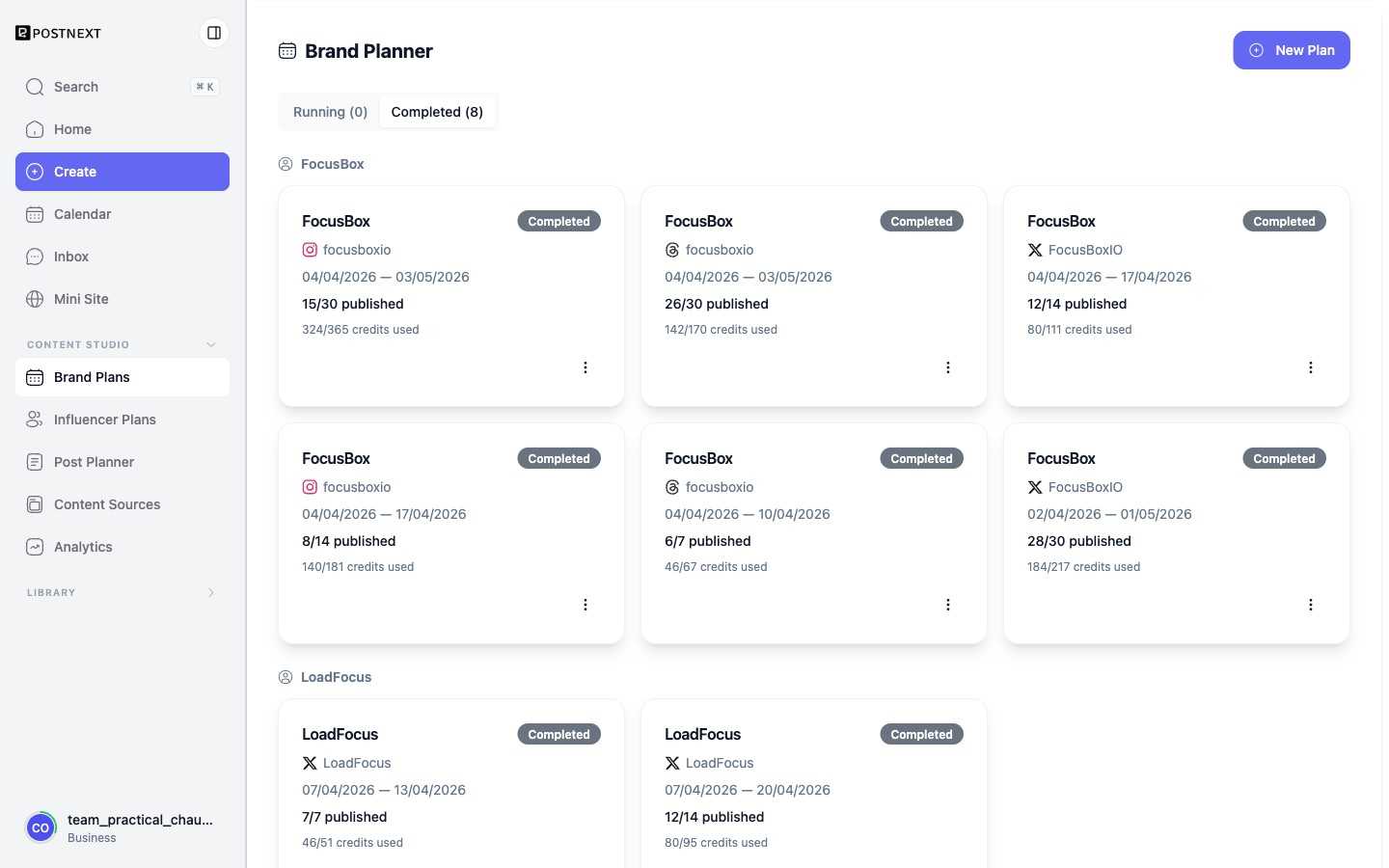
Content plans
A content plan is an AI-generated posting plan for one channel over a date range you choose. Open Planner under Content Studio in the sidebar and click New Plan. With Auto-publish on, PostNext schedules each post as it is generated; with it off, the posts wait as drafts for you to review and schedule. Use the Brand Planner tab for on-brand campaigns or the Influencer Planner tab for topic-driven personal accounts.
Content plans use your brand profile if one is set, so generated posts reflect your voice and topics.
Blog plans
Blog plans extend planning to long-form content. The Post Planner can plan and generate blog posts that publish directly to a connected WordPress site. See WordPress integration for setup details.
Blog plans are available on every paid plan. On Premium a blog plan suggests topics only; writing the posts and publishing them to WordPress needs a Business or Teams plan.
Keyword research
PostNext checks the keywords it picks for each planned day or blog topic against search data, such as search volume and keyword difficulty, and shows them on the plan. This happens on its own, with nothing to switch on. You can change a day's topic and keywords before its post is generated.
Plan limits
Content plans and blog plans need a paid plan, and how many can run at once depends on your plan. See Managing your plan and limits for details.