MCP (AI Agents)
MCP (AI Agents)
PostNext exposes a Model Context Protocol (MCP) server so AI assistants such as Claude can draft, schedule, and publish social posts on your behalf, directly from your AI workspace.
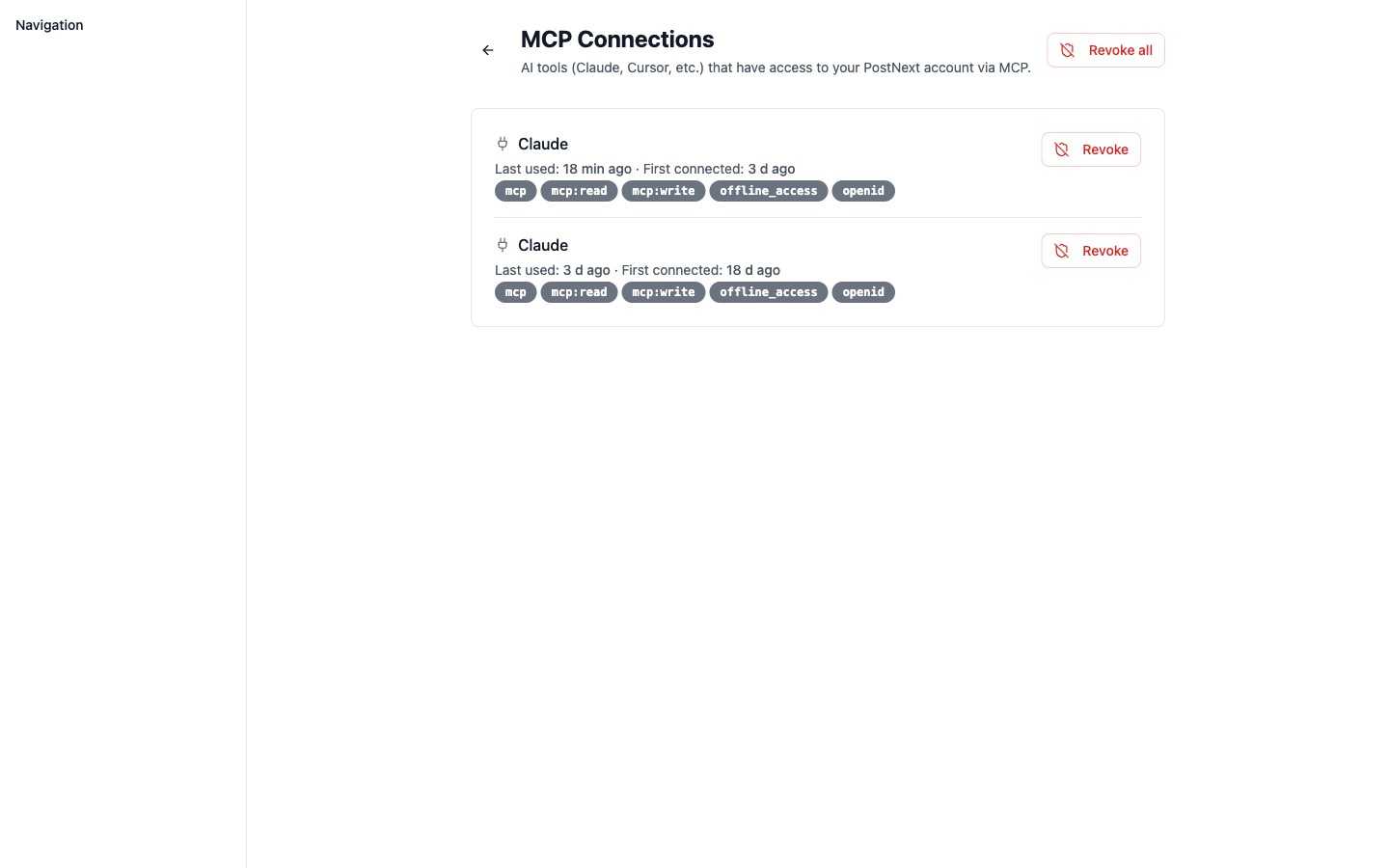
You can see and manage every AI tool that has access to your account under MCP Connections in your account menu. Each connection shows when it was last used, when it first connected, the scopes it was granted, and a Revoke action, with Revoke all to disconnect everything at once.
What is MCP?
The Model Context Protocol is an open standard that lets AI assistants interact with external services in a structured way. PostNext implements an MCP server so any compatible AI agent can act as your social media co-pilot without leaving your chat interface.
What you can do
Through the PostNext MCP server, an AI assistant can:
- Create and update post drafts
- Schedule posts to your connected channels
- List and manage your connected accounts
- Check post metrics and publishing status
- Manage your brand profile
This is a short summary. The full, always-current list of available tools, resources, and prompts is at postnext.io/mcp/docs.
Connect
Connect your AI assistant to PostNext at postnext.io/mcp/connect and authenticate with your PostNext account. Follow the on-screen instructions to authorize the MCP server to act on your behalf.
Full reference
The complete MCP documentation, including every tool, resource, and prompt with up-to-date parameters and examples, is maintained at:
That page is the authoritative reference and is updated whenever the MCP server ships new capabilities. Refer there rather than this page for the current tool list.