API Keys
API Keys
Use API keys to authenticate programmatic requests to the PostNext API. Manage your keys at postnext.io/account/api-keys.
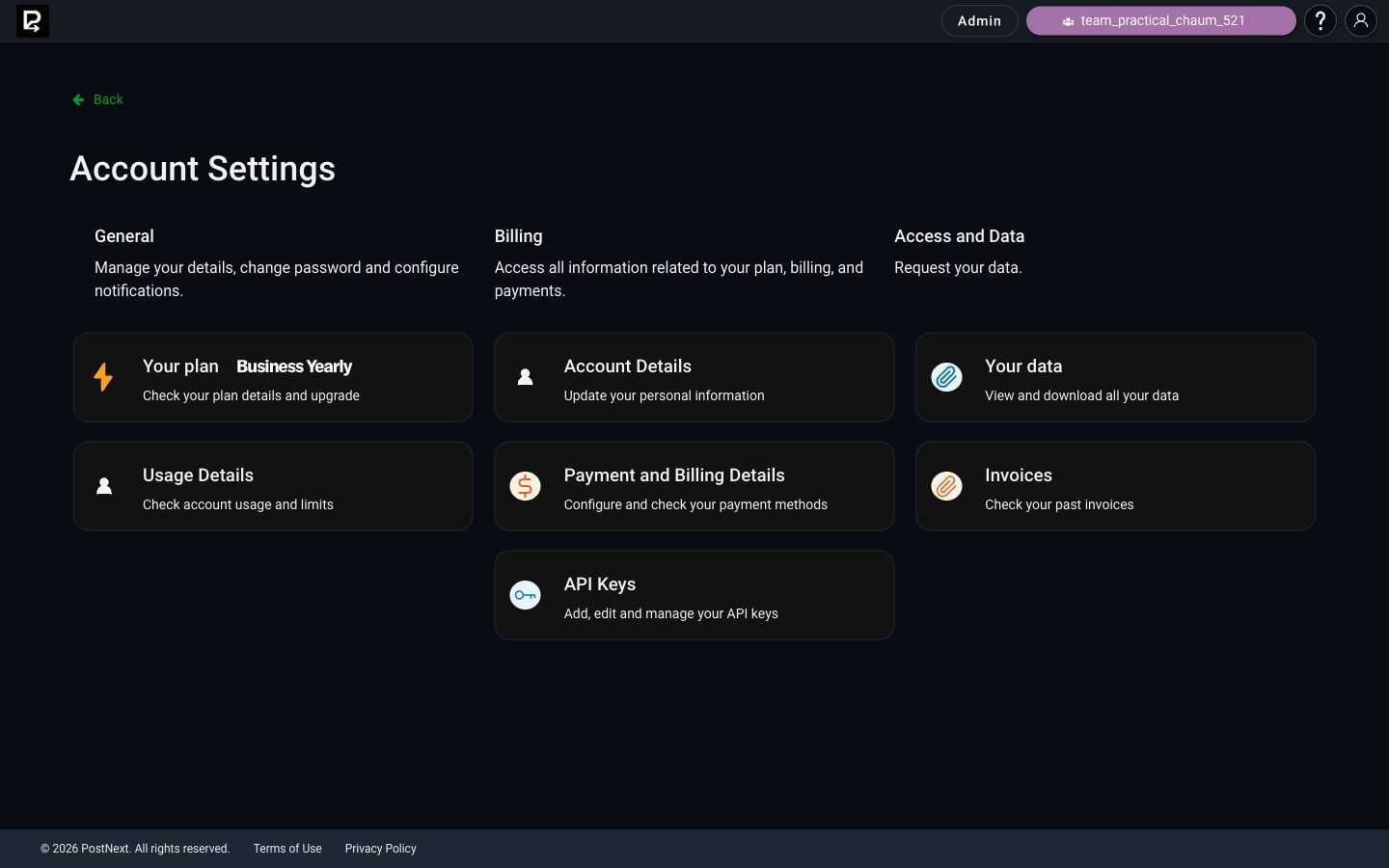
Create an API key
- Go to postnext.io/account/api-keys.
- Create a new key and copy it immediately. The full key is only shown once.
Authenticate requests
Include your API key in every request using the x-api-key header:
curl -H "x-api-key: YOUR_KEY" https://api-app.postnext.io/api/...
All API responses are JSON.
Keep keys secure
- Do not commit keys to source control or expose them in client-side code.
- If a key is exposed, delete it immediately at postnext.io/account/api-keys and create a replacement.
- Use one key per integration so you can rotate or revoke individual keys without affecting others.
Explore the API
See the API Reference for every endpoint, with requests, responses, and live examples you can try in the browser.