WordPress
WordPress
Connect your WordPress site to PostNext so you can generate AI blog posts and publish them directly from PostNext, without logging into WordPress each time.
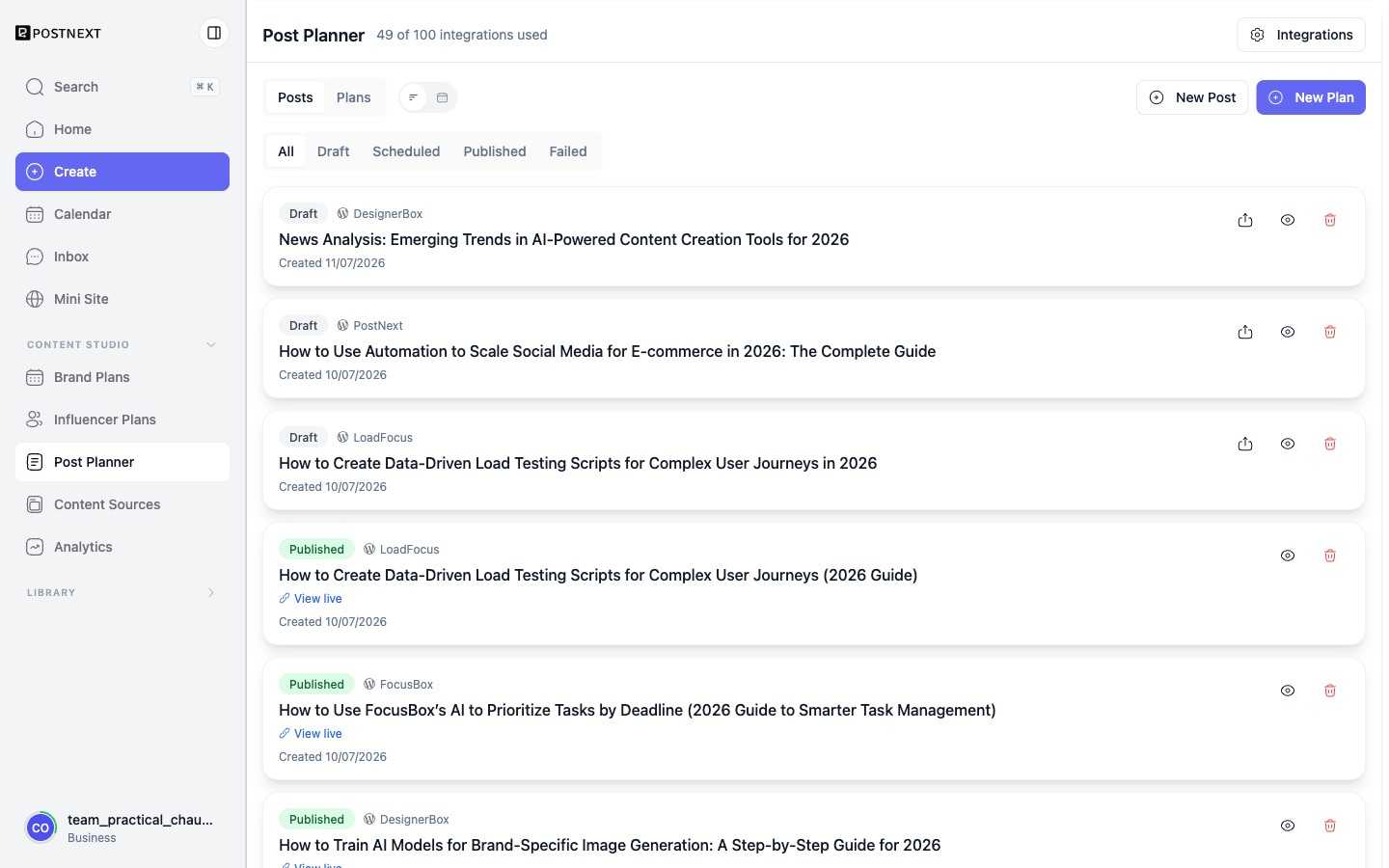
Once a site is connected, the articles PostNext publishes to it appear in the Post Planner, each with its status and a link to view the live post.
What the WordPress integration does
Once connected, PostNext can:
- Generate AI blog post content using your brand profile
- Publish posts directly to your WordPress site
- Run blog plans that schedule and publish a series of posts ahead of time (see Plan your content)
Plan requirements
Connecting a WordPress site is available on all paid plans. It counts toward your integration limit.
On Premium, the WordPress integration supports topic generation only. AI blog content generation and blog plans require the Teams or Business plan.
For details on limits and how to manage them, see Managing your plan and limits.
Connect your WordPress site
- Go to the Integrations section in your PostNext account.
- Select WordPress and follow the steps to connect your site.
- Authorize PostNext to publish on your behalf.
Once authorized, you can select your WordPress site as a publishing destination when creating blog posts or setting up a blog plan.
Blog plans
Blog plans let you plan and schedule multiple blog posts in one go. PostNext generates drafts based on your topics and brand profile, then publishes them to WordPress on the schedule you set. See Plan your content for the full workflow.