Post Planner
Post Planner
The Post Planner is PostNext's long-form content engine. Where Brand and Influencer Plans produce short social posts, the Post Planner generates full articles and publishes them to the content integrations you connect, such as a WordPress blog.
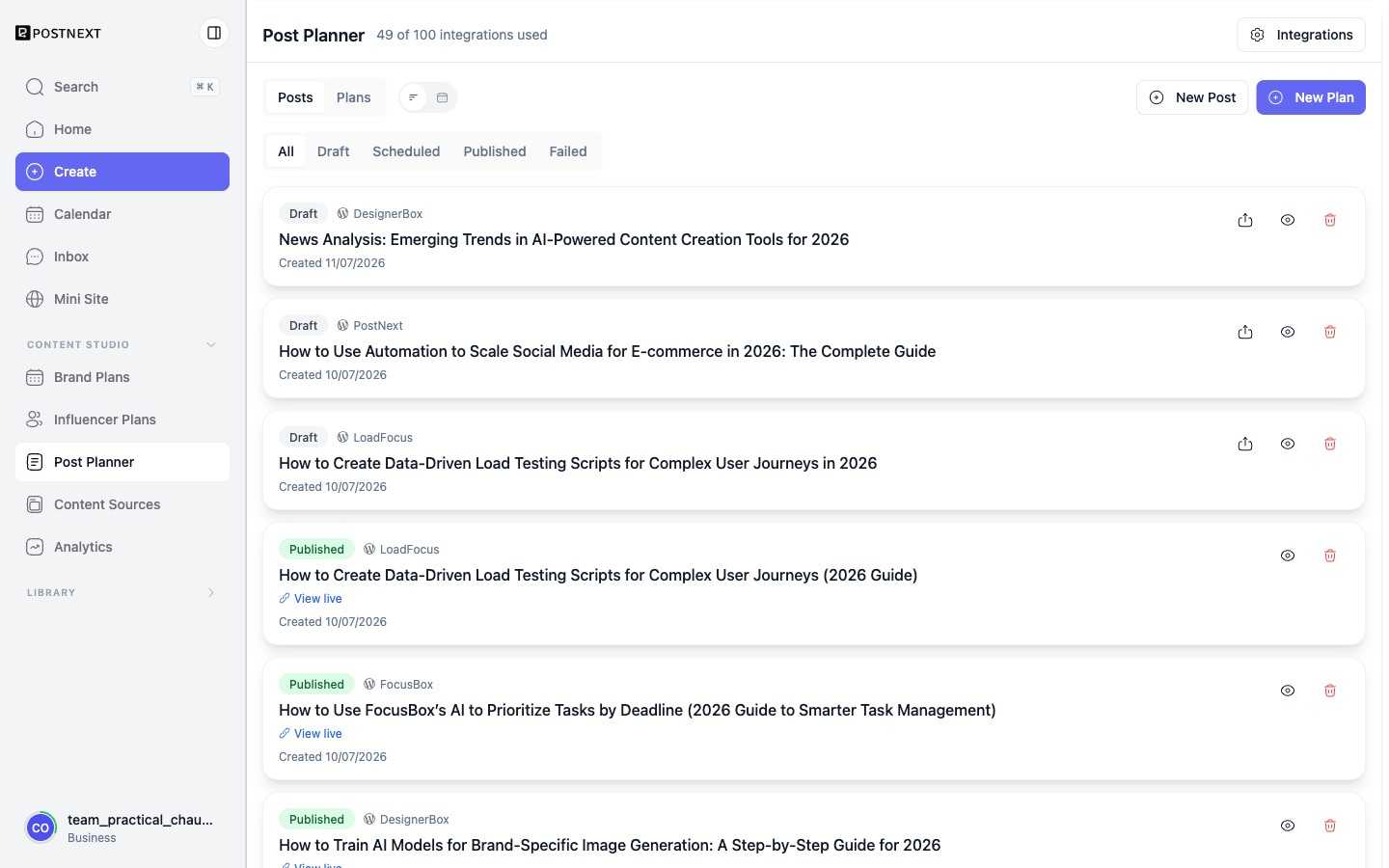
Posts and Plans
The Post Planner has two views. Posts lists every article, which you can filter by All, Draft, Scheduled, Published, or Failed. Plans groups articles into recurring content plans that publish on a cadence. Use New Post for a one-off article or New Plan to set up an ongoing series.
Integrations
Articles publish to the destinations under Integrations, for example WordPress sites you have connected. The header shows how many integrations you are using out of your allowance. Each published article links out with View live so you can open it on the destination site. See WordPress for connecting a blog.
Tracking status
Every article card shows its destination, its status, and the date it was created. Failed publishes are flagged so you can retry or fix the connection, and published articles keep a link to the live URL.
Next steps
- WordPress - Connect a blog so the Post Planner can publish to it.
- AI Content - How PostNext generates content from your prompts and brand voice.