Brand Plans
Brand Plans
Brand Plans run automated content campaigns for a brand. You pick a brand profile and a channel, and PostNext generates a series of on-brand posts and publishes them across a date range you choose. It is the fastest way to keep a brand account posting consistently.
Creating a plan
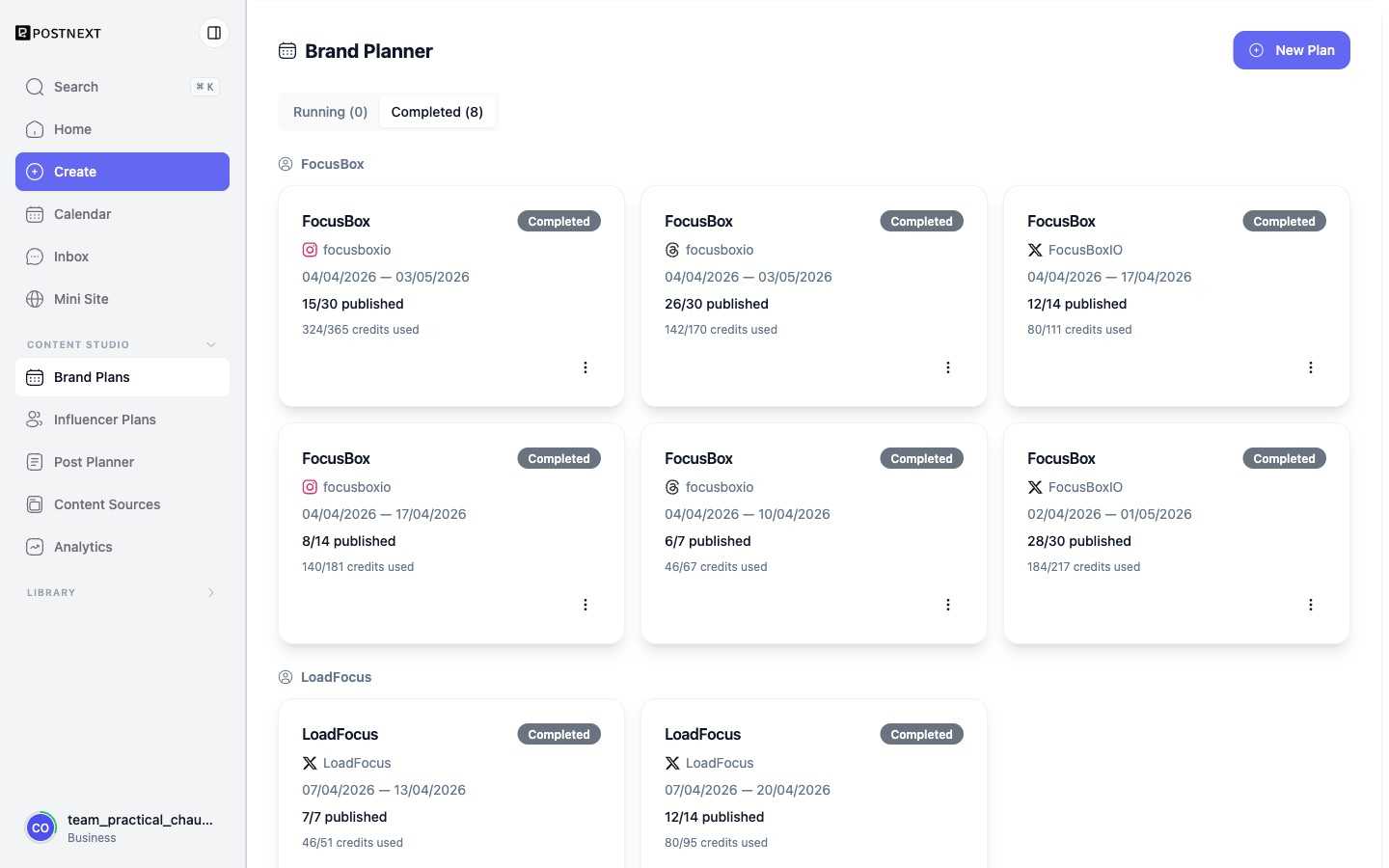
Select New Plan, then choose the brand and the channel the plan should post to. The plan uses the brand profile's voice and themes so every post sounds like the brand. You set the date range and the number of posts, and the planner spaces them out over that period.
Running and completed plans
Active campaigns sit under the Running tab and show live progress, such as posts published out of the total planned. When a plan finishes its run it moves to Completed. Each card also shows the AI credits the plan has consumed, so you can track the cost of a campaign as it publishes.
Editing or stopping a plan
Use the menu on a plan card to pause, edit, or remove it. Posts a plan creates also appear in the Publish queue, where you can review or adjust individual posts before they go out.
Next steps
- Influencer Plans - Topic-driven campaigns for a personal account.
- Brand Profile - Set up the voice and themes a plan writes from.