Influencer Planner
Influencer Planner
The Influencer Planner helps a personal or creator account post consistently around a topic you care about. You give it a topic and a content style, and every day it researches the latest news on that topic and writes posts that build your point of view over time.
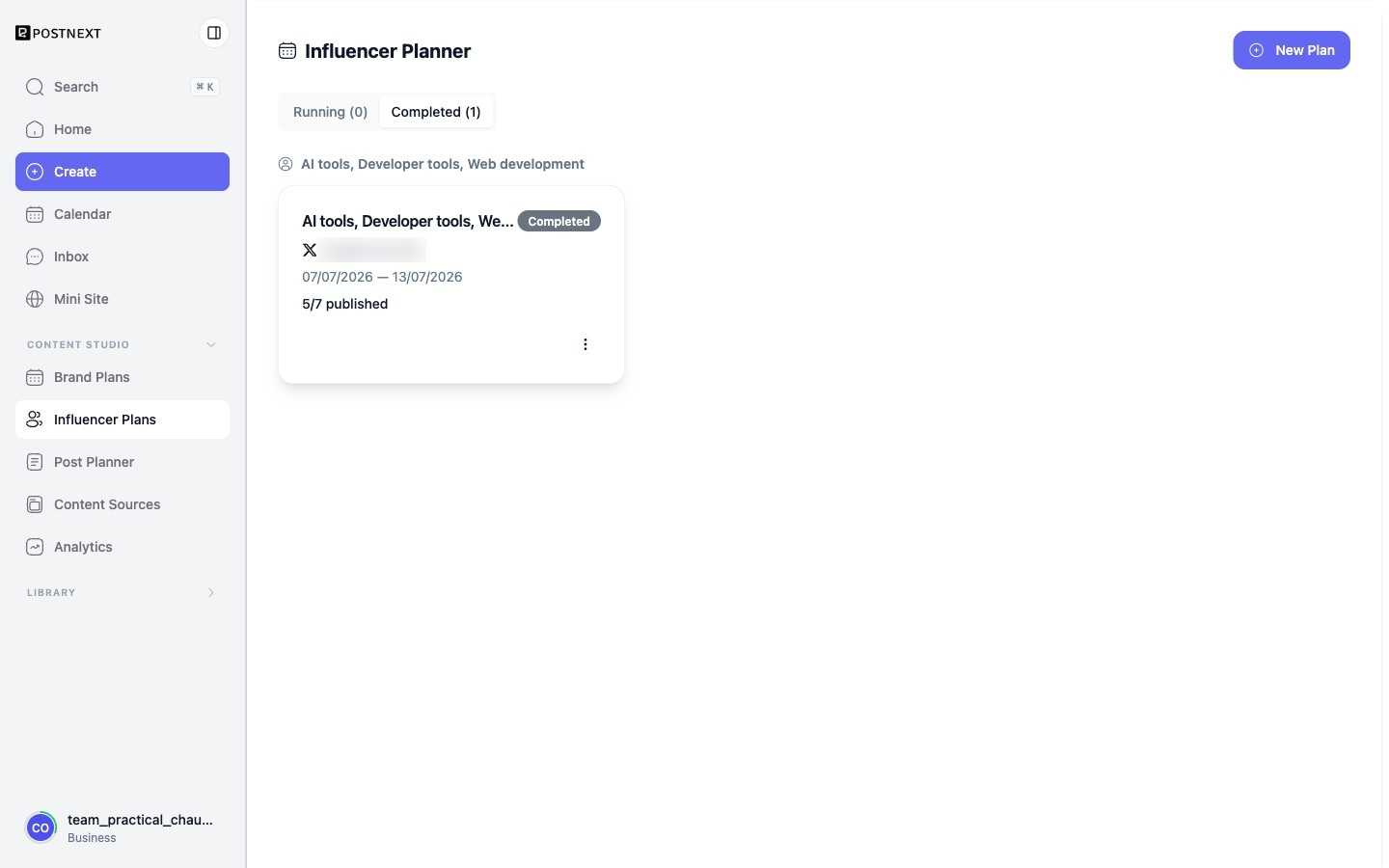
Choosing a topic and style
Select New Plan and enter the topic the plan should cover, for example AI tools or Apple products. Trending suggestions appear as you type. Then pick a content style: Hot Take / Opinion, Educational, Curated Roundup, Tutorial / How-to, or Reaction / Commentary.
You can link a creator profile from My Brands to personalize the voice, or skip that step and let the content style drive it. Under Trusted sources you can pin up to 10 websites you follow. PostNext checks them daily, alongside its own search of Brave, Reddit, and X.
Running a plan
An Influencer Plan posts to one channel for 7, 14, or 30 days, at 1 to 3 post times a day. Choose Auto-publish to schedule posts automatically or save them as drafts for review, and turn on Include AI images to add an image to every post (3 more credits per post). Instagram and TikTok posts always get an image, because those channels cannot publish text alone. Plans show under Running while active and report progress as posts go out. You can pause a plan from its card menu at any time, which leaves published posts in place and stops future ones.
How it differs from the Brand Planner
The Brand Planner writes from a brand profile about your own business. The Influencer Planner writes about what is happening in a topic, researched fresh each day, in the voice of a person. Both share the same plan lifecycle and credit accounting, and their posts appear in the Calendar.
Next steps
- Brand Planner - On-brand campaigns for a brand account.
- Post Planner - Long-form articles for your blog or CMS.