Guides
PostNext Guides
PostNext is a social media scheduler: compose your content once and publish to multiple channels, plan ahead across days or weeks, and collaborate with your team in a shared workspace.
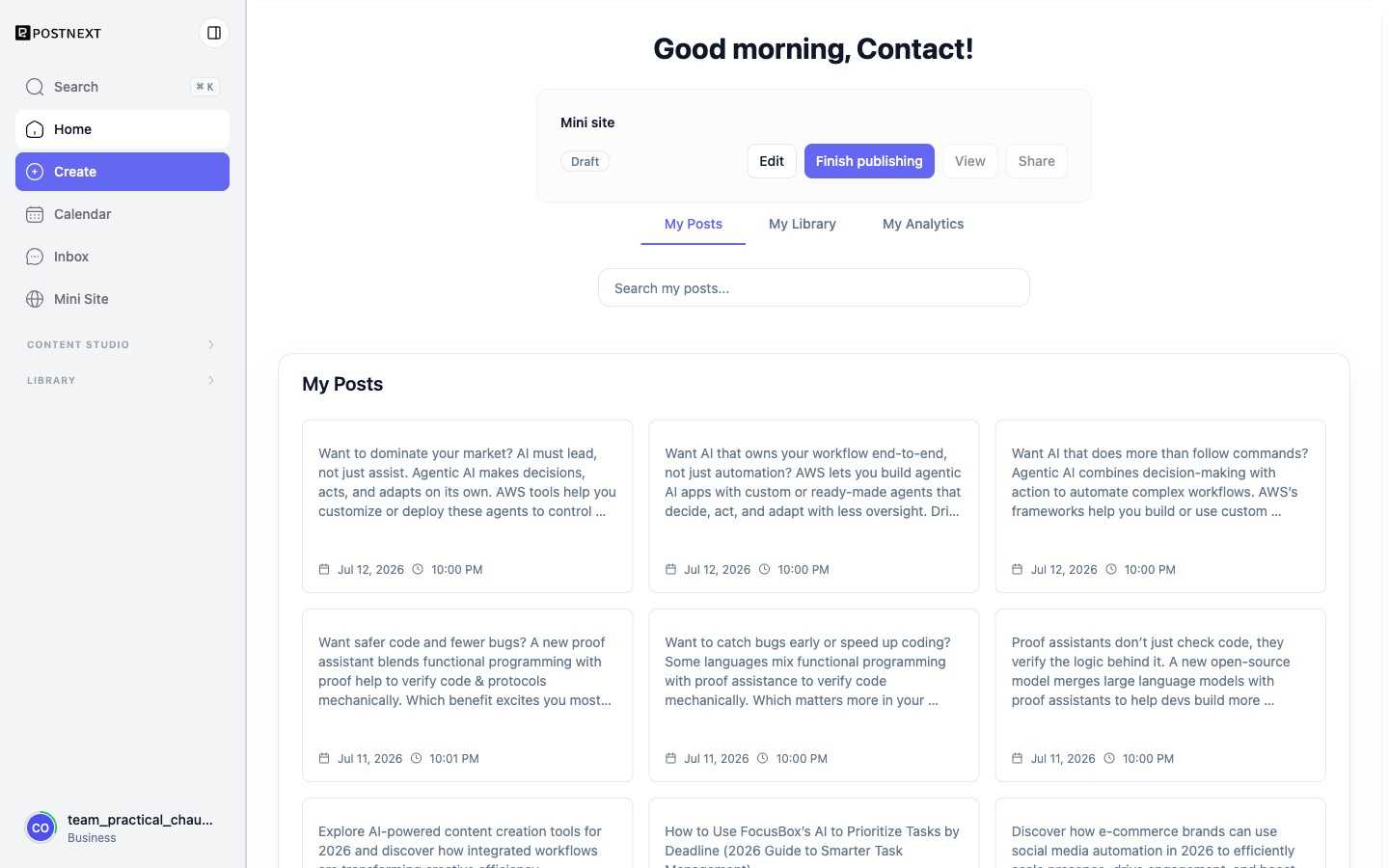
Key capabilities
- Channels - connect your social accounts (X, Instagram, LinkedIn, Threads, TikTok, Bluesky) and publish to them from one place.
- Composer and drafts - write posts, pick your channels, and save drafts before you schedule.
- Scheduling and best time - schedule posts for a specific time or the next open slot in your queue. On paid plans PostNext also suggests the best times to post.
- Content planners - use AI to generate multi-day social campaigns, or blog plans that publish to WordPress.
- Brand profiles - capture your voice, tone, and topics so AI-generated content stays on brand.
- AI content - generate and refine post copy using your brand profile as context.
- Analytics - see how published posts perform across your connected channels.
- Teams - invite teammates into a shared workspace with shared brand profiles and plans. Each member connects their own channels. See Teams and brand profiles.