Connect Your First Channel
Connect Your First Channel
A "channel" is a connected social account. PostNext publishes your scheduled posts to your channels.
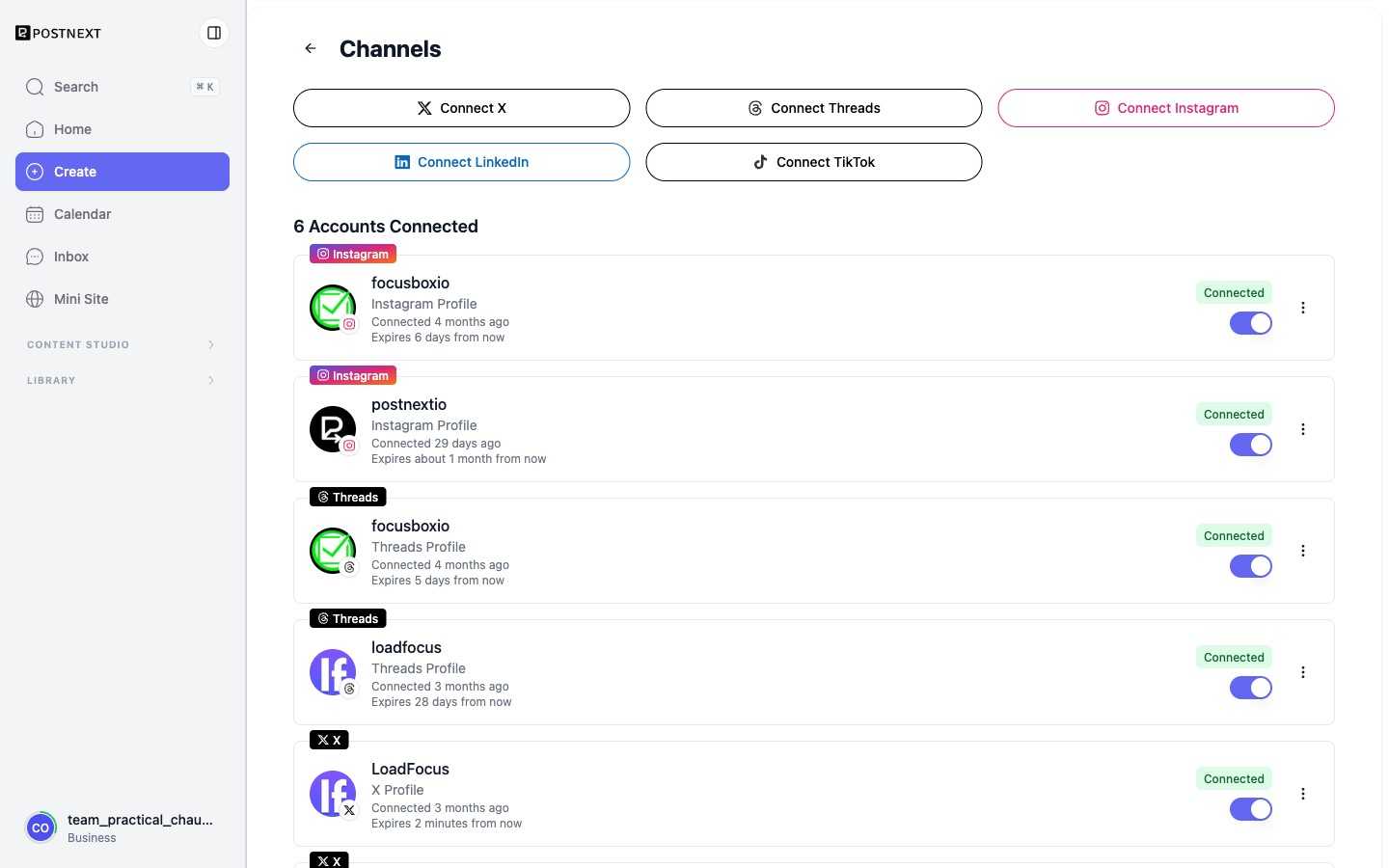
Supported channels
PostNext supports these seven platforms:
- X (Twitter)
- Threads
- TikTok
- Bluesky
- YouTube
Connect a channel
To add a channel, navigate to the channel connection area in PostNext, choose your platform, and complete the platform's OAuth authorization flow. After you authorize access, you are returned to PostNext and the channel appears in your list of connected channels.
Bluesky works a little differently: instead of an OAuth redirect, you enter your Bluesky handle and an app password created in your Bluesky settings.
You can connect multiple channels across different platforms and post to any combination of them from a single draft.
Reconnecting and token expiry
OAuth tokens can expire or be revoked. If a channel shows as disconnected or expired, go to your channel settings and reconnect it by completing the OAuth flow again. For Bluesky, reconnect by re-entering your handle and app password.
On paid plans, account health surfaces channels whose tokens are expiring soon so you can reconnect before publishing fails.
Channel limits
The number of channels you can connect depends on your plan. See Managing your plan and limits for details.
Next: Create your first post