Slideshows
Slideshows
Slideshows turn the posts you have already published into a full-screen display for TVs, screens and digital signage in a shop, clinic, salon, hotel or event booth. PostNext plays them as a rotating slideshow, adds new posts on its own, and keeps playing when the Wi-Fi drops for a while.
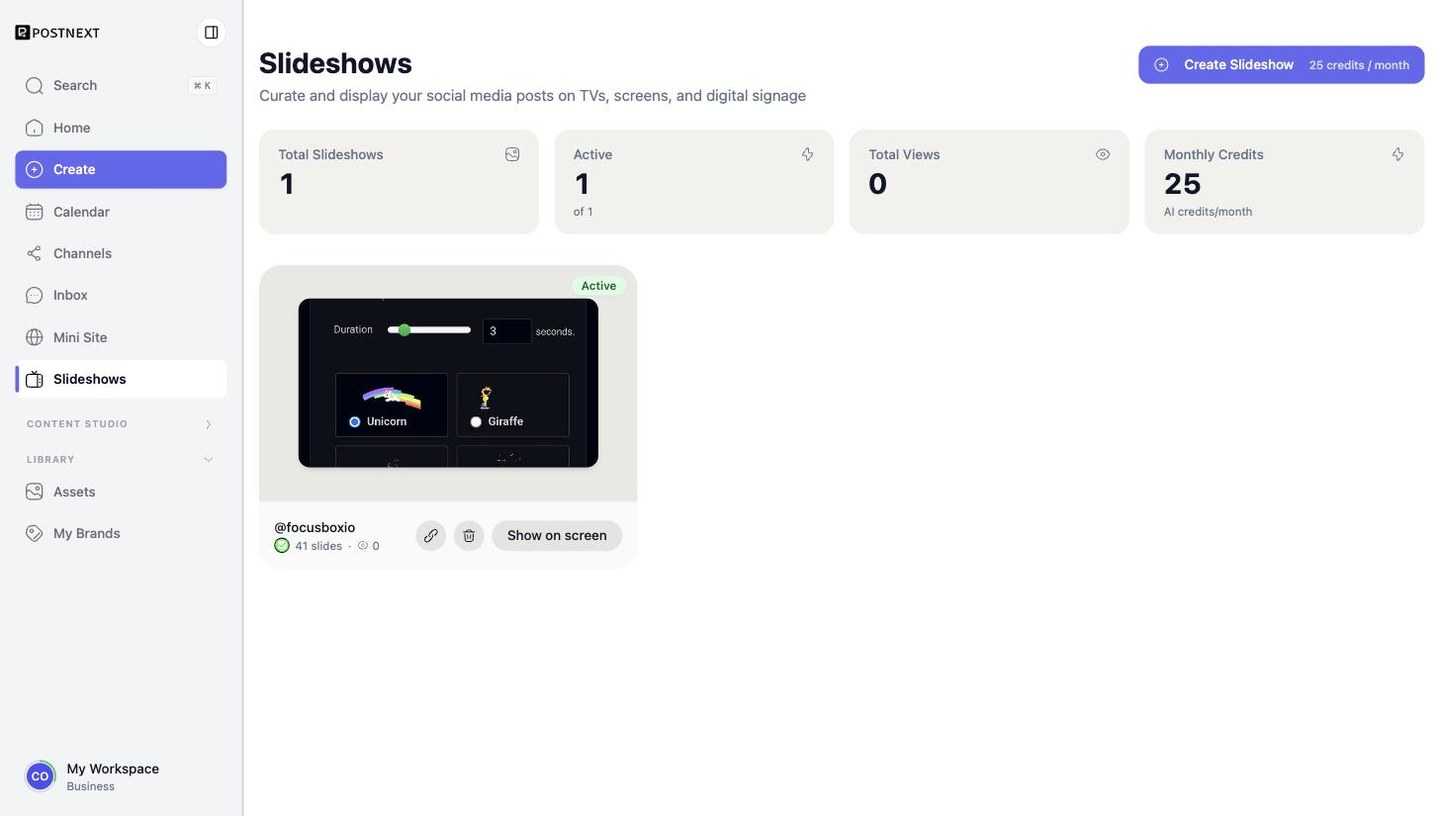
Creating a slideshow
Open Slideshows in the sidebar and press Create slideshow. One list covers both Instagram and Threads: pick the account you want on the screen and the slideshow is created with all of its posts. Your first screen plays free for a week; after that each active slideshow uses 25 AI credits a month.
Showing it on your screen
The quickest way is from the TV itself: go to postnext.io/tv and type the six-digit code shown on the slideshow page. To see how it looks before you have a slideshow of your own, type the demo code 000 000.
The slideshow page also shows a display link and a QR code. Open the link on the device driving the screen:
- Smart TV, Fire TV or Google TV: open the TV's browser, type the link, go fullscreen. Turn off the TV's sleep timer.
- A laptop or mini PC behind the TV: open the link in Chrome and press F.
- Raspberry Pi or a dedicated kiosk: copy the startup command from the page; the screen boots straight into the slideshow.
The screen refreshes itself at the sync interval you set (60 minutes by default) and reconnects on its own after a network drop.
Choosing posts and the look
Untick a post to hide it from the screen and drag to reorder. Under Look & feel you can set the time per slide, the transition, captions and the background; changes save automatically and the live preview updates as you go.
Renewals
If a monthly renewal cannot be charged, the screen keeps playing for 7 days while you add credits. After that the slideshow pauses and the screen shows a paused notice until you reactivate it.
Next steps
- Apps - The rest of PostNext's per-platform content tools.
- Engage (Inbox) - Follow up on the comments your published posts receive.