Key Takeaways
Stay Ahead with Proactive Detection
Automated alerts and AI-powered social listening are now essential for brands committed to effective social media crisis management. With misinformation and deepfakes spreading rapidly, waiting for a crisis to escalate is a significant risk. Early warning signs – such as a sudden spike in negative sentiment or an emerging “hot topic” – can be flagged in real time, giving you a crucial head start. For practical steps on setting up alert systems, see this walkthrough on automated social media alerts.
Respond Fast, Respond Right
Pre-approved response templates and clear escalation workflows help teams act quickly and accurately under pressure. When every minute counts, having these tools ready reduces the risk of posting reactionary or off-brand statements. Regular drills and updates to your templates ensure your team is prepared when it matters most.
Pause Scheduled Content Immediately
A critical but often overlooked step: pause all scheduled posts as soon as a crisis emerges. Automated publishing during sensitive moments can result in tone-deaf messaging that damages credibility. Many teams have experienced this firsthand, with unrelated promotional content going live during high-tension periods. Make sure your scheduling tool allows for instant intervention – see this post on common automation mistakes for real-world examples.
Communication Builds (or Breaks) Trust
Throughout a social media crisis, consistency and transparency across all platforms determine whether trust is rebuilt or eroded. Avoid mixed messages by aligning social responses with updates on your website and other channels. Clear, empathetic communication is what stakeholders expect – and demand – in this environment. Brands that manage this well can minimize reputational fallout and even strengthen public trust.
Why Social Media Crisis Automation Is Essential
When Minutes Matter: The High Cost of Manual Response
Consider a scenario where a brand faces a rapidly escalating PR issue after a customer complaint goes viral overnight. Manual monitoring means the first wave of negative posts might not be seen for hours. By the time a team assembles and drafts a response, misinformation may have already taken root. The hashtag trends, news outlets pick up the story, and the brand’s reputation can unravel quickly.
Today’s social media crisis cycles move with a speed that traditional, manual workflows struggle to match. Platforms like X, Instagram, and Reddit amplify issues instantly. With so many consumers valuing a brand’s social presence as a trust factor, the stakes are high.
Key Insight: Brands relying solely on manual monitoring and slow, approval-heavy responses risk reputational damage that automation can help reduce or prevent.
Automation Closes the Gap – Detection, Triage, Communication
Automation is now a necessity for credible crisis management. AI-powered social listening tools track sentiment and flag “hot topics” in real time, helping teams spot trouble early. Automated alerting routes incidents to the right people, reducing delays in the initial response.
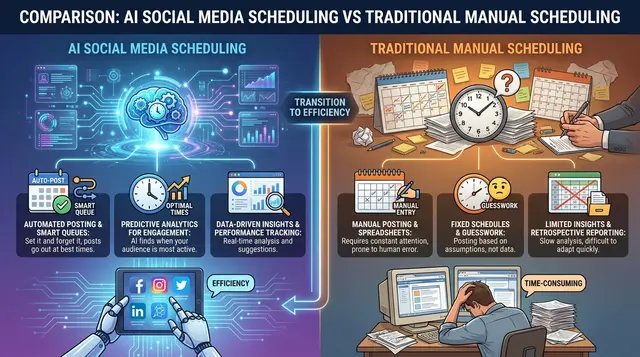
Some tools integrate AI-driven monitoring and scheduling so teams can pause pre-scheduled posts quickly at signs of trouble. This helps prevent tone-deaf content from publishing during crises. For more on pausing content and updating workflows, see this guide on scalable social media workflows.
Beyond speed, automation supports consistent and transparent communication. Pre-approved response templates and escalation protocols help teams avoid scrambling to draft statements, reducing miscommunication risks.
The Real-World Risks of Inaction: Delay, Misinformation, and Lost Trust
Delays in response can worsen a crisis. In the absence of credible answers, false narratives and AI-generated fakes may fill the void, forcing brands into a defensive position. Each hour without a clear response can erode public confidence. For a discussion on the limits and risks of automation, see this opinion on over-automation.
The cost of inaction often outweighs the investment in automation. Lost trust, negative headlines, and prolonged misinformation cycles can have long-term effects. The ability to detect, triage, and communicate rapidly is now vital to managing social media crises effectively.
Step 1: Assemble and Train Your Crisis Response Team
Role Definition and Responsibilities
Assembling the right crisis response team is a crucial step before a social media crisis occurs. A strong team is built intentionally, with clear roles and responsibilities defined in advance. This includes identifying individuals for three core functions: monitoring (spotting potential issues), approval (signing off on messaging), and escalation (triggering higher-level interventions).
Ambiguity in these duties can slow response times. The speed and unpredictability of modern crises – especially with AI-driven misinformation and fast-moving platforms like X and Reddit – require sharp clarity. For example, a monitoring lead might use AI tools to detect negative sentiment spikes or deepfake threats, while a legal liaison ensures responses are compliant and risk-aware. Customer service should be ready to address inquiries and defuse frustration in real time.
Effective social media crisis management requires coordination across marketing, legal, customer support, and tech teams. Each perspective is important, and all must be prepared to act quickly. For more on structuring team workflows, see this guide to building a high-performance social media workflow.
| Check Item | What to Look For | Why It Matters |
|---|---|---|
| Clear Role Assignments | Written list of who monitors, approves, and escalates | Prevents confusion and speeds decision-making when every minute counts |
| Cross-Functional Representation | Team includes marketing, legal, customer service, and tech | Ensures all perspectives are covered and responses are accurate and compliant |
| Approval Protocols | Documented process for who can sign off on public messages | Reduces risk of unauthorized or off-brand communications going live |
| Escalation Pathways | Pre-defined triggers for pulling in leadership or external counsel | Allows immediate action when a situation escalates beyond initial scope |
| Backup Contacts | Alternates identified for each role in case of absence | Keeps the response chain intact even if someone is unavailable |
Crisis Simulation and Training
A crisis plan is only as effective as your team’s ability to execute it under pressure. Regular simulation drills help turn theory into practice. These exercises should present realistic scenarios – such as viral misinformation, coordinated trolling, or sudden negative sentiment spikes flagged by AI tools.
In each drill, run the process end-to-end: monitoring detects the event, the team drafts and approves a response, escalation protocols are tested, and messaging is pushed out across channels. This is also the time to stress-test scheduling tools to ensure you can instantly pause all queued content – a critical capability highlighted in our deep dive into automation mistakes.
After simulations, debrief honestly. Identify what slowed the team, where handoffs lagged, and whether templates fit the situation. Even small gaps can cause delays or off-brand replies during a real crisis. Hands-on preparation separates brands that get blindsided from those that respond with speed and credibility. Many consumers judge brand trust by social media crisis handling – so readiness is essential.
Simulations also offer a chance to refine AI tool use for early detection and coordination. For more on automation and AI’s evolving role, see our opinion piece on automation and privacy.
Step 2: Set Up Automated Social Media Monitoring and Alerts
When every minute counts during a social media crisis, early detection is critical. The speed with which misinformation and negative sentiment spread across platforms like X, Instagram, Facebook, and Reddit means periodic manual checks are insufficient. Continuous, AI-powered monitoring and smart alerting help you stay ahead.
Key Insight: Proactive, automated monitoring combined with well-calibrated alerts gives your team valuable time to contain a crisis before it escalates.
Choosing the Right Social Listening Tools
Not all social listening solutions are equal, especially as AI-generated content and deepfakes complicate detection. The best tools combine real-time monitoring, AI-driven sentiment analysis, and workflow integrations.
- Coverage across platforms: Ensure the tool monitors major channels where your audience gathers, including niche platforms where issues may build momentum.
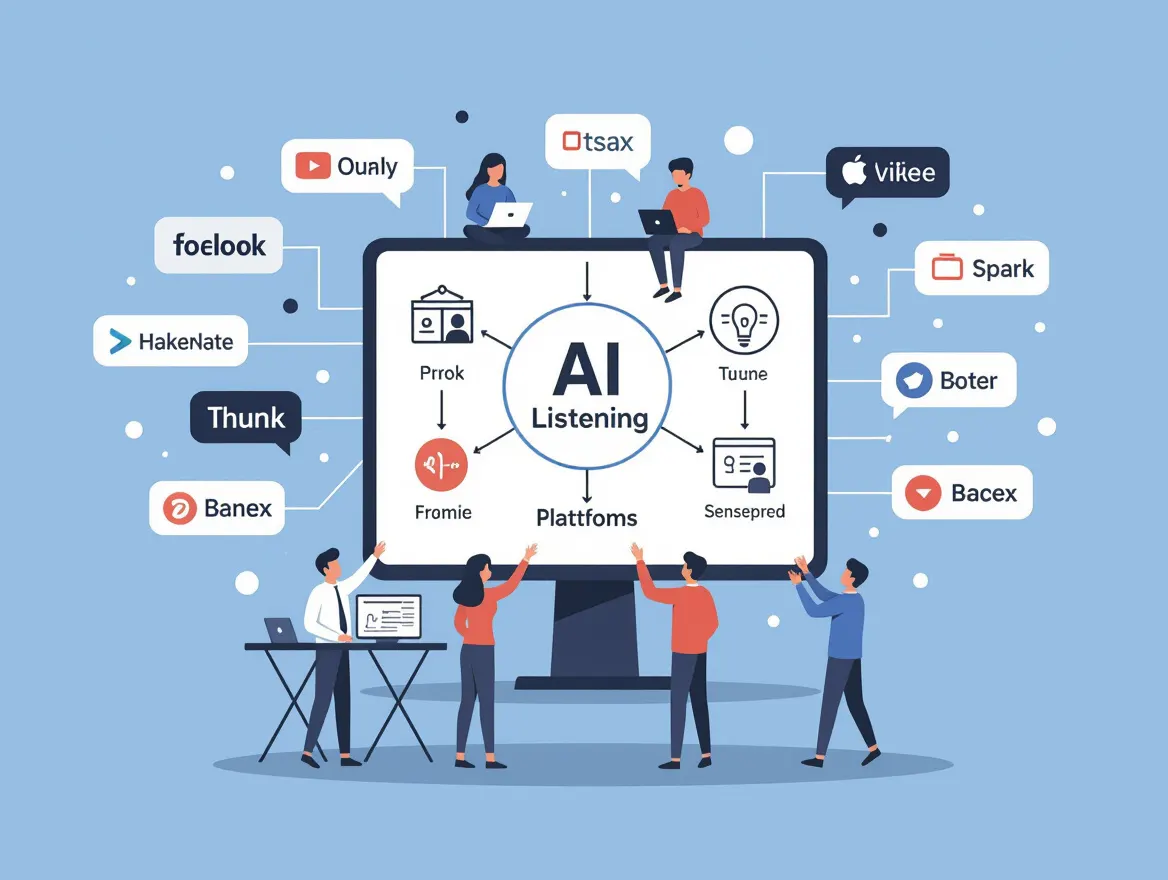
- AI sentiment and trend detection: Look for platforms analyzing tone, context, and sudden changes – these often flag crises early. For more, see this guide to AI social listening and trend detection.
- Workflow integration: Some tools can automatically pause scheduled posts and notify stakeholders, helping keep responses coordinated and timely.
- Scalability: Choose solutions that handle high volumes without overwhelming your team with noise.
Social listening tools are valuable for brands of all sizes. Automated monitoring lets you step away from screens without missing warning signs – important since crises often start after hours.
Configuring Alert Thresholds and Escalation
Setting up monitoring is only half the battle. The real value comes from smart alerting: being notified when it matters, not for every minor comment. Here’s how to balance alerts:
- Alert thresholds: Define what constitutes a true emergency – such as a sudden spike in negative mentions or a trending hashtag with your brand’s name. Avoid thresholds so low they cause false alarms. Use historical data to guide settings.
- Multi-tiered escalation: Minor issues might notify a community manager, while major spikes alert PR, legal, and executives.
- Contextual triggers: AI platforms can flag content referencing lawsuits, safety concerns, or viral misinformation. Combine keyword triggers with sentiment analysis for precision.
- Continuous tuning: Review alert settings after crises or drills. Adjust thresholds to reduce false positives or catch missed signals. For guidance, see this setup walkthrough.
Automated alerts reduce response time and the risk of missing critical signals but require ongoing tuning and clear escalation paths. Drills and case reviews help fine-tune configurations.
| Alert Type | Trigger Examples | Recommended Use |
|---|---|---|
| Volume Spike | Mentions jump 2x-3x above average in one hour | Early warning for potential viral issues; broad monitoring |
| Negative Sentiment Surge | Sudden increase in negative or angry sentiment detected by AI | Prioritize for crisis response, especially if sentiment drops sharply |
| Keyword/Topic Trigger | Mentions of “recall”, “lawsuit”, “scam”, or competitor attacks | Use for known high-risk or sensitive topics |
| Influencer Amplification | Negative post shared by an account with large following | Escalate when influential voices pick up an issue; can drive mainstream attention |
| Cross-Platform Trend | Same hashtag or complaint trending on multiple platforms | Signals coordinated action or viral spread; triggers highest-level response |
Combining AI-driven social listening with appropriate alert types and escalation prepares your team to spot and contain crises wherever they start. This approach helps protect trust amid growing online threats.
Step 3: Pause Scheduled Content and Update Calendar Workflows
Allowing scheduled posts during a social media crisis can erode trust and fuel backlash. Content that seemed harmless before may appear tone-deaf amid unfolding events. With many consumers rating social presence as a trust factor, manual delays or partial pauses carry risk.
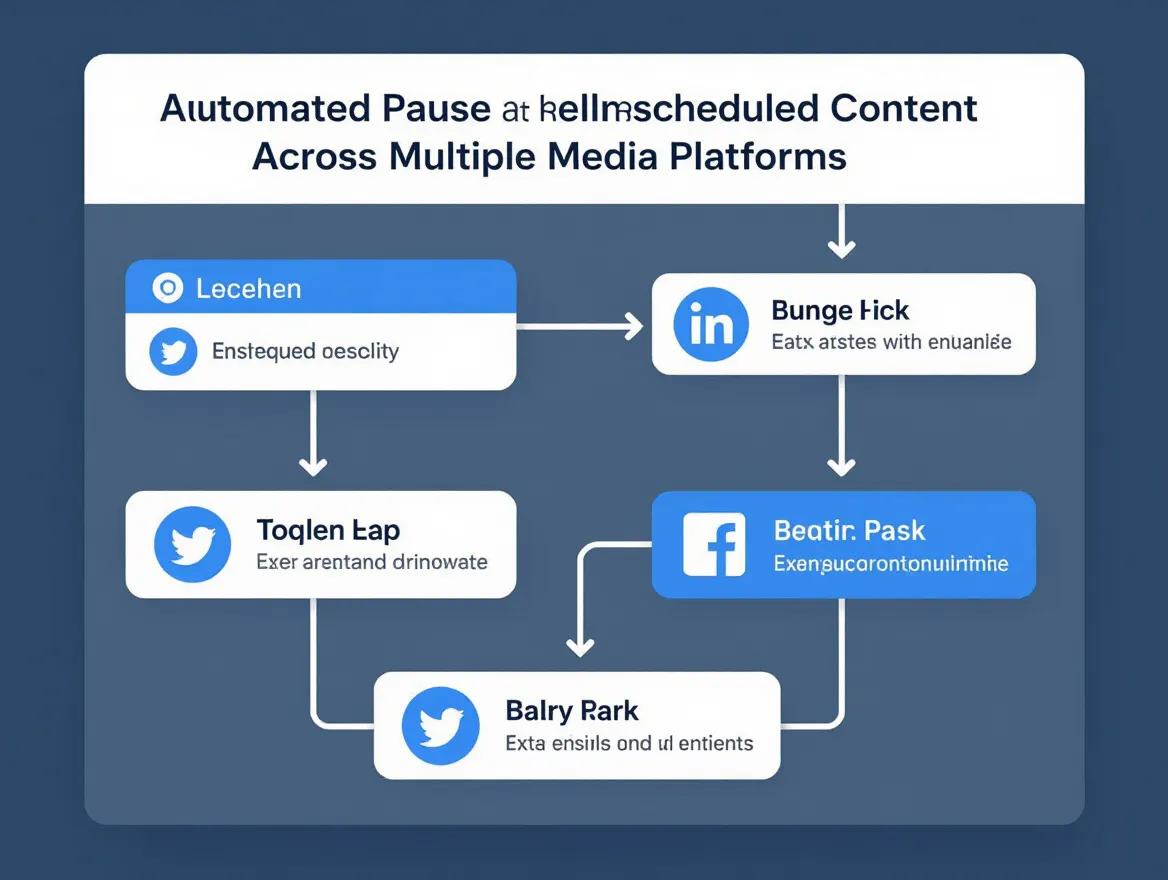
Automation can reduce scrambling to a few clicks. Modern scheduling platforms enable halting content across connected channels – X, Instagram, Facebook, LinkedIn, Reddit – without logging into each separately. This is vital when misinformation spreads or sentiment shifts rapidly. Automated pauses help avoid accidental posts and maintain narrative control.
| Before | After |
|---|---|
| Before: A retail brand discovers a product recall crisis at 8:00 AM. The social team emails everyone to stop posting, but by 10:00 AM a pre-scheduled “Happy Friday!” post goes live on Instagram and Facebook. Comments accuse the brand of ignoring the crisis. | After: The same brand uses an automated scheduler. At 8:05 AM, a team lead hits “Pause All” across every platform from the calendar dashboard. No posts go out until leadership reviews and approves crisis messaging. No tone-deaf content appears, and the brand avoids fueling the fire. |
The “after” scenario works because immediate, automated action removes human error. There’s no lag, no confusion, and nothing slips through. The team controls the message, not the calendar.
Coordinating Across Teams and Platforms
Confusion during crises often stems from scattered workflows and unclear roles. Brands with multiple social accounts, outsourced partners, or siloed teams risk someone posting business-as-usual while others scramble. Mixed signals damage credibility.
Centralizing scheduling and calendar management helps. Some tools let you assign permissions and coordinate legal, PR, and support teams in one workspace. Automated notifications alert stakeholders when crisis protocols trigger, reducing reliance on group chats or missed emails. Integrating all accounts into a single dashboard is essential for cross-platform posting. For more on building these workflows, see this guide to scalable social media workflows.
Automation ensures no content slips through, protecting your brand when it matters most. To learn more about automation features that streamline calendar responses, see seven essential automation features for engagement.
Step 4: Deploy Pre-Approved Crisis Response Templates
Speed and consistency are vital in a social media crisis. Pre-approved messaging templates help teams act quickly while maintaining accuracy and a unified tone. Templates are most effective when relevant and adaptable. Here’s how to craft, store, and use them effectively.
Key Insight: The best crisis templates balance speed and structure with flexibility to sound human on every platform and situation.
Crafting Effective Response Templates: Best Practices for Language, Empathy, and Adaptability
Start by understanding the types of crises your brand may face – product recalls, data breaches, executive missteps, or viral misinformation. Develop core messages emphasizing accuracy, empathy, and legal safety. Frameworks should cover acknowledgment, known facts, commitment to updates, and channels for questions.
Language matters. Templates should reflect your brand voice and suit the situation’s gravity. Avoid jargon, corporate spin, or defensiveness. Use plain language and show genuine concern. For example, a data breach template might say: “We’re aware of the issue and investigating with top priority. Protecting your data is our highest concern.”
Empathy is essential. Robotic or tone-deaf replies can worsen backlash. Templates should include placeholders (“date”, “affected product”, “actions taken”) for quick personalization. Store templates accessibly for all crisis responders – not buried in old emails.
When to Use and When to Customize: Guidelines for Balancing Speed with Authenticity
Templates are powerful but shouldn’t become a crutch. Deploy initial holding statements quickly to show accountability, especially on fast platforms like X or Reddit where silence is seen as complacency. As situations evolve, customization is crucial – copy-pasted messages repeated across channels can alienate followers.
Adapt templates for platform conventions and audience expectations. Instagram may favor brief, visual statements; LinkedIn audiences expect detail and formality. Always review critical updates with legal and communications leads to avoid misstatements or liability. Regular reviews and drills keep templates current and teams fluent. Outdated or awkward phrasing undermines trust, especially amid rapidly spreading misinformation – a trend amplified by AI-generated content, as discussed in recent discussions on AI limits in crisis response.
Ultimately, templates are a starting point. The best teams use them for fast, coordinated responses, then layer in context and empathy. Keeping messaging human, accurate, and platform-appropriate helps contain incidents and protect reputation.
Step 5: Automate Escalation Workflows for Social Media Crises
When a social media crisis occurs, speed and clarity differentiate contained incidents from viral disasters. Automated escalation workflows help brands respond precisely rather than scrambling. The goal: ensure high-severity issues get immediate expert attention, while minor issues don’t create unnecessary noise.
Key Insight: Automated escalation routes critical social media incidents to the right people at the right speed – every time.
Designing Your Escalation Framework: Triggers, Tiers, and Teams
Define what constitutes a crisis for your brand. Not every angry tweet needs the same response. Escalation works only if triggers and thresholds are clear. Examples include:
- Keyword patterns (“scam”, “dangerous”, “boycott”)
- Volume spikes in brand mentions
- Sentiment shifts detected by AI tools
- Mentions by influencers or journalists
- Emergence of misinformation or deepfakes
Assign triggers to escalation tiers. For example, Tier 1 (routine negativity) might go to a community manager; Tier 3 (legal or reputational threat) routes immediately to crisis and legal teams. Map tiers to responsible parties and back with pre-approved templates and contact trees. Coordination improves when roles are clear.
Some automation platforms can route alerts based on these settings, reducing manual triage delays. For an overview of such workflows, see this guide to scalable social media workflows.
Actionable Playbook: Sample Escalation Scenarios
Consider how escalation tiers play out. The table below outlines tiered triggers and required actions, helping teams avoid overreaction or inertia.
| Escalation Tier | Trigger Criteria | Action Required |
|---|---|---|
| Tier 1: Monitor | Single or low-volume negative comments; routine complaints; neutral sentiment | Community manager acknowledges or responds with standard template; monitor for escalation |
| Tier 2: Alert & Respond | Sudden spike (3x normal) in negative mentions; influencer posts negative review; emerging customer confusion | Escalate to social lead; pause scheduled content (see setting up automated alerts); prepare holding statement and real-time updates |
| Tier 3: Crisis | Viral misinformation; coordinated attack; legal or safety issue flagged; mainstream media coverage | Immediate notification to crisis response team and legal; all scheduled posts paused; activate crisis communication plan; coordinate statements across channels |
For example, if AI monitoring detects a rapid spike in “recall” or “dangerous” with your product name, the system escalates to Tier 3. The platform notifies executives and legal, pauses outgoing content, and prompts crisis messaging deployment. Less severe complaints might trigger only Tier 1 responses handled quietly by customer care.
Automation doesn’t mean robotic responses. It lets your team focus on urgent, accurate, empathetic communication while handling repetitive routing. This balance is vital as misinformation and deepfake risks grow. For a counterpoint on automation risks, see Risks of Over-Automation in Social Media Marketing.
In summary, a tiered, automated escalation workflow underpins effective social media crisis management. It helps teams avoid noise overload and respond promptly to real crises.
Step 6: Ensure Consistent, Transparent Communication Across Channels
During a social media crisis, your brand’s credibility hinges on every message. A large majority of consumers consider social media presence a key trust factor, with this view especially strong among Gen Z. The challenge is not just speed but delivering consistent, transparent, and empathetic communication wherever your audience seeks answers.
Synchronizing Social, Web, and PR Messaging: How to Align Updates and Avoid Contradictions
Stakeholders check social feeds, your website, and media coverage for updates during crises. Contradictions or delays between these channels cause confusion and speculation. Coordinate messaging with PR, website, and customer support teams, not just social media managers. Cross-functional crisis protocols in evergreen plans help ensure alignment.
Establish a shared source of truth for all outgoing communication, such as a centralized crisis brief or real-time messaging document maintained by the crisis team. Review each update for consistency before posting across platforms. For example, if your X feed acknowledges an issue, your website banner and press releases should use matching language and details. Avoid “social-first” updates that leave other teams scrambling. Such mix-ups quickly undermine credibility.
The 15-20-60-90 timeline is useful: acknowledge the issue within 15 minutes, provide a basic update by 20, deliver detailed explanations within 60, and maintain communication through 90 minutes and beyond. This timeline sets clear targets and helps prevent rushed, conflicting updates. For structured workflows, see this guide on scalable social media workflows.
Transparency builds trust – especially under scrutiny. Avoid jargon or legalese. Address concerns directly, own missteps, and explain corrective actions. Empathy is critical; acknowledge audience impact and show genuine concern. This approach, discussed in recent opinions on AI limits in crisis response, often defuses backlash better than defensive or robotic statements.
Remember, automated scheduling tools are only as effective as the humans managing them. Pause non-crisis content and coordinate every update. Consistency, transparency, and empathy across channels form the foundation of resilient crisis communication.
Step 7: Monitor, Adjust, and Debrief After the Crisis
Automated Analytics and Reporting
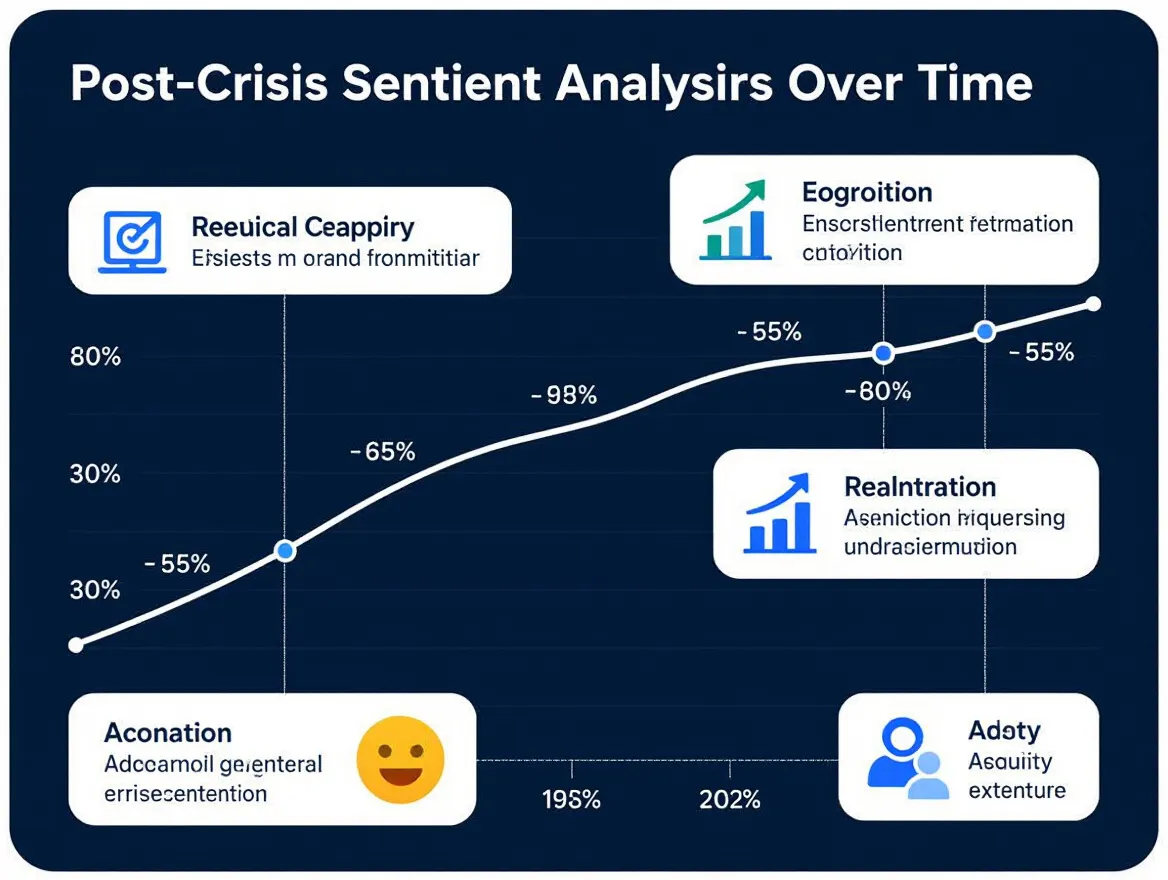
After the immediate threat of a social media crisis passes, ongoing work begins. Issues can linger or resurface if unchecked, so continuous monitoring is important to catch missteps, lingering misinformation, or new negative sentiment waves. AI-powered analytics tools now enable near real-time tracking of key metrics, sentiment shifts, and engagement trends across platforms.
Automated reports speed post-mortems and reduce human error, providing a comprehensive view of what happened. Features that flag negative mention spikes, identify emerging keywords, and visualize sentiment help teams understand crisis drivers and response effectiveness. These insights are valuable, especially given the rise of deepfakes and AI-generated misinformation. For setup guidance, see our guide to automating social media analytics.
If your brand struggles to distinguish minor complaints from crises, automated analytics can clarify boundaries and improve alert settings. For more on AI’s role in listening and detection, see this post on AI-powered trend detection.
Debrief and Update Protocols
A crisis is an opportunity to improve. Schedule a debrief soon after, ideally with all live response participants – social, PR, legal, support, and executives. Use analytics to guide discussion: What messaging worked? Where did misinformation slip through? Which channels required fastest responses?
Document actions that led to positive outcomes and moments of confusion or delay. Update your crisis playbook accordingly, refining escalation thresholds and approved messaging templates. Consider running simulations or tabletop exercises to test changes before future emergencies. Closing the loop – analyzing, debriefing, iterating – helps brands not just survive but strengthen public trust after crises. For more on building resilient workflows, see this guide to scalable social media workflows.
Post-crisis review also reinforces a culture of transparency and rapid adaptation, now essential for brand credibility.
Step 8: Avoiding Common Automation Pitfalls in Social Media Crisis Response
Where Automation Can Backfire
Automation is vital in managing social media crises, but over-reliance can backfire. Pre-programmed responses or blanket suppression of negative content may miss nuances critical in high-stakes moments. During crises, overly generic replies like “We’re aware of the issue” risk seeming dismissive or tone-deaf when audiences expect real answers and empathy. Scheduled posts during controversies often provoke backlash for appearing disconnected.
Even advanced AI tools may miss cultural subtleties, shifting sentiment, or incident context. For example, rapid misinformation spread may be worsened by templated responses. Experts recommend pausing scheduled content and carefully reviewing automated workflows as crises unfold. For more on over-automation risks, see this discussion of automation risks.
Key Limitations of Social Media Automation
No automation stack can fully replace human empathy and judgment during crises. AI can flag issues and draft initial responses but lacks the discernment for personal touches. People expect brands to acknowledge pain points, not just route issues through workflows. As noted in this opinion on AI limits in crisis management, automation should support – not replace – human judgment. Experienced teams remain essential for reviewing content, adapting messaging, and engaging directly when stakes are high.
Automated systems can become outdated or out of sync with fast-moving events. Messages appropriate last month may be tone-deaf today. Regular audits and updates keep automations relevant and sensitive, especially as new threats like deepfakes and coordinated misinformation arise. The most resilient brands combine scalable automation with ongoing human oversight, ensuring AI-drafted responses are reviewed for context and authenticity. For examples of automation pitfalls, see common automation mistakes.
Ultimately, automation excels at speed and monitoring, but your team’s judgment and empathy guide your brand through social media crises.
Summary Checklist
Audit Your Social Media Crisis Readiness
Use this quick-reference checklist to evaluate your current approach and identify gaps in social media crisis readiness. Each step reflects best practices and recent research on digital brand protection. This table supports teams seeking clear, repeatable processes to minimize risk and respond confidently.
| Step | Action Item | Ready? (Y/N) |
|---|---|---|
| 1. Assemble Team | Designate a dedicated crisis response team with clear roles and responsibilities | |
| 2. Social Listening | Implement AI-powered social listening tools to detect emerging threats and sentiment shifts | |
| 3. Crisis Plan | Maintain an up-to-date crisis communication plan including pre-approved responses and escalation protocols | |
| 4. Pause Automation | Set up workflows to pause scheduled content immediately when a crisis is detected (see more on automation risks) | |
| 5. Messaging Templates | Prepare pre-approved messaging templates for rapid, transparent communication | |
| 6. Escalation | Automate internal escalation workflows for high-severity incidents | |
| 7. Consistency | Ensure consistent messaging across social, web, and press channels | |
| 8. Training & Drills | Conduct regular simulations and debriefs to test and refine crisis response | |
| 9. Monitoring & Adjusting | Monitor sentiment and misinformation throughout crises. Adjust strategy as needed (more on social listening here). |
A systematic audit can help contain incidents before they escalate. With AI-driven misinformation and consumer expectations for real-time updates rising, staying prepared is more important than ever.
Frequently Asked Questions
What is a social media crisis, and how is it different from regular negative comments?
A social media crisis is a sudden, significant negative shift in online conversations about your brand that can escalate quickly and threaten reputation or public trust. This differs from routine complaints or negative comments, which are isolated and manageable within standard community management. Crises often involve rapid misinformation spread, viral backlash, or issues gaining traction across multiple platforms. When conversations impact your brand’s credibility or operations, it’s time to activate your crisis plan.
Can automation fully replace human judgment in a social media crisis?
No. While AI-powered monitoring and automation are crucial for early detection and fast initial responses, human oversight remains essential. Automation helps pause scheduled posts, surface urgent issues, and deploy pre-approved templates. However, nuanced decisions – when to escalate, how to address unique concerns, or adapt messaging – require human judgment. For more on automation’s role and limits, see this opinion on AI limits in crisis response.
How do you decide when to pause scheduled social media content?
Pause all scheduled posts immediately upon recognizing a potential social media crisis. This prevents tone-deaf or irrelevant messages during sensitive times. Many scheduling tools allow bulk halting of outgoing content. When unsure if a situation qualifies, err on the side of caution – pausing is reversible, but a poorly timed post can worsen the crisis.
What should brands do if misinformation about them is spreading online?
Act quickly and thoughtfully. Use AI-powered social listening to track misinformation scope and platforms where it spreads. Respond with accurate information on your channels and, when possible, within threads spreading falsehoods. Maintain consistency and transparency in messaging, and avoid speculation. Coordinate with legal and communications teams to ensure swift, safe responses. For more on automation’s role in monitoring and alerts, see this guide to automated social media alerts.
How do you prepare for rare or high-impact crisis scenarios?
Rare events – like coordinated attacks, deepfakes, or viral employee missteps – require scenario planning beyond everyday playbooks. Develop escalation protocols for these high-impact cases and run drills with your team. Ensure clear communication lines to legal counsel and leadership for rapid approvals. Regularly update crisis plans as new threats emerge, and consider AI tools that flag unusual sentiment or sharing patterns.
Is there a risk of over-automation during a social media crisis?
Yes. Over-reliance on automation can lead to impersonal responses or missed context. Automated replies may seem generic or insincere if not carefully managed. Balance is key: use automation for speed and information gathering, but always review messaging through a human lens before posting. For practical tips to avoid pitfalls, see our article on automation mistakes that harm engagement.
Preparation, rapid detection, and thoughtful communication remain your best tools in crisis management. Combining automation strengths with human expertise helps brands minimize risk and maintain trust amid volatility.
Generated with PostNext