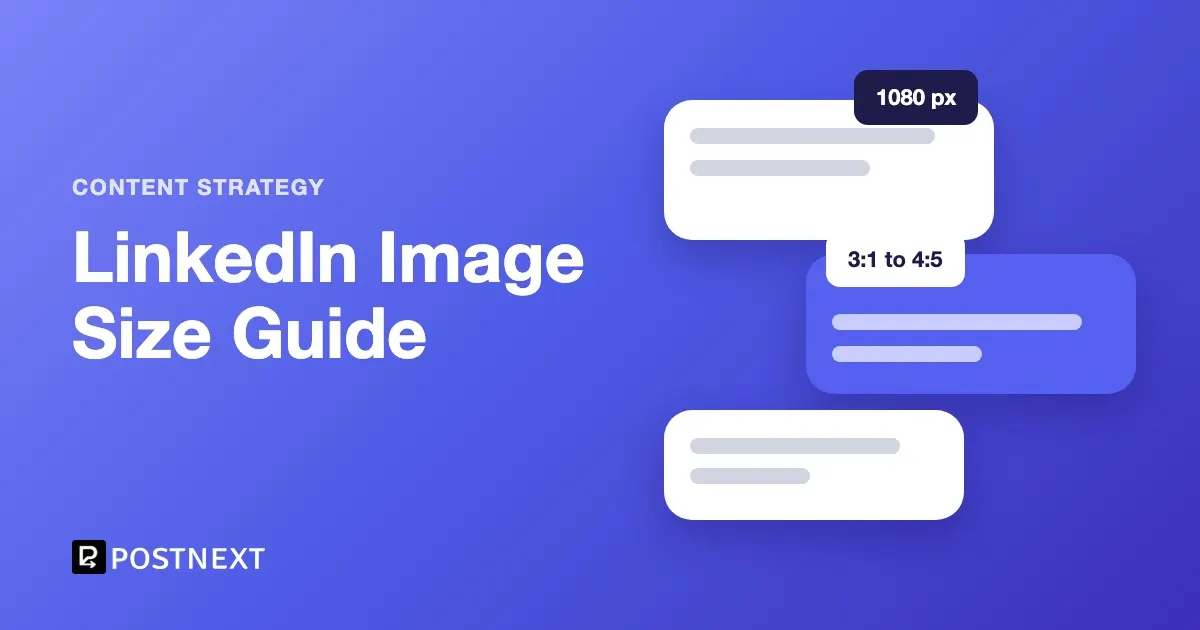
The best LinkedIn post image size is 1,080 pixels wide, in any shape from 3:1 landscape to 4:5 portrait, so 1080 x 1350 for the tallest image or 1080 x 1080 for a square. LinkedIn’s help pages set the floor at 552 x 276 pixels and the upload limit at 5 MB. An image wider than 3:1 is centred and cropped. Link previews use 1200 x 627.
Key Takeaways
- LinkedIn recommends photos 1,080 pixels wide. The minimum is 552 x 276 and the upload limit is 5 MB.
- Any ratio from 3:1 (wide) to 4:5 (tall) displays as uploaded. Anything wider than 3:1 is centred and cropped.
- Multi-photo posts take up to 20 photos and render at a maximum ratio of 4:5, with the layout set by the first image.
- A link preview image should be at least 1200 x 627, a 1.91:1 ratio, up to 5 MB. You can share a link or an image in a post, not both.
- Photos cannot be resized or edited after posting, so check the size before you publish.
LinkedIn image sizes at a glance
Every size below comes from LinkedIn’s own help pages, read in October 2026. Post images, link previews and the profile cover come from three member help articles. Logo, cover and Life tab sizes come from LinkedIn’s image specifications for Pages, which also cap all Page images at 3 MB in PNG or JPEG.
| Image | Size LinkedIn gives | Ratio | File limit |
|---|---|---|---|
| Post photo | 1,080 px wide recommended; at least 552 x 276 | 3:1 to 4:5 | 5 MB |
| Multi-photo post | Up to 20 photos; renders at most 4:5 (e.g. 640 x 800) | Max 4:5 | 5 MB per upload |
| Link preview (og:image) | At least 1200 x 627 | 1.91:1 | 5 MB |
| Page post with a URL, custom image | 1200 x 627; more than 200 px wide | 1.91:1 | 3 MB |
| Profile cover image | 1584 x 396 recommended | 4:1 | Under 8 MB, JPG or PNG |
| Page logo | 400 x 400 recommended; at least 268 x 268 | 1:1 | 3 MB |
| Page cover image | 1512 x 256 | About 5.9:1 | 3 MB |
| Life tab main image | 1128 x 376 | 3:1 | 3 MB |
| Life tab custom modules | 502 x 282 | About 16:9 | 3 MB |
| Life tab company photos | 900 x 600 recommended; at least 264 x 176 | 3:2 | 3 MB |
LinkedIn does not state the ratios for the cover and Page images; they are worked out from its pixel sizes. Its profile photo guidelines page gives no pixel size at all, so the table leaves the profile picture out.
What is the best image size for a LinkedIn post?
Use 1,080 pixels wide and pick the ratio for the job. A 4:5 portrait image, 1080 x 1350, is the tallest shape LinkedIn shows uncropped, and at the same width it is taller than a square or landscape image. A square, 1080 x 1080, is the safe middle. A landscape image down to 3:1 also displays in full. LinkedIn’s page does not say what happens to an image taller than 4:5, such as a 9:16 phone screenshot, so crop it to 4:5 yourself and choose what stays in the frame.
LinkedIn’s help page on sharing photos puts it this way: a photo “must be at least 552 (w) x 276 (h) pixels, but we recommend 1080 (w) pixels”. The ratio “can range from 3:1 to 4:5 (width:height)”, and “if the ratio is larger, the image will be centered and cropped to fit the max ratio.”
Three common sizes and how they behave:
| Size | Ratio | What happens |
|---|---|---|
| 1080 x 1350 | 4:5 | Tallest uncropped shape |
| 1080 x 1080 | 1:1 | Displays in full; works for most graphics |
| 1200 x 627 | 1.91:1 | Displays in full; the same shape as a link preview |
That help page also warns that small, low-resolution photos may appear in low quality. Start from a large original and export down rather than enlarging a small file.
How do multi-photo posts display on LinkedIn?
A LinkedIn post holds up to 20 photos. LinkedIn renders them at a maximum ratio of 4:5, for example 640 x 800, and gives the first image the most emphasis.
LinkedIn’s help page adds the details. Two images sit side by side and keep their ratios. With three or more, the first image sets the layout: if it is landscape or shorter than 4:3, it goes on top and the others line up below it; if it is portrait, square or taller than 4:3, it goes in the left column with the others stacked to the right.
Cropping happens in the lower rows. The whole container is capped at 4:5, so bottom-row images are cropped when the rows run taller than that, and second-row images share the width equally.
In practice: put the image you most want seen first, keep faces and text away from the edges of the later images, and use one shape for the whole set so the crops are predictable.
What size is a LinkedIn link preview image?
LinkedIn reads a page’s preview image from its og:image tag. LinkedIn’s help page for website owners asks for at least 1200 x 627 pixels, a 1.91:1 ratio, and a file of up to 5 MB. For a Page post that includes a URL, the Pages help page gives the same 1200 x 627 at 1.91:1, and says a custom image must be more than 200 pixels wide.
One rule catches people out. LinkedIn’s photo help page says “you can share either a URL link or an image in a post, but not both at the same time.” So a post with your own image attached will not also show a link preview card. If the preview card is what you want, share the link without an image and fix the og:image on the page you are linking to.
What size are LinkedIn cover and Page images?
For a personal profile, LinkedIn recommends a cover image of 1584 x 396 pixels, as a JPG or PNG under 8 MB. Company Pages use different sizes: a 400 x 400 logo, a 1512 x 256 cover, and Life tab images of 1128 x 376, 502 x 282 and 900 x 600. All Page images must be PNG or JPEG files of 3 MB or less.
LinkedIn’s cover image page adds a practical note: “If your cover image appears blurry or pixelated, please choose an image with a larger file size.” Heavy compression throws away detail, so keep the original quality where the 8 MB limit allows. Keep text on a cover image away from the left side on profiles, where the profile photo overlaps the cover, and check the result on a phone before you settle on it.
Sizes for article and newsletter cover images were not on the LinkedIn help pages read for this guide, so they are left out rather than guessed.
How do you resize an image for LinkedIn?
Crop the original to the ratio you want, then export it at 1,080 pixels wide, or at the exact pixel size from the table for covers and Page images. Save it as a JPG or PNG under the file limit. Most phone and desktop photo editors crop to a fixed ratio, and design tools export at an exact size.
PostNext’s free LinkedIn photo resizer has presets for a profile picture, banner, post image and company logo. It runs in your browser, so the image is not uploaded to a server, and it can download the resized file or send it on to publish. Its post-image preset is 1200 x 627, a 1.91:1 landscape that LinkedIn displays in full; for a taller 4:5 post image, crop to 1080 x 1350 in your editor instead. If you are making a YouTube thumbnail at the same time, our guide to YouTube video dimensions and thumbnail sizes lists the size YouTube recommends.
Can you schedule LinkedIn posts with images?
PostNext schedules LinkedIn text posts and posts with one or more images or a GIF, from the same calendar as its six other channels. Document carousels, articles, newsletters and native LinkedIn video are not supported. LinkedIn metrics in PostNext are likes and comments. On paid plans, PostNext suggests posting times from your own last 90 days of posts.
The LinkedIn scheduler page lists what it supports. Since LinkedIn photos cannot be resized after posting, check the image at the sizes above before it goes in the queue.
What to put in the image is a separate question. Our list of LinkedIn post ideas has formats that work with a single photo, and our guide to how the LinkedIn algorithm works covers what LinkedIn says it ranks. If you are deciding on hashtags for the post, see whether hashtags work on LinkedIn.
Frequently Asked Questions
What is the best image size for a LinkedIn post?
1,080 pixels wide, which LinkedIn recommends. Use 1080 x 1350 (4:5) for the tallest image LinkedIn shows uncropped, 1080 x 1080 for a square, or a landscape size down to 3:1. Keep the file under 5 MB.
What is the minimum image size for LinkedIn?
At least 552 x 276 pixels for a photo in a post, according to LinkedIn’s help page. Small, low-resolution photos may display in low quality even above that minimum, so start from a larger file.
What aspect ratio does LinkedIn use for images?
Single photos can be anything from 3:1 to 4:5. LinkedIn centres and crops wider images to 3:1; its help page does not say what happens to images taller than 4:5, so crop those to 4:5 before posting. Multi-photo posts render at a maximum of 4:5, and link previews use 1.91:1.
What size is a LinkedIn link preview image?
At least 1200 x 627 pixels, a 1.91:1 ratio, with a file size of up to 5 MB. LinkedIn takes it from the og:image tag of the page you link to.
What is the LinkedIn cover image size?
LinkedIn recommends 1584 x 396 pixels for a profile cover image, as a JPG or PNG under 8 MB. A company Page cover is 1512 x 256 pixels, as a PNG or JPEG of 3 MB or less.
Can you change a LinkedIn image after posting?
No. LinkedIn’s help page says uploaded photos cannot be resized or edited after they have been posted. Check the crop before publishing, or delete the post and share it again with a corrected image.
Related reading
- How the LinkedIn Algorithm Works in 2026
- 30 LinkedIn Post Ideas You Can Use This Week
- Do Hashtags Work on LinkedIn in 2026?
- How to Schedule LinkedIn Posts: Free Tool, Best Times & 5-Minute Setup (2026)
- Instagram Reel Size: Dimensions and Safe Zones
Sources
- LinkedIn Help, Share photos on LinkedIn (read October 2026)
- LinkedIn Help, Make your website shareable on LinkedIn (read October 2026)
- LinkedIn Help, Image specifications for your LinkedIn Pages and Career Pages (read October 2026)
- LinkedIn Help, Add or change the cover image on your profile (read October 2026)
- LinkedIn Help, Profile photo guidelines and conditions (read October 2026)
- PostNext, postnext.io/linkedin-scheduler and postnext.io/tools/linkedin-photo-resizer (October 2026)