Coming Soon to PostNext

Google Business Profile Scheduler: Coming Soon

Google Business Profile publishing is on the PostNext roadmap and not available yet. Until it launches, you can schedule to seven live networks from one calendar.

Available Today

Schedule to Seven Live Networks

PostNext publishes to X, Instagram, LinkedIn, TikTok, YouTube, Threads and Bluesky today. Write a post once, adjust it for each network and put it on one shared calendar. Google Business Profile is not one of them yet.

One calendar and queue for seven live networks

AI help with drafts, captions and hashtags

CSV import of up to 100 posts at a time

Team Collaboration

Review Posts Before They Go Out

On the Teams plan, members draft posts and an admin approves them before they publish. You can also send a read-only preview link to a client or reviewer who does not have a seat.

Two roles: admin and member

One approval step before a post publishes

Read-only preview links for clients and reviewers

Roadmap

Coming Soon to PostNext

Google Business Profile is on the PostNext roadmap but it is not live yet. You cannot connect Google Business Profile or schedule posts to your Business Profile in PostNext today, and we will share details when it launches rather than promise features in advance.

Planned: publishing posts to your Business Profile from PostNext

Not available yet: connecting Google Business Profile or scheduling to it

Live now: X, Instagram, LinkedIn, TikTok, YouTube, Threads and Bluesky

1

Create a Free Account

Start a 7-day free trial. If you cancel, you keep the free plan: one channel, 10 posts and 10 AI credits a month.
2

Connect a Live Network

Connect X, Instagram, LinkedIn, TikTok, YouTube, Threads and Bluesky. Google Business Profile cannot be connected yet.
3

Write and Schedule

Draft the post, adjust it for each network and pick a time on the calendar.
4

Check the Results

See how your posts performed on the connected networks in PostNext analytics.

Frequently Asked Questions

Need something else? Just reach out

Can PostNext create AI‑optimized Google Business posts?

Not for Google Business Profile yet, because that channel is not live. The AI assistant drafts posts for the seven live networks today, and you can copy a draft into your Business Profile yourself.

Can PostNext suggest the best time to post on Google Business Profile?

PostNext's best-time suggestions cover the networks it publishes to today. They do not include Google Business Profile, which is still coming soon.

Can I schedule posts for multiple locations at once?

Not yet. Google Business Profile cannot be connected to PostNext today, so posts cannot be scheduled to any location.

Does PostNext support Offers and Events?

No. Offers, Events and other Business Profile post types cannot be scheduled, because Google Business Profile publishing is still coming soon.

Will analytics separate each location?

No. There are no Google Business Profile analytics in PostNext, because the channel is not live yet. Use the insights in your Business Profile.

Can multiple teammates collaborate on drafts and approvals?

Yes, on the live networks. The Teams plan has two roles, admin and member, one approval step before a post publishes, and a read-only preview link for reviewers. Google Business Profile is not part of that workflow yet because it is not live.

Is there a trial before committing?

Yes. Paid plans start with a 7-day trial on the seven live networks. Google Business Profile is not included because it is not live yet.

What happens to scheduled posts if I change plans?

Nothing changes for Google Business Profile, because those posts cannot be scheduled yet. Channel and post limits for the live networks are listed on the pricing page.

Is PostNext’s Google Business integration secure and compliant?

Google Business Profile is not connected to PostNext yet. The plan is to connect through Google's official Business Profile API with the owner's permission, as PostNext does with the live networks today.

Can I schedule Google Business product updates and showcase items with PostNext?

No. Product updates cannot be scheduled, because Google Business Profile publishing is still coming soon.

How does PostNext handle Google Business Q&A scheduling and seed questions?

It does not. PostNext does not manage Google Business Q&A, and Google Business Profile publishing is still coming soon.

Can I track and respond to Google Business reviews from PostNext?

No. Review monitoring and replies are not available in PostNext; manage reviews in your Google Business Profile dashboard.

Does PostNext support a local SEO posting strategy for Google Business Profile?

Not yet. The AI assistant can help you draft local copy that you post yourself, but scheduling to Google Business Profile is not available in PostNext today.

Can I schedule Google Business posts with images, buttons, and calls to action?

No. Google Business Profile posts, buttons and calls to action cannot be scheduled yet, because the channel is still coming soon.

Can I A/B test Google Business Profile post copy and call-to-action buttons?

No. There is no variant testing, and Google Business Profile is not a live channel yet. Compare post performance in your Business Profile insights.

Can I schedule Google Business Profile photo posts with multiple images and offers attached?

No. Google Business Profile photo posts and offers cannot be scheduled, because the channel is still coming soon.

Connect All Your Social Media Accounts

Schedule and publish content across Instagram, TikTok, X (Twitter), LinkedIn, YouTube, Threads, and Bluesky - all from one unified platform.

Explore all available platforms

Start With the Networks That Are Live

Schedule to X, Instagram, LinkedIn, TikTok, YouTube, Threads and Bluesky today. Google Business Profile support is coming soon.Create Free Account→
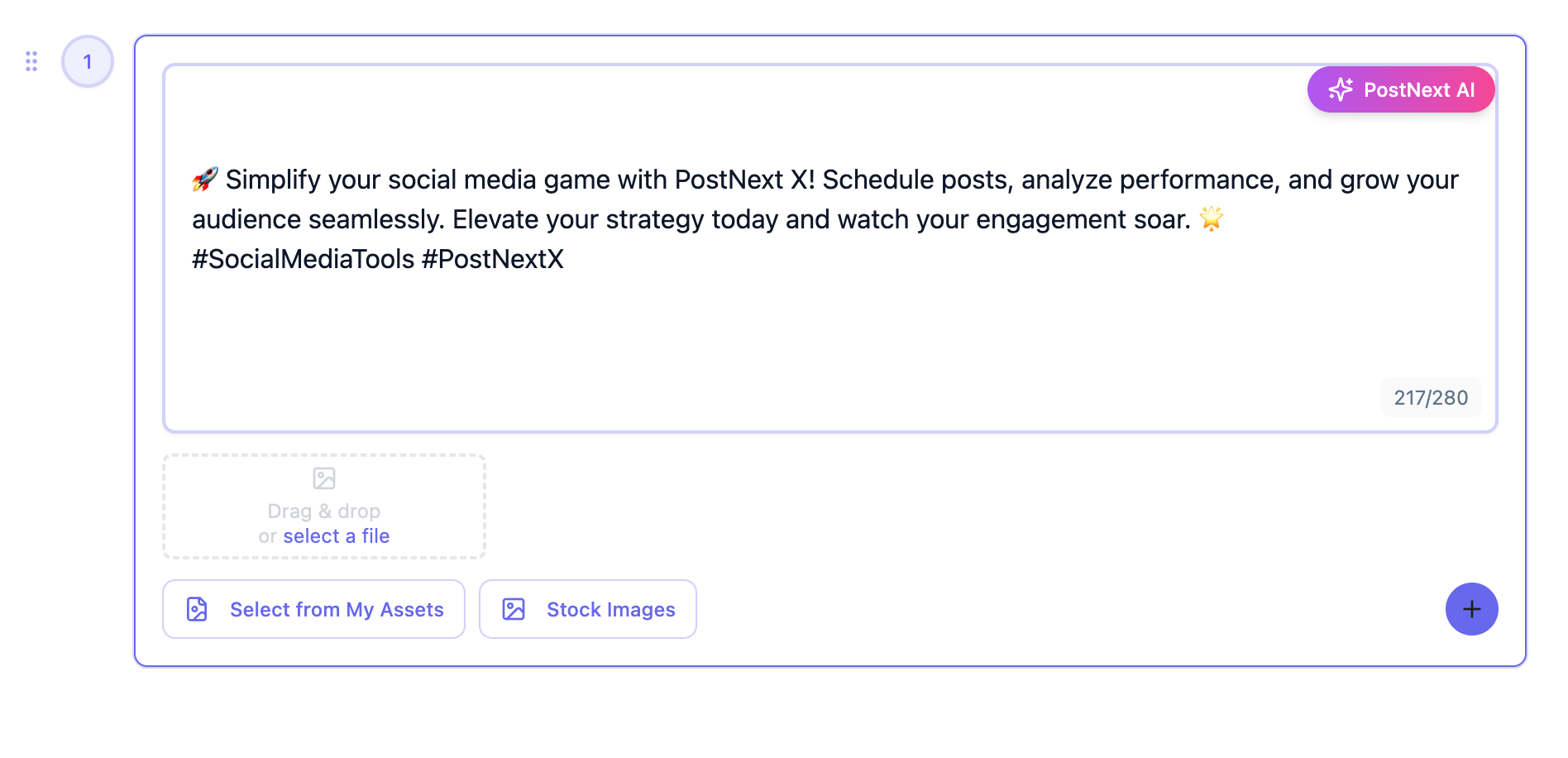
PostNext composer and content calendar
×