
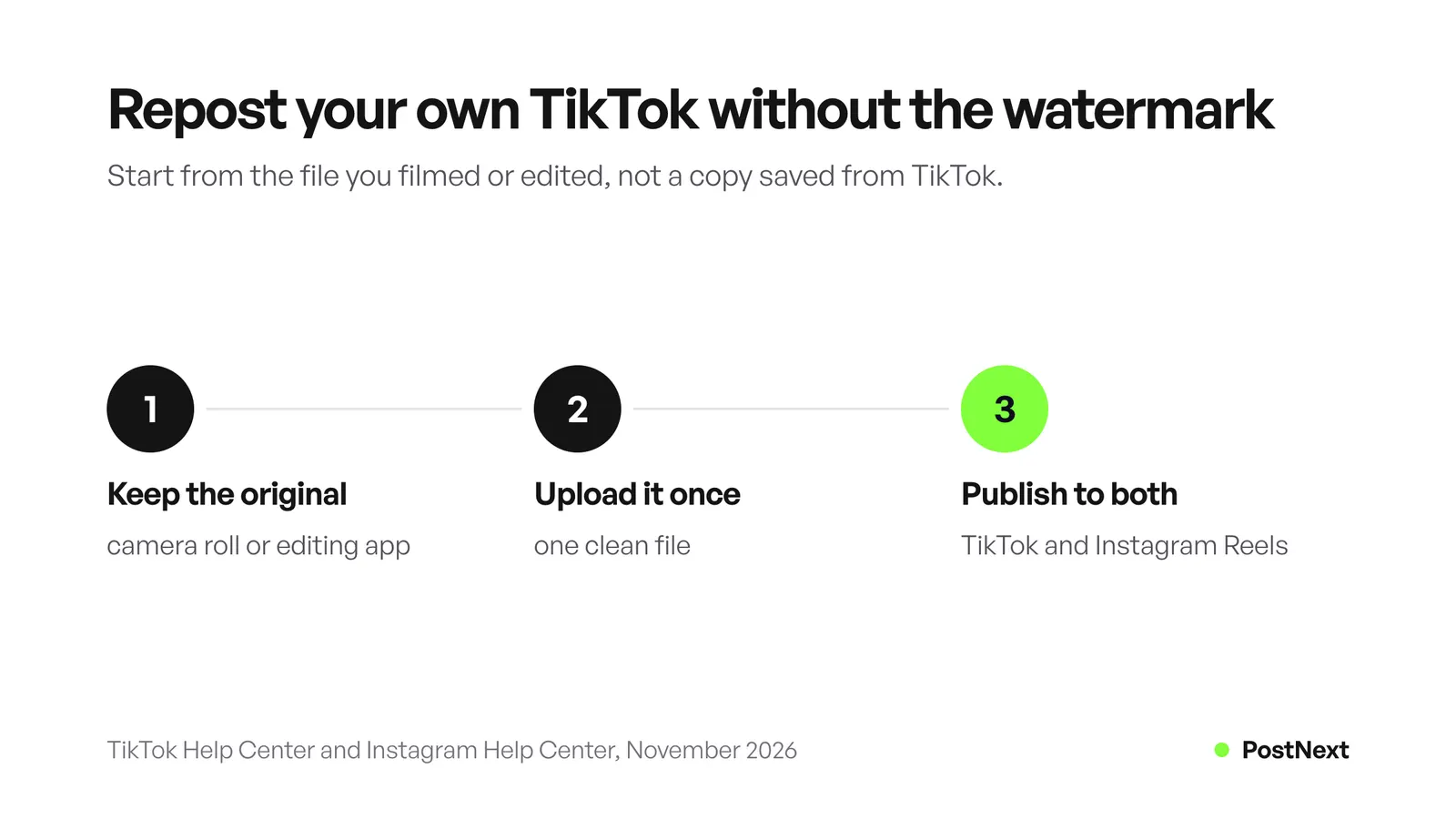
The cleanest way to remove the TikTok watermark from your own video is to never add it: post the original file you filmed or edited, not a copy saved from TikTok. TikTok’s own save options add the logo and your username by default. If you only have the TikTok copy, edit the video again from your camera roll, or re-export it from your editing app.
Key Takeaways
- Keep the original file: the version in your camera roll or editing app has no TikTok logo.
- TikTok’s save adds the mark: a draft saved to your phone gets the watermark by default, TikTok’s help center says.
- Cropping and blurring look worse: they cut your frame or leave a smudge, and the video still looks recycled.
- Instagram ranks reposts lower: its guidelines say it may not recommend unoriginal content with only minor edits.
- Only your own videos: removing a watermark from someone else’s video does not make it yours to post.
- Post once, publish twice: upload the original file to a scheduler and send it to TikTok and Reels together.
Ways to get a TikTok video without the watermark
There are four routes for your own video. They differ in quality and in how much work they take. The table compares them, with the source for each rule, checked in November 2026.
| Route | Watermark | Quality | Best for |
|---|---|---|---|
| Use the original file from your phone or editor | None | Full | Every repost, if you still have the file |
| Save from TikTok’s edit screen or drafts | Added by default | Re-encoded by TikTok | A quick copy for yourself |
| Rebuild the edit in another app | None | Full | Videos you edited inside TikTok |
| Crop or blur the logo | Hidden, not removed | Lower | Avoid |
Why does TikTok add a watermark to downloaded videos?
TikTok adds its logo and the creator’s username to videos that people save from the app. TikTok’s help center says downloaded videos may include the watermark and the creator’s username, depending on the creator’s settings. The mark tells viewers on other apps where the video came from, and it points them back to the creator’s TikTok profile.
For your own work, that mark is a problem only when you want to post the same video on Instagram Reels or YouTube Shorts. Viewers there see another app’s logo, and the platform can treat the video as recycled. The fix is to start from a file that never passed through TikTok’s save button.
How to save your own TikTok without the watermark
Your own video has no watermark until TikTok adds one when you save it. So the clean copy is the file you had before you posted. If you filmed in your phone’s camera app, it is in your camera roll. If you edited in CapCut or another editor, export the project again. Upload that file everywhere.
TikTok’s help center lists three ways to save your own content: from a posted video, from the edit screen before posting, and from drafts. For drafts, it says the video saves to your gallery with a watermark by default, and that to save it without one you need to post it first. Check what your app offers before you rely on it, because the options depend on your settings.
If you recorded and edited inside TikTok, the effects, text and sounds live in TikTok. Rebuild the edit in a separate app from the raw clips in your camera roll. It takes longer once, and it gives you a clean master file for every app. Our guide to TikTok drafts shows where unposted videos are kept and what deletes them.
Can you remove a TikTok watermark with an app or website?
Many websites and apps say they remove the watermark from any TikTok link. They download the video from TikTok’s servers, often at lower quality than your original. For other people’s videos, they do not give you any right to repost the content. For your own videos, they are a slower route to a worse copy of a file you already have.
Cropping the logo out cuts the edges of your frame. Blurring leaves a visible smudge that viewers notice. Both make the video look reposted, which is the outcome you are trying to avoid. If you have lost your original and you only have the TikTok copy, re-shoot the strongest part, or post the TikTok copy as it is and accept the logo.
Does Instagram hide Reels with a TikTok watermark?
Instagram may show reposted videos to fewer people. Its recommendation guidelines say it tries not to recommend unoriginal content that is largely repurposed from another source with only minor edits and no added value. In February 2021, Instagram’s creators account also said Reels that are visibly recycled from other apps, with their logos or watermarks, would be less discoverable.
Your followers can still see such a Reel. The cost is reach beyond them, in places like the Reels tab and Explore. Adam Mosseri, the head of Instagram, later said your own logo on your own video is fine. The problem is another app’s logo. So a clean file plus an Instagram-specific caption and cover gives the video a fair start. Our Instagram Reel size guide covers the frame and safe zones.
How to post one video to TikTok and Reels at the same time
Upload the original file once and send it to both apps with a caption written for each. The video, the hook and the vertical 9:16 frame carry over. The caption, hashtags and cover do not, because each app shows them differently. Pick sounds inside each app if you want them, since trending sounds belong to the app that hosts them.
Length decides whether one file fits both feeds. Instagram says Reels over 3 minutes are not recommended to new audiences, and TikTok allows longer uploads. Our guides to TikTok video length and short-form video cover the limits for each app.
Post the original file with PostNext
PostNext lets you upload a video once and schedule it to TikTok and Instagram from one calendar. You pick the time for each channel, write a caption per app, and set a cover frame for the Reel. PostNext publishes Reels through Instagram’s official API and waits for Instagram to finish processing. Instagram Reels need a professional account.
TikTok posts go to your TikTok inbox by default, so you can add a sound and publish in the app. You can choose to post directly instead. Trending audio cannot be attached through the API by any outside tool, so add sounds in the apps. Start from the TikTok scheduler or plan a week of Reels in the Reels planner.
Frequently Asked Questions
How do I save my own TikTok without the watermark?
Use the original file in your camera roll or editing app. TikTok’s help center says a draft saved to your phone gets a watermark by default. If you edited inside TikTok, rebuild the edit in another app from your raw clips to get a clean file.
Is it legal to remove a TikTok watermark?
For your own videos, you own the content and can post it anywhere. For other people’s videos, removing the watermark does not give you the right to repost them. Ask the creator for permission and credit them, or make your own version.
Why does my reposted TikTok get fewer views on Instagram?
Instagram says it may not recommend unoriginal content that is largely repurposed with only minor edits. In 2021 its creators account added that Reels with other apps’ logos would be less discoverable. Your followers still see the Reel, but fewer new viewers do.
Can I crop out the TikTok logo?
You can, but cropping cuts the edges of your frame and the logo moves during the video, so it rarely works cleanly. Blurring leaves a smudge. Both still make the video look reposted. Posting the original file avoids the problem.
Do downloader websites lower video quality?
Many downloader sites take the video from TikTok’s servers, so you get TikTok’s compressed copy, not your original export. For your own content, the file in your camera roll or editor is the better source. For others’ content, a downloader does not grant reposting rights.
Can I post the same video to TikTok and YouTube Shorts?
Yes. A vertical video of up to 3 minutes counts as a Short on YouTube. Use the same original file and write a title and description for YouTube. Add sounds inside each app, because sounds do not carry over from TikTok.
Sources
- TikTok Help Center, Download content (watermark on downloads, saving your own content, drafts saved with a watermark by default), checked November 2026.
- Instagram Help Center, Recommendations on Instagram (unoriginal content with only minor edits), checked November 2026.
- Instagram Help Center, Record a reel on Instagram (Reels over 3 minutes not recommended to new audiences), checked November 2026.
- The Verge, “Instagram won’t recommend Reels with TikTok watermarks” (February 2021, report on Instagram’s creators account).
- Social Media Today, “Instagram clarifies that including your own logo on a Reel is OK” (report on Adam Mosseri’s comment).