Reels Planner
Plan a month of Reels in one sitting
Drop your videos in, pick cover frames, write captions once, and let PostNext publish each Reel at the time your audience is actually online. No phone reminders, no posting at midnight.
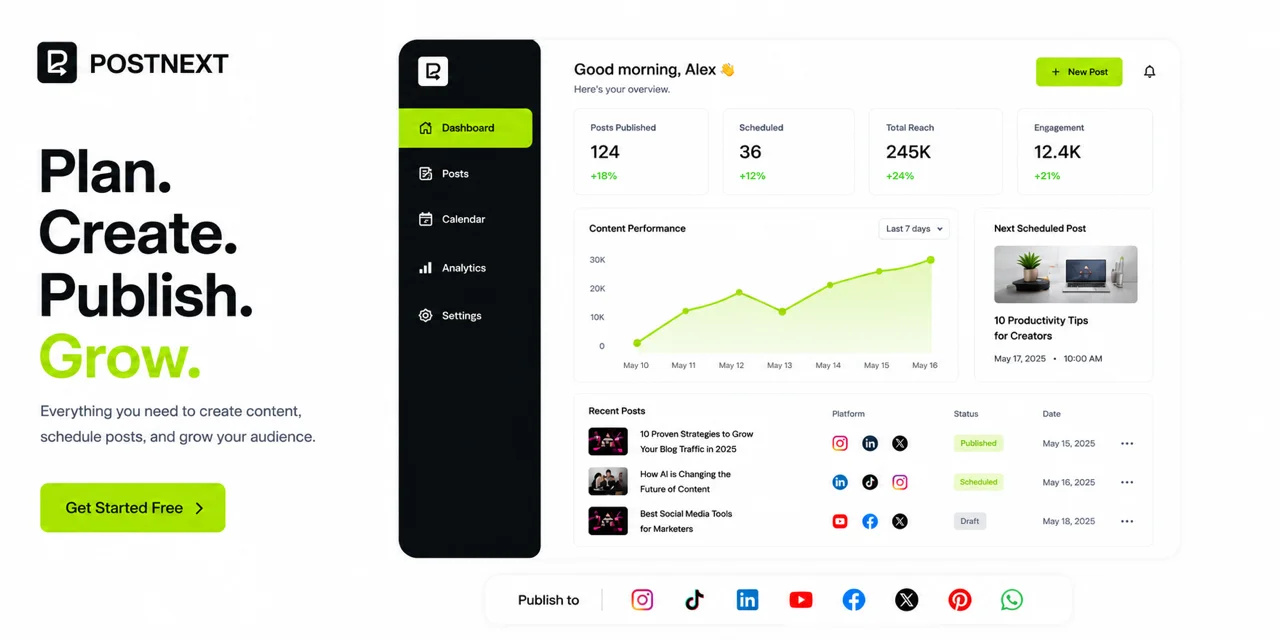
Built for people who post Reels weekly
Creators posting on a schedule
Batch a week of filming into a week of posting. Upload once, set the dates, and stop opening the app at the same time every evening.
Brands and marketing teams
Keep Reels on the same calendar as the rest of your social, so video is planned alongside everything else rather than squeezed in.
Agencies running several accounts
Plan Reels for every client from one place, each with its own connected account, captions and posting times.
From a folder of clips to a month of scheduled Reels
Upload your videos
Add the clips you have already filmed or edited. PostNext handles the upload and waits for Instagram to finish processing each one before it is queued, which is the step that usually fails when Reels are posted through other tools.
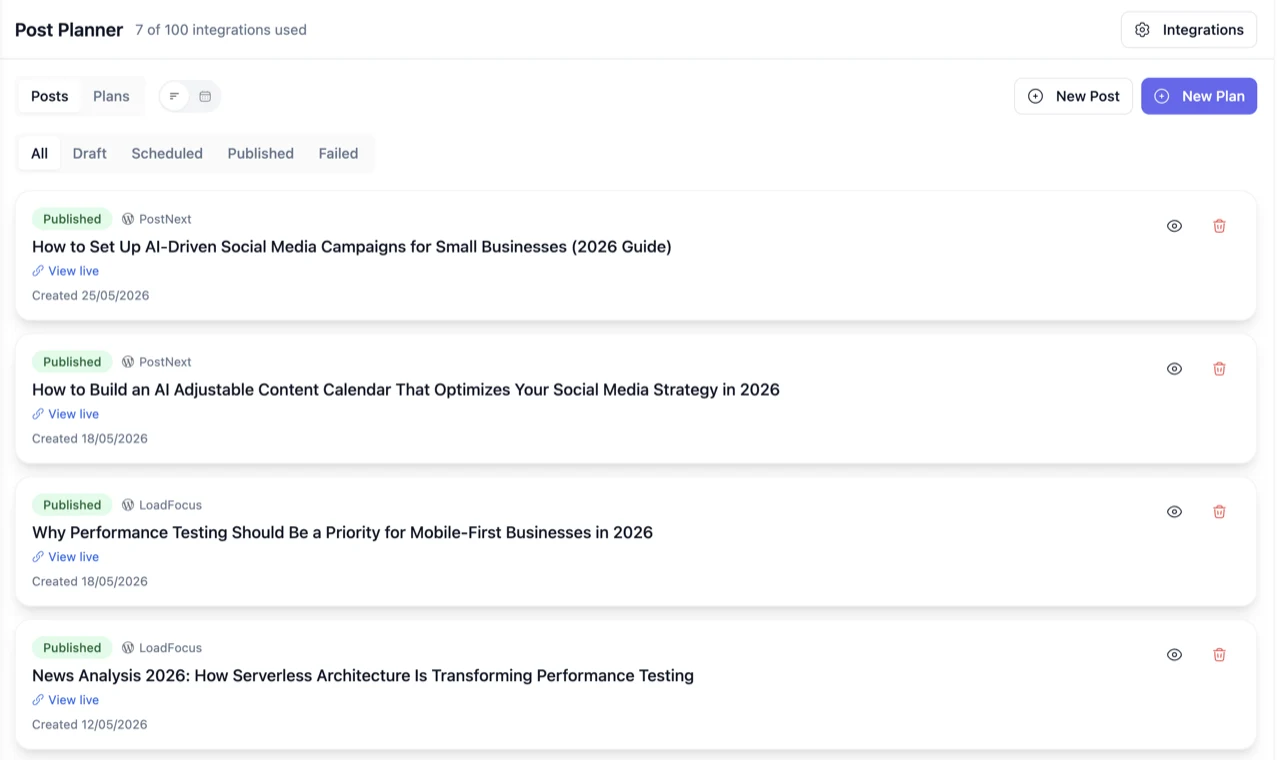
Set covers and captions
Choose the cover frame for each Reel so the grid looks deliberate, and write the caption yourself or generate one with AI from the video description and your brand voice.
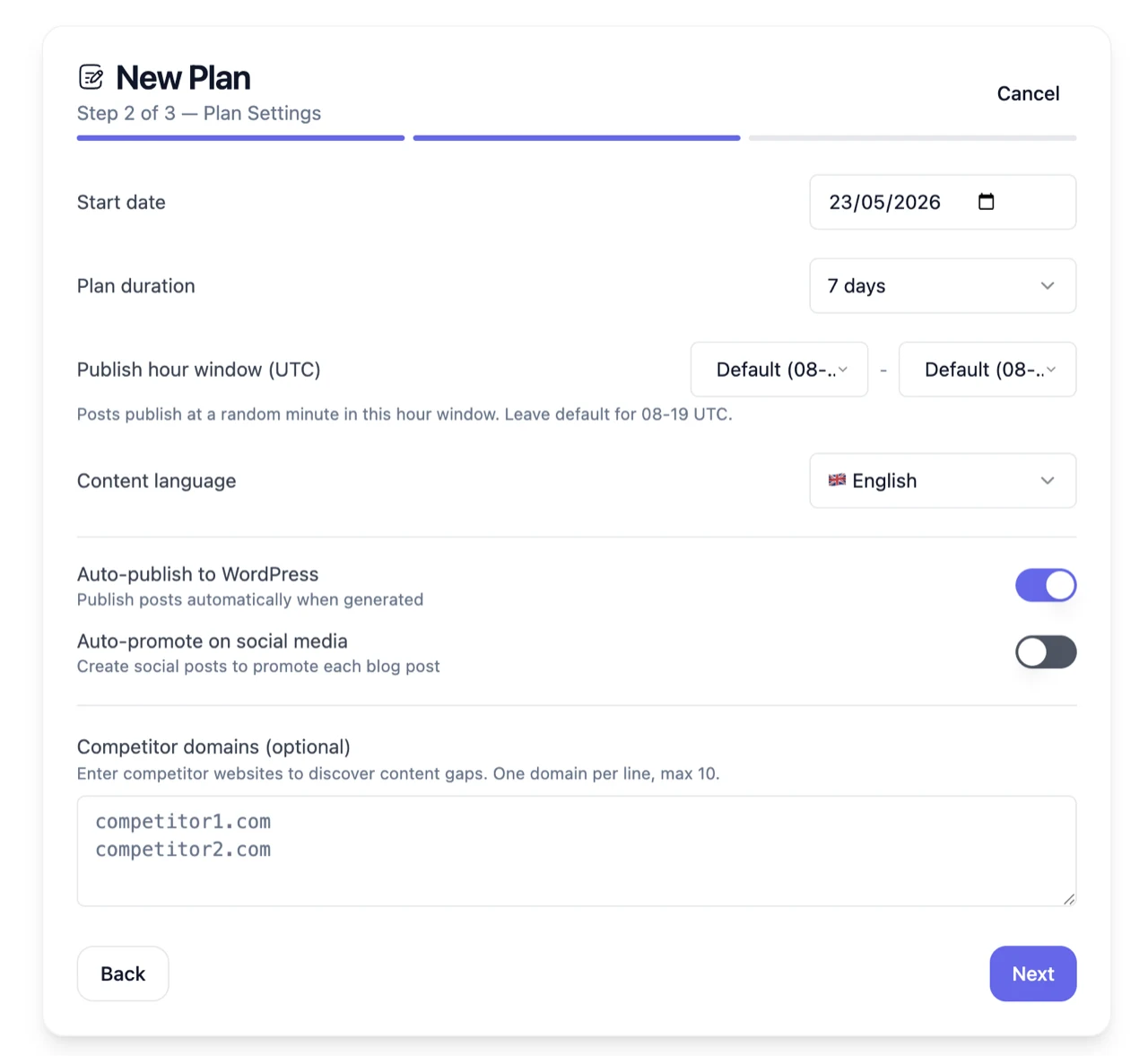
Pick the times and publish
Place each Reel on the calendar, or use the suggested posting times based on when your audience has actually engaged. PostNext publishes automatically and tells you if anything fails.
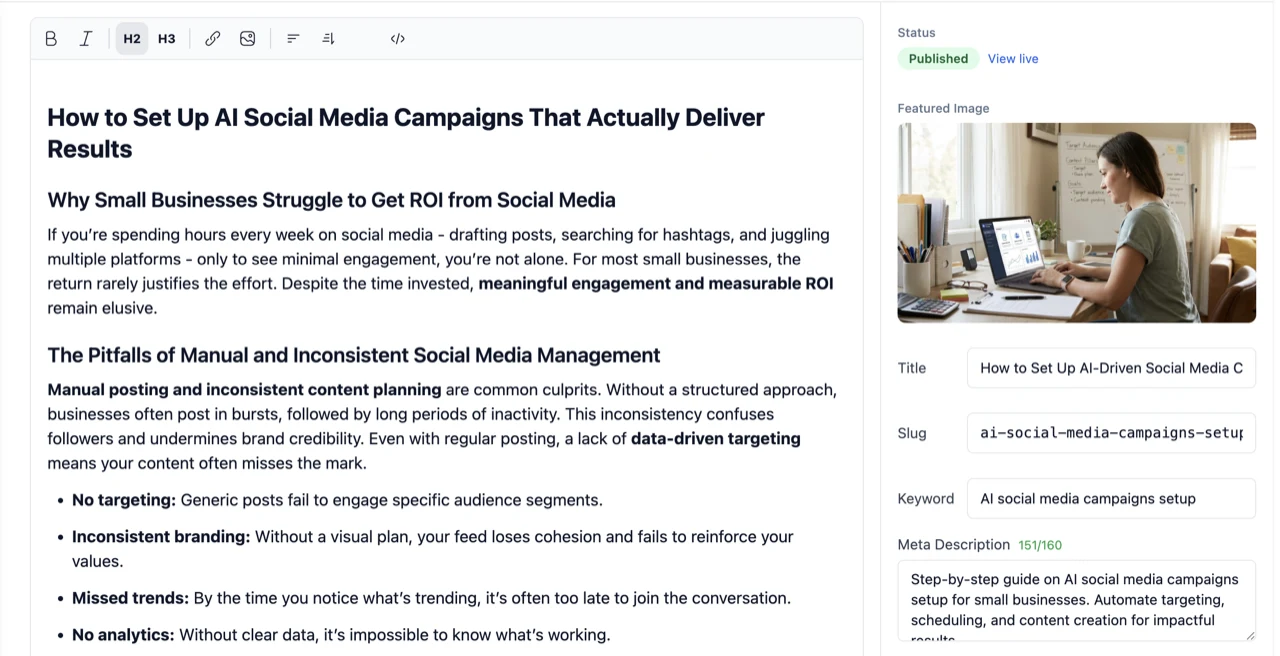
What the Reels Planner does that a reminder app does not
Real auto-publishing
Reels are published directly to Instagram through the official API. You are not sent a notification to go and post it yourself.
Cover frame control
Set the cover image per Reel so your profile grid stays consistent instead of using whatever frame Instagram picks.
AI captions in your voice
Generate captions from your brand profile, then edit before anything goes out. The caption is drafted, never posted unseen.
Best-time suggestions
Posting slots come from when your audience has actually engaged, rather than a generic chart that applies to nobody in particular.
One calendar for everything
Reels sit beside your posts, stories and other channels, so you can see the whole week rather than video in isolation.
Failures that tell you
If Instagram rejects a video for length, format or aspect ratio, you get told. A silent failure is how a planned week quietly becomes an empty one.
Reels Planner is one of the planners
The same calendar runs Post Planner for blog content and Brand Planner for evergreen social. If you plan Reels, you can plan the rest of the month in the same place.
What Instagram will not let any tool do
Worth knowing before you choose a scheduler. Instagram’s publishing API does not allow an app to attach trending audio to a Reel, so any tool claiming to pick sounds for you is either doing it manually or overstating it. PostNext publishes the video, cover and caption, and you add audio in the app if a specific track matters for that Reel.
- Trending audio cannot be set through the API by any third-party tool
- Video length, aspect ratio and format limits are set by Instagram, not by us
- You need a professional account, which is an Instagram requirement for API publishing
Reels Planner, frequently asked questions
Does PostNext actually publish Reels, or just remind me?
It publishes them. Reels go directly to Instagram through the official publishing API at the time you scheduled, with no notification for you to act on.
Can I choose the cover frame?
Yes. Set a cover image per Reel so your grid looks intentional rather than showing whichever frame Instagram would have chosen.
Can I add trending audio to a scheduled Reel?
Not through any scheduling tool. Instagram’s API does not expose audio selection, so a track has to be added in the Instagram app. Any tool that claims otherwise is not using the official API for it.
What account type do I need?
A professional account, meaning a Business or Creator account, connected to PostNext. That is Instagram’s requirement for publishing through the API, not ours.
What happens if a video fails to upload?
PostNext waits for Instagram to finish processing each video before the Reel is queued, and tells you if it is rejected for length, format or aspect ratio, so a failed Reel does not silently leave a gap in your week.
Can I schedule Reels for more than one account?
Yes. Connect each Instagram account and plan Reels for all of them from the same calendar, with separate captions and posting times.
Does the AI write captions automatically?
It drafts them from your brand profile and the video description. Nothing publishes unreviewed, so you can edit or replace a caption before the Reel goes out.
How are the suggested posting times calculated?
From engagement on your own account rather than a generic best-time chart, so the suggestions reflect when your audience has actually responded.
Can I edit video inside PostNext?
No. PostNext plans, schedules and publishes. Edit and export your Reels in whichever editor you already use, then upload the finished clips.
Can I reschedule a Reel after planning it?
Yes. Move it on the calendar or cancel it any time before it publishes.
Do Reels count against a separate limit?
Reels are scheduled posts like any other, so they count against your plan’s monthly post allowance rather than a separate video quota.
Can I see how a Reel performed?
Yes. Post metrics come back into PostNext, so you can see how scheduled Reels did without opening the app for each one.
Stop posting Reels from your phone at 9pm. Plan the month once and let it run.
Connect your Instagram professional account, upload the clips you have already made, and put the next month of Reels on the calendar in one sitting.