Skip to content

Social media marketing for restaurants

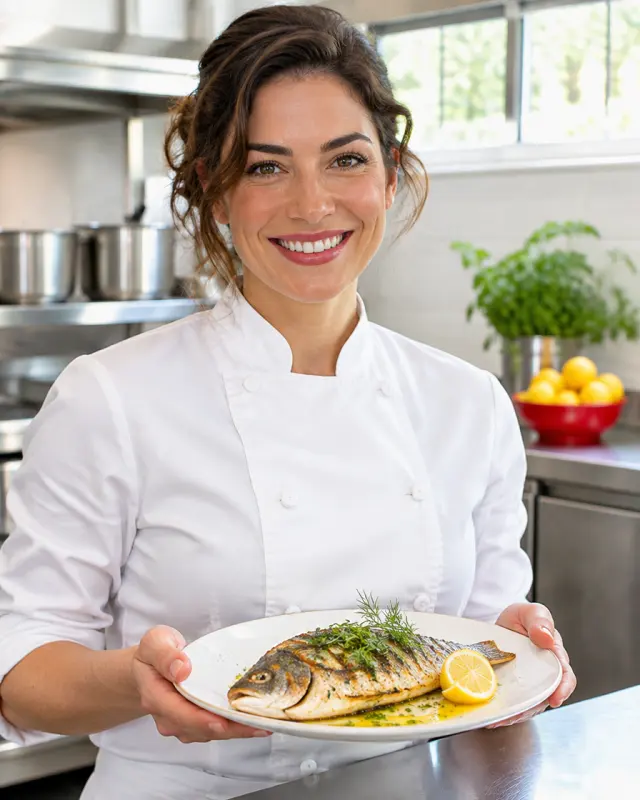
Plan the week's dishes on Monday morning. Each special then appears on Instagram, TikTok or Threads at its time, while you prep.

How restaurants fill midweek tables

Many dinner plans begin in a group chat, when one friend sends a link. Then everyone opens your Instagram to see the plates and the tables. Recent dish photos show the menu as it is this week. Photos of the room show if it suits a birthday or a date. A Christmas special at the top of your feed in May suggests you have closed.

Friday and Saturday often fill by themselves. Your posts matter most for the quiet nights from Tuesday to Thursday. Give each quiet night its own reason, like a set menu or a guest chef. The seasons give you the rest, from spring asparagus to the Christmas party menu. The weekly playbook for restaurants shows a full week of posts.

Short kitchen clips show your food to people nearby who have never booked. Film your best seller from the pan to the plate. Plan a week of clips in the TikTok scheduler. Be careful when a caption mentions allergies. Say a dish has no nuts only if your kitchen can promise it. Guests with allergies trust those words with their health.

Social media post ideas for restaurants

Example posts for a sample business, made with PostNext.

  1. Tonight's special

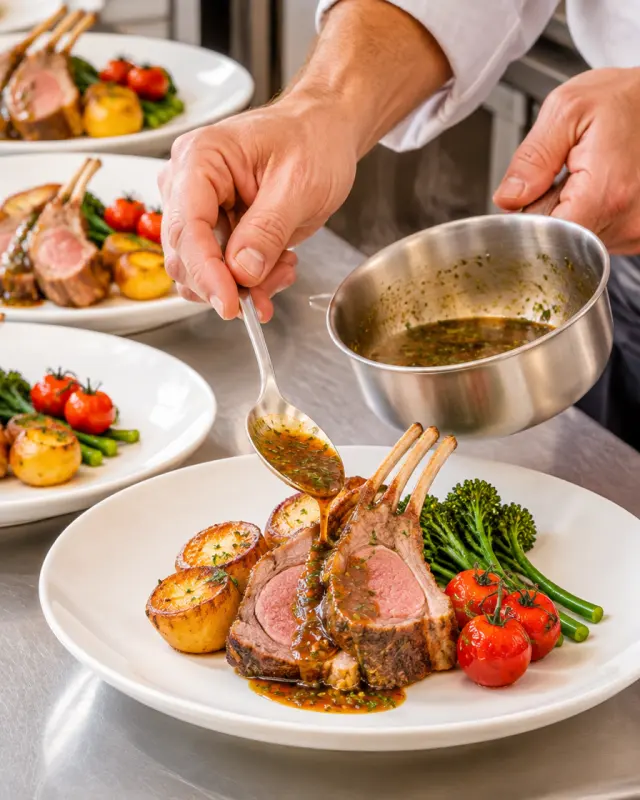
    People choose where to eat in the afternoon. A photo of the dish at four o'clock gives them a reason to choose you.

  2. Service from the inside

    Guests like to see who cooks their food. A short clip of a full kitchen shows the care behind each plate.

  3. The weekly lunch offer

    The same deal on the same day each week. Regulars learn the day, and the post reminds them that morning.

Monday planning for a busy kitchen

Plan around service

Put Friday's special at four o'clock and the lunch offer on Tuesday morning. When the menu changes, drag a post to another day.

Film service once

Film thirty seconds of a busy night in the kitchen. PostNext sends the clip to TikTok, Instagram and Threads with a different caption for each.

Repeat Tuesday lunch

The Tuesday lunch post repeats every week from one draft. Pause it while you close for summer.

Best time for specials

On paid plans, see three good times for Friday's special. They come from your restaurant's last 90 days of posts.

More post ideas

  1. The first night of a new menuShow three new dishes on the day the menu changes. Regulars get a reason to book again this week.
  2. Where this week's fish comes fromPhotograph the morning delivery and name the boat or the farm. Guests trust a dish more when they know its source.
  3. Which dishes have no glutenAnswer the allergy question your waiters hear most, with a photo of the dishes. Guests save it before they visit.
  4. The cook on the grillOne cook, one station and one line about them. Guests like to know a name in the kitchen.
  5. The Mother's Day set menuPost the three courses three weeks before the day. Families book holiday tables early, so repeat the post weekly.
  6. An hour before the doors openFilm the last hour of prep: sauces, bread, folded napkins. Ten seconds show how much work comes before dinner.
  7. A regular table's storyWith written consent, tell the story of a couple who come every month. Their usual dish makes others curious.
  8. The wine for this week's fishOne bottle, one glass and the dish beside it. Say in one line why they match.
  9. The early dinner before sevenPost the early menu at three on quiet weekdays. Theatre guests and families with children plan dinner early.

A weekly posting plan for restaurants

Five posts a week fit into one Monday morning. Write them before the first delivery arrives.

  1. TueThe lunch offerThe two lunch courses at half past ten, before offices decide where to eat.
  2. WedA kitchen clipThirty seconds of last night's plating, filmed at the pass with no talking.
  3. ThuA menu questionAsk guests which old dish should return next month. Count the replies before you order stock.
  4. FriTonight's specialThe dish of the night at four, with the cook's name and plate count.
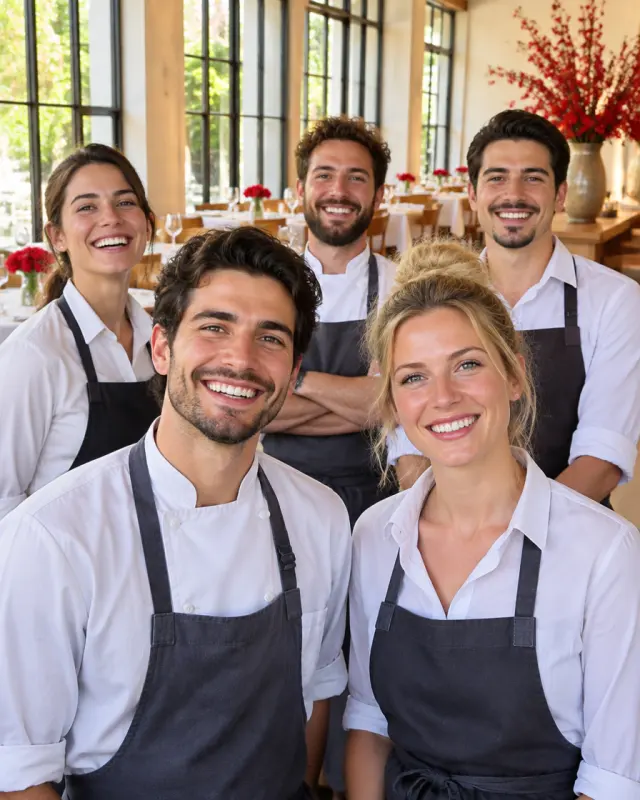
  5. SatThe team before serviceEveryone on shift in the empty dining room, with one line about each person.

Caption templates for restaurants

Fill in the words in brackets, then paste the caption into PostNext.

  • Special of the day

    Tonight's special is [dish] with [sides]. [Cook's name] has [number] plates ready. The doors open at [time].

  • Menu change

    New on the menu from [day]: [dish], cooked with [ingredient] from [supplier or farm]. Tell us which old dish we should keep.

  • Holiday set menu

    Our [holiday] menu has three courses: [starter], [main course] and [dessert]. Tables for up to [number] people. Call us to book before [date].

Where restaurants should post

  • InstagramDish photos and image Stories. Diners open Instagram to check the menu and the room before they book. Post each plate the way it leaves the kitchen.
  • TikTokKitchen clips with real sound: the sizzle, the plating, the rush at eight. Food fans in your town find new places to eat there.
  • ThreadsShort text posts in the chef's own voice. Say why salmon left the menu, or which tomato is best this summer.

Facebook is coming soon, and Google Business Profile is not available. Add new menu photos to your Google profile by hand.

Social media mistakes restaurants make

  1. Posting the special after sixBy six, most people have chosen where to eat. Post the dish at about four, while they still choose.
  2. Dark photos from the dining roomCandle light makes food look brown. Photograph each dish by a window in the afternoon, before service.
  3. The whole menu as one photoNobody reads a full menu on a phone. Post one dish with its name and what is in it.

PostNext in a restaurant kitchen

  • Dish photos in foldersKeep every dish photo in a folder in the media library. Find last spring's asparagus when it returns to the menu.
  • Stories for tonight's dishSchedule an Instagram image Story next to the feed post. The Story shows the dish again at seven.
  • Allergy questions answeredGuests ask about nuts and gluten under your dish photos. Reply to Instagram comments in PostNext, on every plan.
  • Supplier stories on ThreadsWrite a short thread about the fisherman who brings your sea bass. PostNext posts the parts in order.

What stays in your hands

  • Your own accountsYou connect your own accounts. You can disconnect any of them at any time.
  • Your wordsEvery AI draft stays editable. You decide what each caption says.
  • Your calendarMove, change or delete any post before it is published.
  • Your planYou can start on the Free plan, or try a paid plan free for 7 days.

Questions from restaurants

Can PostNext post tonight's special to Facebook or Google Business Profile?

No. PostNext posts to Instagram, TikTok, YouTube, LinkedIn, X, Threads and Bluesky. Facebook is coming soon. Google Business Profile is not available, so change your opening hours there yourself.

What does PostNext not do for a restaurant?

PostNext takes no table bookings. It does not answer DMs, reply to reviews or run ads. It plans the week's dishes and posts each one at the hour you pick.

Can we post a photo of guests at their table?

Ask for written consent before you post a guest's photo. When a birthday table says no, post the cake and the candles instead.

Can we post a menu change on the same day?

Yes. Write the post in the morning and set it for the afternoon. The web app works in a phone browser, so you can post from the kitchen.

Can we write posts for tourists in their language?

Yes, on paid plans. Add the languages to your brand profile, such as English, Spanish or German. The AI writer drafts each caption, and you check the dish names.

Do we pay anything during the 7-day trial?

The trial asks for a card. If you cancel before it ends, you pay nothing and keep the Free plan with 1 channel and 10 posts a month. If you do not cancel, the paid plan starts when the trial ends.

Friday afternoons free for prep

Write the specials once a week. PostNext posts each dish while you cook.