Skip to content

Social media marketing for hotels

Plan the winter offer while summer keeps you busy. PostNext sends rooms, breakfast and terrace evenings to Instagram, TikTok and YouTube on their dates.

How hotels fill rooms outside the high season

Guests often find a hotel on a booking site, then check its Instagram. They study the real room, the view and the street outside. Many also look closely at the breakfast, because it starts every day of the stay. Recent posts tell them the place is open and well kept. A feed that matches the listing photos makes the booking feel safe.

Guests book a summer holiday months ahead. They choose a weekend away only a few weeks before. Show summer rooms in the cold months, when families plan their trips. Post each offer for a quiet week about a month before it. Write August's posts during a calm week in June, before every room is full. Plan the season with the seven steps for scheduling posts.

Travellers choose a place first and a hotel second. Posts about your town can reach them before they compare hotels. People send short clips of a place to the friend they travel with. Show the rooms most guests book, as well as your best suite. A room smaller than its photos leads to an angry review. If your hotel has a restaurant, see the PostNext page for restaurants.

Social media post ideas for hotels

Example posts for a sample business, made with PostNext.

  1. A room in morning light

    Each room has one hour when it looks best. Photograph it then, with someone from your team, and guests picture their own stay.

  2. The breakfast table up close

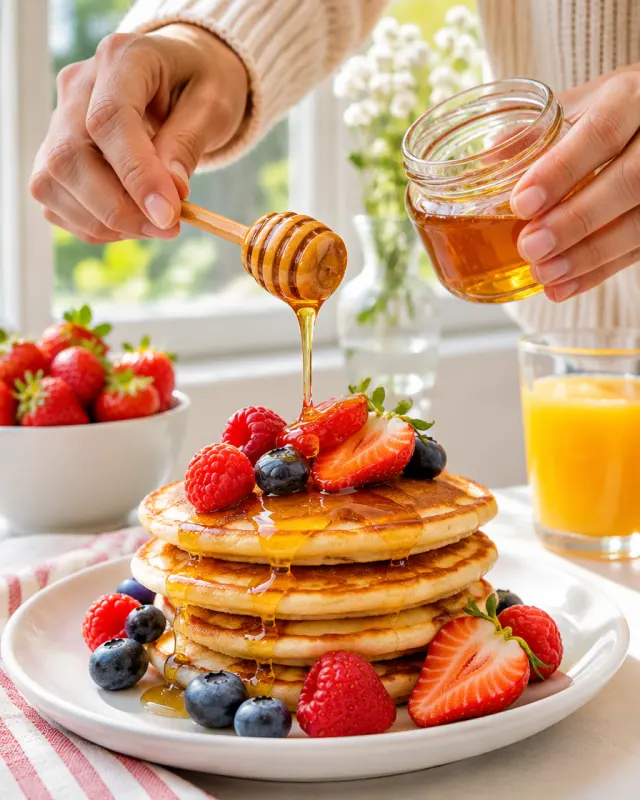
    Food sells a stay as much as the bed. Thirty seconds of honey and pancakes says more than a menu.

  3. The weekly terrace evening

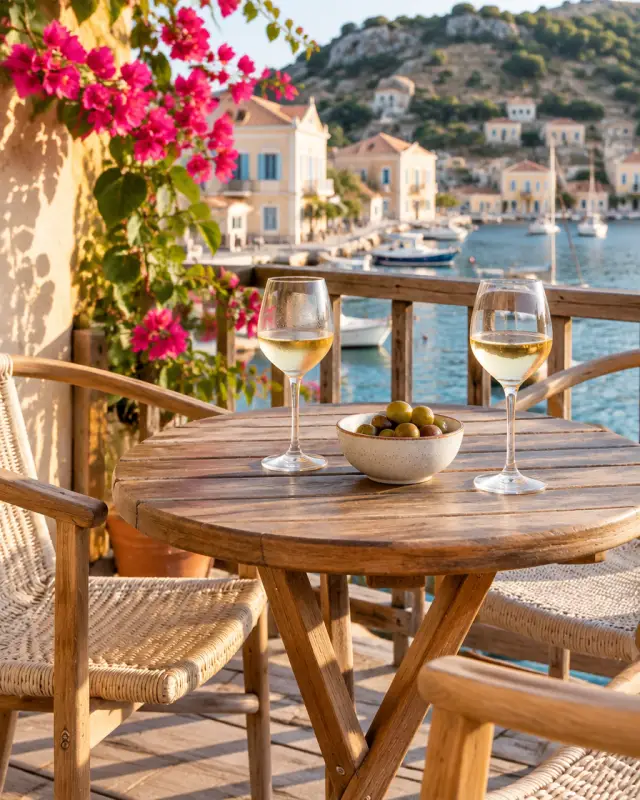
    A fixed event every Friday gives guests and locals a reason to come. One post that repeats every week reminds them.

A weekly posting plan for hotels

Five posts a week, written on Monday. Add next season's offer to the calendar in the same sitting.

  1. MonA room at its best hourOne room photographed in its best light, with the room number and the view.
  2. TueBreakfast or the barTwenty seconds of breakfast plates or a drink poured at the terrace bar.
  3. ThuThis weekend at the hotelEvents at the hotel or in town this weekend, posted two days before.
  4. FriThe walk or the room tourOne take from the lobby to a sea-view room, or the walk to the beach.
  5. SatThe season filmTwo or three minutes on the coming season: winter walks, the sauna and slow breakfasts.

More post ideas

  1. Breakfast in the quiet seasonIn November, show a slow breakfast by the window with no queue. Quiet months become a reason to come.
  2. The walk from our front doorFilm the 15-minute walk to the old town or the beach. Guests plan their first evening from it.
  3. A room made ready in 20 secondsShow housekeeping preparing a room in a fast clip. Guests trust a room they saw cleaned.
  4. The night porter's dinner tipIntroduce the person at reception after 10 pm and their favourite late dinner in town.
  5. Parking, dogs and late arrivalsAnswer the three questions reception hears most. Add a photo of the car park.
  6. A midweek stay in FebruaryPost a two-night midweek offer for the quietest weeks. Name the dates and what is included.
  7. Rooms for the festival weekendWhen the town holds a festival, post your rooms three months before. Give the walk time to the stage.
  8. The couple who return every summerWith their consent, share the guests who book the same room each year, and why.
  9. A sea-view room in one takeFilm from the door to the balcony without a cut. People compare rooms before they book.

A hotel calendar, a season ahead

Plan the hotel week

Plan four hotel posts on Monday. Schedule the winter stay in September, while every room is still full.

Share the breakfast clip

Film the pancakes once. PostNext sends the clip to TikTok, Instagram and YouTube Shorts with a caption for each.

Repeat the terrace post

Set the Friday terrace post to repeat every week in summer. Stop it when the terrace closes in October.

Times for Room 12

PostNext suggests three times for the Room 12 post. It reads your last 90 days of posts, on paid plans.

Where hotels should post

  • InstagramTravellers check a hotel's photos before they book. A carousel of one room and its view answers their first questions.
  • TikTokBreakfast, the walk to the beach and a room in one take. Short clips show your hotel to travellers who do not follow you yet.
  • YouTubeYouTube suits films of the area in each season. People planning a long stay watch three minutes before they book.

Facebook is coming soon. PostNext cannot post to booking sites or Google Business Profile. Update their photos yourself.

Caption templates for hotels

Fill in the words in brackets, then paste the caption into PostNext.

  • Room spotlight

    [Room] at [time of day]: [what the guest sees]. Our favourite part is [one detail]. Book it for [dates or season].

  • Quiet season offer

    From [month] to [month], [town] is quiet. Our [offer name] includes [what is included]. Rooms for [dates] are open now.

  • Tip from reception

    [Name] at reception says: try [place] for [food or view]. It is [minutes] minutes on foot from our door.

Social media mistakes hotels make

  1. Posting only in high seasonA feed that is busy in August and silent in November sells nothing for winter. Plan the quiet months first.
  2. Rooms that look empty and coldA bare bed feels like a catalogue. Add a breakfast tray, a book or an open window.
  3. Leaving guest questions unansweredGuests ask about parking under your posts. Reply within a day, or they book a hotel that answered.

How hotels use PostNext

  • Winter planned in summerPut the quiet-season offer on the calendar months ahead. PostNext sends it on its date, even in your busiest week.
  • Reception and manager, one calendarOn the Teams plan, from 5 users, your staff share one calendar and brand profiles. A manager can approve posts.
  • Captions in guest languagesSet German or French in your brand profile. The AI writer drafts in those languages, on paid plans.
  • Guest questions under postsGuests ask about parking and dogs under your posts. Answer those Instagram comments from PostNext.

What stays in your hands

  • Your own accountsYou connect your own accounts. You can disconnect any of them at any time.
  • Your wordsEvery AI draft stays editable. You decide what each caption says.
  • Your calendarMove, change or delete any post before it is published.
  • Your planYou can start on the Free plan, or try a paid plan free for 7 days.

Questions from hotels

Does PostNext post to our Facebook page or Google Business Profile?

No. PostNext posts to Instagram, TikTok, YouTube, LinkedIn, X, Threads and Bluesky. Facebook is coming soon. Google Business Profile is not available, so update winter hours and photos there yourself.

What does PostNext not do for a hotel?

PostNext takes no bookings and does not connect to your booking system. It does not answer DMs or reply to reviews. It plans and sends your posts, and guests book on your own website.

Can we post photos of our guests?

Yes, with their permission. Every hotel guest counts as a client. For every guest, ask for written consent before you post a client's photo.

Will the winter video be public on YouTube on its date?

Not on its own. YouTube uploads are private for now, so you make the video public in YouTube Studio. On TikTok, turn on Post directly to publish at the set time.

Can reception and the manager both post?

Yes, with the Teams plan for 5 users or more. Everyone works in a shared calendar and brand profiles. Roles are owner, admin and member. One person can approve each post.

How does the trial work for a hotel?

The trial asks for a card. If you cancel before it ends, you pay nothing and keep the Free plan with 1 channel and 10 posts a month. If you do not cancel, the paid plan starts when the trial ends.

A full calendar for the quiet months

Plan next season's posts now, and PostNext sends them while you care for guests.