




Social media for a restaurant works as a weekly rhythm. Put your hours, street and menu link in the profile. Post the same four things each week: the dish of the day, the kitchen, your regulars and your events. Answer booking and allergy questions before the next service.
From profile to a full week
- 1Switch Instagram to a Business account
It is free. You get Insights and contact options, and a scheduler like PostNext can publish for you.
Done when: Your profile shows a Professional dashboard.
- 2Put what you serve, your street and your hours in the bio
Line one: what you serve. Line two: the street and town. Line three: the hours. Put your menu page or booking page in the link.
Pasta, pizza and coffee on a sea terrace.
Harbour Street 4, Sitges.
Tue to Sun 8:00 to 22:00. Menu below.
Done when: A stranger can say what you serve, where and when you open.
- 3Add a Reserve or Order food button
If a booking or ordering partner takes your tables or orders, add its button. Instagram shows one action button at a time. You need an account with the partner first.
Done when: The button appears on your profile.
- 4Shoot a week of photos in one session
Use the shot list below. Shoot before service, in daylight, when the kitchen is calm.
Done when: 10 photos and 2 short videos on your phone.
- 5Write the week of posts
Follow the weekly rhythm below. Put the dish, the time and how to book in every caption, so nobody has to ask.
Done when: 6 drafts, one for each day you open.
- 6Schedule before people get hungry
Set posting times before your busy hours, such as 11:00 for lunch and 17:00 for dinner. Then pick Next Available on each post.
Done when: Your calendar shows a post on every day you open.
- 7Answer booking and allergy questions first
A question about a table, a time or an allergy comes from someone who wants to come. Answer it before the next service.
Done when: No booking or allergy question waits past the next service.
A weekly post rhythm
Mon  Dish of the week: [dish], [price], [lunch or dinner]
Tue  Behind the kitchen: [cook] making [dish], a 15-second video
Wed  Menu of the day: [dish] on the [terrace or room]. Hours: [hours]
Thu  Morning: [coffee or breakfast item] and the time you open
Fri  Regulars: [first name] and their usual order (ask first)
Sat  Event: [what] on [day] at [time]. How to book: [button or phone]
Every day: answer booking and allergy questions before service.
Post an extra message when something changes: a closed day, new hours, a dish that is sold out. Post it one or two days before, not on the day.
Shot list for one session
| Shot | How | Use it for |
|---|---|---|
| The dish from above | Window light, plate on a plain table, phone straight over it | Dish of the day, menu of the day |
| The dish being made | Phone on a stand at hand height, 10 to 15 seconds | Reels, TikTok, YouTube Shorts |
| The cook with the dish | Face to the camera, the dish at chest height | Behind the kitchen |
| The room or terrace when busy | From the door, wide, with permission from guests in the frame | Events, Stories |
| A regular and their order | Ask first. Hands and a cup are enough | Regulars |
| The menu page or board | Straight on, readable on a phone | A Story or a pinned post |
Caption lines to copy
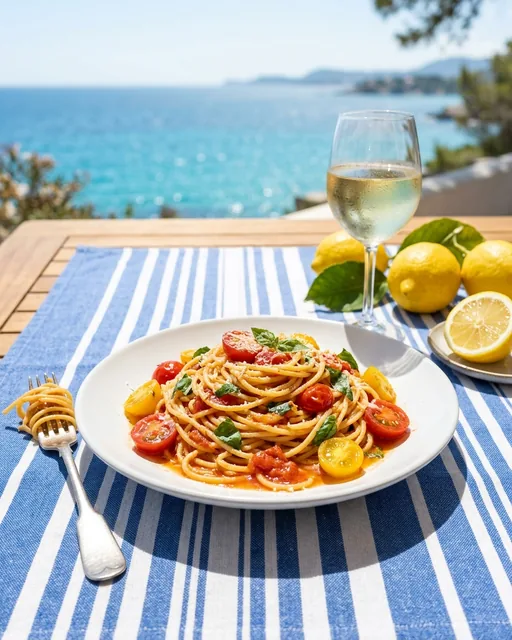
- Dish of the dayToday on the terrace: pasta with tomatoes, lemon and basil. 14 € until 15:00. No booking needed for lunch.
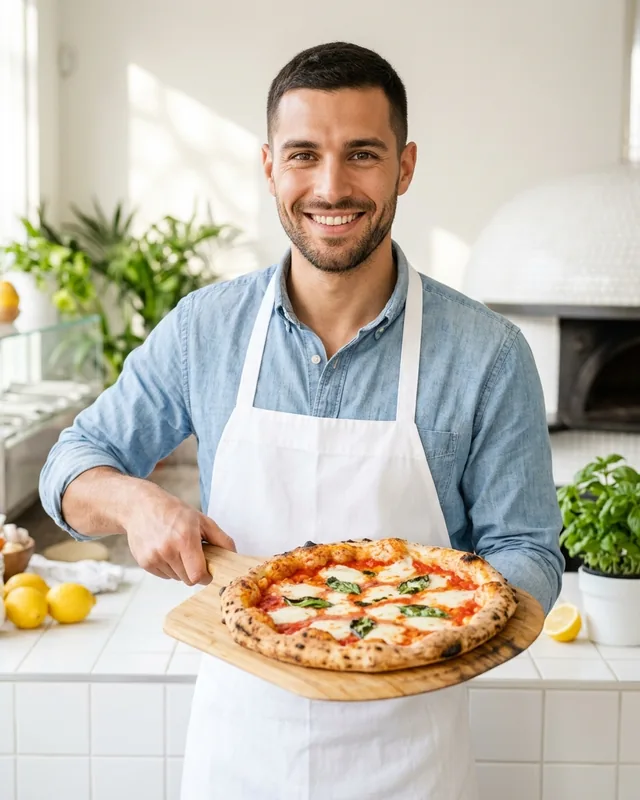
- KitchenMarco starts the dough at 7:00. By 12:00 it is pizza. Watch the first one leave the oven.
- RegularAna has ordered the same espresso every morning for two years. Thank you, Ana. Who is the regular at your table?
- EventLive music on the terrace this Friday from 19:00. 20 tables. Tap Reserve on our profile to book yours.
- Closed dayWe are closed this Monday for a family day. We open again on Tuesday at 8:00.
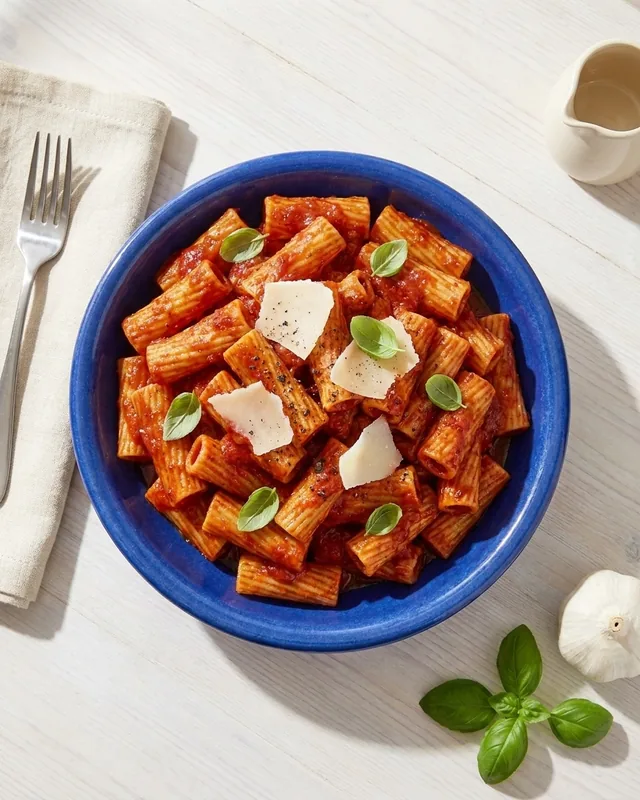
- New dishNew on the menu: rigatoni with tomato and basil. Ask for a taste on your next visit.
The prices and numbers are examples. Use your own.
Instagram caption generatorFree. Writes captions from your dish and your tone.Replies for bookings and allergies
- Table freeYes, we have a table for 4 on Saturday at 13:00. Tap Reserve on our profile to book it.
- FullSaturday evening is full, sorry. We have tables at 13:00 or on Sunday evening. Tap Reserve to book.
- AllergyThank you for asking. Our menu page lists the allergens in each dish. Please tell your waiter about your allergy when you order, so the kitchen can check your dish.
- GlutenWe can make the rigatoni with gluten-free pasta. Please tell your waiter when you order, so the kitchen can check the rest of the dish.
- HoursWe open at 8:00 and the kitchen closes at 22:00, Tuesday to Sunday. The hours are in our bio.
The PostNext comment inbox shows comments from the 25 most recent posts on each Instagram account. Your reply posts to Instagram. It works on every plan, Free included.
What to post on each network
| Network | What to post | How often |
|---|---|---|
| Dish of the day, Reels from the kitchen, image Stories of the menu | 3 to 5 posts a week | |
| TikTok | Short videos of a dish being made | 2 or 3 videos a week |
| Threads | Today's menu in one line, a question for your regulars | Once a day on open days |
| YouTube | The same kitchen videos as Shorts | Once a week |
| From the owner's profile: hiring, suppliers, office lunches | Once a week | |
| Google Business Profile | Hours, special hours for holidays, menu and photos | Each time your hours or menu change |
- TikTok: a post goes to your TikTok inbox first, so you can add a sound in the app. You can choose to post directly.
- YouTube: a vertical video up to 3 minutes becomes a Short. Uploads are private for now. You make them public in YouTube Studio.
- Instagram: use up to 5 hashtags. Your town, your street and your dish work better than general food tags.
- Google: edit your hours and menu in your Business Profile. Set special hours for holidays.
Mistakes to avoid
- Put hours and street in the bio
- Post the dish before lunch, not after
- Ask regulars before you post their photo
- Answer booking questions before the next service
- Tell people about a closed day two days before
- "DM us" for prices or hours
- A menu link that is hard to read on a phone
- Photos taken at night under yellow light
- Promising in a comment that a dish is allergen-free
Updated by the PostNext team
 Next guide · 7 steps · 40 minutesSchedule social media postsConnect your channels, set posting times and fill one week of posts in your calendar.