Skip to content

Social media for butchers

Customers see the cut of the week before they leave home. Butchery clips go to Instagram, TikTok and YouTube while you serve at the counter.

How butchers get weekend orders by Thursday

Many people first try a butcher for one special meal. It might be a birthday roast or the first barbecue of the year. They stay when the butcher tells them how to cook it. Your posts show them the farm and the counter before they come. A full counter tells them you sell enough to keep meat fresh.

Thursday is the day that decides a butcher's weekend. Customers check the forecast, then order their meat. Sun means burgers and sausages, and rain means a roast or a stew. Write both posts on Monday and schedule the one the weather picks. If the forecast changes on Wednesday, put the other one on the scheduling calendar instead.

Raw meat interests cooks, but a cooked plate makes everyone hungry. So end each butchery clip with the dish on a plate. The YouTube scheduler can send each clip as a Short. Write grass fed or free range only when the farm can prove it. One wrong label can lose a regular.

Social media post ideas for butchers

Example posts for a sample business, made with PostNext.

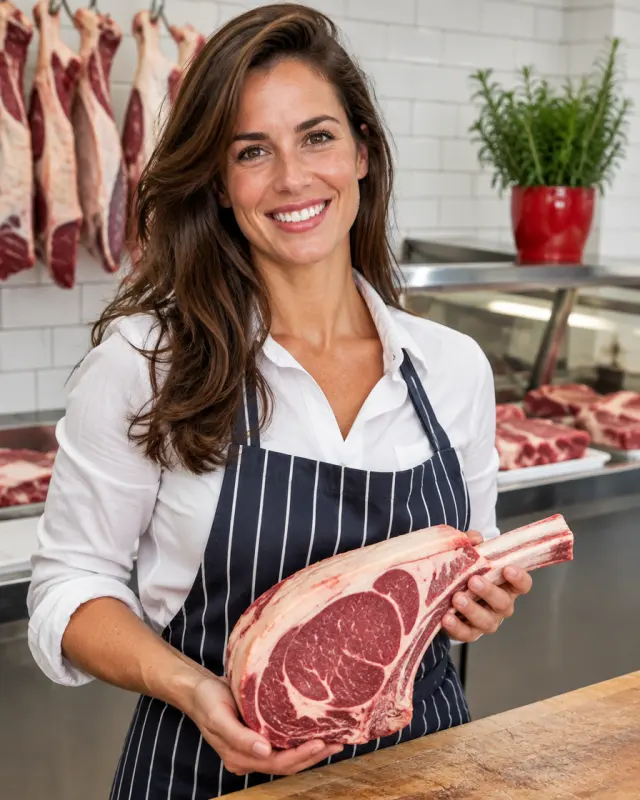
  1. The cut of the week

    One cut, held by the butcher who prepared it. Customers learn the name of the cut and ask for it at the counter.

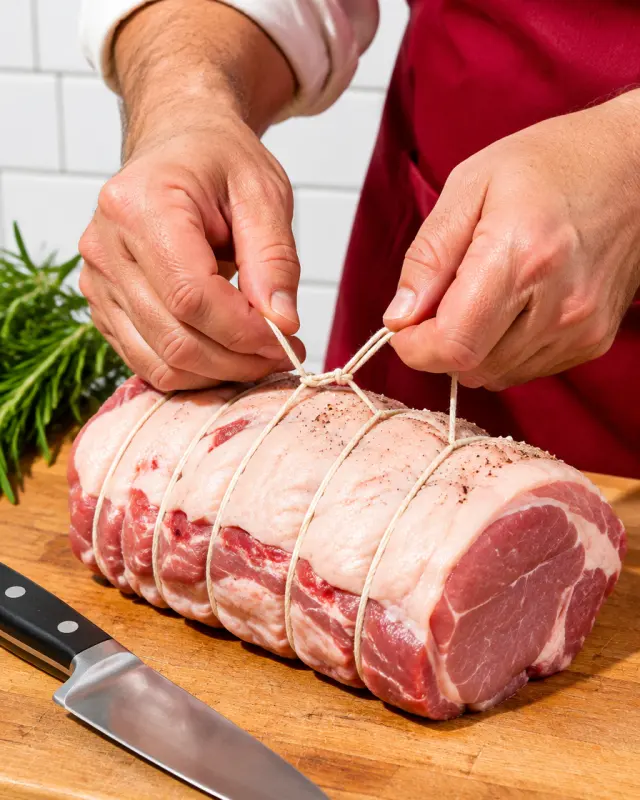
  2. The butchery video

    Tying a roast or boning a chicken, filmed close. Home cooks learn a real skill in thirty seconds.

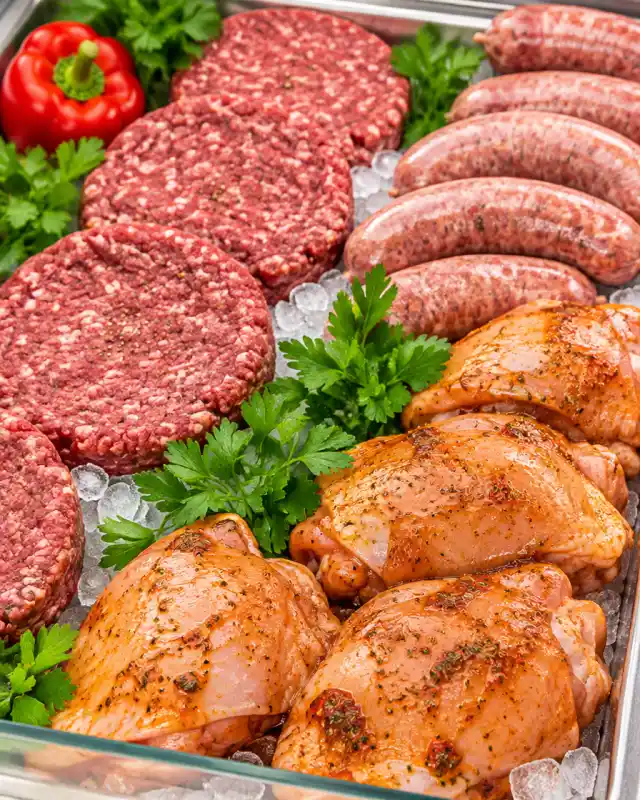
  3. The barbecue box

    The same offer every Thursday in summer. Regulars order before the weekend, and you know how much to prepare.

The counter week in four steps

Plan the counter week

Put the rib of beef on Wednesday and the barbecue box on Thursday morning. Move a post if the delivery comes late.

Write about the cut

Type the cut, the ageing days and how you prepare it. The AI writer drafts a caption, and you correct any detail.

Film the roast once

Film your hands as they tie a pork roast. Add one caption per app, and PostNext sends the clip to TikTok, Instagram and YouTube.

Repeat the weekend box

Write the barbecue box post once. It repeats every Thursday from May and ends on the last day of September.

More post ideas

  1. How to cook beef cheeksPick one cheap cut and give the oven time and temperature. Customers try it and return for more.
  2. Christmas turkey order datesPost the last order day from mid-November and repeat it weekly. Families plan the big meal early.
  3. Inside the dry-ageing cabinetShow the beef on the hooks and the days on each label. People see why aged beef costs more.
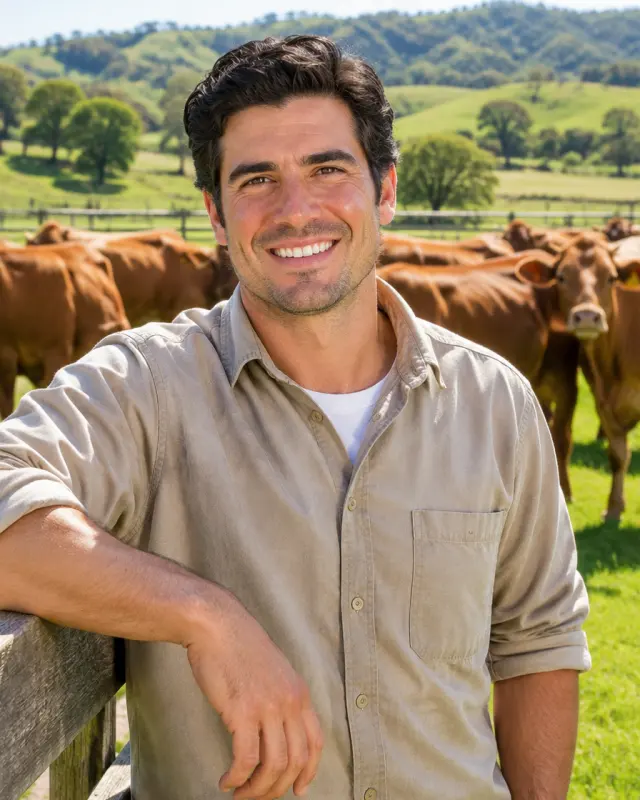
  4. Lamb from the hills nearbyName the farm and the village for each animal you buy. Local meat is a reason to skip the supermarket.
  5. How thick to cut a steakAnswer the counter question with a photo of three steaks side by side. Customers order the right size next time.
  6. Sausage day, from mince to linksFilm the machine and the twist of each link. A one-minute clip on YouTube teaches home cooks something new.
  7. Bones for soup and for dogsPost the bag of bones you would throw away. Soup makers and dog owners ask for them at the counter.
  8. Forty years at the same blockTell the story of your oldest butcher and the knife they still use. Customers trust long experience.
  9. A freezer pack for the monthList what is in the pack and how many meals it makes. Families who shop once a month buy one.

A weekly posting plan for butchers

Write five posts on Monday morning, before the first customer rings the bell.

  1. TueA knife clipThirty seconds of trimming or tying, filmed from above the block.
  2. WedWednesday's cutThe cut, its weight and how to cook it, posted at nine.
  3. ThuThe weekend orderThe barbecue box or the Sunday roast, with the last time to order.
  4. SatThe Saturday counterThe full counter at opening time, with the day's special in front.
  5. SunThe Sunday videoA farm visit or a whole lamb cut into joints, for Sunday cooks.

Caption templates for butchers

Fill in the words in brackets, then paste the caption into PostNext.

  • Cut of the week

    This week's cut: [cut] from [farm], aged [number] days. Cook it [method] for [time]. Ask [butcher's name] to cut it as thick as you like.

  • Christmas orders

    Christmas orders are open. Order your [turkey, goose or beef] by [date]. Collection is on [day] from [time] to [time].

  • From the farm

    This [animal] came from [farm] in [village], [number] kilometres away. [Farmer's name] raised it on [grass or feed].

Where butchers should post

  • InstagramThe counter, the cut of the week and the barbecue box. Customers check Instagram before they shop for the weekend.
  • TikTokKnife skills in close-up: tying, trimming, boning. Short butchery clips are unusual, so people stop to watch.
  • YouTubeLonger videos: a farm visit, or how to carve a Sunday roast. Home cooks search YouTube for how-to videos.

Facebook is coming soon, and Google Business Profile is not available. Put your Christmas opening days on Google yourself.

Social media mistakes butchers make

  1. Bloody photos on a dirty blockRaw meat needs clean light and a clean board. Wipe the block and photograph it by the window.
  2. Naming cuts nobody knowsFlat iron or bavette means nothing to many customers. Add how to cook it in one line.
  3. Hiding the price of the boxPeople skip an offer when they cannot see the cost. Put the box price in the first line.

PostNext for a small butcher's shop

  • Cuts posted before openingSchedule the cut of the week for nine on Wednesday. It publishes while you fill the counter.
  • Captions you checkThe AI writer drafts captions from your notes. It is told not to invent quotes or statistics. You still check the ageing days.
  • Recipes from your websiteConnect your website's recipe feed. Each new recipe becomes a draft post, and nothing publishes without you.
  • A season from one spreadsheetImport the barbecue season from a CSV file of up to 100 rows. Dated rows become scheduled posts.

What stays in your hands

  • Your own accountsYou connect your own accounts. You can disconnect any of them at any time.
  • Your wordsEvery AI draft stays editable. You decide what each caption says.
  • Your calendarMove, change or delete any post before it is published.
  • Your planYou can start on the Free plan, or try a paid plan free for 7 days.

Questions from butchers

Can PostNext post the cut of the week to Facebook or Google Business Profile?

No. PostNext posts to Instagram, TikTok, YouTube, LinkedIn, X, Threads and Bluesky. Facebook is coming soon. Google Business Profile is not available, so change your Saturday hours there yourself.

What does PostNext not do for a butcher?

PostNext takes no meat orders and no payments. It has no video editing. A tying clip goes to your TikTok inbox until you turn on Post directly. Your YouTube videos upload as private, and you make them public in YouTube Studio. It plans the counter's posts and sends each one.

Can we post photos of the farms we buy from?

Yes. Ask the farmer for written consent before you post their photo. A post with the farm's name and distance tells customers where their meat comes from.

Do some people dislike butchery videos?

Some do. Film neat work on a clean block, and keep blood out of the frame. Tying a roast is a good first video.

How many posts does a butcher need each week?

Start with three: the cut of the week, a butchery clip and the weekend offer. In barbecue season, add two more, as in the weekly plan.

Can we cancel the trial before it costs anything?

The trial asks for a card. If you cancel before it ends, you pay nothing and keep the Free plan with 1 channel and 10 posts a month. If you do not cancel, the paid plan starts when the trial ends.

Every cut online before the shop opens

Plan the counter's posts on Monday and spend the week at the block.