Skip to content

Social media for breweries

One new beer gives you a week of posts. Plan them for Instagram, Threads and TikTok in one afternoon, and return to the brewhouse.

How breweries fill the taproom

People visit a taproom for the beer, but they plan the trip around your hours. Many taprooms open only a few days a week. So visitors check your latest posts for today's beers and the food truck. Fans who live further away follow you for something else. They want each new release, with its style and date, before anyone else.

In summer, name each beer festival you attend, with the date. Mixed packs of cans become Christmas gifts, so show them in November. January is quiet, because many people drink less after the holidays. If you brew a beer without alcohol, January is its month. Put all three on a content calendar template before the year starts.

Every bar and shop that sells your beer has its own followers. Name those bars and shops in a weekly post, and they may share it. Send it every Friday morning with the Threads scheduler. Show beer with food and friends, and never show anyone drunk. Everyone in the photo should clearly be over drinking age.

Social media post ideas for breweries

Example posts for a sample business, made with PostNext.

  1. The new tap release

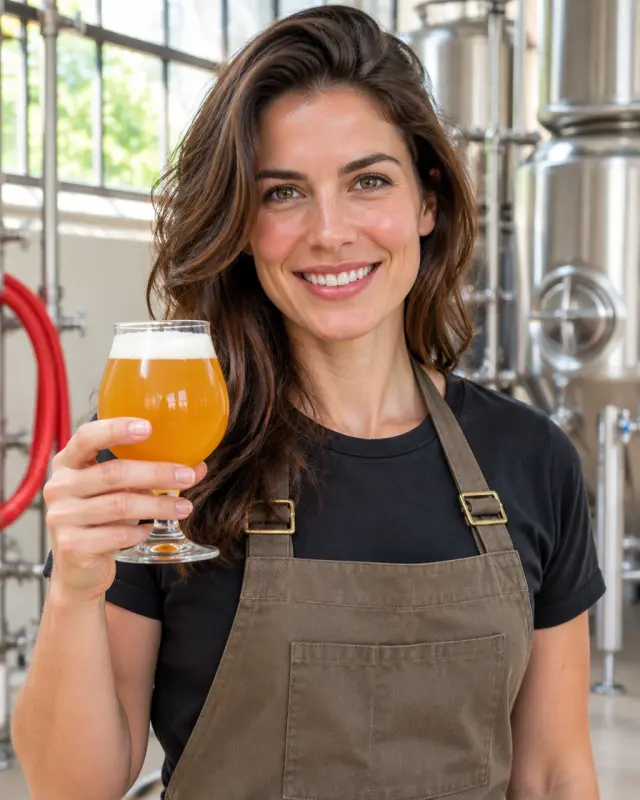
    The brewer with the first glass of a new beer. Fans plan their taproom visit around release day.

  2. Brew day details

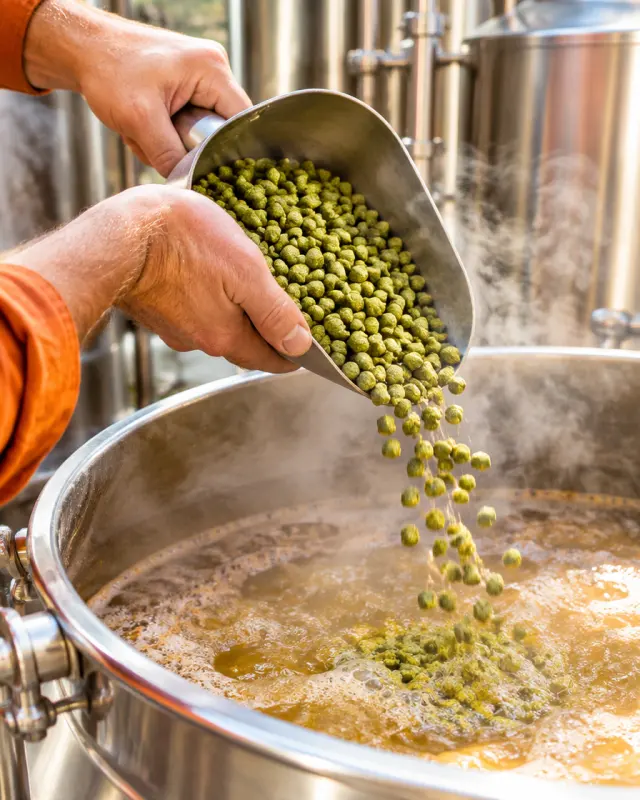
    Hops, malt and steam from the brewhouse. Beer fans like to see the craft. A short Threads post tells the story.

  3. The taproom afternoon

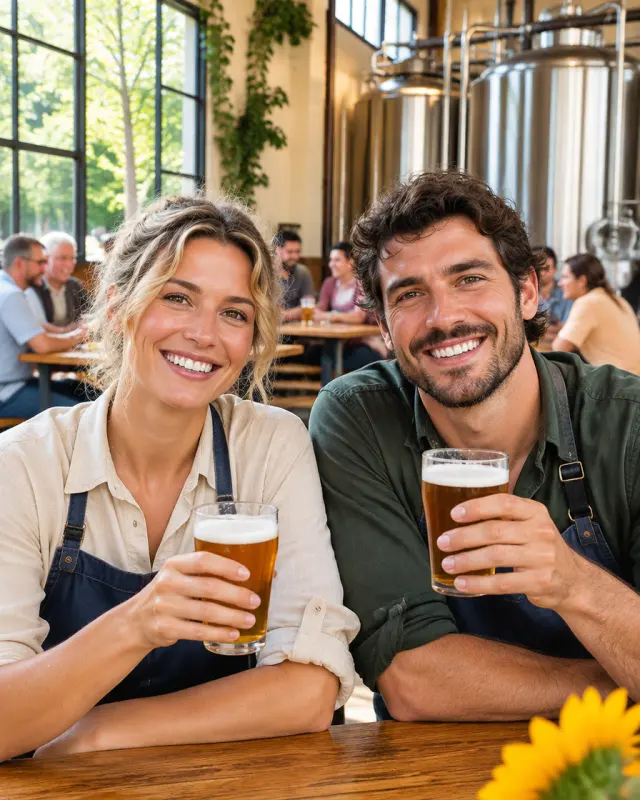
    Long tables, the newest beer and friends at two on Thursday. One weekly post tells regulars which day the tables are free.

Release week from brewhouse to taproom

Plan the release week

Put the new beer on Friday at noon and the taproom post on Thursday. Drag a post when a batch needs more time.

Paste the beer page

Paste the link to the new beer on your website. PostNext drafts posts for Instagram and Threads, one AI credit each.

Repeat the taproom post

The Thursday taproom post runs every week from a single draft. Pause it in August, when the taproom closes.

Pick a release time

Before release day, check three suggested times on a paid plan. They are based on your brewery's posts of the last 90 days.

More post ideas

  1. Quiz night in the taproomPost the date, the team size and the prize. The winners choose the next small batch, so teams return.
  2. Tasting notes anyone understandsDescribe the beer the way a friend would: fruity, dry, a bit bitter. Skip words only brewers use.
  3. The tank where the beer fermentsShow the tank, the date and how many days are left. Fans mark release day in their calendar.
  4. The first pour from a new kegFilm the tap, the foam and the first glass in one take. Beer fans watch the colour and the head.
  5. The food truck this weekendName the local food truck parked outside on Saturday. Both of you share the post with your followers.
  6. The winter stout is backPost the first dark beer of autumn on the first cold weekend. Regulars wait for it every year.
  7. Why some of our beers are cloudyAnswer the question new guests ask at the bar. Oats and hops make the haze, and nothing is wrong.
  8. A brew day with another breweryTell how two brewers made one beer together. Each brewery's fans meet the other one.
  9. The person who cleans the tanksClean tanks make good beer. Show the person who does the hardest job in the brewery.

A weekly posting plan for breweries

Write the week's five posts on brew day, during the hour-long boil.

  1. TueA brew day noteThree short lines from the brewhouse: what is in the kettle and when it pours.
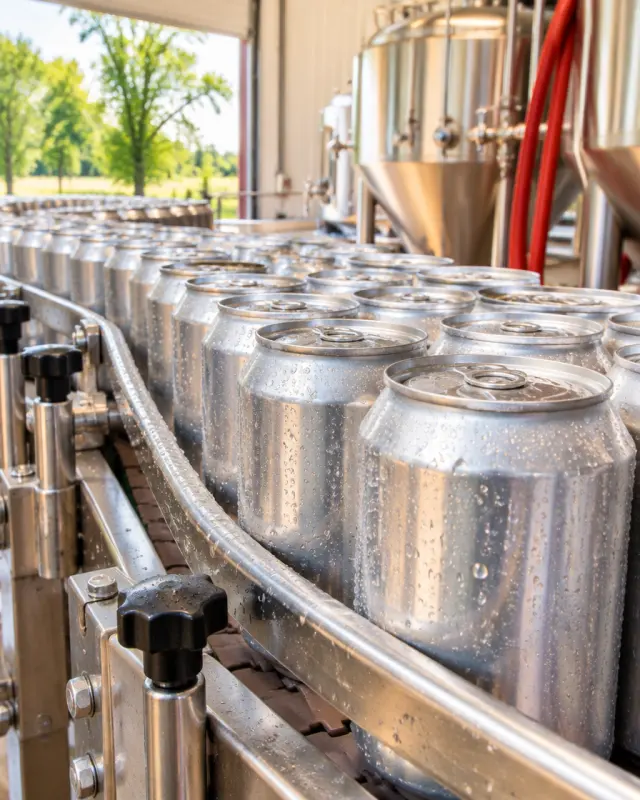
  2. WedA brewhouse clipSteam, hops or the canning line in ten seconds, with the sound of the machines.
  3. ThuThe taproom postLong tables and the newest beer, set to repeat every Thursday at ten.
  4. FriThe releaseThe brewer and the first glass at noon, with the taproom pouring time.
  5. SatTaproom tonightWhat is on tap tonight, in a short list, with the food truck's name.

Caption templates for breweries

Fill in the words in brackets, then paste the caption into PostNext.

  • New on tap

    New on tap from [day]: [beer name], a [style] with [hops or fruit]. It has [strength] percent alcohol. [Brewer's name] brewed it.

  • Taproom tonight

    In the taproom tonight: [beer], [beer] and [beer] on tap. [Food truck] parks outside from [time].

  • Brew day

    Brew day for [beer name]. Today the kettle gets [hops], and the beer pours in [number] weeks.

Where breweries should post

  • InstagramGlasses in daylight, cans on the line and the taproom full of people. Beer fans follow breweries on Instagram to see what is new.
  • ThreadsBrewers' notes in plain text: today's hops, a batch that failed, the next release date. Beer fans like to reply there.
  • TikTokCanning lines, pours and brew day steam in short clips. Craft beer fans watch how small breweries work.

Facebook is coming soon, and Google Business Profile is not available. Keep your taproom hours on Google current yourself.

Social media mistakes breweries make

  1. Announcing a beer on release day onlyOne post on the day is easy to miss. Show the brew, the tank and the cans in the weeks before.
  2. Only photos of cansA can on a table looks like every other can. Show the people who brew it and drink it.
  3. Beer posts at midnightPeople plan a taproom visit in the afternoon. Post at noon on release day, while they still plan their evening.

PostNext between two brew days

  • Release day on timeSchedule the new beer for Friday at noon. It publishes on Instagram and Threads while you clean the tanks.
  • Every can in one carouselPost the whole autumn range as one Instagram carousel of up to 10 photos.
  • Views for each clipSee views, likes and shares on TikTok clips you post directly. Compare canning day with brew day.
  • Tasting notes, draftedType the hops, the malt and the strength. The AI writer drafts plain tasting notes, and you correct them.

What stays in your hands

  • Your own accountsYou connect your own accounts. You can disconnect any of them at any time.
  • Your wordsEvery AI draft stays editable. You decide what each caption says.
  • Your calendarMove, change or delete any post before it is published.
  • Your planYou can start on the Free plan, or try a paid plan free for 7 days.

Questions from breweries

Can we post taproom events to Facebook or Google Business Profile?

No. PostNext posts to Instagram, TikTok, YouTube, LinkedIn, X, Threads and Bluesky. Facebook is coming soon. Google Business Profile is not available, so list taproom events there yourself.

What does PostNext not do for a brewery?

PostNext does not sell beer or event tickets. It runs no ads and answers no DMs. It drafts the release posts and sends each one during release week.

Can a beer page on our website become posts?

Yes. Paste a link, or at least 250 characters of text, into AI Repurpose. It drafts up to 5 posts per channel for Instagram, Threads, X and LinkedIn. Each post uses 1 AI credit.

Can we post photos of guests in the taproom?

Ask each guest for written consent before you post their photo. On quiz night, ask the teams before round one.

Can we schedule a release weeks ahead?

Yes. Put the release on the calendar when the date is set. Drag it to a new day if the batch is late.

Does the 7-day trial need a card?

The trial asks for a card. If you cancel before it ends, you pay nothing and keep the Free plan with 1 channel and 10 posts a month. If you do not cancel, the paid plan starts when the trial ends.

Every new beer announced on its day

Plan the release week in one afternoon and spend brew day in the brewhouse.