Skip to content

Social media for artists

Photograph a new piece once and post it to Instagram and Threads. PostNext sends your process video to TikTok and Reels at its time.

How artists sell work between shows

A painting often sells months after the buyer first saw it. Many buyers meet you at a fair or an open studio. They follow you that evening and return to one piece again and again. They want a style they can recognise across many pieces. New collectors often begin with a print or a small study. Give the price of each piece for sale, as the Instagram selling guide shows.

A painting can take weeks, so plan by the year more than by the week. Spring and autumn bring many open studios, fairs and new shows. Before a show opens, post one piece from it each day for two weeks. Visitors then arrive at the opening knowing which work they want to see. Schedule the whole countdown in one evening on the posting calendar.

A small, quiet moment often brings new people to an artist's page. For a watercolour painter, it is lifting the masking tape from the paper. The clean white edge appears in a few seconds. Strangers stop for that reveal, and some stay for the next piece. Say clearly whether a post shows an original or a print. A buyer who expects the original will feel misled.

From first wash to open studio

Plan the studio week

Schedule the finished painting for Monday and the process video for Wednesday. Add the open studio thank-you for Sunday.

Write about the piece

Type the title, size and paper. The AI writer drafts the caption, and you change it to your own words.

Post the process video

Upload the painting video once. Instagram gets the full story, TikTok one line and Threads a question.

Time the new piece

Paid plans suggest three times, based on your studio posts of the last 90 days. Pick one for the new piece.

Social media post ideas for artists

Example posts for a sample business, made with PostNext.

  1. The finished piece, with you

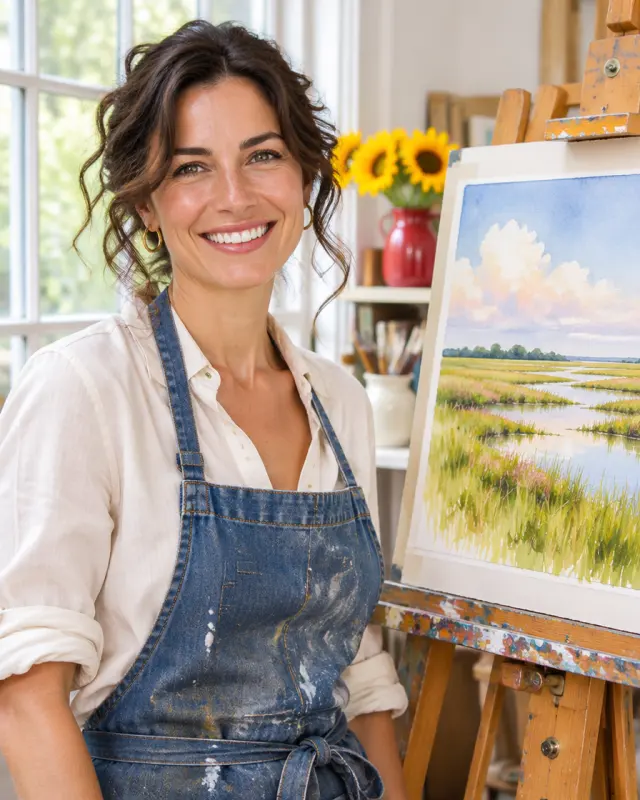
    Stand next to the new work and give its size and medium. Buyers see the scale and the person behind it.

  2. The process, from above

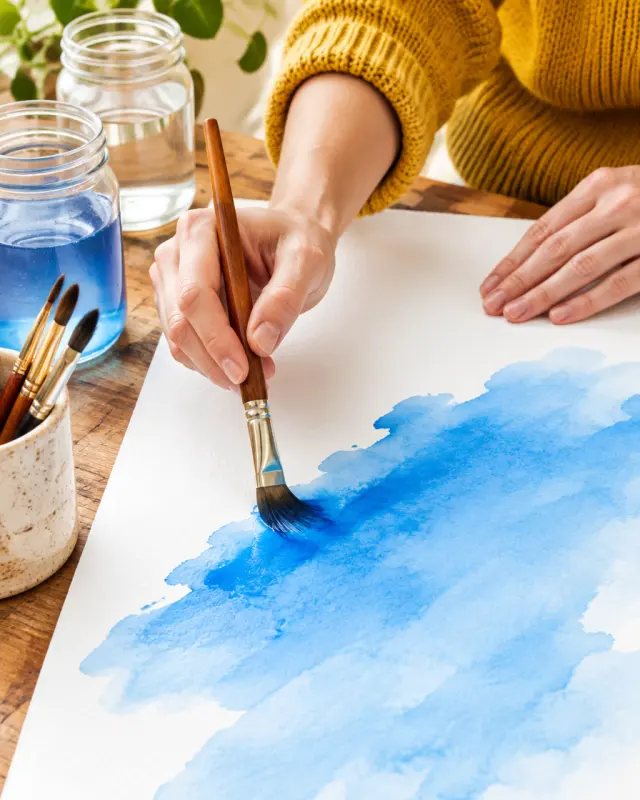
    Film the brush and the paper from above for 30 seconds. People watch the painting appear, stroke by stroke.

  3. The studies before the piece

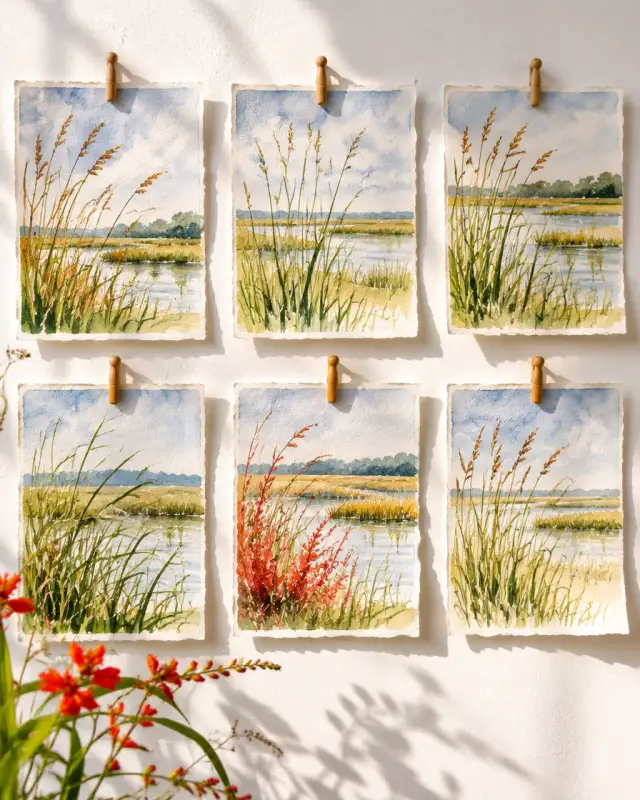
    Show the small sketches that came before. Ask which one people like best, and they answer in the replies.

More post ideas

  1. Your palette at the end of the dayPhotograph the mixed colours before you wash them. People like to see the colours behind a finished piece.
  2. How you stretch watercolour paperShow the board, the tape and the wet sheet in four photos. Other painters save tips like this.
  3. A week before the open studioGive the date, the address and the hours, then remind people on the morning itself.
  4. A print of a finished paintingShow a print next to the original and give the sizes. Say how people can order one.
  5. The piece in its new homeAsk the buyer for a photo of the painting on their wall. Others picture your work in their own room.
  6. Last dates for holiday commissionsIn October, say when you stop taking commissions before the holidays. People order gifts early when they know the date.
  7. Day one and day five of one paintingPost the same piece at the start and near the end. People see the hours inside one painting.
  8. The paper you paint onAnswer the materials question you get most, with a photo of the paper block. Beginners save it.
  9. Where to see the work this monthName the gallery, cafe or fair that shows your work. People nearby can see it in person.

A weekly posting plan for artists

Five posts a week from one painting. Write them on Sunday evening for the week ahead.

  1. MonThe new painting in daylightShot by the window, with its title, size and paper in the caption.
  2. TueA question for ThreadsAsk which study people would frame, or which colour to try next. Answer every reply.
  3. WedThe process videoThe first wash or the final details, in under a minute.
  4. FriClose-ups of the textureThree close-ups of one painting: the paper grain, a hard edge and your signature.
  5. SatA studio tour clipTwenty seconds around the studio: the wall of studies, the paper drawer and the window.

Caption templates for artists

Fill in the words in brackets, then paste the caption into PostNext.

  • New piece

    [Title], finished [today or this week]. [Medium] on [paper or canvas], [size]. [One sentence on what you saw or felt].

  • Process video

    The [first wash or last details] on [title], in [seconds] seconds. [Brush or tool] and a lot of [colour]. The finished piece follows on [day].

  • Open studio

    Open studio on [day], [time] to [time], at [address]. Come and see [number] new pieces and the studies behind them. No booking needed.

Where artists should post

  • InstagramCollectors and galleries check your Instagram grid before they write to you. Reels hold the process videos, and the grid shows your range.
  • TikTokTikTok shows process videos to art lovers beyond your followers. Keep each clip under a minute, with no talking needed.
  • ThreadsThreads suits short notes from the studio and questions about the work. It takes carousel posts too.

Facebook is coming soon, but Pinterest is not available. Pin each new piece from the Pinterest app.

Studio hours kept for painting

  • Details in one carouselPost the full piece first, then up to nine close-ups. Instagram and Threads both take carousel posts.
  • Bluesky from the same postMany artists post on Bluesky too. Connect it with your handle and an app password.
  • A folder for each seriesStore each series in its own library folder. A full-size scan of up to 500 MB fits.
  • Questions about a pieceAnswer comments on your Instagram posts from PostNext, on every plan. Tell people the size and the frame the same day.

What stays in your hands

  • Your own accountsYou connect your own accounts. You can disconnect any of them at any time.
  • Your wordsEvery AI draft stays editable. You decide what each caption says.
  • Your calendarMove, change or delete any post before it is published.
  • Your planYou can start on the Free plan, or try a paid plan free for 7 days.

Social media mistakes artists make

  1. Posting only finished workWeeks of painting leave the feed empty. Show studies, the palette and the process between finished pieces.
  2. Cropping the painting to a squareA square crop cuts the edges of the work. Add a plain border so the whole piece fits the frame.
  3. Photos under yellow lamp lightColours shift under indoor lamps. Photograph new work by a window in daylight, or scan it flat.

Questions from artists

Does PostNext post to Pinterest?

No. PostNext posts to Instagram, TikTok, YouTube, LinkedIn, X, Threads and Bluesky. Facebook is coming soon. Pinterest is not available in any plan.

Does PostNext resize my images?

Only for Bluesky and TikTok. There, images are fitted to the network's limits when the post publishes. For Instagram and Threads, export each image in the shape you want.

Does PostNext show numbers for Bluesky and Threads posts?

No. PostNext shows no post numbers for Bluesky or Threads. On Threads, you see your follower trend. On Instagram, you see the likes and comments on each piece.

Can I post my open studio as an Instagram Story?

Yes, as an image Story. PostNext does not post video Stories. Schedule a photo of the studio door for the morning you open.

What happens after the 7-day trial ends?

The trial asks for a card. If you cancel before it ends, you pay nothing and keep the Free plan with 1 channel and 10 posts a month. If you do not cancel, the paid plan starts when the trial ends.

What does PostNext not do for an artist?

PostNext does not sell your work, run a shop or answer DMs. It does not edit photos or video. On TikTok, the process video waits in your inbox unless Post directly is on. It plans and sends the posts about each new piece.

Each new piece, posted the day it dries

Photograph your next piece today and schedule it with its process video.