Skip to content

Social media for tilers

Plan the week's showers, floors and tile walls before you mix any adhesive. Each one goes to Instagram, TikTok or Threads at its set time while you grout.

How tilers win bathroom jobs

A bathroom is used every day for years, so people choose a tiler with care. On your feed they study the detail. They check that grout lines run straight and that the cuts look clean. They also check that tile edges sit flat. A leak into the room below is what they fear most. A tiler who shows the waterproofing as well as the tiles answers that fear.

A bathroom job takes several days, so post it as it happens. Each day gives a new photo, from bare floor to fresh grout. People who follow a job from the start trust the end result more. In January, families plan the year's work, so post finished bathrooms then. After a month, open the analytics for your Instagram posts. Make more posts about the details that got questions.

New followers come from calm, close clips of the work. Try a float sweeping grout into the joints, or a clean cut on the cutter. Post them as Instagram Reels and on TikTok. A wide lens makes a small bathroom look bigger than it is. A customer then expects their own room to look that big. Use the normal lens and hold the phone at eye level.

Social media post ideas for tilers

Example posts for a sample business, made with PostNext.

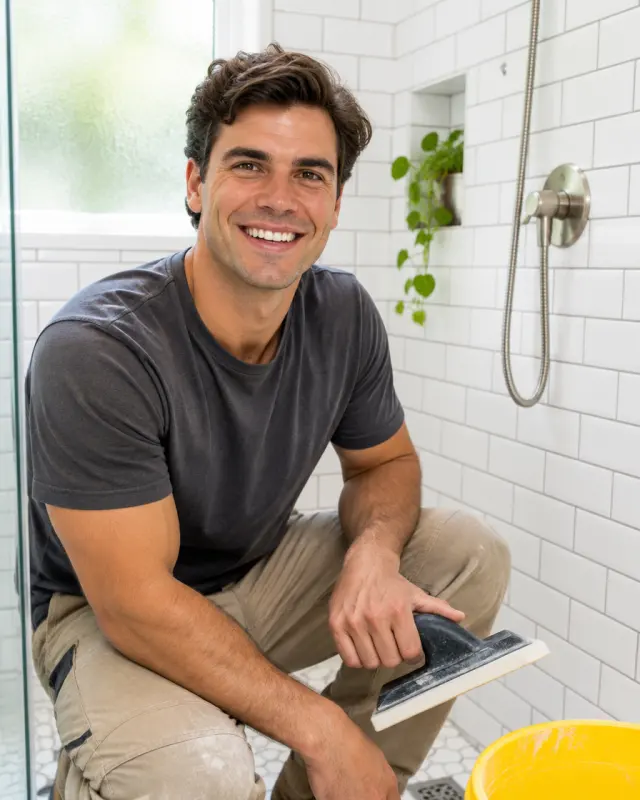
  1. The finished shower

    Straight grout lines and hidden cuts, photographed in daylight. People look at tiling closely, so show the detail.

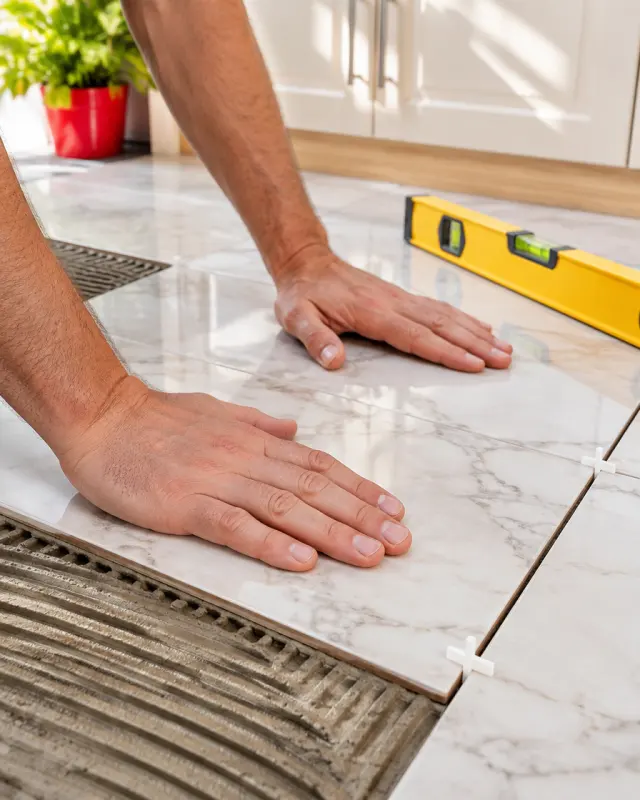
  2. The tile-laying clip

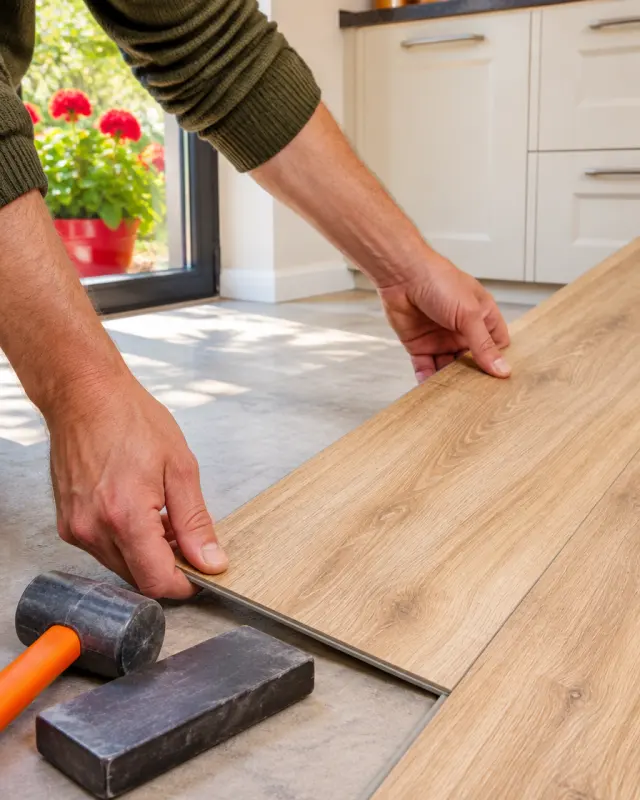
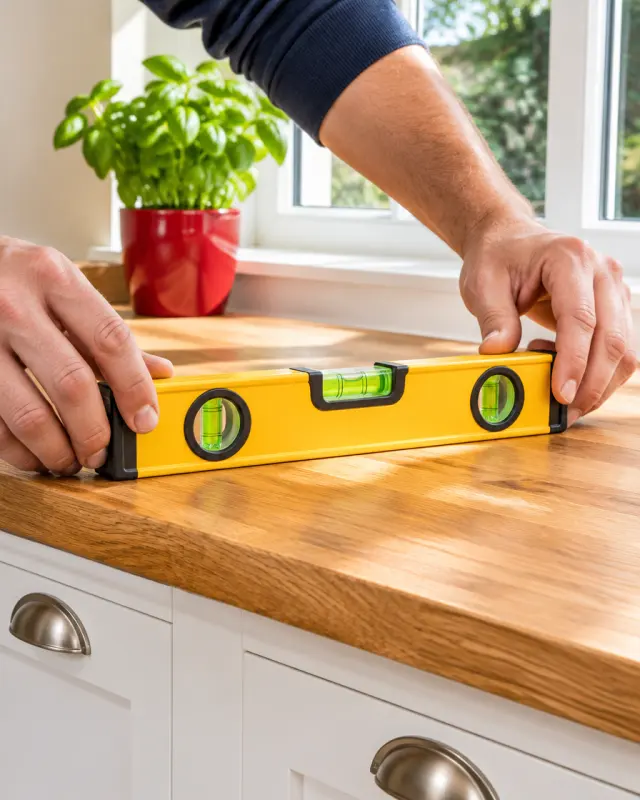
    A large tile pressed into place and checked with a level. It shows the care that a finished photo hides.

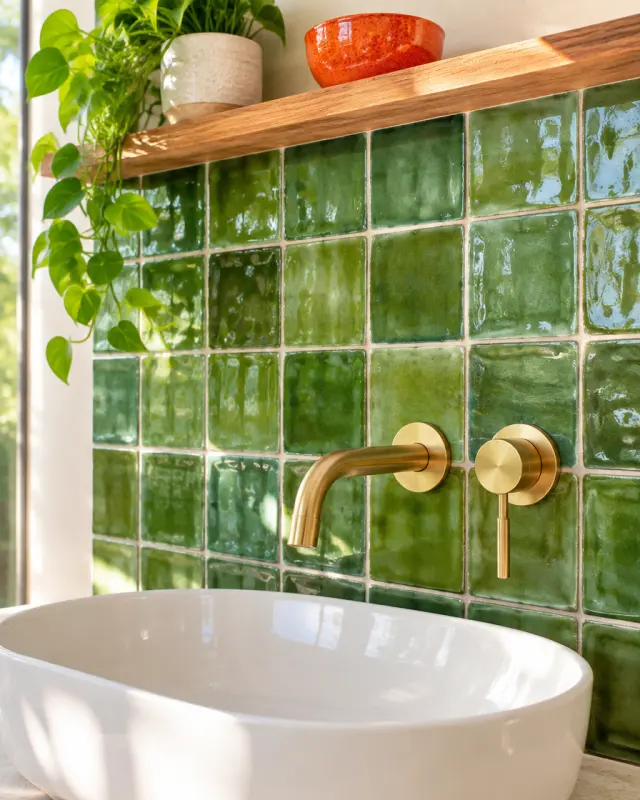
  3. The handmade tile wall

    Tiles with uneven glaze and mixed shades. Homeowners collect pictures like this before they plan a new bathroom.

More post ideas

  1. A shower regrouted in a dayShow the black, cracked lines, then the clean new grout. Many people do not know tilers do small jobs like this.
  2. Cleaning grout without damageShow a soft brush and a mild cleaner on a grout line. Bleach and wire brushes can damage it.
  3. The first shower after groutingCustomers ask this on the last day of every job. Post the waiting time printed on your grout and sealant.
  4. A wet room before the tilesShow the waterproof layer and the sloped floor before the first tile. People see the part that keeps the room below dry.
  5. A clean cut around a pipeFilm one tile cut to fit around a pipe or a socket. Neat cuts are where people judge a tiler.
  6. Splashbacks before ChristmasIn October, post a new kitchen splashback. Families want the kitchen finished before guests arrive in December.
  7. Big tiles in a small bathroomCompare two small bathrooms, one with small tiles and one with large. Fewer grout lines often make a room look bigger.
  8. A Victorian hallway floorPost a restored patterned floor from an old local house. Owners of similar houses nearby often have the same floor under a carpet.
  9. A wet room for staying at homeTell how a step-free wet room helped an older customer stay in their own home. Ask them before you post.

A weekly posting plan for tilers

Five posts a week, planned in the hour you wait for a floor to set.

  1. MonMonday's finished bathroomOne level photo in daylight. Name the tile and the grout colour in the caption.
  2. WedA laying or cutting clipA big tile pressed and levelled, or a cut around a pipe.
  3. ThuA close-up of the detailA mitred corner or a shower niche, shot close so the joints show.
  4. FriA short story from the weekOne job in a few lines. Say what was wrong and which tile you chose.
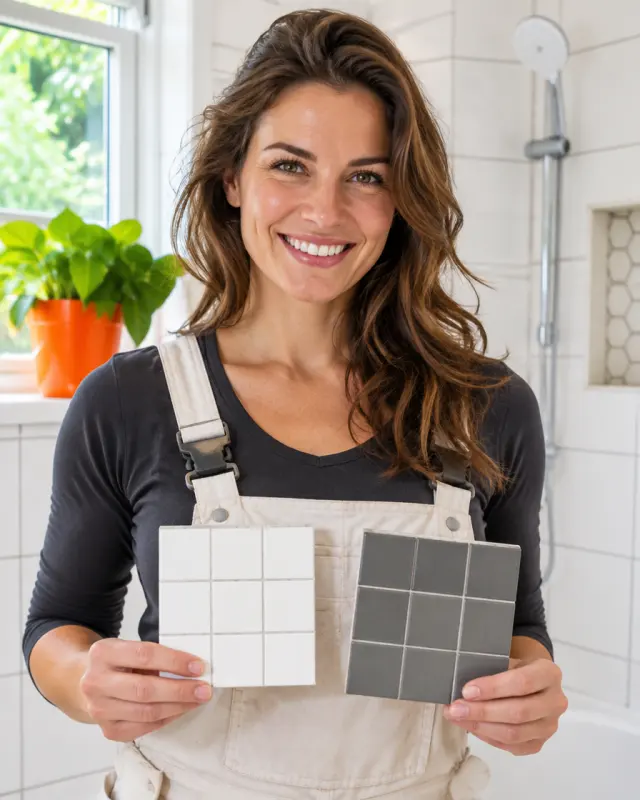
  5. SatA grout or tile questionAsk followers to choose: white or grey grout, square or long tiles. Answer the replies in the Threads app.

A tiling week from adhesive to grout

Plan the bathrooms

Put the shower, the floor clip and the green tiles on the calendar. Saturday is for the grout question.

Share the tiling clip

Upload the floor tile clip once. Give TikTok a short caption, Reels a longer one and Threads a question.

See the best times

Open the shower photo and see three suggested times. Paid plans base them on your last 90 days of posts.

Read the numbers

See likes and comments for the shower, the floor clip and the green tiles. Then plan next week around what people liked.

Caption templates for tilers

Fill in the words in brackets, then paste the caption into PostNext.

  • Finished bathroom

    [Room] in [town], tiled in [tile type] with [grout colour] grout. [Number] square metres, and every cut sits at the [place]. Ready to use on [day].

  • Grout choice

    Pick one for a [room]: [colour A] or [colour B] grout with [tile]. [Colour A] hides [what]. [Colour B] looks [effect]. Tell us your choice below.

  • Wet room

    A step-free wet room for [customer type] in [town]. Under the tiles: [waterproofing], with the floor sloped to the [drain]. Tiled in [tile] and sealed on [day].

Where tilers should post

  • InstagramBathroom photos and close-up cuts suit a grid people save while planning a renovation.
  • TikTokLevelling a large tile is quiet and satisfying to watch. TikTok can show these clips to people who are planning a bathroom.
  • ThreadsThreads suits short text. A grout question or a story from today's job invites replies.

Facebook is coming soon. PostNext does not post to Pinterest or Google Business Profile. Add bathroom photos to both by hand.

What tilers get from PostNext

  • Three apps from one clipRecord the floor tile once. Send it to TikTok, Instagram and Threads with separate captions.
  • Jobs told as threadsPost a wet room job on Threads as a chain of posts. Show the floor, the waterproofing, then the tiles.
  • Posts from your project pagesPaste a project page link. AI drafts up to 5 posts per app for Instagram and Threads. Each uses 1 AI credit.
  • A counter for every appA character counter shows when a Threads caption passes 500 characters. Fix it before it publishes.

What stays in your hands

  • Your own accountsYou connect your own accounts. You can disconnect any of them at any time.
  • Your wordsEvery AI draft stays editable. You decide what each caption says.
  • Your calendarMove, change or delete any post before it is published.
  • Your planYou can start on the Free plan, or try a paid plan free for 7 days.

Social media mistakes tilers make

  1. Only wide shots from the doorwayA room photo from the door hides your best work. Add a close-up of one corner or one cut.
  2. Photos with grout haze on the tilesA dull film on new tiles looks like a messy job. Clean and polish the tiles before the photo.
  3. Prices in the commentsA price for a bathroom you have not seen causes trouble later. Ask for photos and measurements first.

Questions from tilers

Can PostNext post our bathrooms to Facebook or Google Business Profile?

No. PostNext posts to Instagram, TikTok, YouTube, LinkedIn, X, Threads and Bluesky. Facebook is coming soon. Google Business Profile is not available, so upload bathroom photos there yourself.

Does my Instagram need to be a business account?

Only a Business or Creator account works, connected with Instagram Login. A Facebook Page is not needed. Personal accounts cannot connect.

Can I show a customer's bathroom before and after?

Yes, once they agree. Ask for written consent before you post a client's photo of the new shower. Clear towels and bottles from the shelf first.

Can I stop the 7-day free trial early?

The trial asks for a card. If you cancel before it ends, you pay nothing and keep the Free plan with 1 channel and 10 posts a month. If you do not cancel, the paid plan starts when the trial ends.

What does PostNext not do for a tiler?

PostNext does not edit photos, send quotes or answer DMs. It schedules your posts, sends them on time and lists Instagram comments in one inbox.

Does the tiling clip post to TikTok on its own?

It waits in your TikTok inbox by default, ready for you to finish. With Post directly turned on, PostNext publishes it at the set time.

Straight lines on every feed

Schedule this week's bathrooms now, then return to the grout.