Skip to content

Instagram theme page scheduler

Fill a week of posting times in one sitting. Each post takes the next free time on Instagram, TikTok or YouTube.

How theme pages earn saves and follows

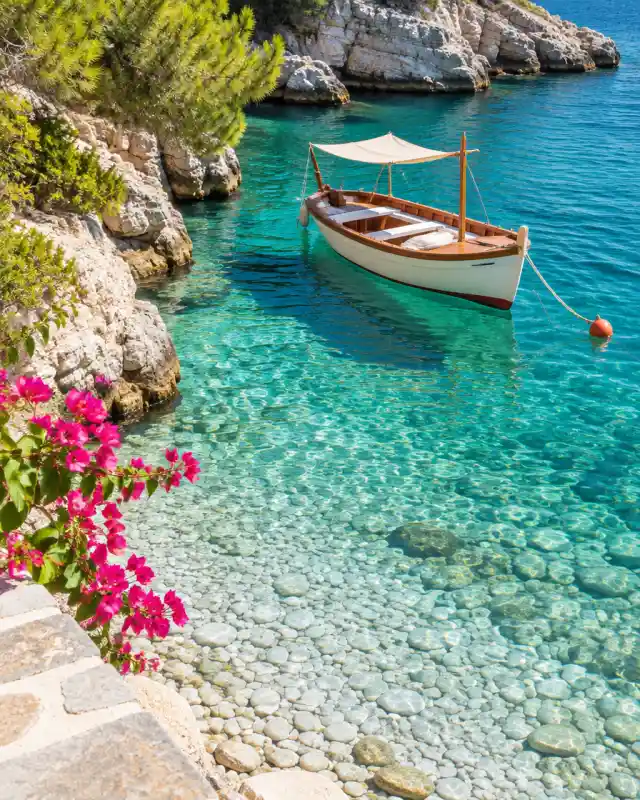
People follow a theme page to see the best of one topic without searching. A travel page shows them coves and villages they would never find alone. Before they follow, they check that the photos are real and credited. A grid of reposts looks like every other page on the topic. Once they follow, they save posts for the next trip. Then they send them to the person they travel with.

A theme page grows through habit. Pick one hour, such as eight each morning, and post a new island then. Posting times with a queue keep that hour, even in the weeks you travel. Plan the year as well. People dream about summer in January, so post your brightest coves then. In August, post ferry tips and quiet beaches for followers already on the islands.

A weekly feature of another photographer's work brings new people to the page. Ask them by message first, and name them at the start of the caption. Post their best shots as an Instagram carousel. They share the post with their own followers, and some follow you too. Do not name a fragile place, such as a beach where turtles nest. Crowds can damage it within one summer.

Fourteen slots and one Friday question

Fill the week's queue

Set two posting times a day for each account. Each new photo joins the queue at the next free time.

Repeat Friday's question

Write the island question once and set it to repeat every Friday. Stop it when the series ends.

See your best times

On paid plans, PostNext checks how the page's posts did over 90 days. Then it offers three times for the Naxos harbour photo.

Read the week's numbers

See likes and comments on the harbour photo and the Friday question. TikTok shows numbers for videos sent with Post directly.

Social media post ideas for theme pages

Example posts for a sample business, made with PostNext.

  1. The person behind the camera

    Show the photographer who takes your photos. Followers trust a page whose pictures are clearly its own.

  2. Ten seconds of the place

    A short, steady clip of one scene with no talking. The same clip fits TikTok, Reels and Shorts.

  3. The weekly question

    Ask the same kind of question every Friday. Followers learn the habit and answer in the comments.

More post ideas

  1. Island of the weekSeven posts from one island, Monday to Sunday. Followers who plan a trip save the whole series.
  2. The path to a hidden coveOne photo of the path. Three lines on parking, the walk and the best hour to arrive. Travellers keep it for the trip.
  3. When the sea is warm enoughIn May, post which islands have warm water and full ferry timetables. People plan summer trips early.
  4. The 5:00 start on the cliff pathShow the alarm, the dark path and the first light. Followers value a photo more when they see the effort.
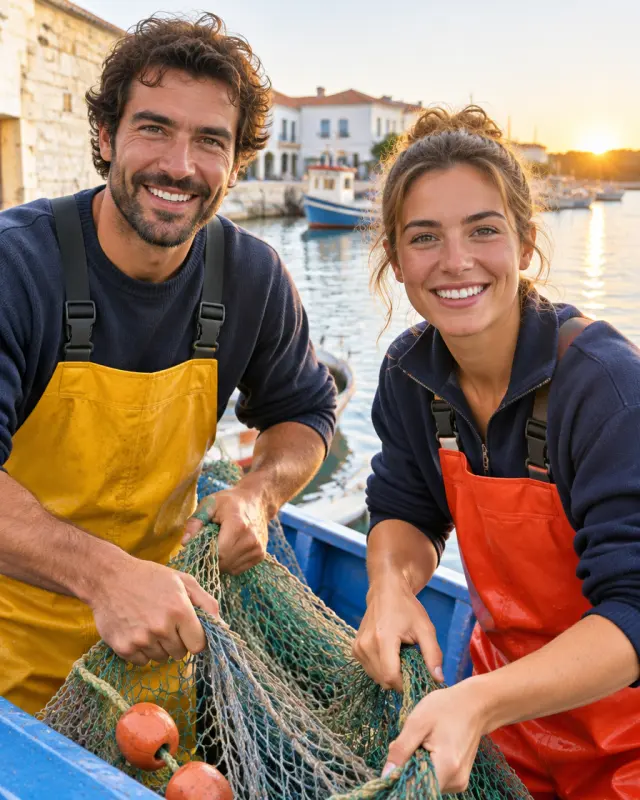
  5. A morning with a local fisherFilm a fisher, a baker or a ferry captain at work, with their permission. Followers remember a place by its people.
  6. The same beach in January and AugustTwo photos from one spot, six months apart. The change makes people stop and compare.
  7. The beach everyone asks aboutAnswer the comment you get most: the place name and how to visit. Put the answer in the caption.
  8. A partner hotel's spring offerMark it as an ad in the first line. Post only places you would stay at yourself.
  9. The island's summer festivalPost the dates a week ahead with last year's photo. Visitors on the island that week add it to their plans.

A weekly posting plan for theme pages

Post every day, and write the whole week on Sunday. These five posts give the week its shape.

  1. MonThe week's islandThe best photo from this week's island, with its name and the nearest port.
  2. TueA ten-second sceneWaves on rocks, a ferry arriving or a street at dawn, with natural sound.
  3. ThuA carousel of one villageUp to ten photos, from the harbour to the church on the hill.
  4. FriThe Friday voteThree island photos and one question, set to repeat every Friday.
  5. SunThe Sunday YouTube ShortA one-minute walk through a harbour or a market, filmed in one take.

Caption templates for theme pages

Fill in the words in brackets, then paste the caption into PostNext.

  • Photo credit

    [Place], [island or region]. Photo by [photographer] in [month]. [One line on how to visit].

  • Weekly vote

    [Day] question: which of these [number] [places] should we film next? Answer with 1, 2 or 3 in the comments.

  • Paid partner post

    Paid partnership with [partner]. We stayed in [place] for [number] nights. [What you liked, in one line]. [The partner's offer] until [date].

Where theme pages should post

  • InstagramInstagram fits photo pages best: carousels show one place, and Reels show it moving. Stories fill the days between.
  • TikTokTikTok fits ten-second scenes with natural sound. Turn on Post directly so each clip publishes in its slot, not in your inbox.
  • YouTubePeople search YouTube for places before they travel. Your Shorts wait as private uploads until you make them public in YouTube Studio.

Facebook is coming soon. Pinterest is not available, so travel boards stay in the Pinterest app.

A daily page without daily work

  • Slots in your followers' time zoneSet the Instagram slots in New York time and the TikTok slots in London time. You sleep in Athens while they post.
  • A week from one CSVImport up to 100 rows at once. Dated rows are scheduled, and rows with no date become drafts for a quiet week.
  • Stories in the same queueSchedule Instagram image Stories next to feed posts. A daily Story can show an archive photo that is not in the feed.
  • A report for sponsorsPostNext emails a PDF of likes and comments each week or month, on paid plans. Forward it to sponsors after paid posts.

What stays in your hands

  • Your own accountsYou connect your own accounts. You can disconnect any of them at any time.
  • Your wordsEvery AI draft stays editable. You decide what each caption says.
  • Your calendarMove, change or delete any post before it is published.
  • Your planYou can start on the Free plan, or try a paid plan free for 7 days.

Social media mistakes theme pages make

  1. Reposting photos without permissionA photo you found is someone's work. Use your own, or ask in writing and credit the photographer.
  2. Thirty hashtags on every postInstagram posts take up to 5 hashtags. Pick the island, the region and the kind of place.
  3. No posts while you travelQueue two weeks of posts before you leave. One CSV file of up to 100 rows does it in one import.

Questions from theme pages

Can I post my theme page to Facebook or Pinterest?

No. PostNext posts to Instagram, TikTok, YouTube, LinkedIn, X, Threads and Bluesky. Facebook is coming soon. Pinterest boards are not available.

Can I run several theme pages?

Yes, and each connected account counts as one channel. One post goes to one account per network. Make a separate post for each page.

Can I repost videos from other accounts?

No. PostNext does not download or repost other accounts' content. Post only photos and videos you made or have the right to use. Name the creator when you use their work.

Do YouTube Shorts publish as public?

No. PostNext sends each Short at its time, but YouTube keeps uploads private for now. Make each one public in YouTube Studio when you are ready. Only a limited set of accounts can connect YouTube while Google reviews the app.

What do I pay when the 7-day trial ends?

The trial asks for a card. If you cancel before it ends, you pay nothing and keep the Free plan with 1 channel and 10 posts a month. If you do not cancel, the paid plan starts when the trial ends.

What does PostNext not do for a theme page?

PostNext does not add music, edit video or grow followers for you. A Reel publishes with the sound already in the file, so add music first. It does not answer the DMs that ask where a photo was taken. It fills your daily slots with the posts you make.

Next week's queue, full today

Write next week's posts in one sitting and let each one take its posting time.