Skip to content

Social media for dentists

Plan the clinic's posts on Monday, before the first patient arrives. PostNext sends them to Instagram, TikTok and YouTube while you work at the chair.

How dentists help nervous patients book a check-up

A dentist is a choice people rarely make. A house move or a child's first tooth starts the search. Others wait until a tooth hurts. Many adults last saw a dentist years ago and feel ashamed of it. Before they phone, they open your feed and study the faces. They want a calm team and kind words about fear. A feed that never judges the missed years makes that call easier.

A patient often judges a clinic by its last post. Nothing new since March makes people wonder if you closed. Post every week, and let the dental year choose the topics. Parents book children's check-ups in the school holidays. Post a tip for parents the week before. Sports clubs start again in September, which makes it the month for mouthguards. Each December, add next year's dates to a social media content calendar.

New patients often book after hearing a dentist speak. Ask one dentist to talk about one fear on camera. Use the treatment room, with the chair empty and the lamp off. Nervous viewers then hear the person they will meet. Never call a treatment painless, because one painful visit makes that untrue. Say what you do when something hurts. Some will share their own fears in the comments. The Instagram comment reply guide shows how to answer them calmly.

Four clinic posts, one approval

Plan the clinic week

Put four posts on the calendar before Monday's first patient. If Dr Amira is on leave, drag her post to another day.

Draft the team post

Type one line about Dr Amira and nervous patients. The AI writer drafts a caption and hashtags. You change any word you want.

Share the brushing video

Upload the brushing clip once. TikTok, Instagram and YouTube Shorts each get a caption written for that app.

Approve the post

Your receptionist sends the post for approval. The lead dentist approves it, then the receptionist schedules it. Approval is part of the Teams plan.

A weekly posting plan for dentists

Five posts a week, all written on Monday before the phone lines open.

  1. MonA face from the teamA dentist, nurse or receptionist, with their name and their part of the visit.
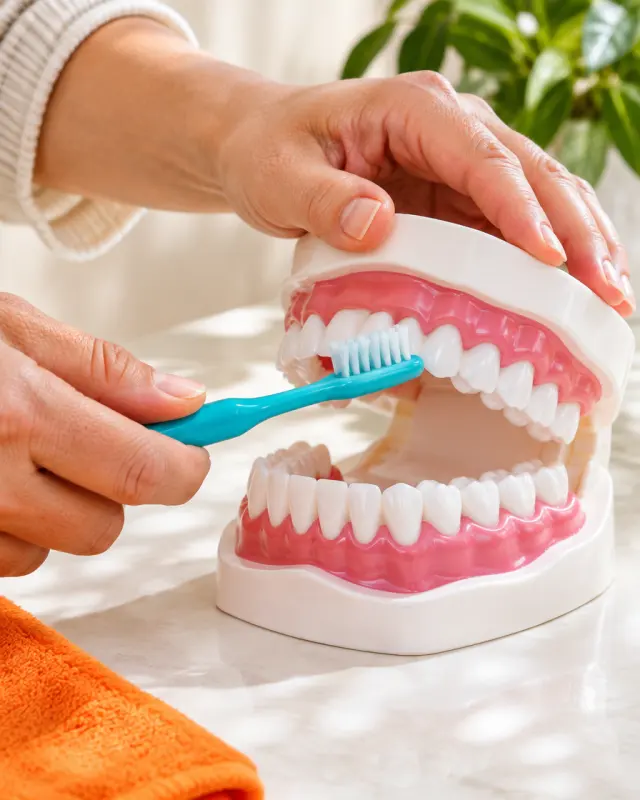
  2. TueA small brushing habitFlossing the back teeth or brushing along the gum line, filmed on the tooth model.
  3. WedA worry from the deskThis week's most common question, answered in plain words beside a photo of the room.
  4. FriThe ceiling a patient seesFilm what a patient sees from the chair: the lamp, the window, a smiling face.
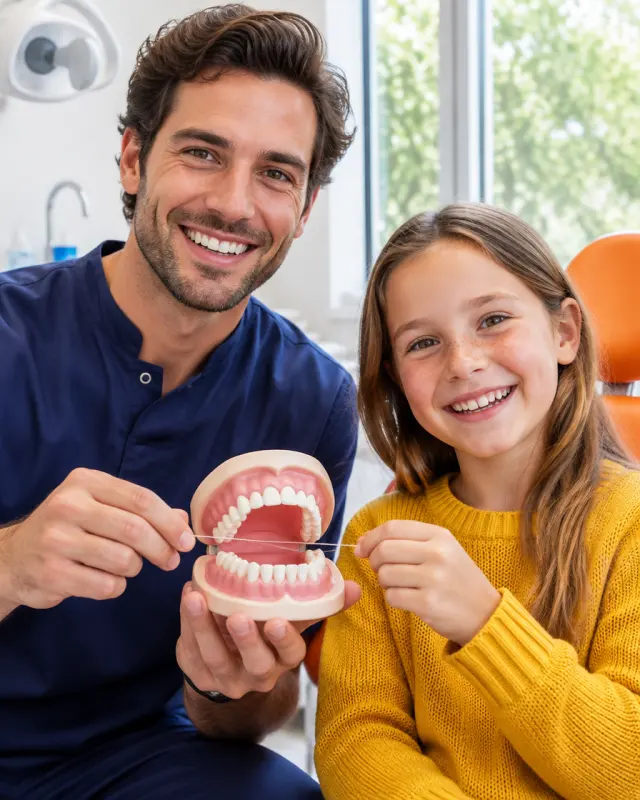
  5. SatA video for parentsA few minutes on a child's first check-up, filmed on the tooth model.

Social media post ideas for dentists

Example posts for a sample business, made with PostNext.

  1. The person behind the chair

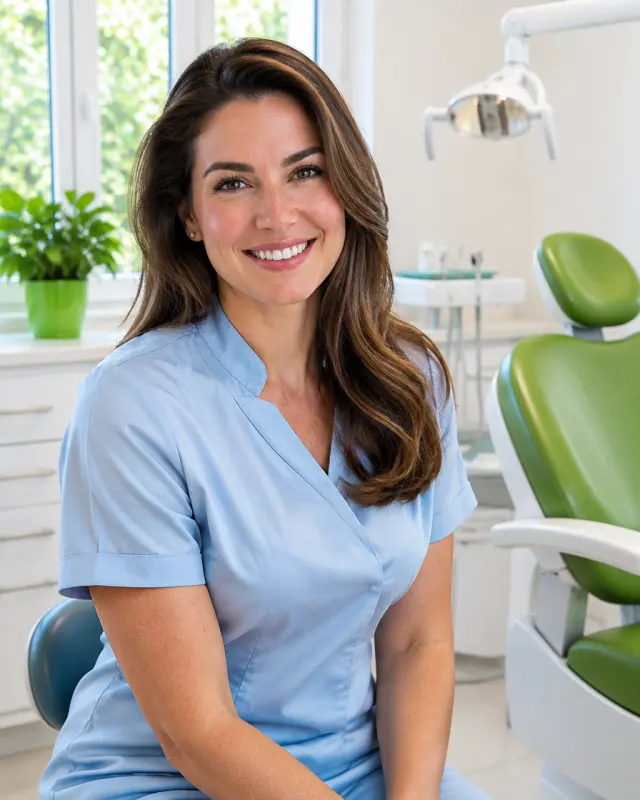
    A friendly face before the first appointment. A nervous patient sees who will treat them and knows which name to ask for.

  2. The short brushing lesson

    One clip with the right angle and the right time. Patients watch it at home and send it to their family.

  3. The first visit explained

    Many people fear what they cannot see. A calm list of each step, in order, makes the first phone call easier.

More post ideas

  1. Can I bring headphones?Answer one question nervous patients ask at the desk. Others with the same worry read it before they call.
  2. Where the instruments are cleanedA short look at the room where every instrument is cleaned and sealed. It answers a worry few people say aloud.
  3. Opening hours over ChristmasList the closed days and the number to call for toothache. Share it twice in December.
  4. The voice that answers the phoneIntroduce the receptionist who takes the calls. A nervous caller then knows a kind name before they ring.
  5. From the door to the chairFilm a slow walk from the front door to the treatment room. People who fear the room see it first.
  6. When to change your toothbrushPhotograph a worn brush next to a new one. The bent bristles say it without a long caption.
  7. Where to park for your visitShow the car park, the nearest bus stop and the entrance. A first-time patient arrives on time and less stressed.
  8. A brushing lesson at a local schoolShare photos from a class visit. Show the giant tooth model and the dentist, never the children's faces.
  9. A patient's first check-up in yearsWith written consent, a patient explains why they waited years. They say how the first visit felt.

Social media mistakes dentists make

  1. Close-ups that scare nervous patientsDrills, needles and open mouths frighten the people you most want to see. Show faces, rooms and the tooth model.
  2. Perfect stock smilesA model's white smile tells a nervous patient nothing about you. A real photo of your waiting room says more.
  3. Only posting whitening and veneersA feed of cosmetic work tells families it is not for them. Show check-ups and children's visits too, with a parent's written consent.

Caption templates for dentists

Fill in the words in brackets, then paste the caption into PostNext.

  • Meet the dentist

    Meet [name], one of our [dentists or hygienists]. [Name] has cared for nervous patients for [number] years. If you feel worried, ask for [name] when you call.

  • A worry, answered

    A question we hear at the desk: [question]. What we tell patients: [plain answer in two lines]. If you still feel worried, tell us when you book. We will [what you do].

  • Holiday closing days

    We are closed from [date] to [date]. For toothache while we are closed, call [number]. We open again on [date] at [time].

Where dentists should post

  • InstagramFaces of the team, the waiting room and short Reels. New patients often check a clinic's feed before the first call.
  • TikTokShort clips of brushing, flossing and the treatment room. People who have not seen a dentist in years can watch from the sofa first.
  • YouTubeLonger videos that explain a visit, like a hygienist clean or a child's first check-up. Parents watch them with their children before the day.

Facebook is coming soon, and Google Business Profile is not available. Patients read reviews there, so answer them in Google yourself.

Calm posts from a busy reception

  • Christmas hours, planned in NovemberPut the closed days and the toothache number on the calendar weeks ahead. The month view shows them all.
  • A calm tone for every captionThe AI writer drafts captions and hashtags in the tone you pick. Choose a gentle one for posts about dental fear.
  • A year of tips from one fileWrite a year of weekly brushing tips in a CSV file. Import up to 100 rows, and rows without a date become drafts.
  • A preview for every appSee how the brushing post looks on TikTok, Instagram and YouTube before it is sent. Each app has a live preview.

What stays in your hands

  • Your own accountsYou connect your own accounts. You can disconnect any of them at any time.
  • Your wordsEvery AI draft stays editable. You decide what each caption says.
  • Your calendarMove, change or delete any post before it is published.
  • Your planYou can start on the Free plan, or try a paid plan free for 7 days.

Questions from dental clinics

Can the clinic post to Facebook or Google Business Profile?

No. PostNext posts to Instagram, TikTok, YouTube, LinkedIn, X, Threads and Bluesky. Facebook is coming soon. Google Business Profile is not available, so change opening hours in Google yourself.

Can we post photos of our patients?

Ask for written consent before you post a patient's photo or smile. Many good posts need no patient at all. Film the tooth model, the team or the waiting room instead.

Can our receptionist write the posts?

On the Teams plan, they can. Invite the receptionist as a member. They send each post for approval, and a dentist approves it or asks for changes. The Teams plan is for 5 users or more.

Will posts be sent while we are closed for Christmas?

They will, if you schedule them before you close. PostNext sends each one on its day. If a holiday post fails, PostNext emails you. Press Retry now on the post to send it again.

What happens when the clinic's 7-day free trial ends?

The trial asks for a card. If you cancel before it ends, you pay nothing and keep the Free plan with 1 channel and 10 posts a month. If you do not cancel, the paid plan starts when the trial ends.

What does PostNext not do for a dental clinic?

PostNext does not book appointments, send recall reminders or answer patient DMs. It plans and publishes the clinic's posts, so the team can stay at the chair.

Familiar faces before the first visit

Write this week's posts once, and PostNext sends each one while you treat patients.